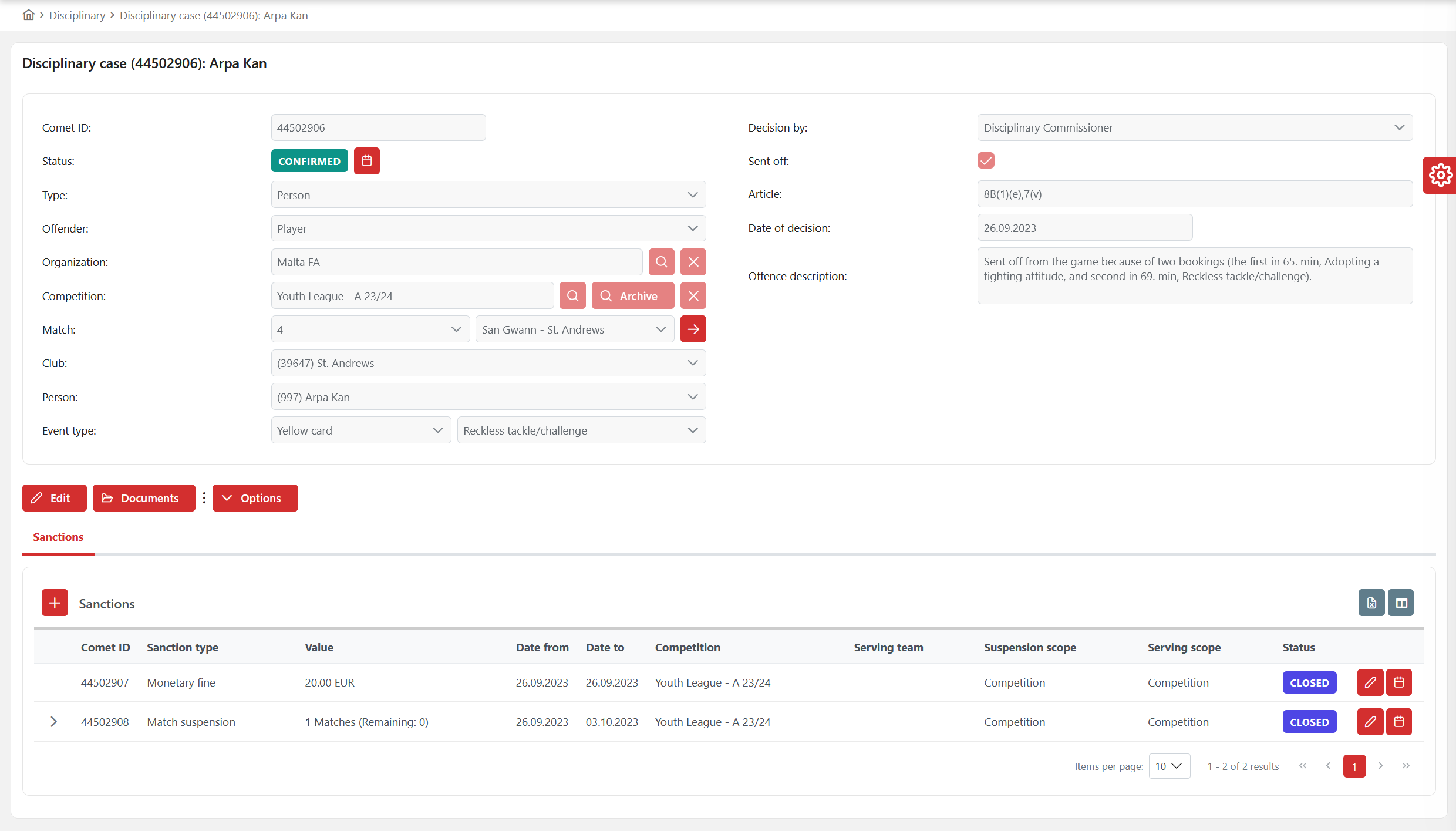
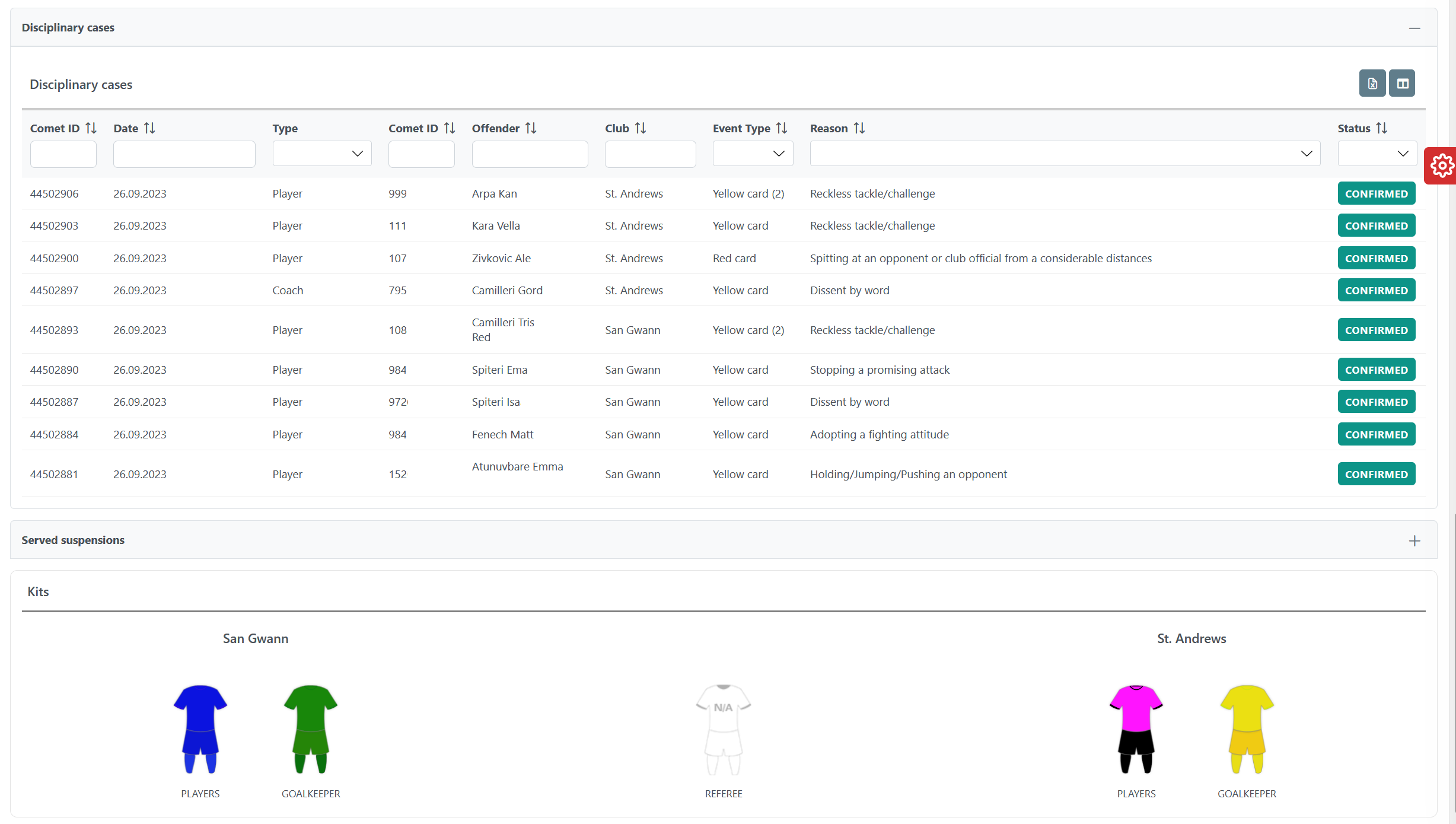
The Disciplinary Cases feature, added to the Match screen, enhances control and transparency of disciplinary cases related to a specific match. It includes a preview of all disciplinary cases from the match.
Only users with specific permission roles (e.g., Disciplinary Administrators, Superusers) can access this panel.
To open the Match Disciplinary Cases preview:
-
Chose your match
-
Click on the ➕ Plus icon button on the Disciplinary Cases panel.
-
Click on the disciplinary case item in the panel screen will open the screen of that disciplinary case.