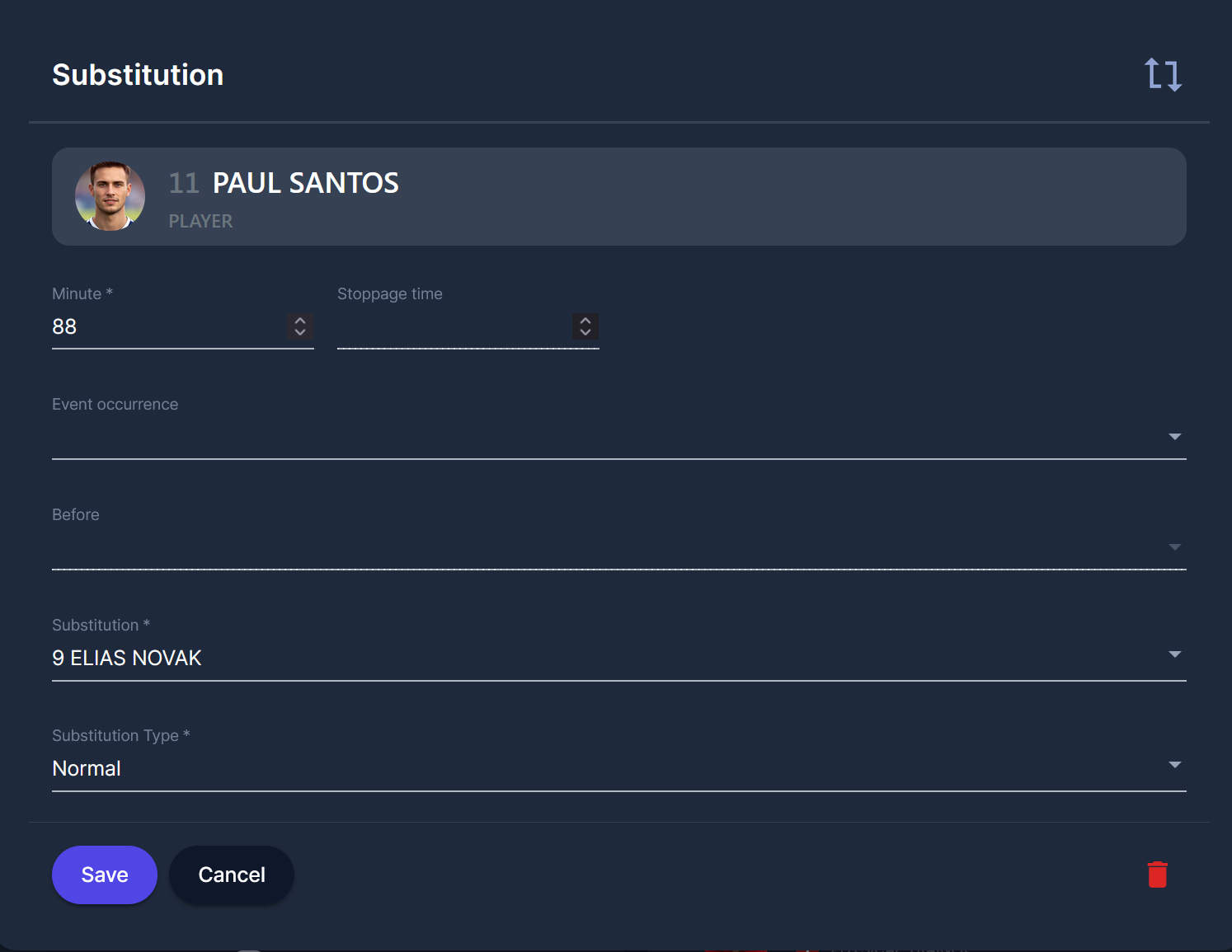
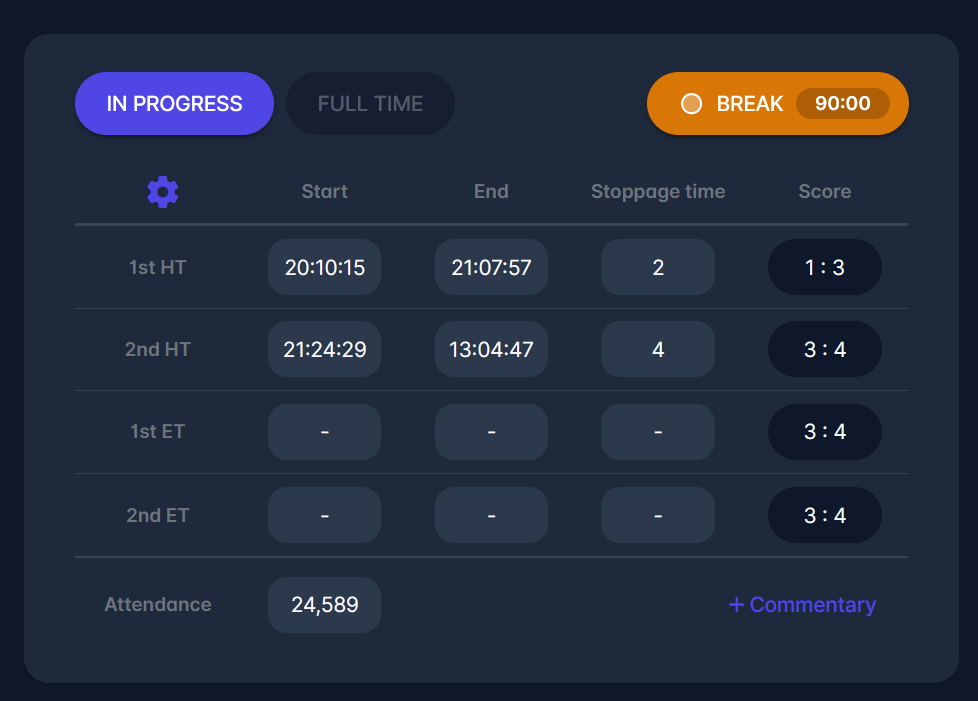
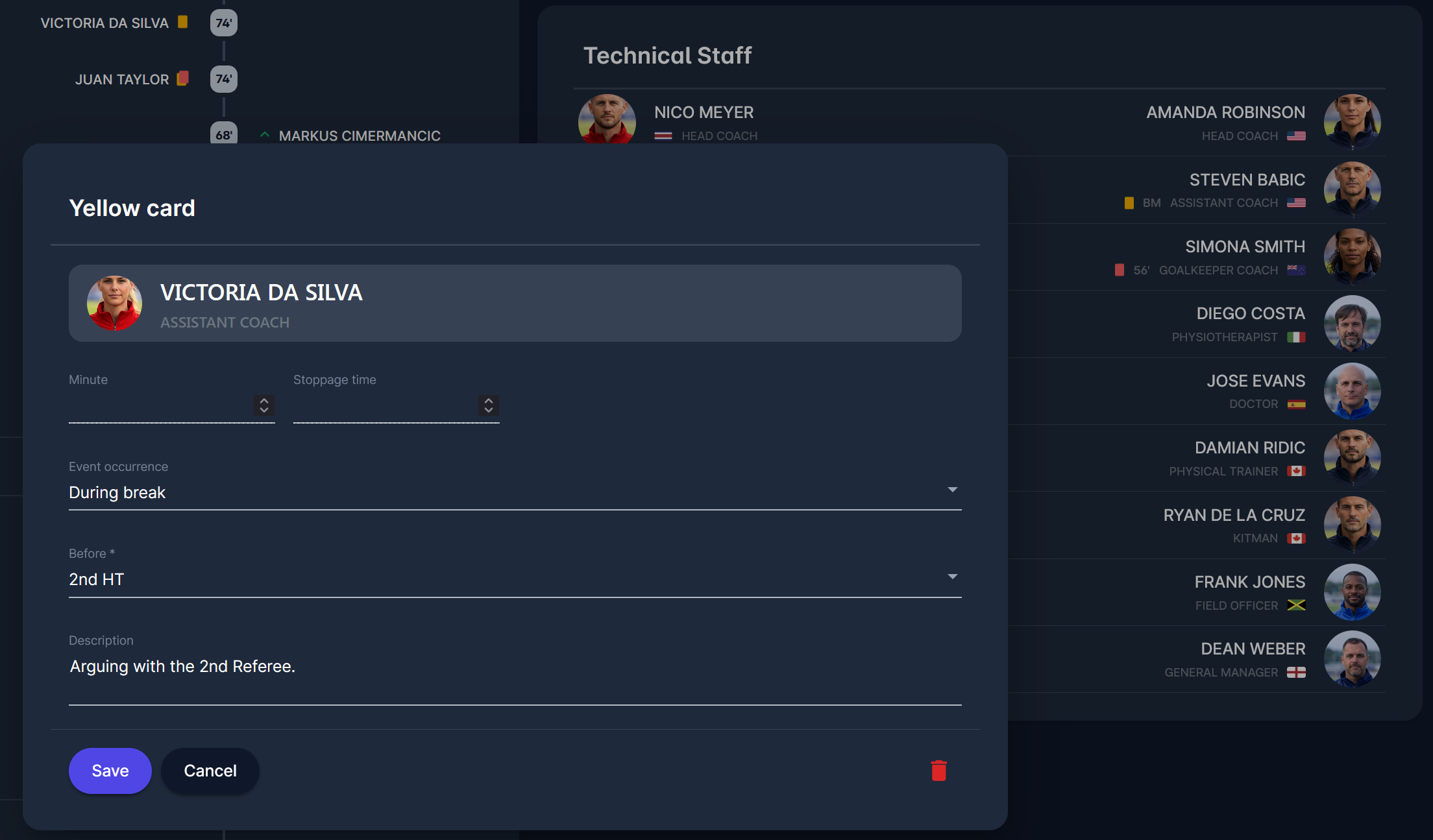
If "During the break" is selected for a match event, the 1st minute of the match phase chosen will be recorded as the event minute. For example, if "Before 2nd Half-Time" is selected for a 90-minute match, the 46th minute will be stored (the 1st minute of the second half).
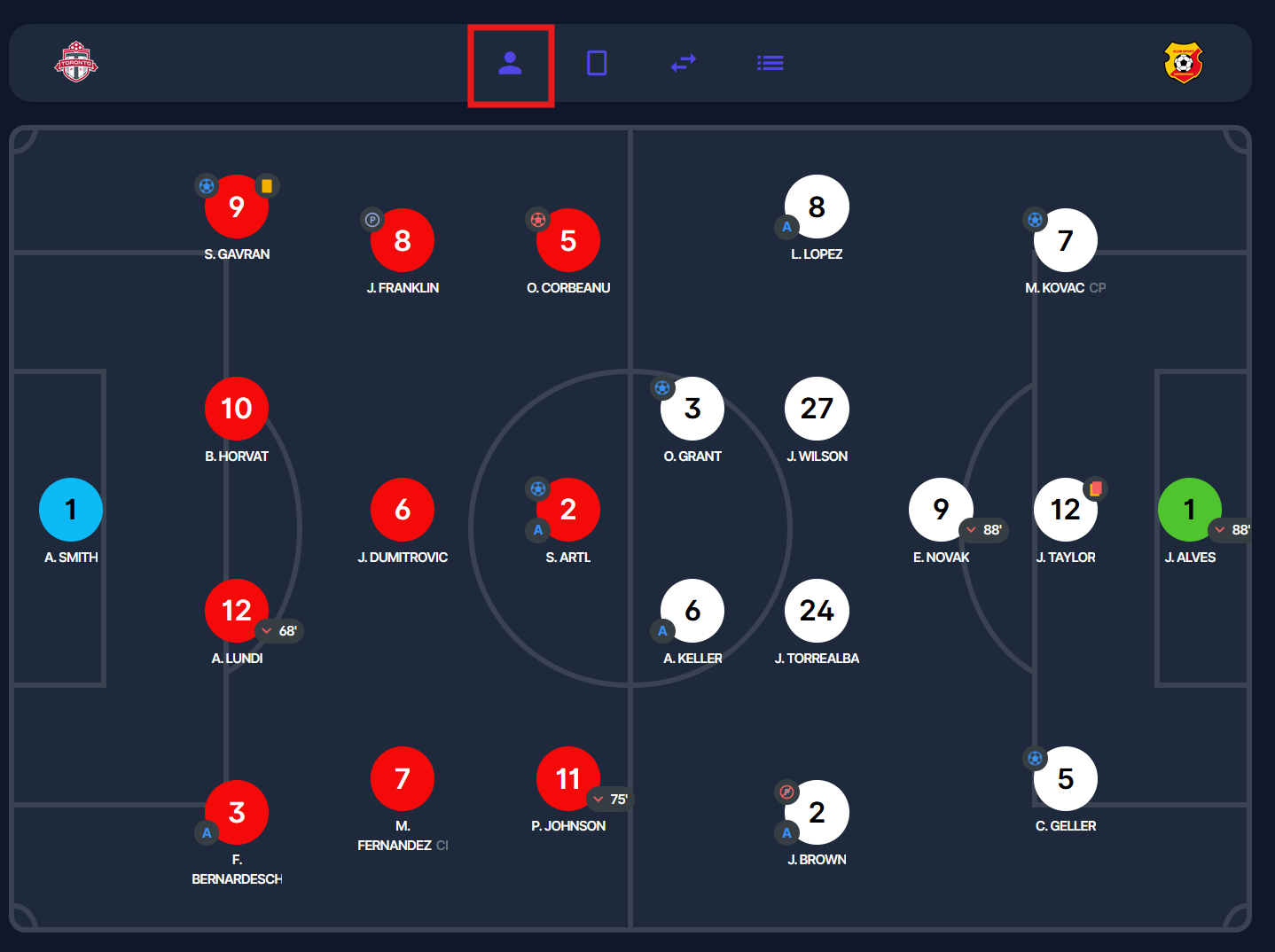
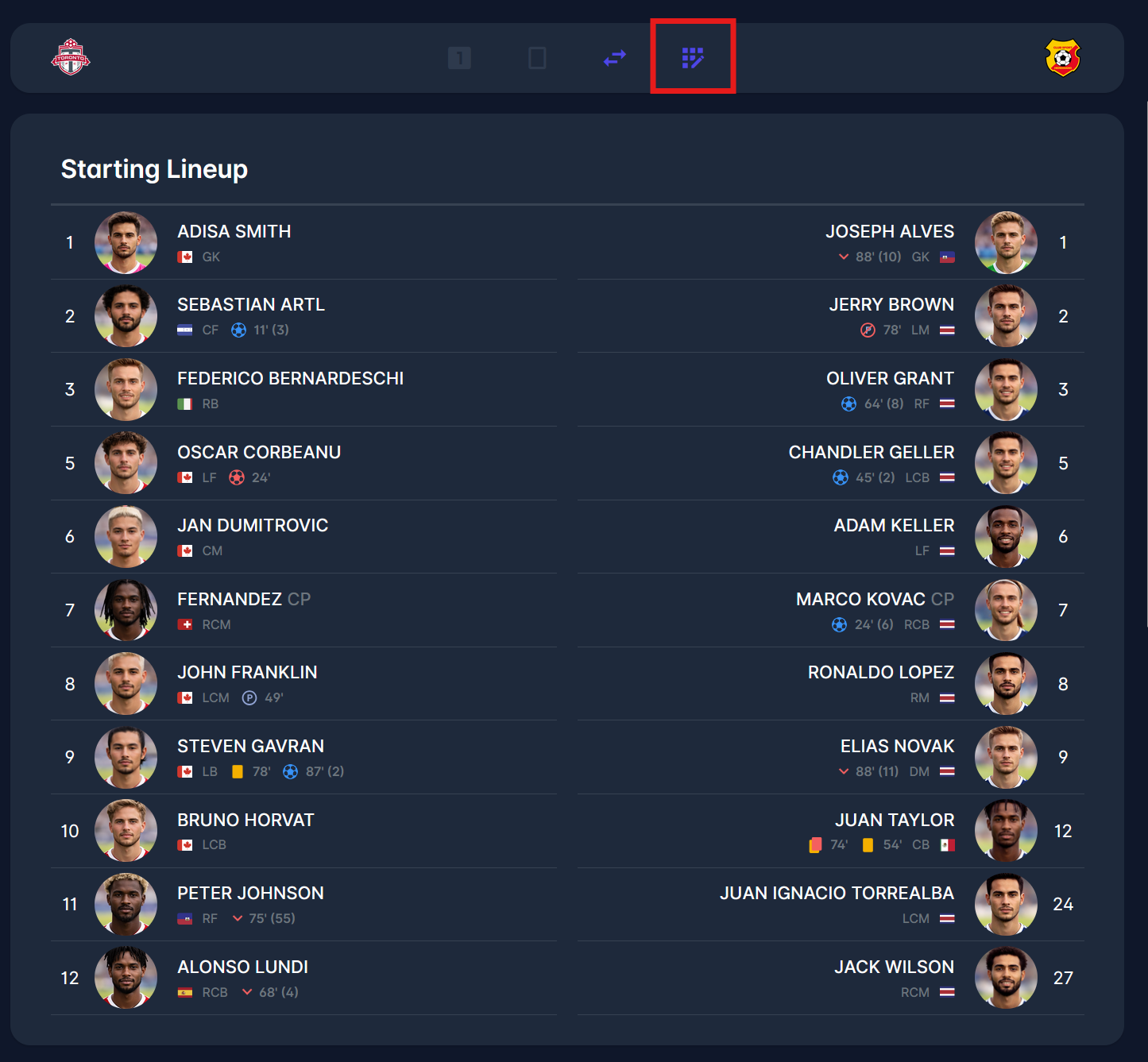
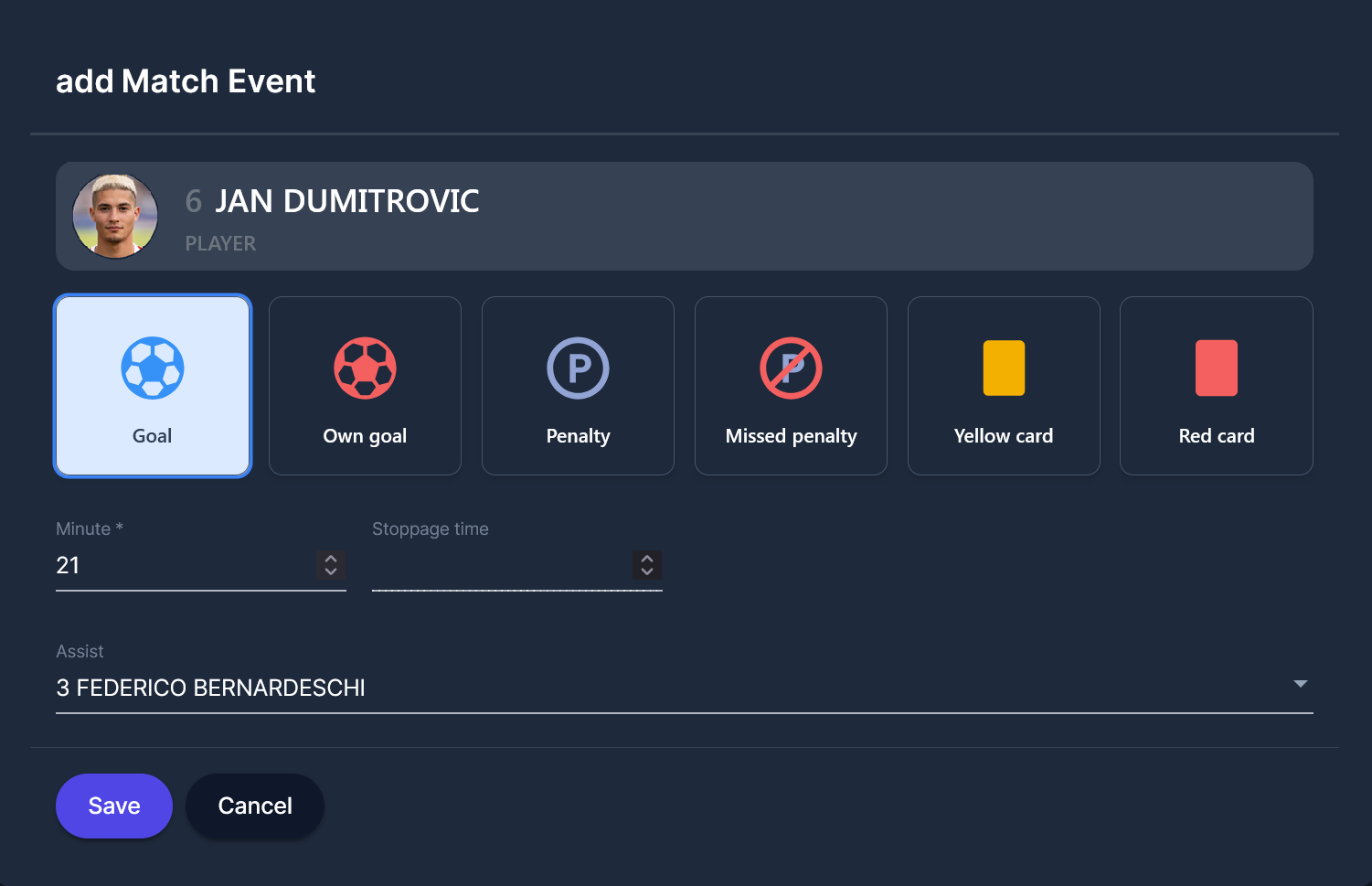
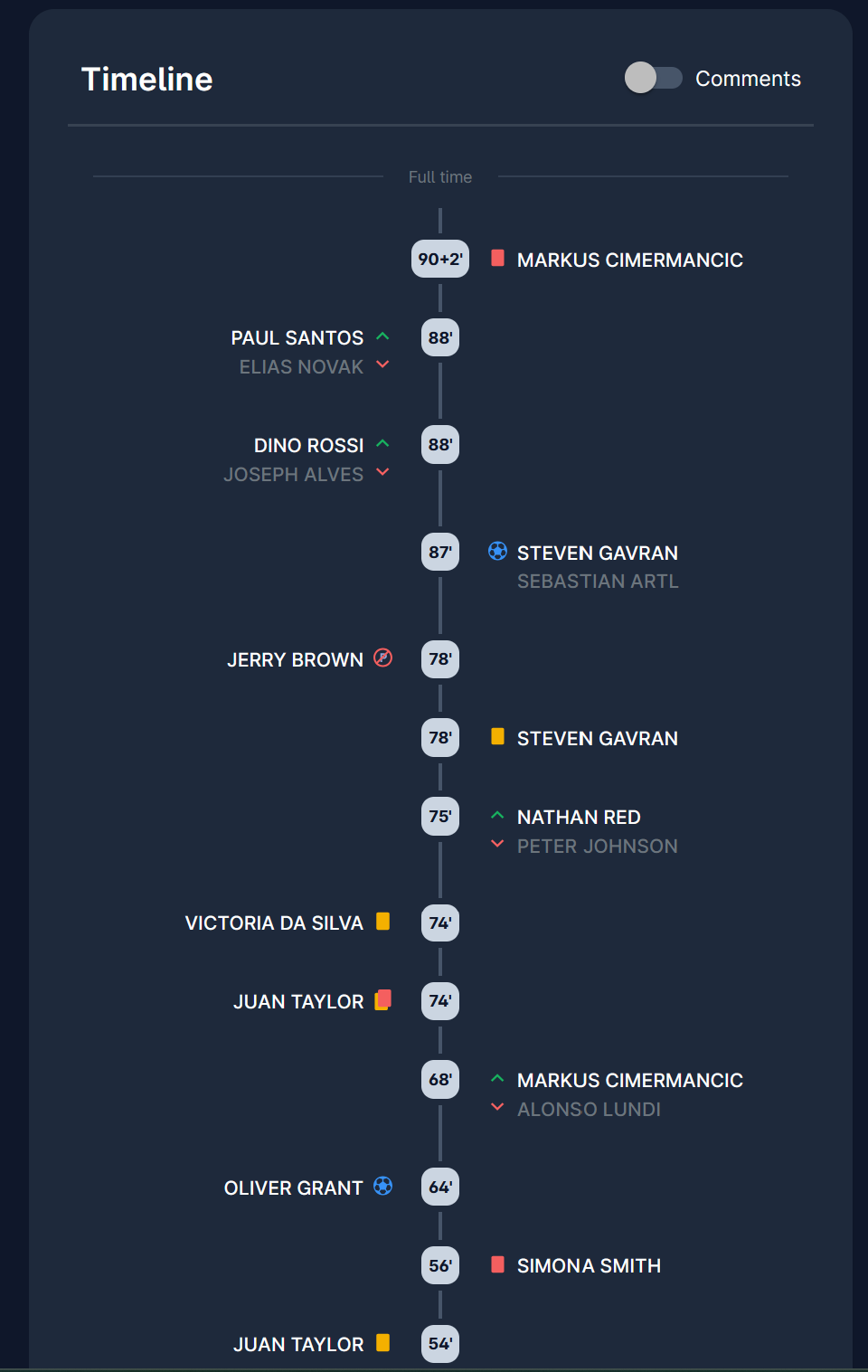
As mentioned, all entered events (yellow and red cards, goals, own goals, substitutions, etc.) are visible on the lineup list, located on the right side of the screen, adjacent to the list of players.
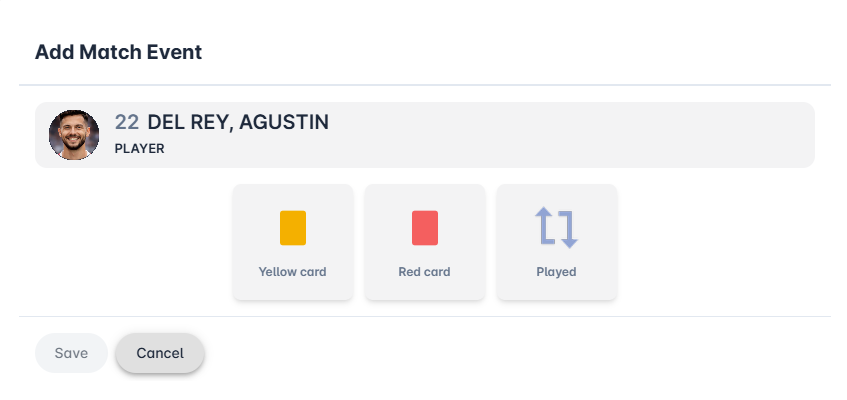
Matchday operations encompass all activities carried out by the respective stakeholders, including clubs, referees, and officials, before, during, and after the match.
The most common matchday functions include clubs entering lineups, entering match events, and the referee confirming match reports.
Each of the mentioned activities, and more, is performed from the match site.
To reach the MyCOMET match site:
-
Navigate to the Legacy COMET match site
-
On the Match tab, click on the MyCOMET Match button.
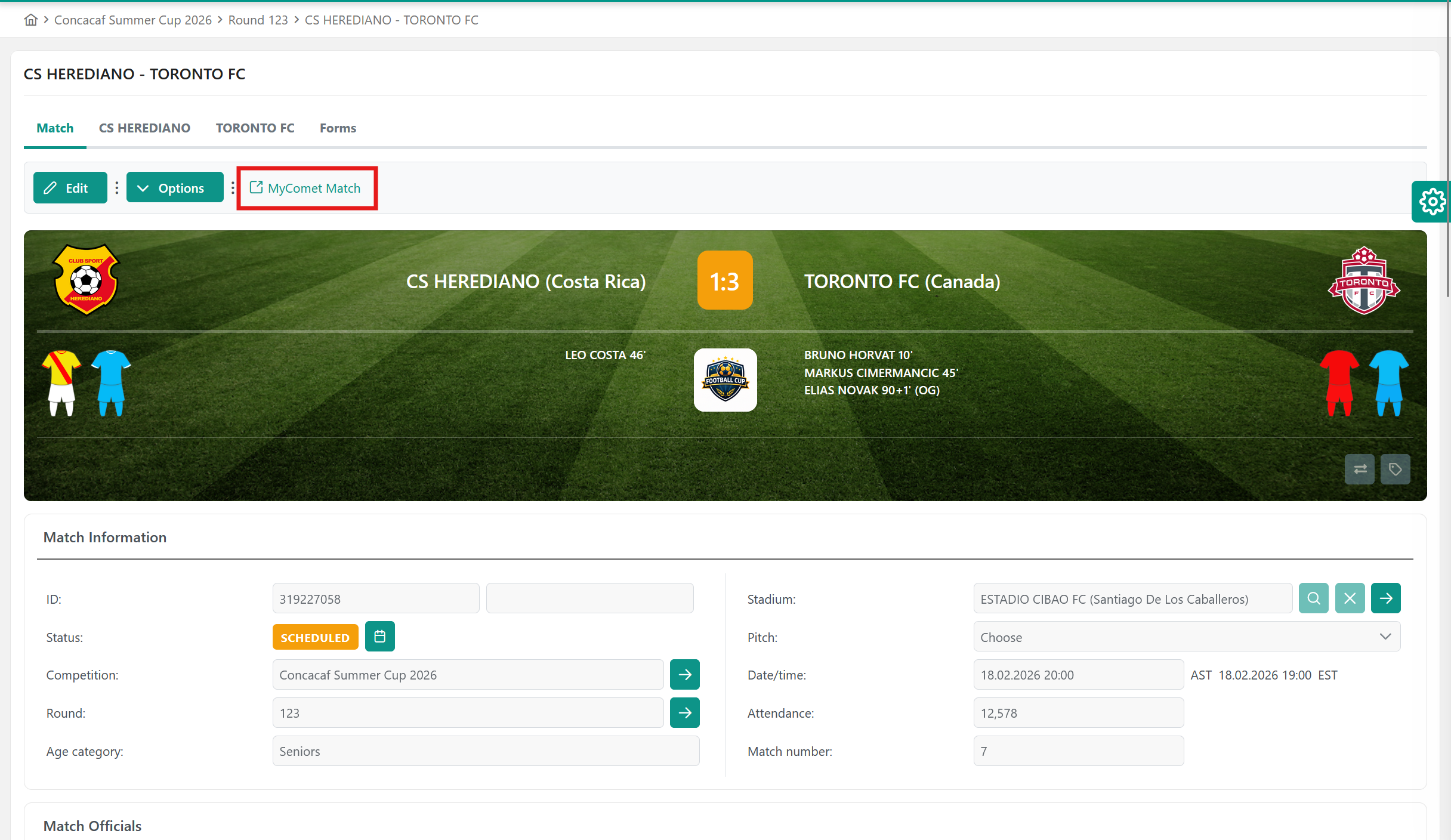
This will automatically redirect you to the MyCOMET match site.
The site contains the following tabs:
-
Info tab
-
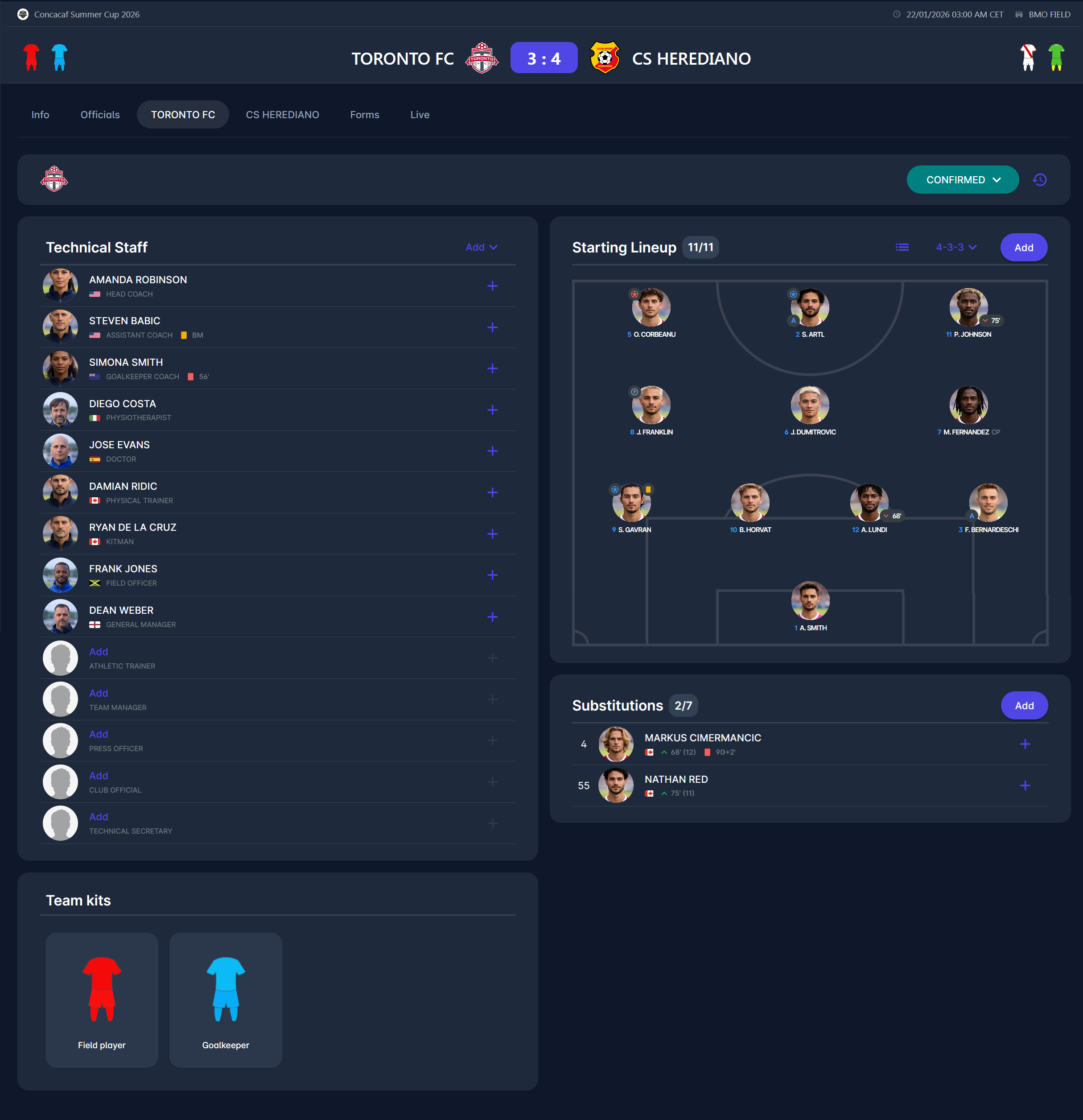
Home and Away Team tab
-
Live tab
-
Officials tab
-
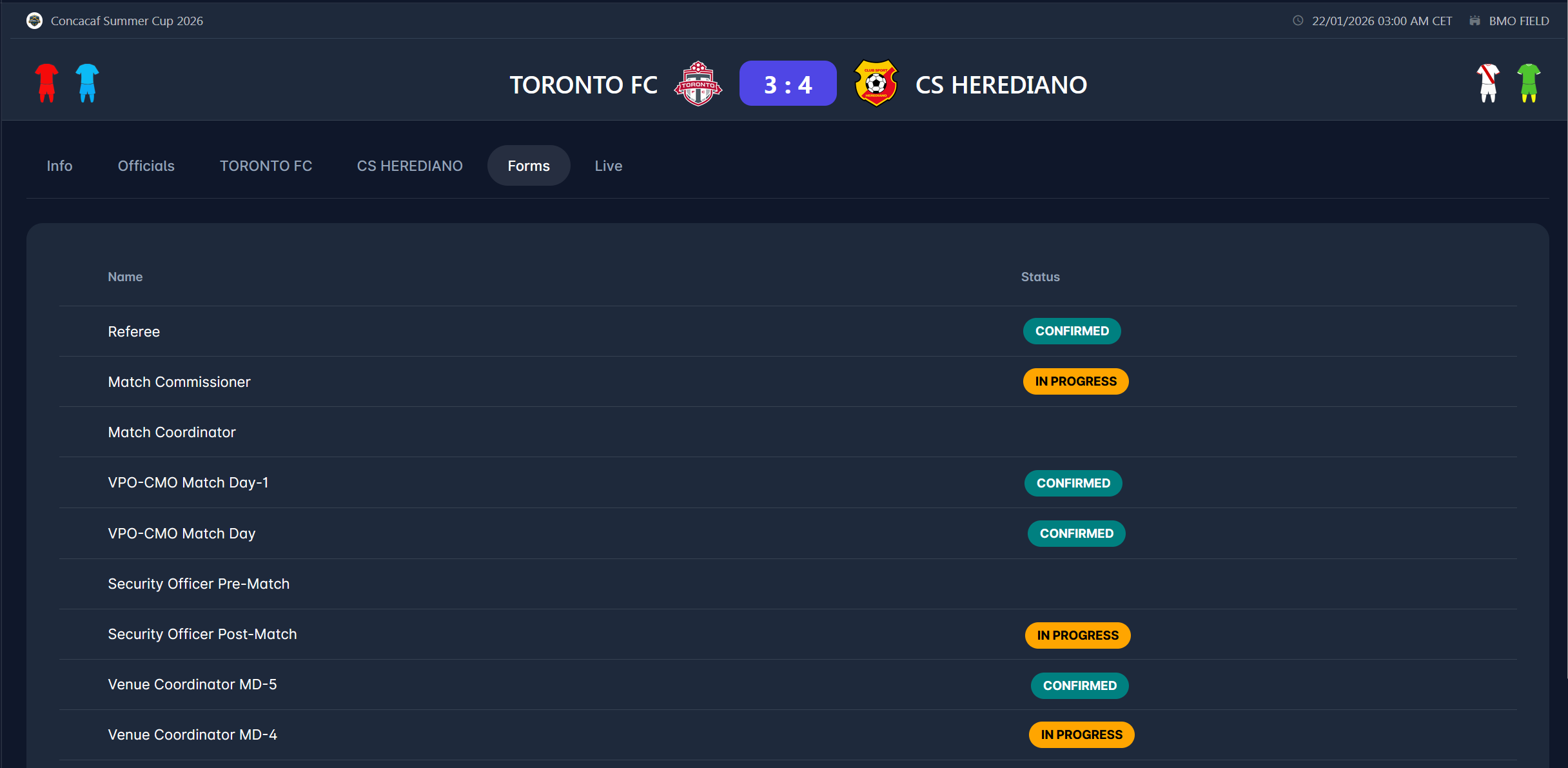
Forms tab
-
Observer tab - novi skrin s tim tabom kad bude na dev-09
-
Expenses tab
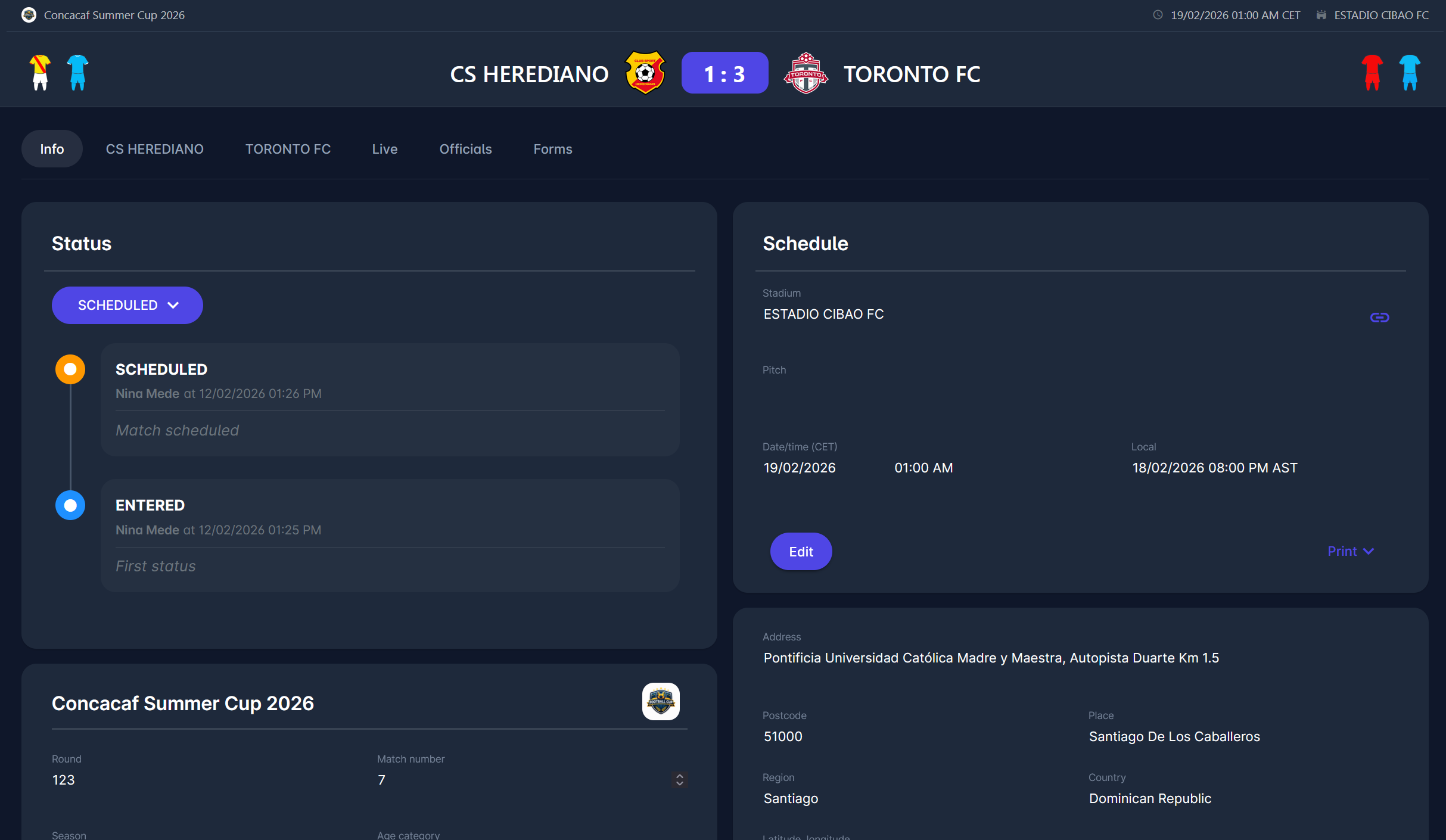
Each tab is fully described in the respective article.
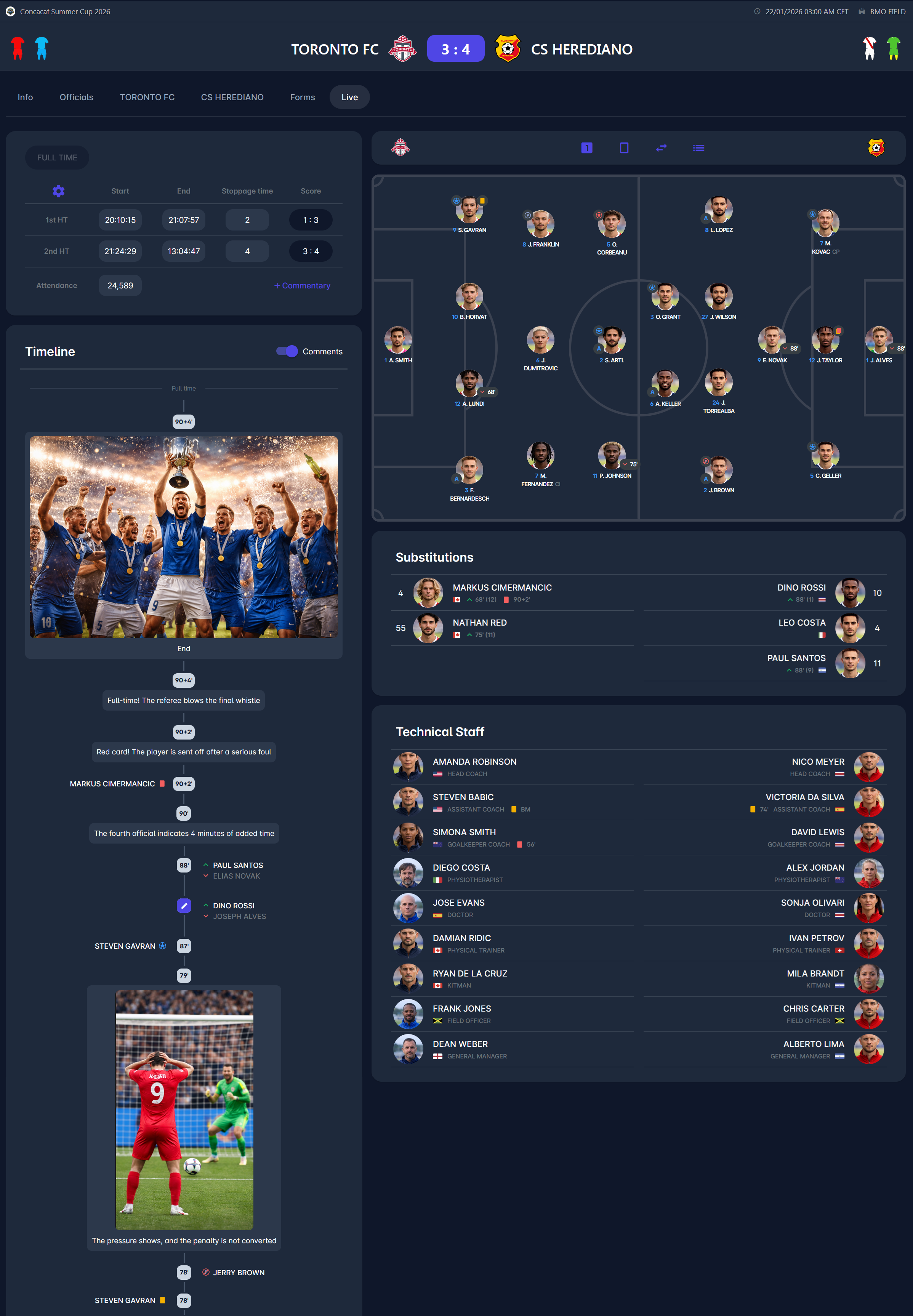
Formation panel
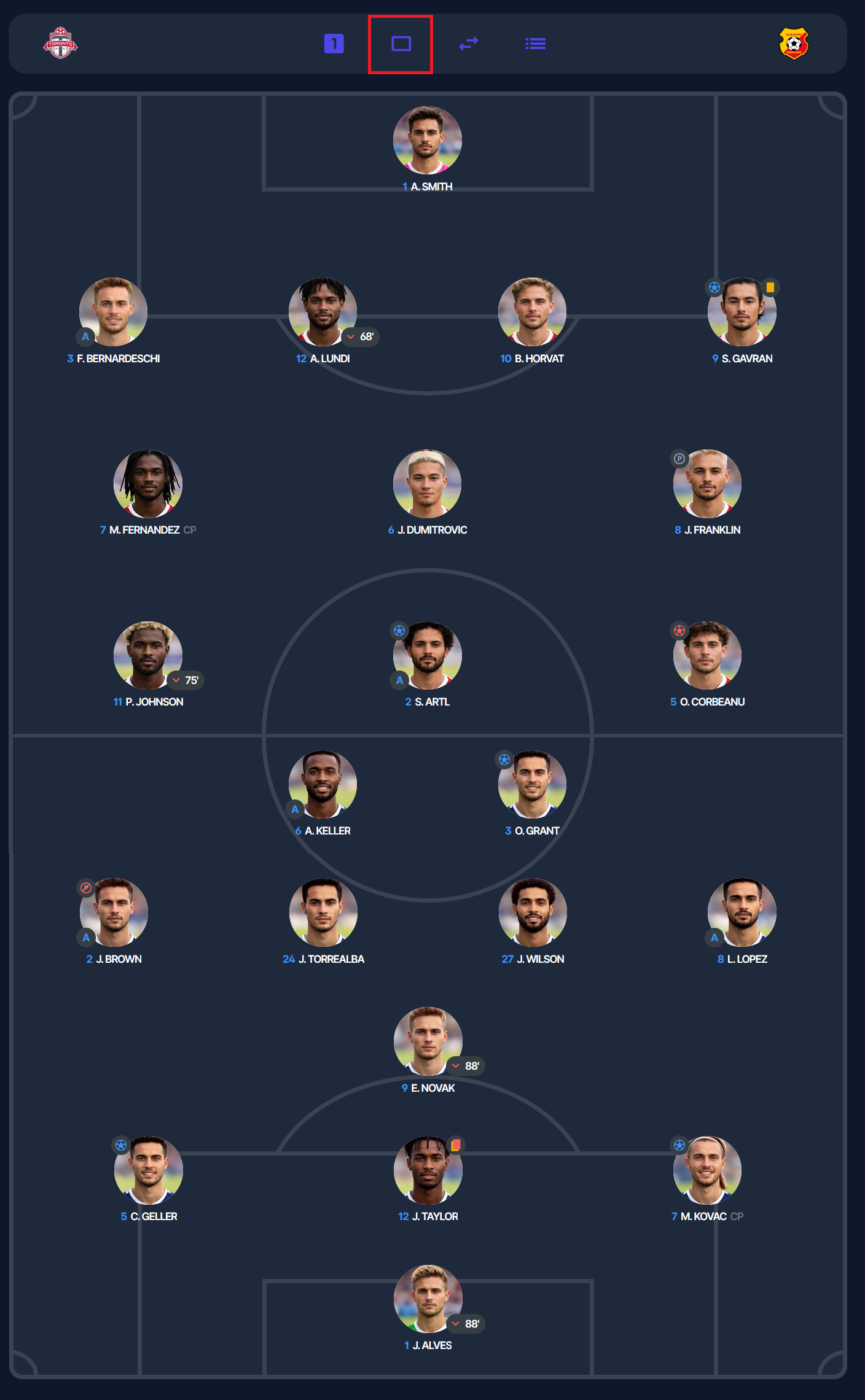
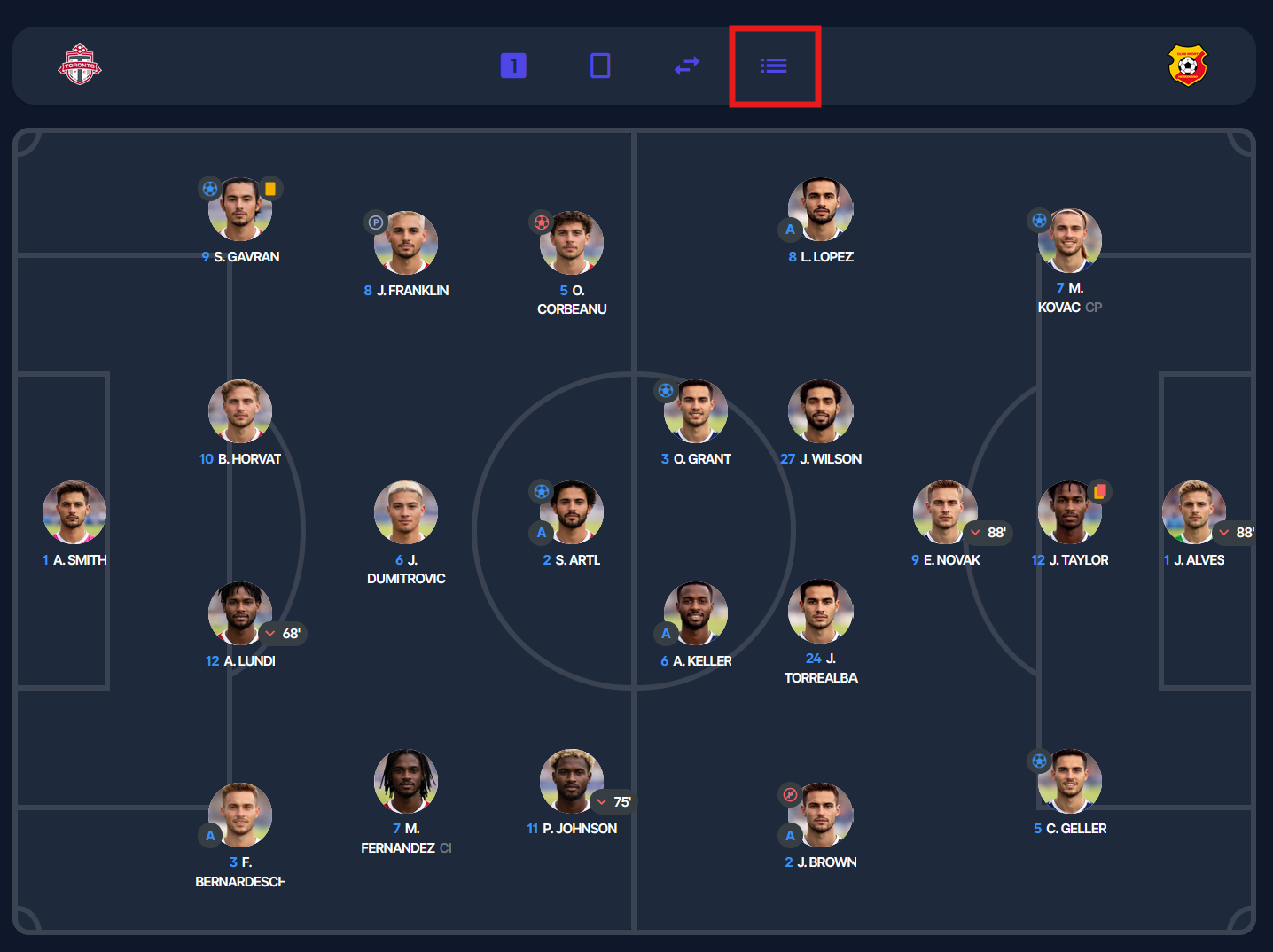
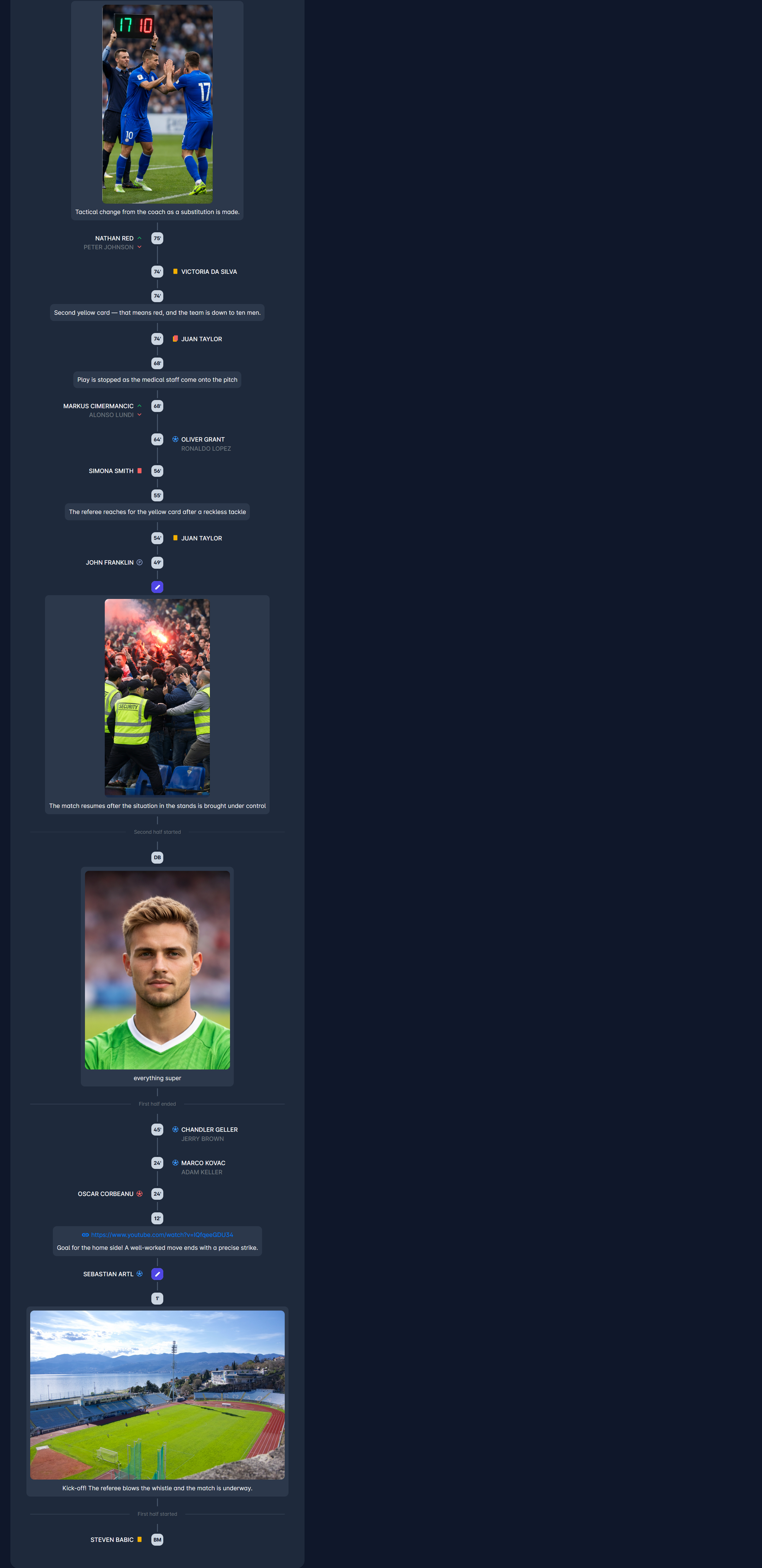
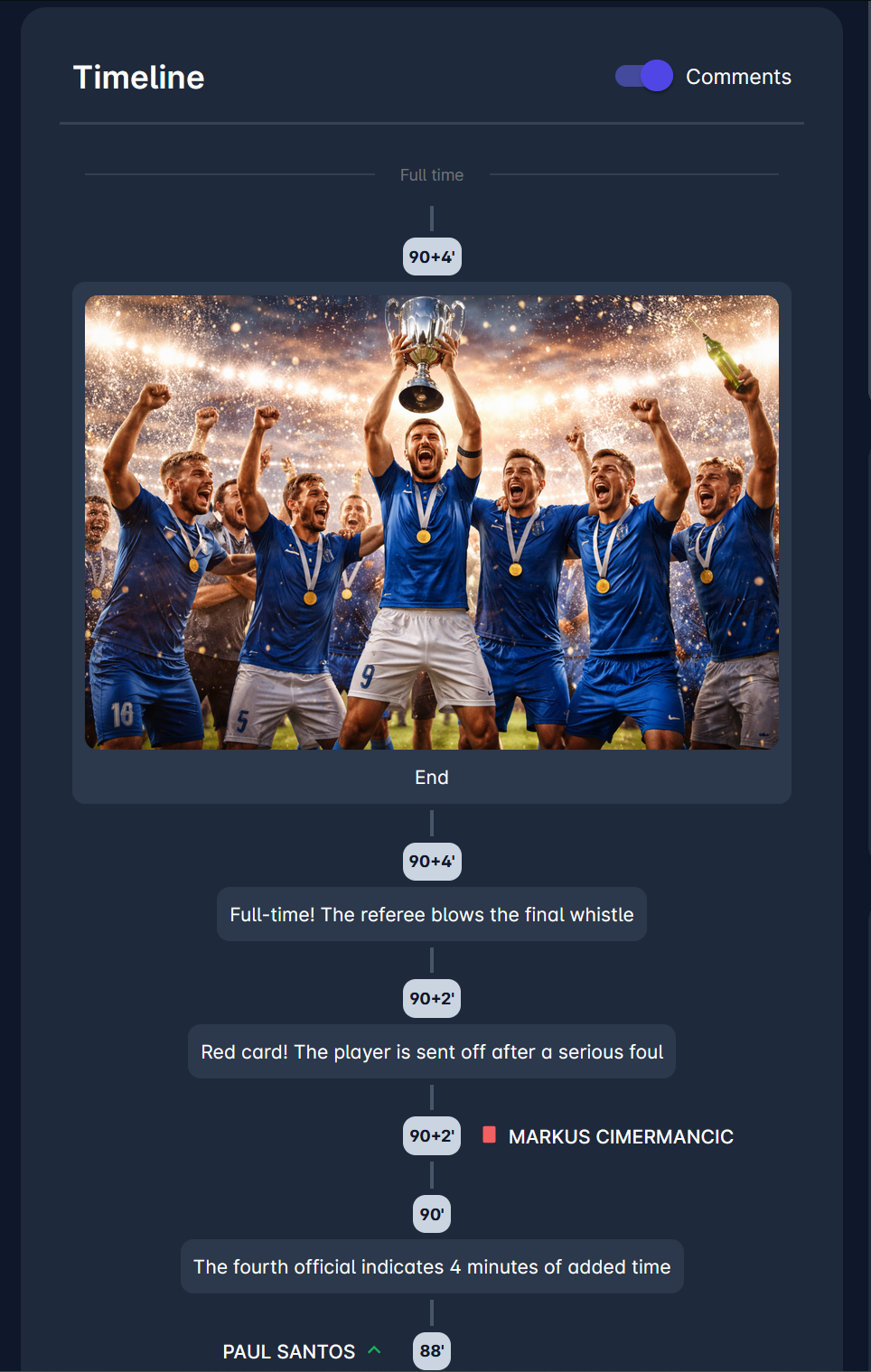
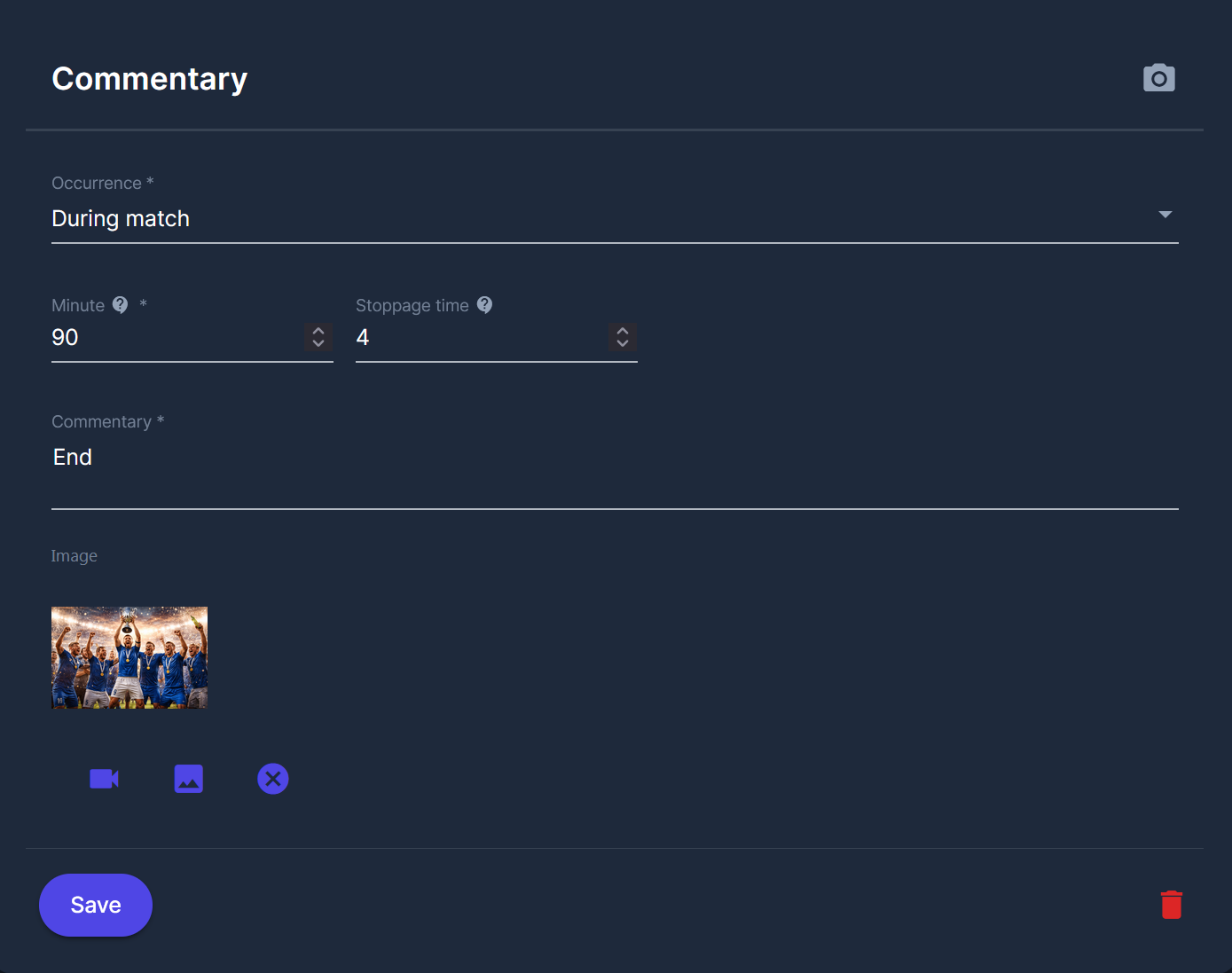
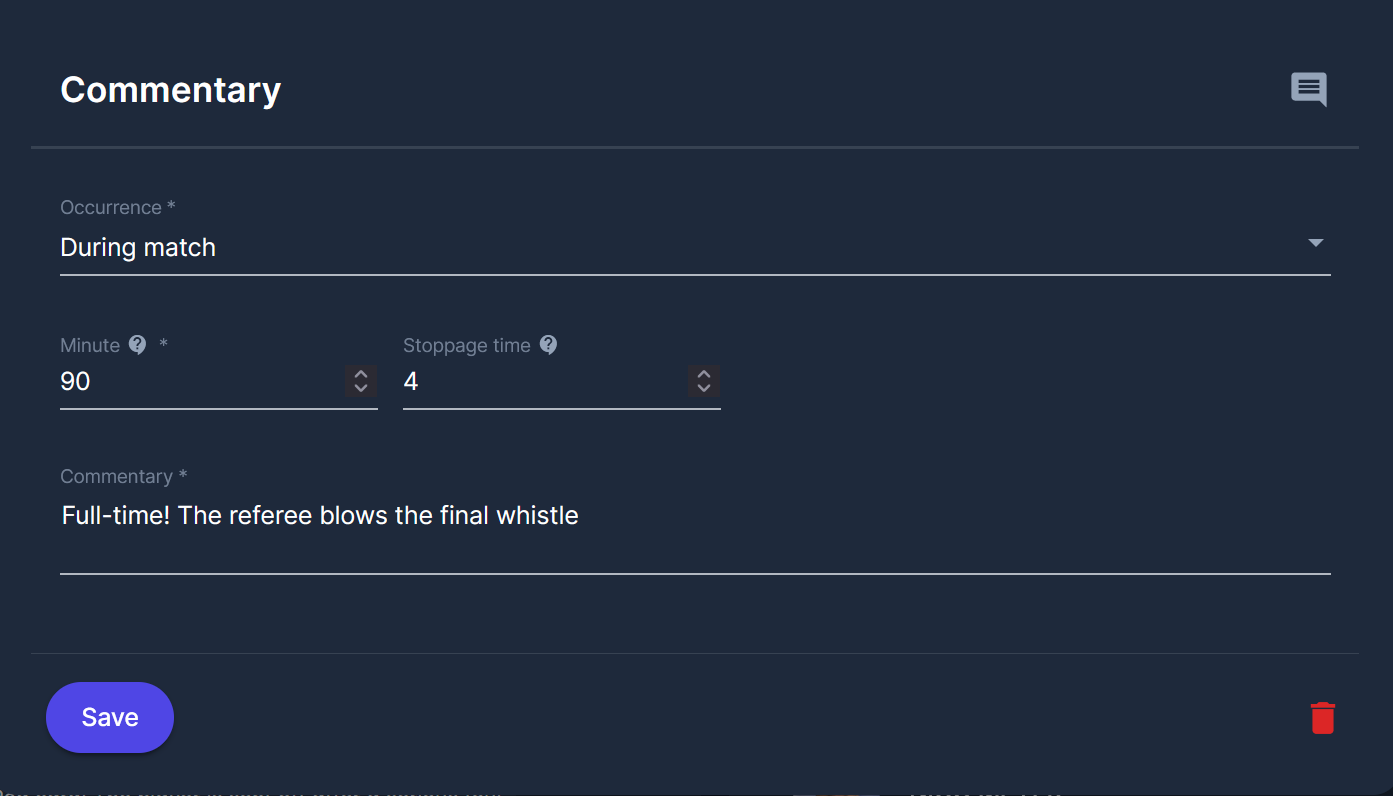
Timeline
Substitutions panel