
Confirmed registration contains a button Generate electronic ID:
-
Select the Options button and select the Generate electronic ID option
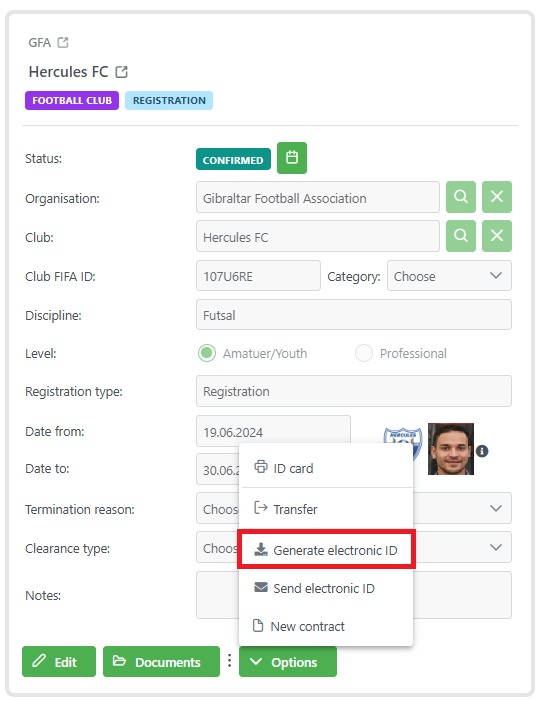
Clicking the button generates the PK PASS.
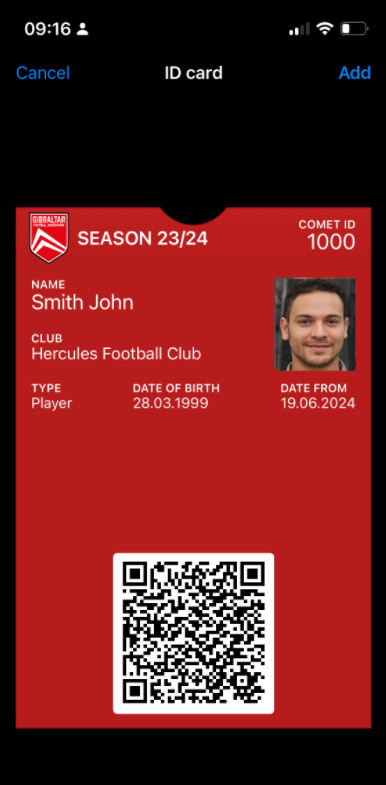
If the ID card template cannot be found for the selected registration, or if it is missing, COMET will print the basic white PK PASS.