Identification cards for Players, Coaches, or any other registered person can be printed directly from COMET onto PVC plastic (standard credit card dimensions) or, preferably, distributed electronically in PKPass format.
Functions for defining ID Card templates and options are available in the Administration → ID Card Templates menu in Legacy COMET.
The accordion panel has been used for separating the list of current templates in the data table from the insert/edit form, hence it contains two tabs:
-
List
-
Insert/Save
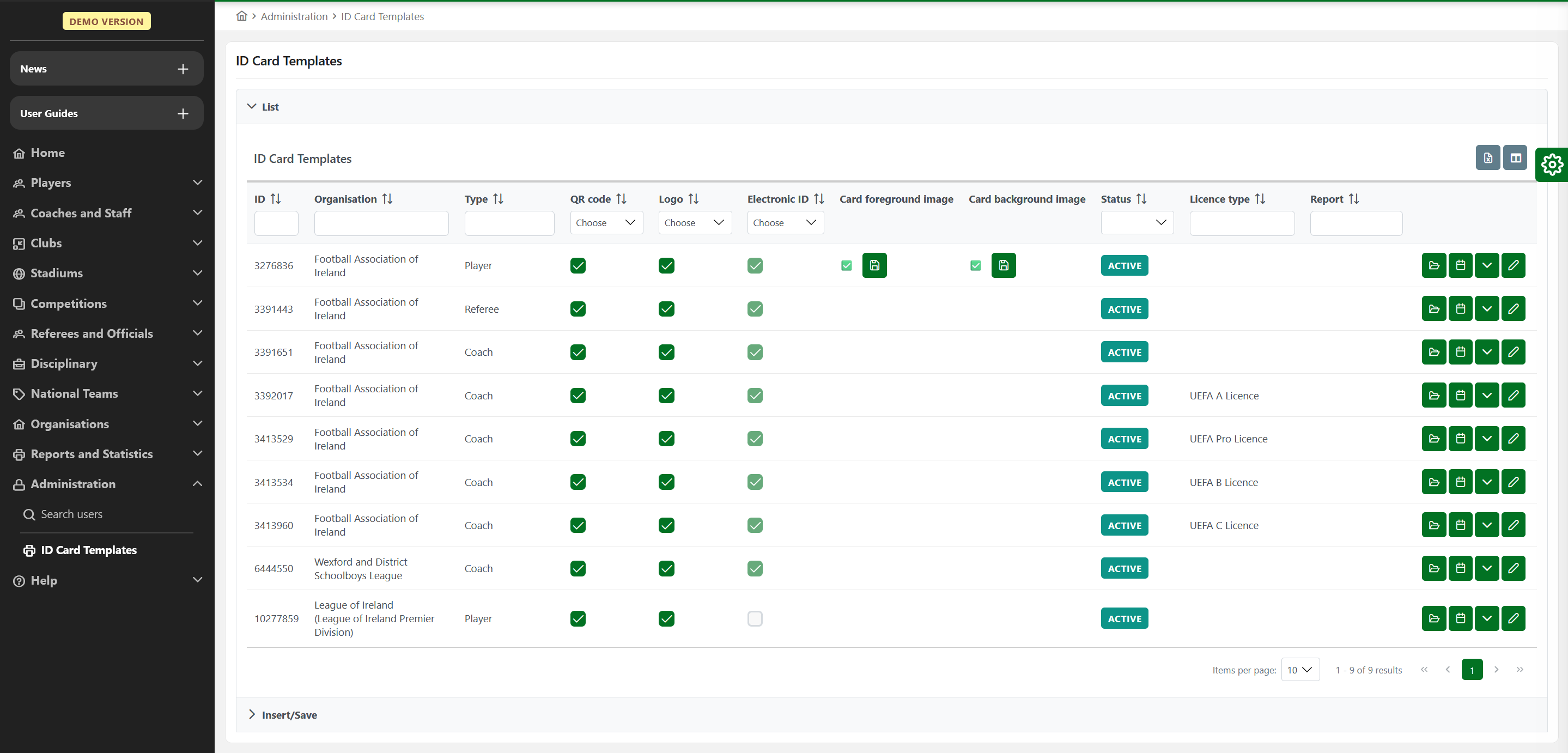
Tab List shows the data table of current templates:
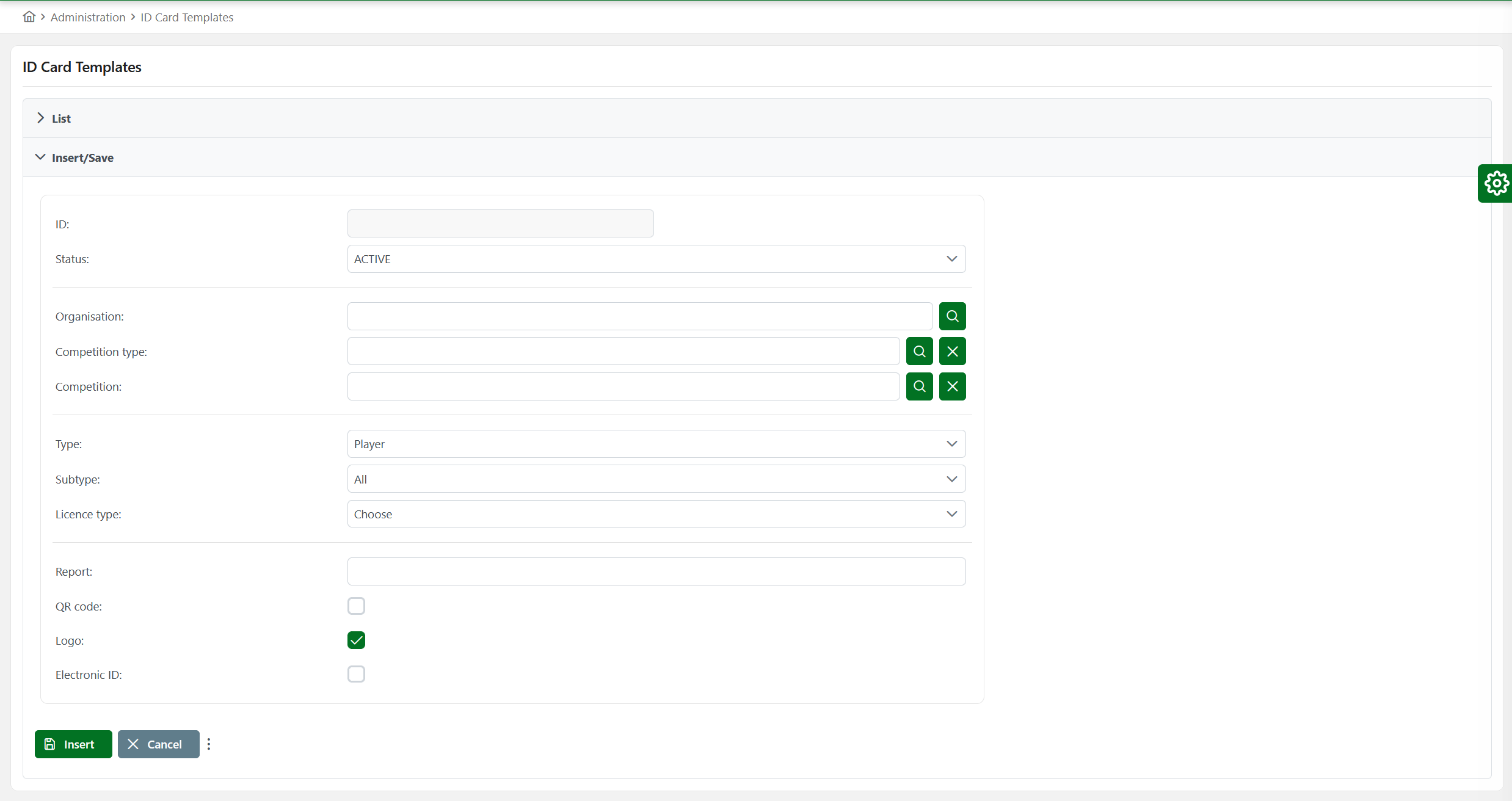
Tab Insert/Save allows inserting a new template or modifying an existing template:
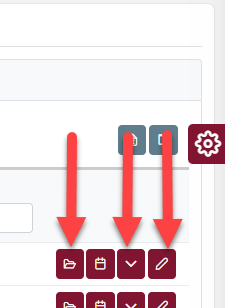
There are also buttons for changing the status of an existing template (arrow button), editing the template (pencil button), or uploading new files to the template (folder button).
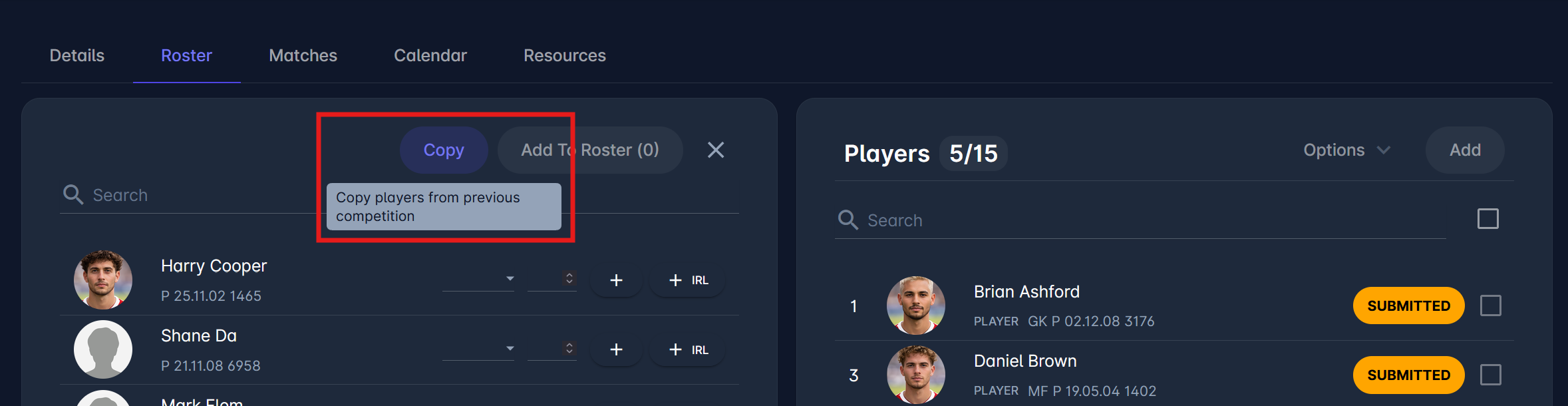
Print ID Cards from the Competition Roster
MyCOMET Features described in this article will be deployed on all Demo instances by 28 October 2026 and migrated to Production on 12 January 2027.
Competition Administrators and appointed Competition Managers can print ID cards (accreditations) for selected confirmed players and team officials directly from the Competition Roster in MyCOMET, using Options > Print ID cards or Print ID in the person dialog. Clubs cannot print ID cards from the roster.
This option is available wherever an ID card template has been configured for that competition or competition type. Accreditations are configured as ID card templates with the accreditation layout.