
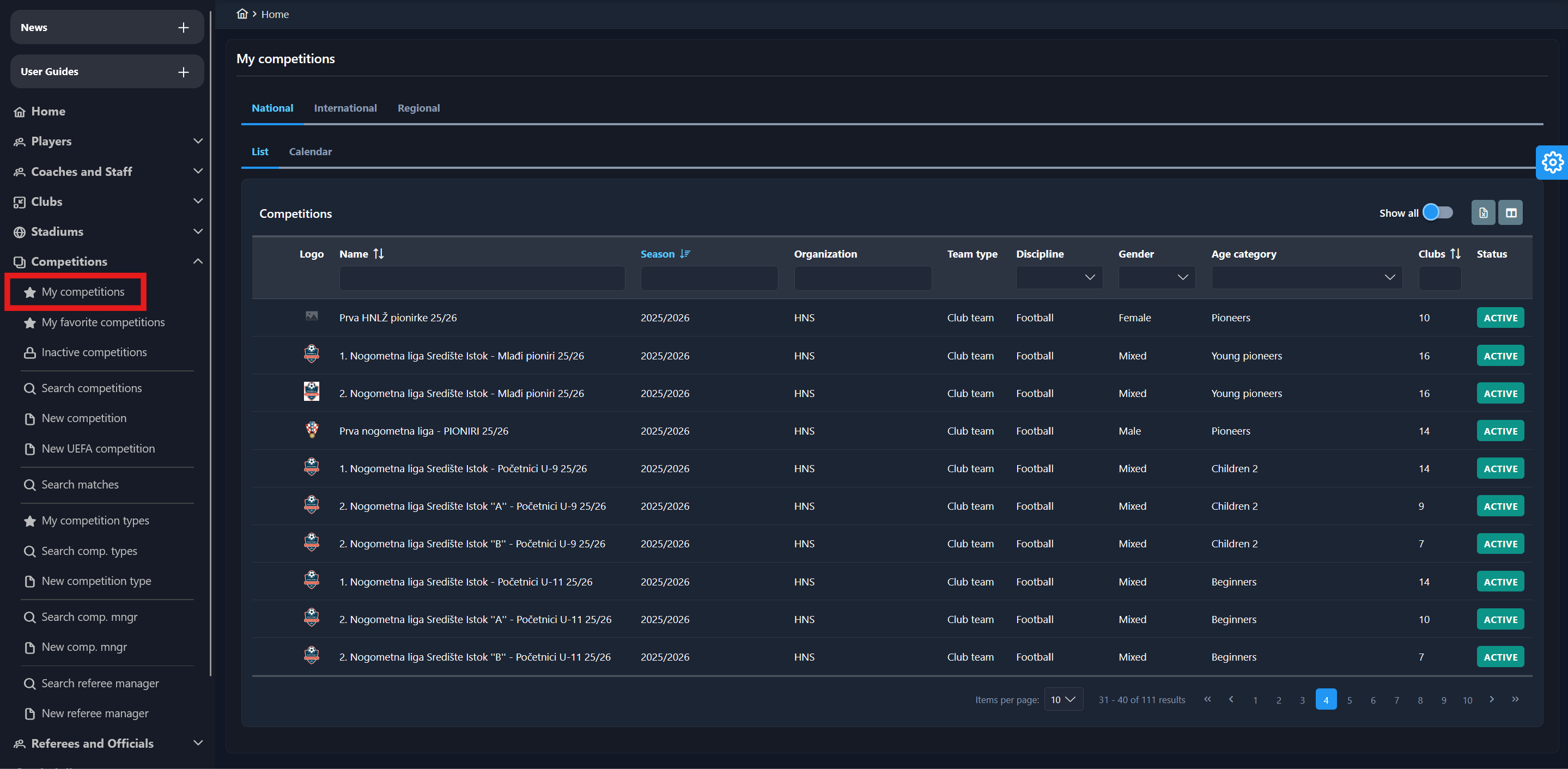
From the home screen of the Legacy COMET site, select Competitions → My Competitions on the left nav-bar to load competitions relevant to you. For example, if you are a Competition Administrator for a Regional Association, all active competitions under your organization will be displayed.
My Competitions list displays competitions based on the user's role and the organization to which they belong.
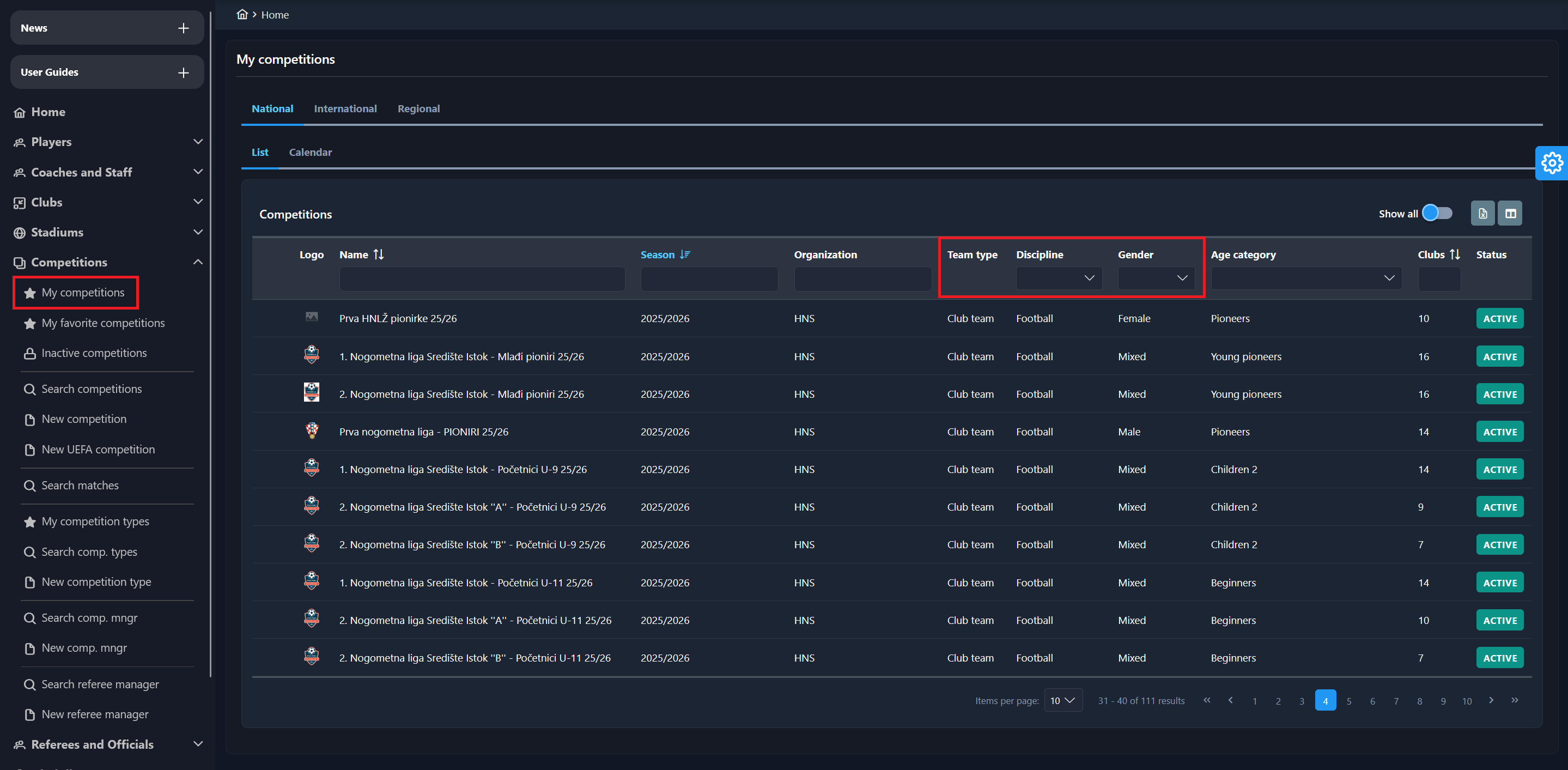
The list of My Competitions includes the following columns: Team type, Discipline, Gender category, or Club type (e.g., Football club, Female football club, Futsal club, Female futsal club, Veterans club, etc). The exact columns are available in the My Favorite Competitions menu.
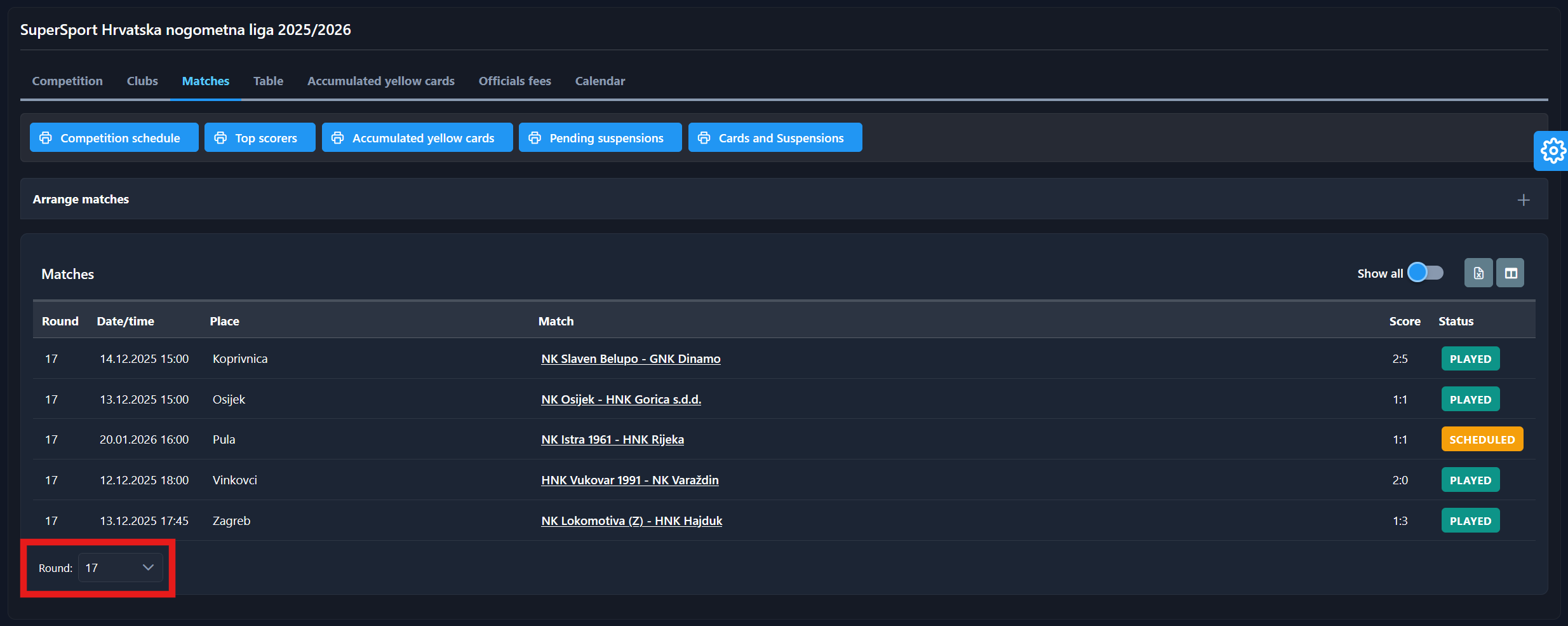
Select a competition to view its details. If the competition is in progress, the system automatically shows the current round and the list of matches. At the bottom of the list, there is a paging tool that makes searching the rounds easier.
Instead of selecting a specific Competition from the list, you can also click on the Calendar tab, in which case you will see all the matches of your competitions (from the My Competitions list) in calendar view, and you will be able to access the match directly by clicking on that specific match in the calendar.
(1)-20251231-150955.png?cb=bcfad1d9fefa6209d7a034cb9dfbccc3)