
From the Competition menu, you can access all the competitions your club is assigned to and join all competitions that are available for your club based on organization and privacy settings.
The Competition menu consists of the following tabs:
-
Active - lists all active competitions that your club/team is participating in/applying to (regardless of the application status)
-
Inactive - lists all inactive competitions that your club/team has participated in/applied to (irrespective of the application status)
-
Join - lists all active and public competitions that are available for application
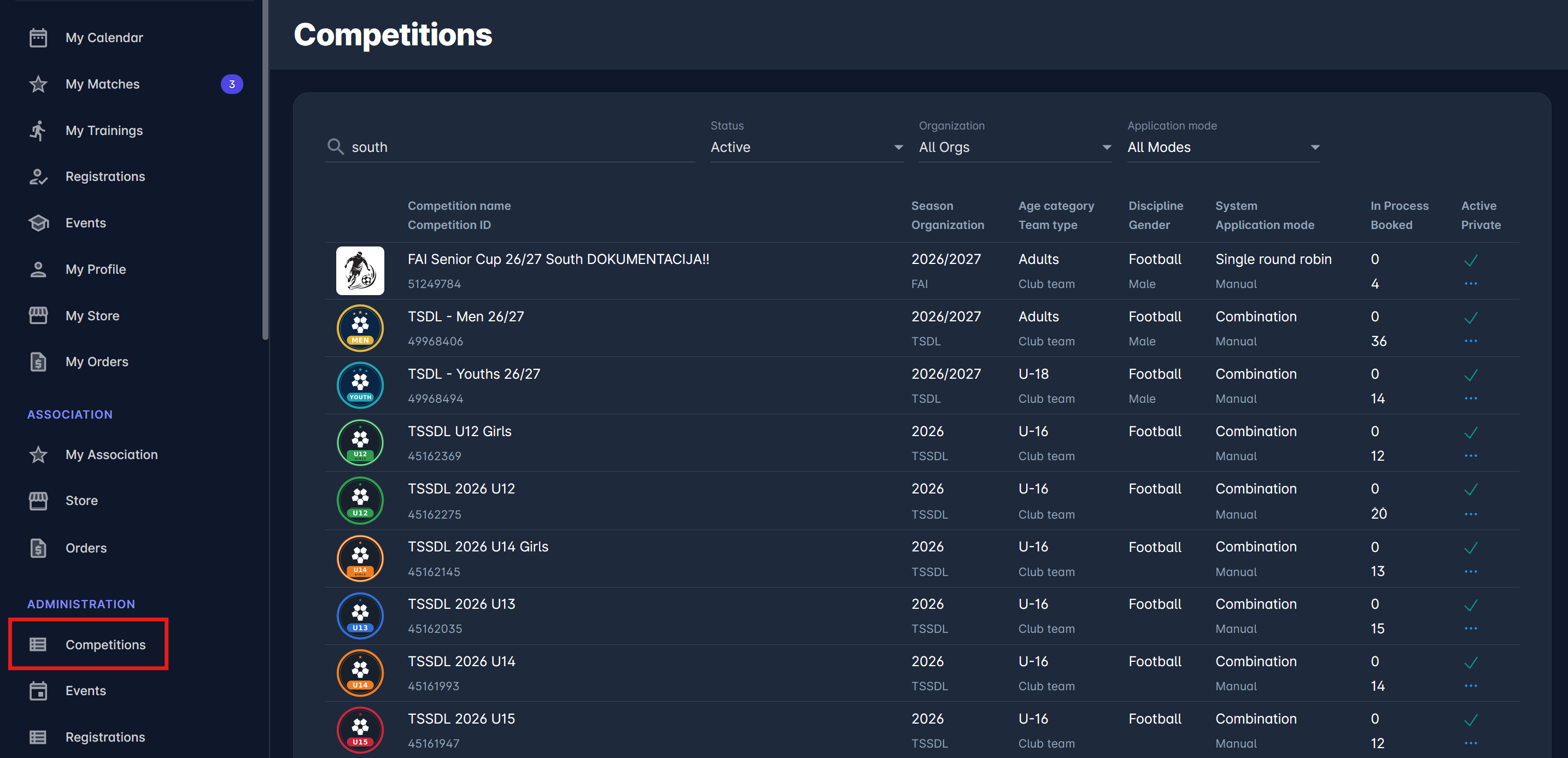
The Active and Inactive tabs of the Competition Menu display the list of the competitions with the following details:
-
Competition Name and Competition ID
-
Season and Organisation
-
Age Category and Team Type
-
Discipline and Gender
-
Team name and Stadium
-
Players and Officials → number of players and team officials in your team's Roster Tab
-
Team Status → Current status of your application and
-
In status since → Timestamp indication of the last status change of your application
-
The search box → Use the search box to search the list of competitions in the system
Click a competition in the list to open your team's Competition Team page. From there you can:
-
check your application status, survey, and orders on the Application tab
-
add players and team officials to your Roster Tab on the Roster tab
-
review your team's details, kits, matches and other competitions on the remaining tabs
For more details about the Join Menu, please visit the following page: Join Competition