Authorized club users can always view all their scheduled activities - including trainings, matches, and events - through several calendar views. Each calendar provides an overview of upcoming and past events.
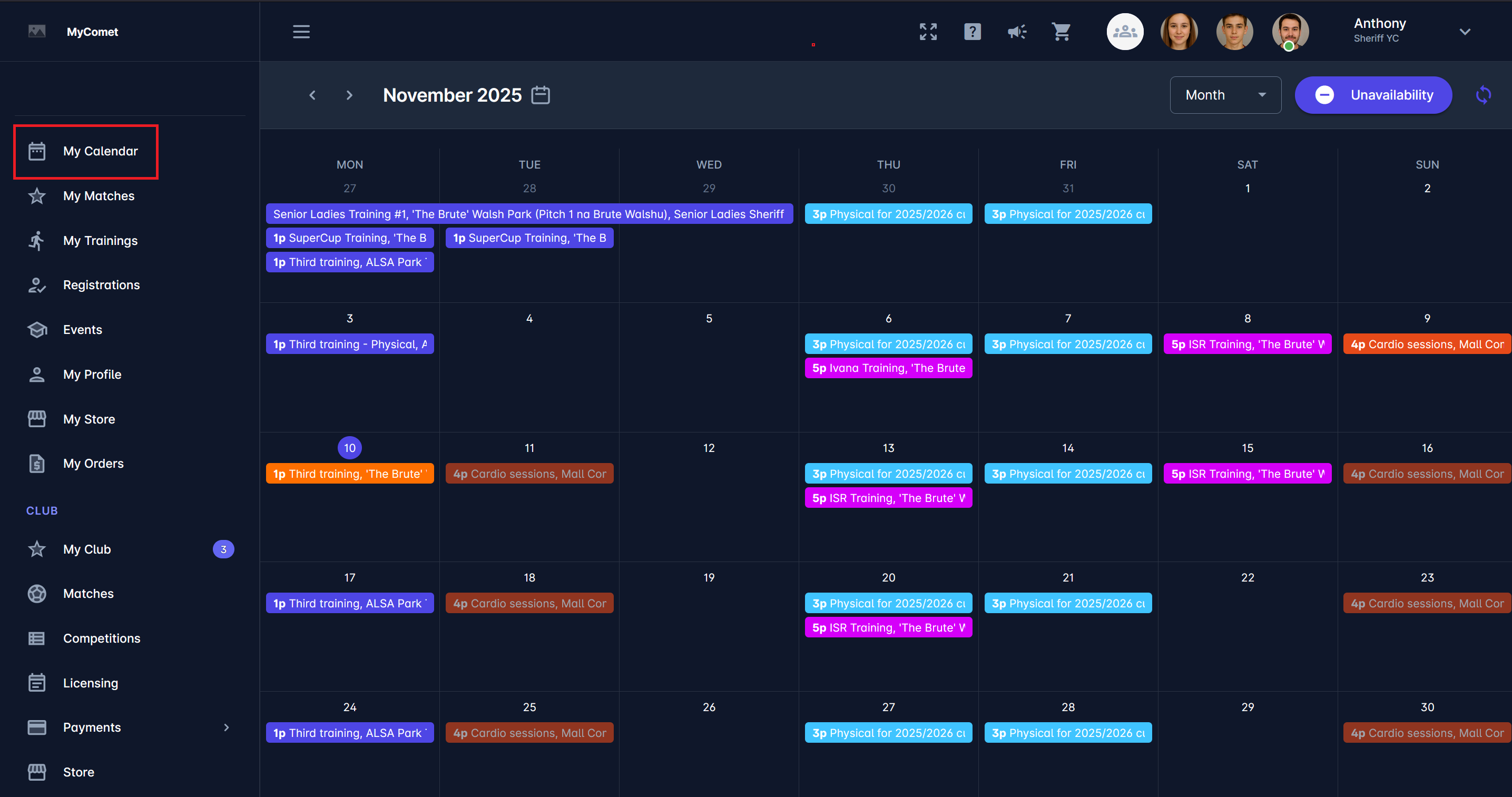
1. My Calendar
The My Calendar section displays all events for the logged-in user.
Here, club users can view trainings, matches, and other scheduled activities for all teams they are involved in. The events in the calendar can be color-coded for better visibility of different event types (defined in event settings).
This calendar helps each user keep track of their personal schedule across multiple teams and competitions. From here, users can also mark their unavailability when needed.
2. Club Calendar
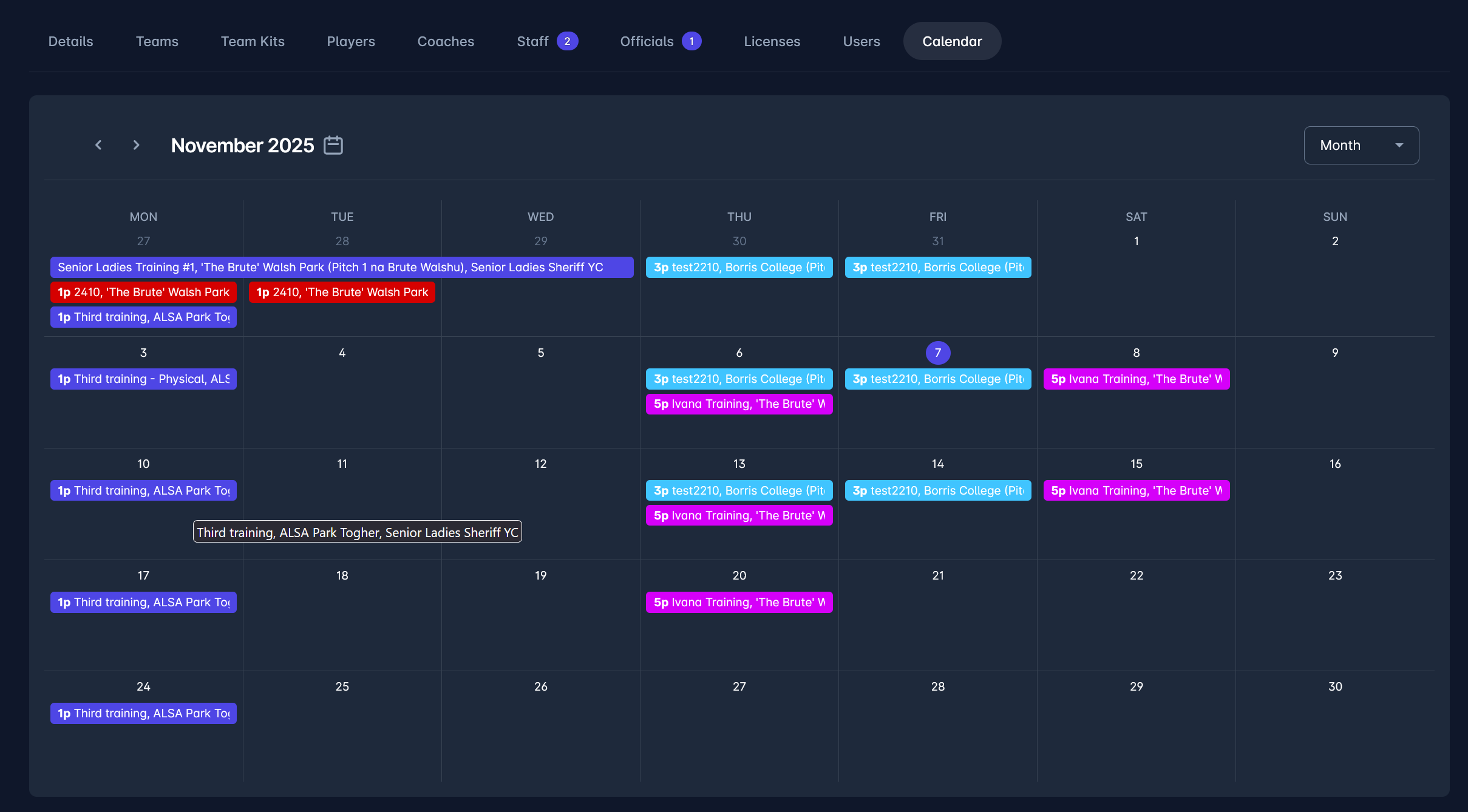
The My Club → Calendar view displays all events associated with the club, including team trainings, matches, and other organized activities.
This calendar is accessible to authorized club members and provides a complete overview of what is happening across all teams. It can be filtered by month or other time frames.
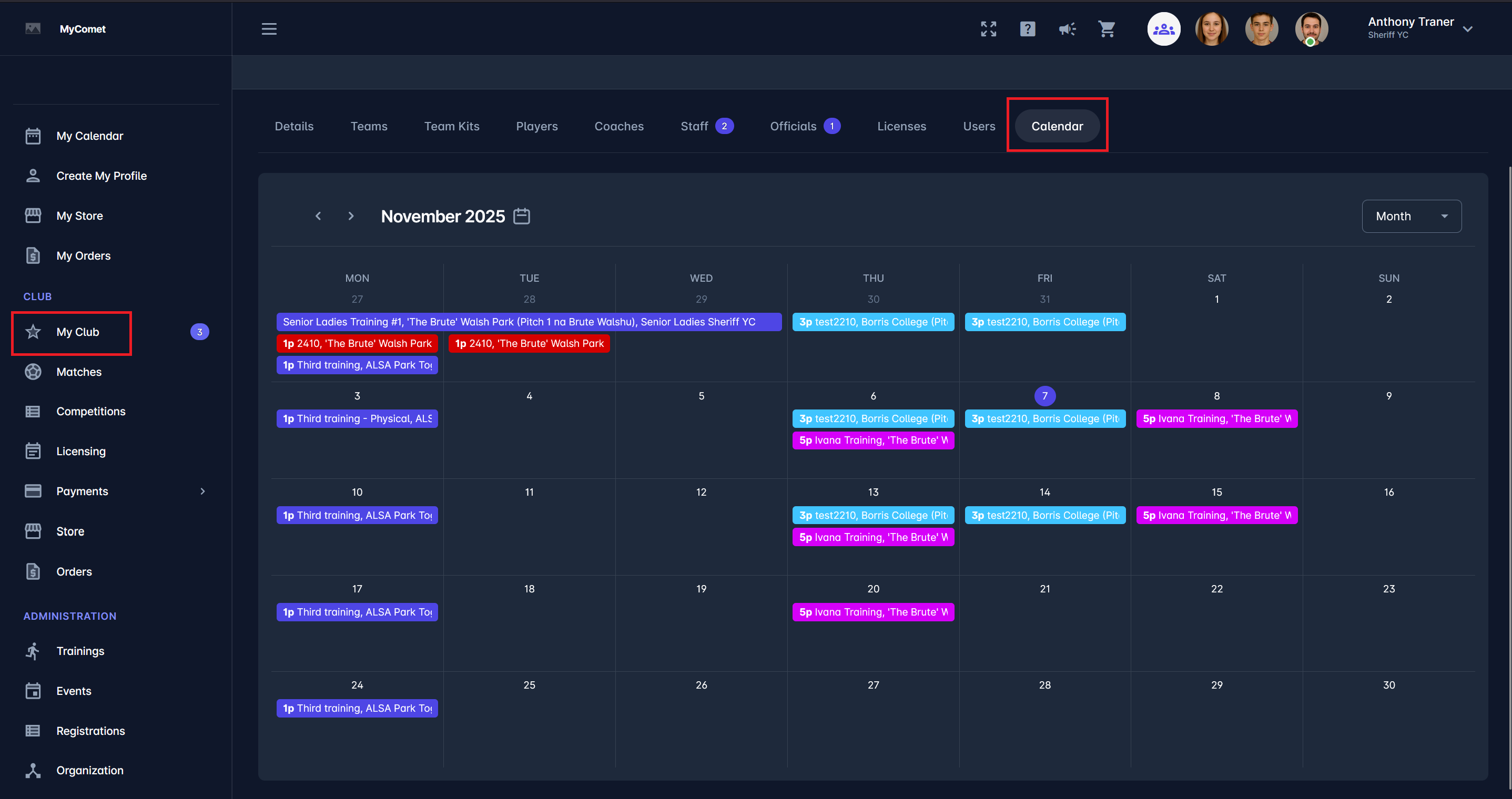
Hovering your mouse over the name of the event can show you complete information on the event name, location, and team connected to the event.
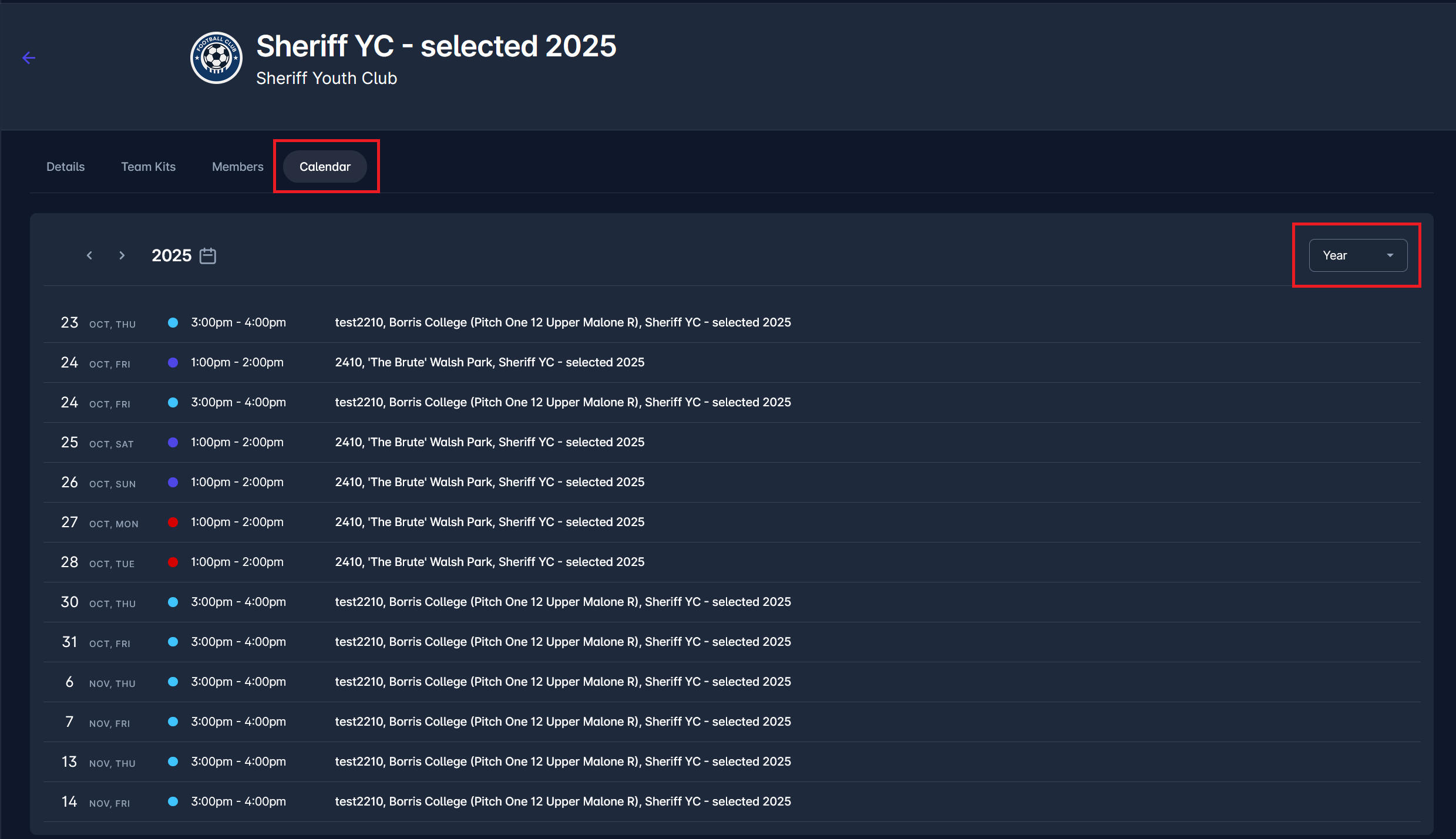
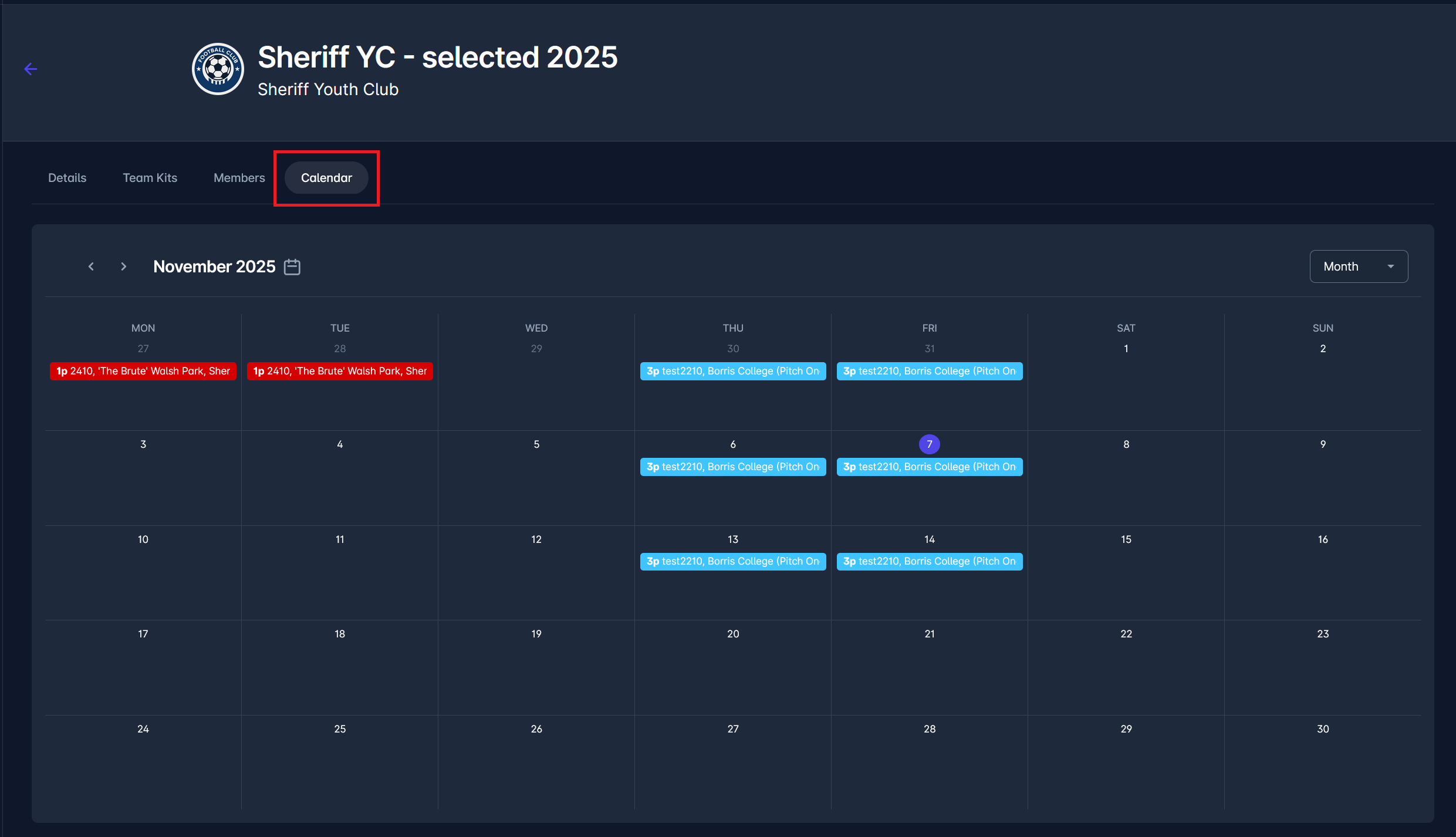
3. Team Calendar
Each team within the club also has its own Calendar tab on the team site.
This view shows only the events linked to that specific team. Team officials and coaches can use it to plan and monitor activities relevant to their players.