
Match Events
Authorizations
As described in the Club Tab - Lineups | Authorizations article, Competition Type can be configured so that club users of Home and/or Away Club are:
Events Editor → permitted to manage events (when allowed to view lineup)
Match Manager → permitted to change lineups, to manage events, and to change match status
Add Match Events
If the user is authorized to manage match events in the match:
+ (add match event) buttons appear on the screen
match events of player or team official are editable (pointer cursor opens event’s details in a dialog)
Any player in the Lineup or team official can be selected for an event. To assign the match event to a player, please click on the specific player in the Lineup list. If you decide to do that, the window will appear on the right part of the screen with all the events related to that player, which differ depending on whether the player is in the Starting Lineup or not.
Assigning the match event to a team official follows the same workflow.
To assign the match event to a player/official, click the ➕ Add button next to the person's name in the Lineup/Staff list or in the opened right-side window.
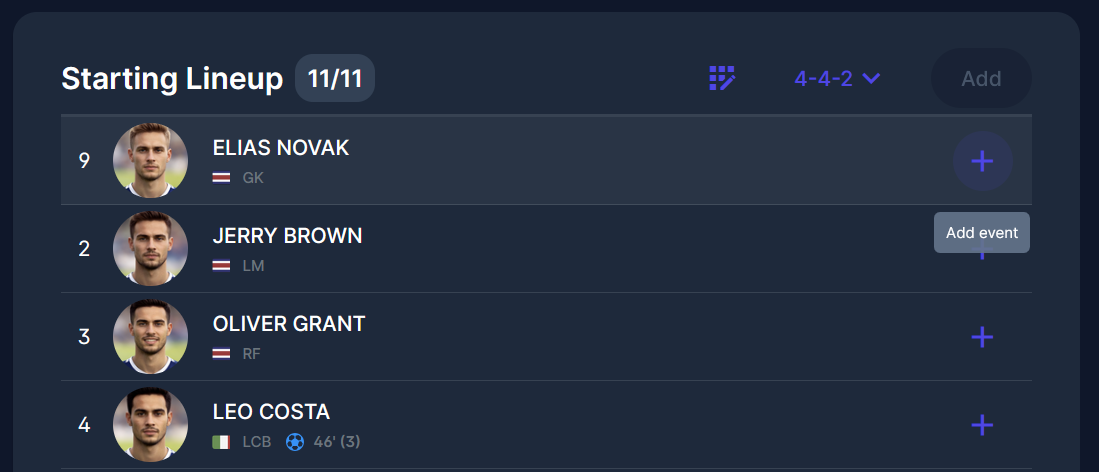
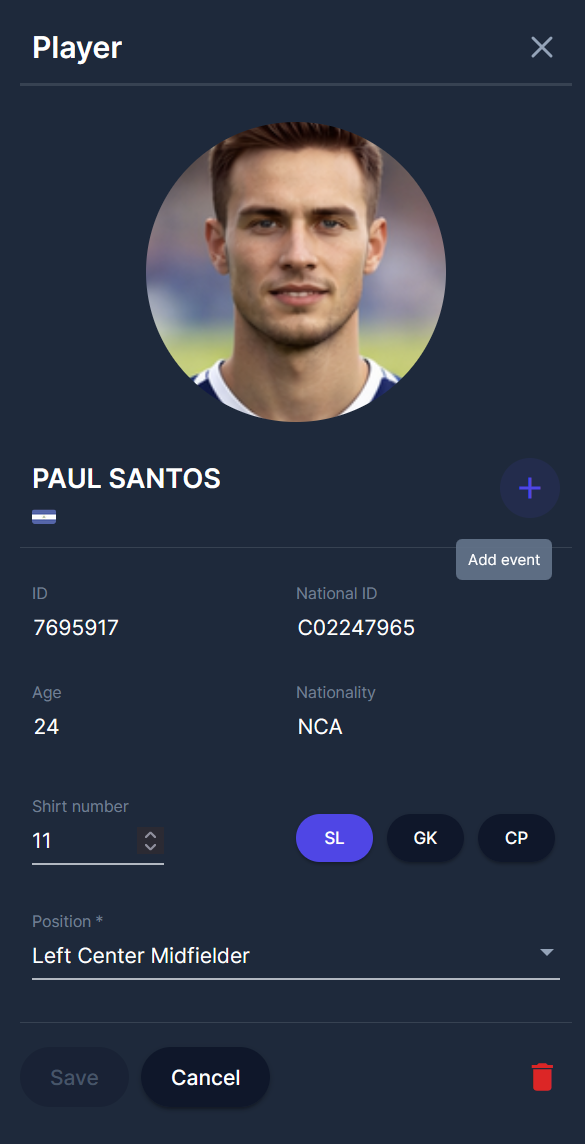
After clicking on the ➕ Add button, the pop-up window will appear with all the available events related to that player.
For a player, the event types are: a goal, an own goal, a penalty (including a missed penalty), and a yellow or red card.
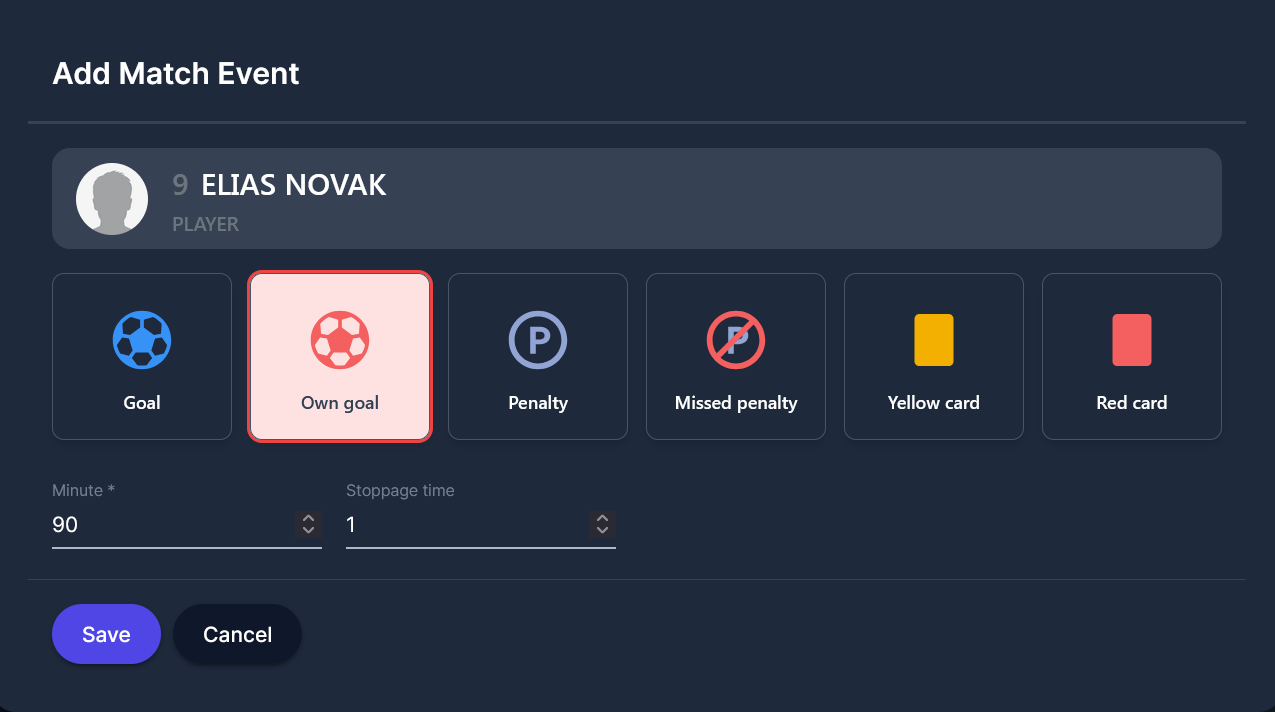
When you insert data, click the Save button.
You can add more events for one person by clicking the same ➕ Add button
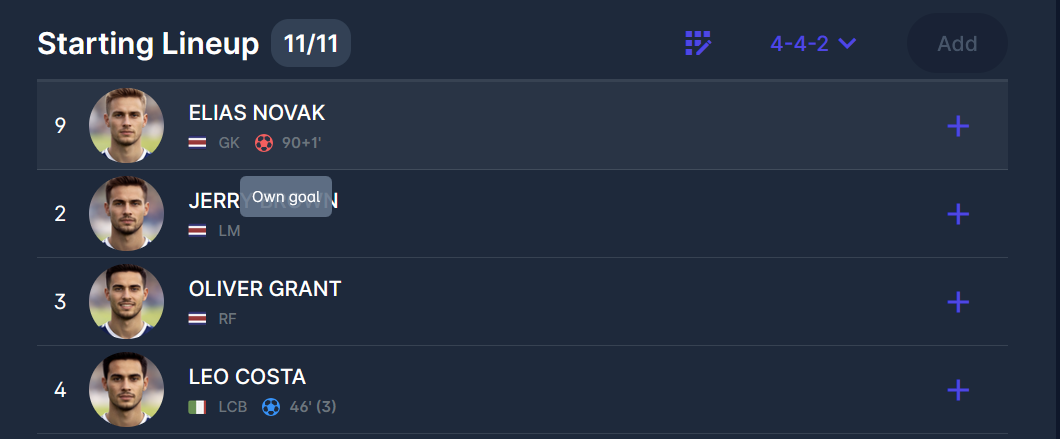

The available types of match events are collected based on a person’s role in the match and the match events they already have.