
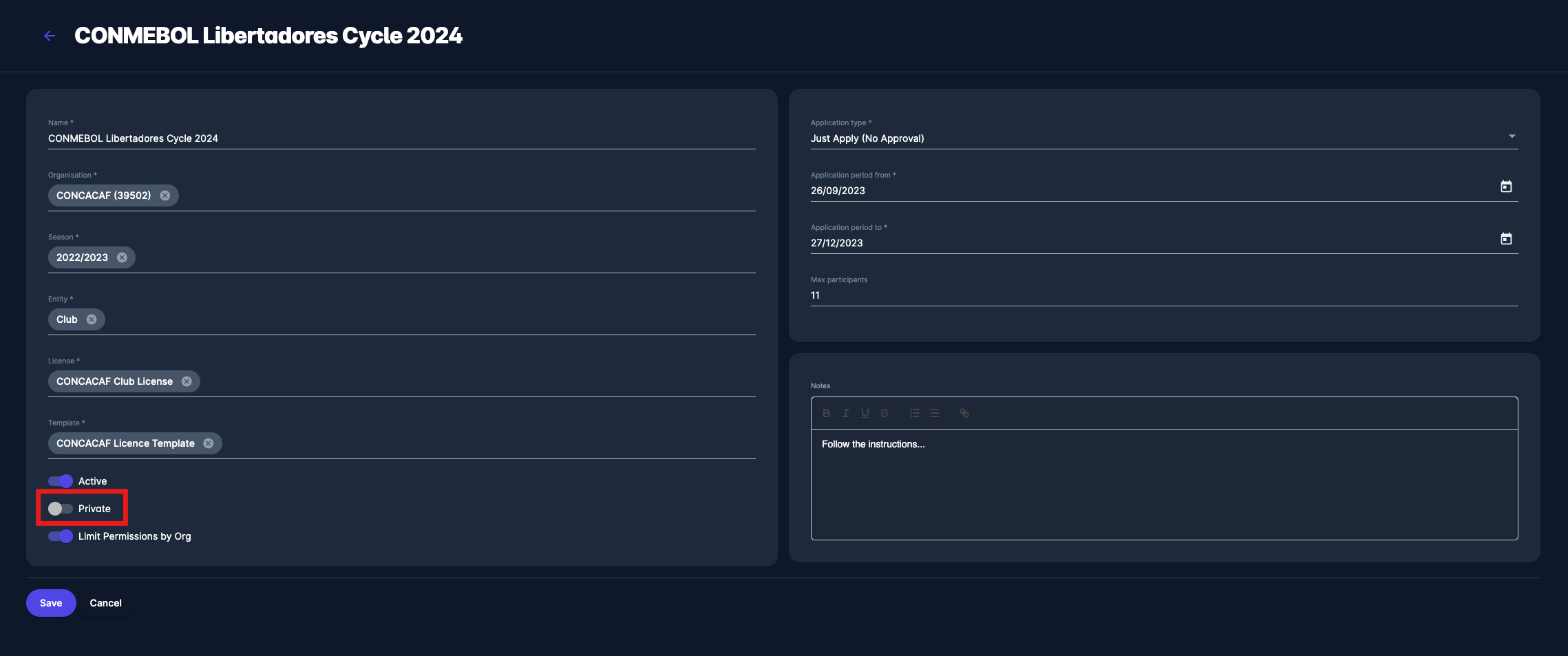
To hide Licensing Events from public users, there is a Privacy switch on Licensing Cycle profiles in COMET. This feature might be used for specific organizational needs of the event, e.g., for Licensing Cycles organized for a closed group of invited Clubs, and should not be publicly accessible.
License Cycles categorized as private are not displayed under the Cycle menu - they cannot be searched or accessed without the direct URL.
To set the Cycle as private:
-
Open a Cycle profile in MyCOMET and hit the Edit button
-
Switch on the Private button and the bottom left corner of the screen
-
Use the Copy Application Link button to invite the applicant clubs to the private Cycle
Please consider that the privacy status will be indicated on the Cycles List.