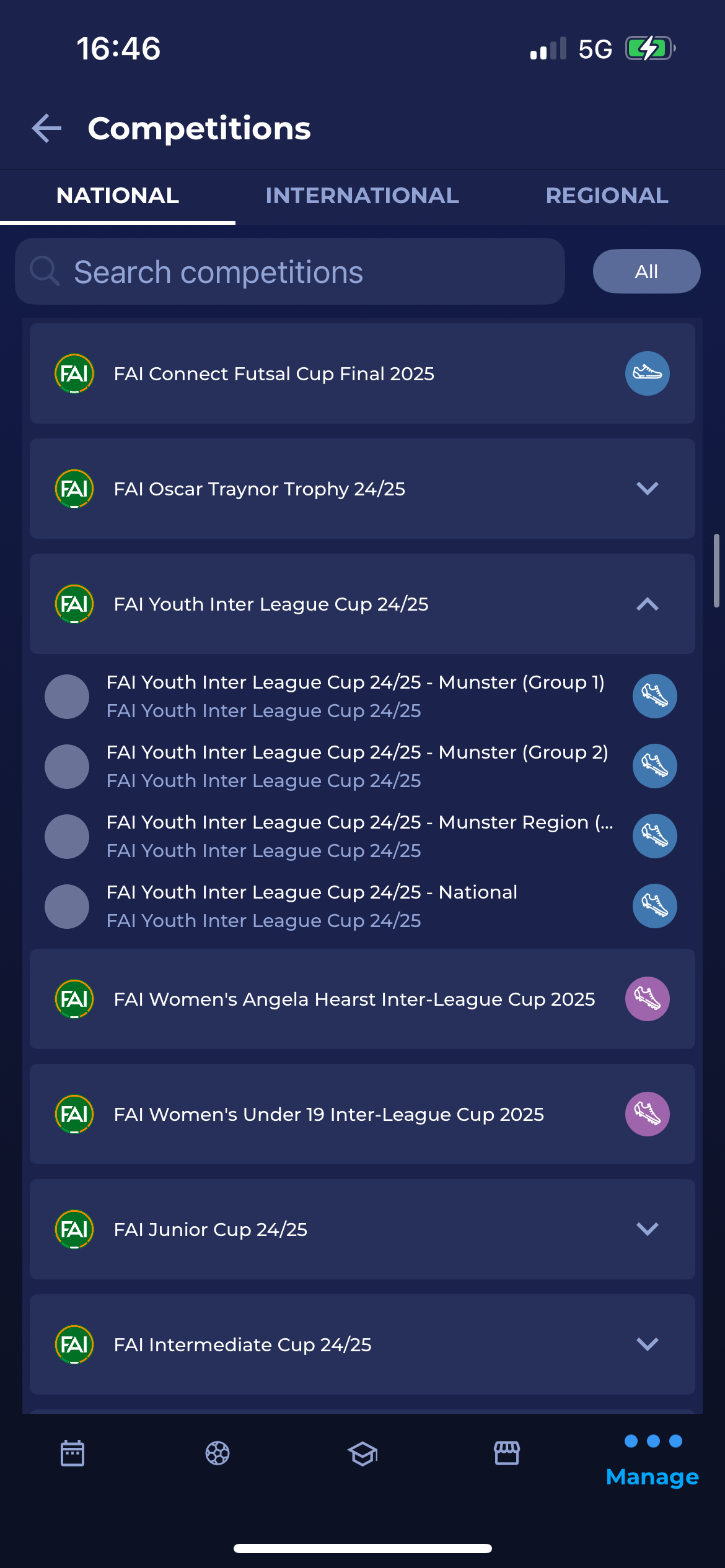
The Competitions Menu corresponds to the list of My Competitions available in the web version of COMET. Similar to the web version, users will have the option to search through the list and also to show all competitions.
Please note that this screen displays the list of all competitions available within the set of permissions assigned to your user role.
To access the Competitions menu:
-
Choose Manage on the bottom right of your screen
-
Hit the Competition button
-
You will be redirected to the Competitions menu
-
The list of competitions is divided into two or three tabs (depending on the tenant configurations):
-
National competitions
-
International competitions
-
Regional competitions
-
-
Use the search box to search the list of competitions in the system
-
Use the All button filter at the top right of the screen to get the list of all competitions of your organization
-
A tap on the competition from the list will redirect you to the competition page.
-
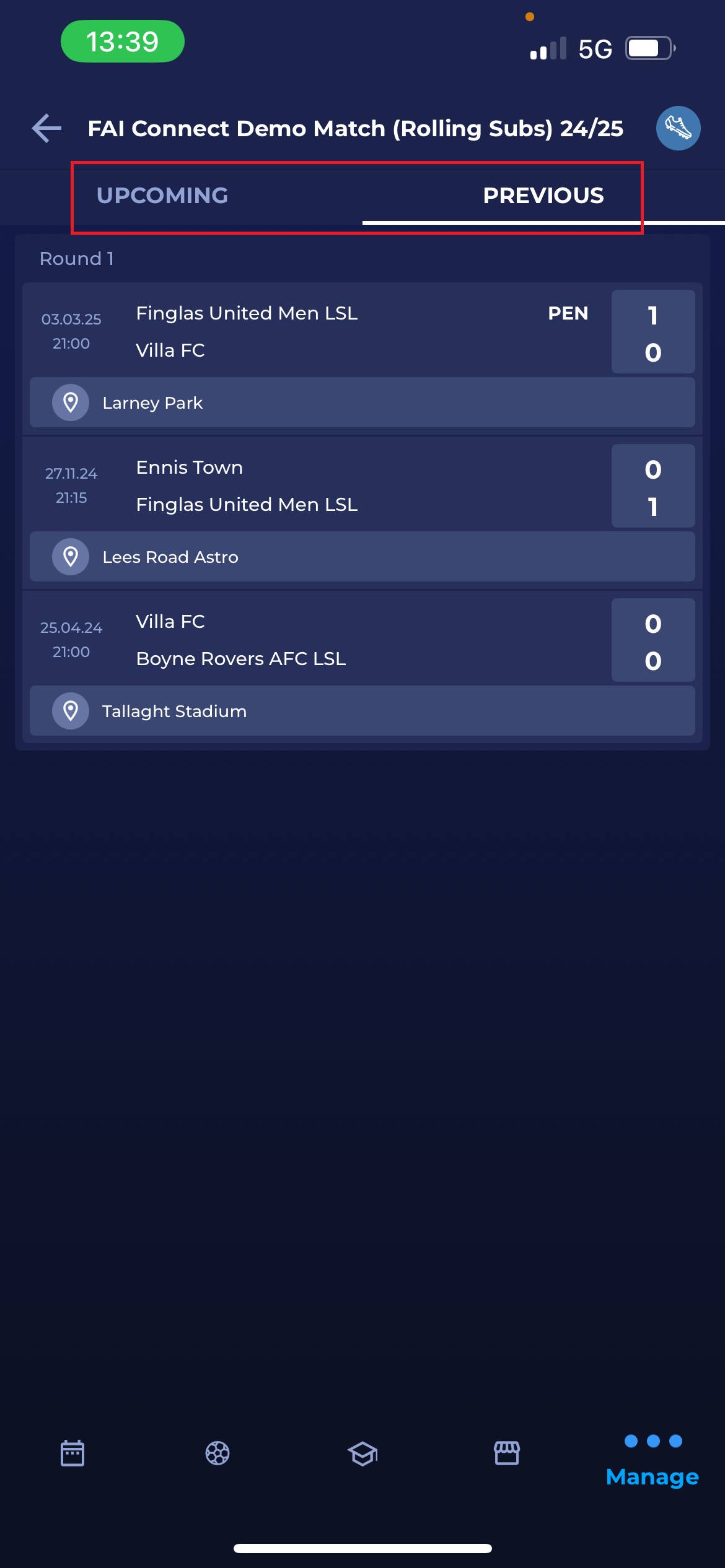
This screen consists of separate tabs for upcoming and previous matches
-
Tap the match name to open the Match Screen
-
This will redirect you to the screen
-
Choose the match from the list and tap the match name
-
This will redirect you to the match screen ✅