
Registrations
General
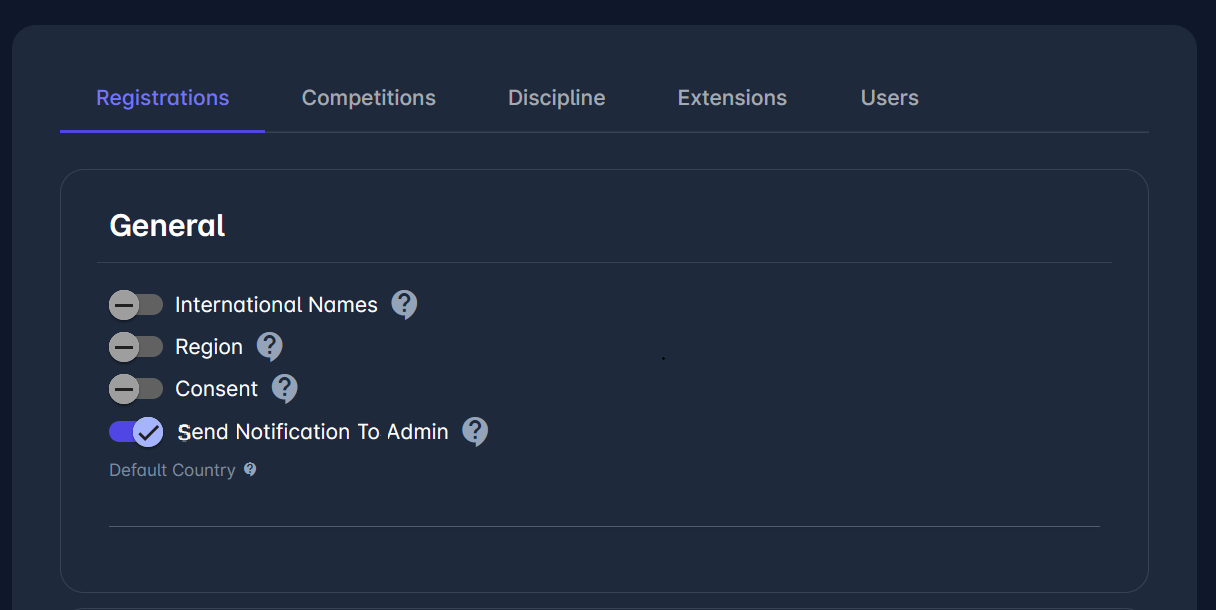
International names - Enables International Names for Persons, Organizations and Competitions.
Region - Enables the use of Regions on all addresses.
Consent
Send notification to Admin - When this option is turned off, no notification emails will be sent to users with admin roles (e.g. Coach Administrator) for status transitions or other automated registration-related events. If enabled, all standard system notifications to administrators will be sent as usual.
Default Country - Sets the default country on Nationality, Country of Birth and Country of Address
Personal
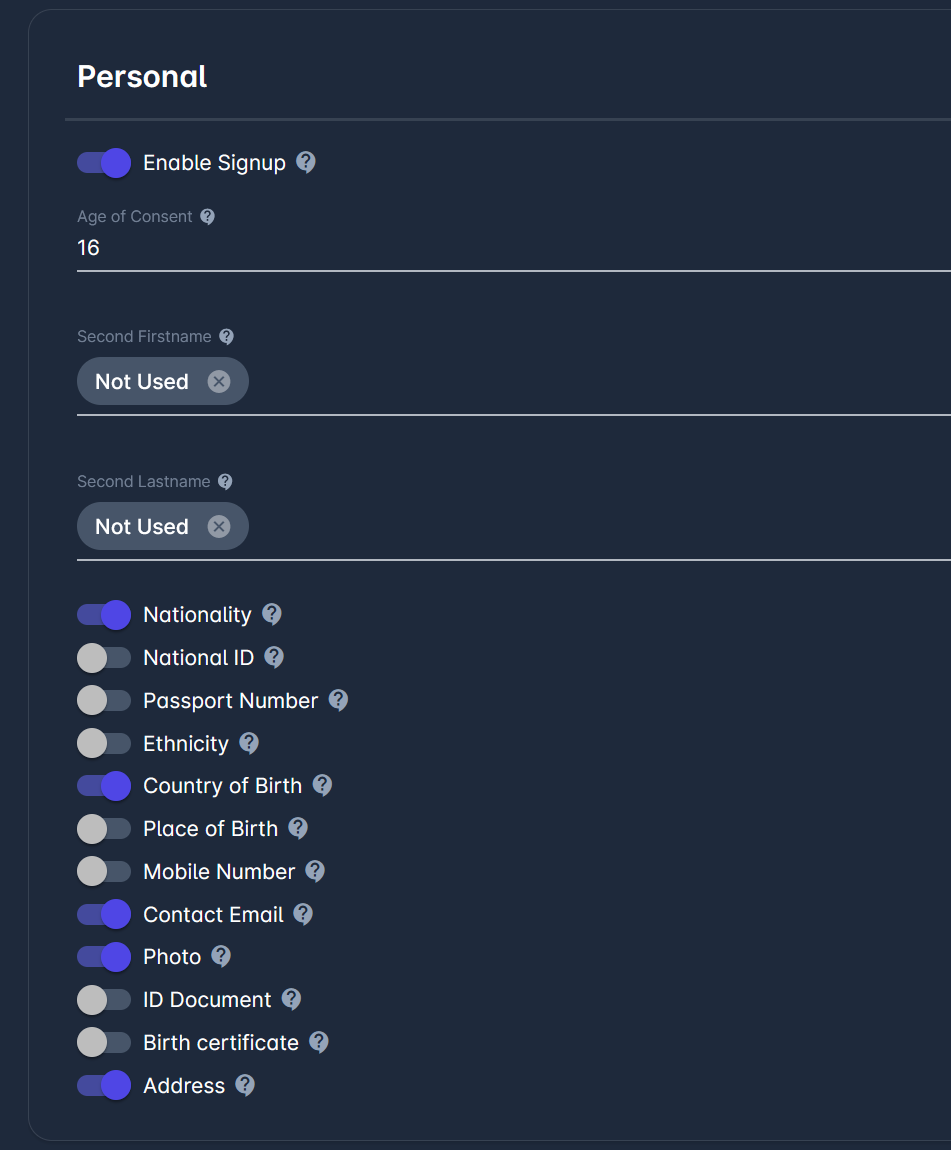
Enable Signup - Enables the signup form.
Age of Consent - Defines the minimum age for signing up and accepting Terms and Conditions.
Default Person Privacy - Person privacy will automatically be set on the creation of a new person in the system to the selected default value. The default value is considered only if Match Live Status is enabled in Extensions → Live.
Second Firstname - Enables the use of Additional Firstname or Middlename
Second Lastname - Enables the use of Additional Lastname
Nationality
National ID - Enables National ID
Passport Number - Enables Passport Number
Ethnicity - Enables the use of Ethnicity for Persons
Country of Birth - Enables the use of Country of birth
Place of Birth - Enables the use of Place of birth
Mobile Number - Enables the use of Mobile Number
Contact Email - Enables the use of Contact Email for Persons (if above Age of Consent)
Photo - Enables the use of Photos
ID Document - Enables the use of ID Documents
Birth certificate - Enables the use of Birth certificate
Address - Enables the use of Addreses
Live
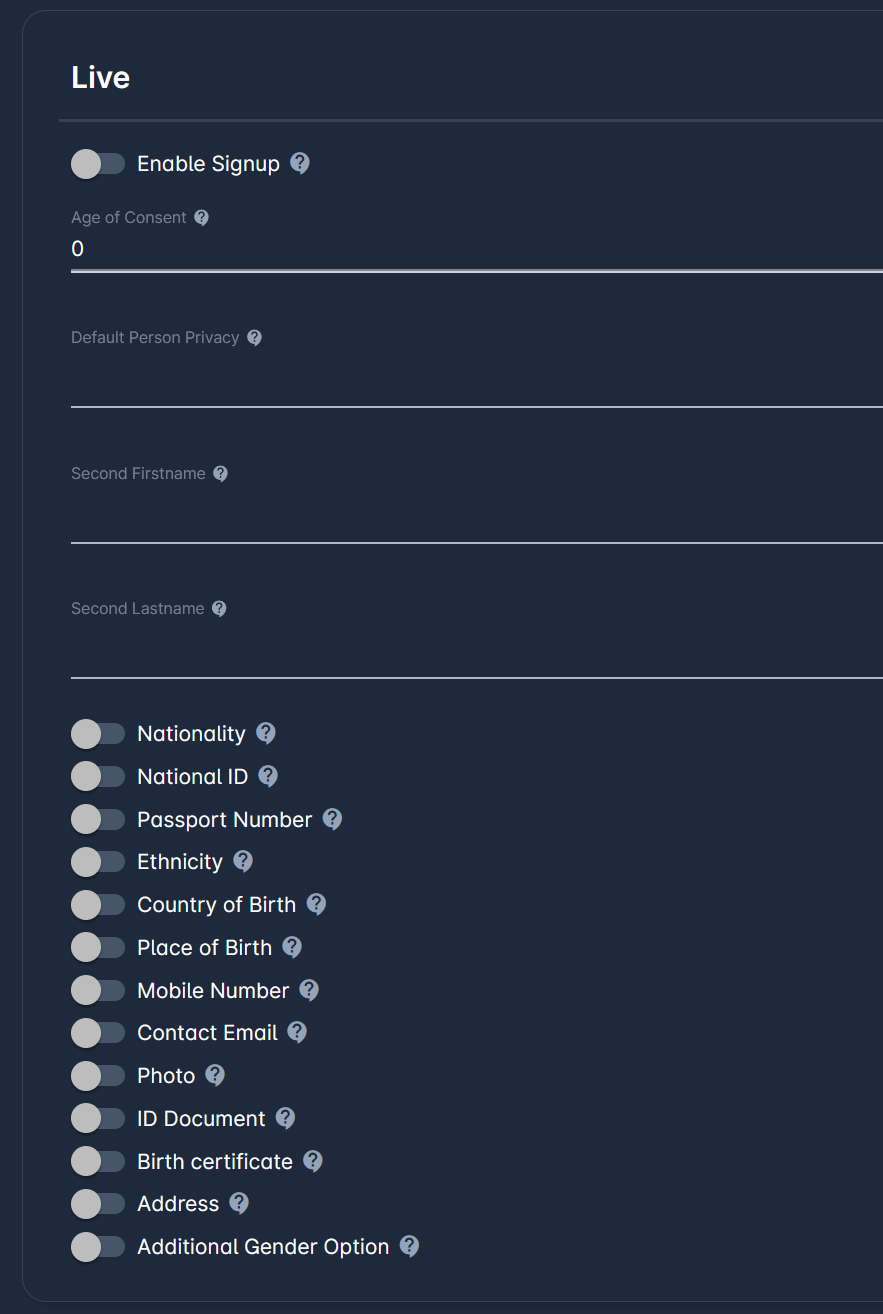
Enable Signup - Enables the signup form.
Age of Consent - Defines minimum age for signing up and accepting Terms and Conditions.
Default Person Privacy - Person pricavy will automatically be set on creation of new person in the system to the selected default value. Default value is considered only if Match Live Status is enabled in Extensions → Live.
Second Firstname - Enables the use of Additional Firstname or Middlename
Second Lastname - Enables the use of Additional Lastname
Nationality
National ID - Enables National ID
Passport Number - Enables Passport Number
Ethnicity - Enables the use of Ethnicity for Persons
Country of Birth - Enables the use of Country of birth
Place of Birth - Enables the use of Place of birth
Mobile Number - Enables the use of Mobile Number
Contact Email - Enables the use of Contact Email for Persons (if above Age of Consent)
Photo - Enables the use of Photos
ID Document - Enables the use of ID Documents
Birth certificate - Enables the use of Birth certificate
Address - Enables the use of Addreses
Additional Gender Option - If enabled, there will be an additional option to choose from on the Gender field, the value set will be null. Only applicable for LIVE signup.
Registration Profiles
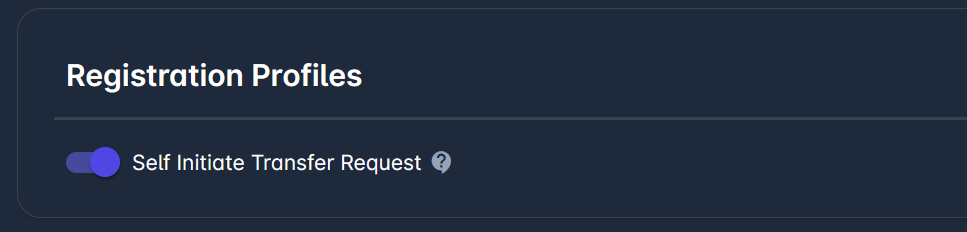
Self Initiate Transfer Request - Allow initiation of transfer request, i.e. self registration entry by players who are already officially registered.
Club
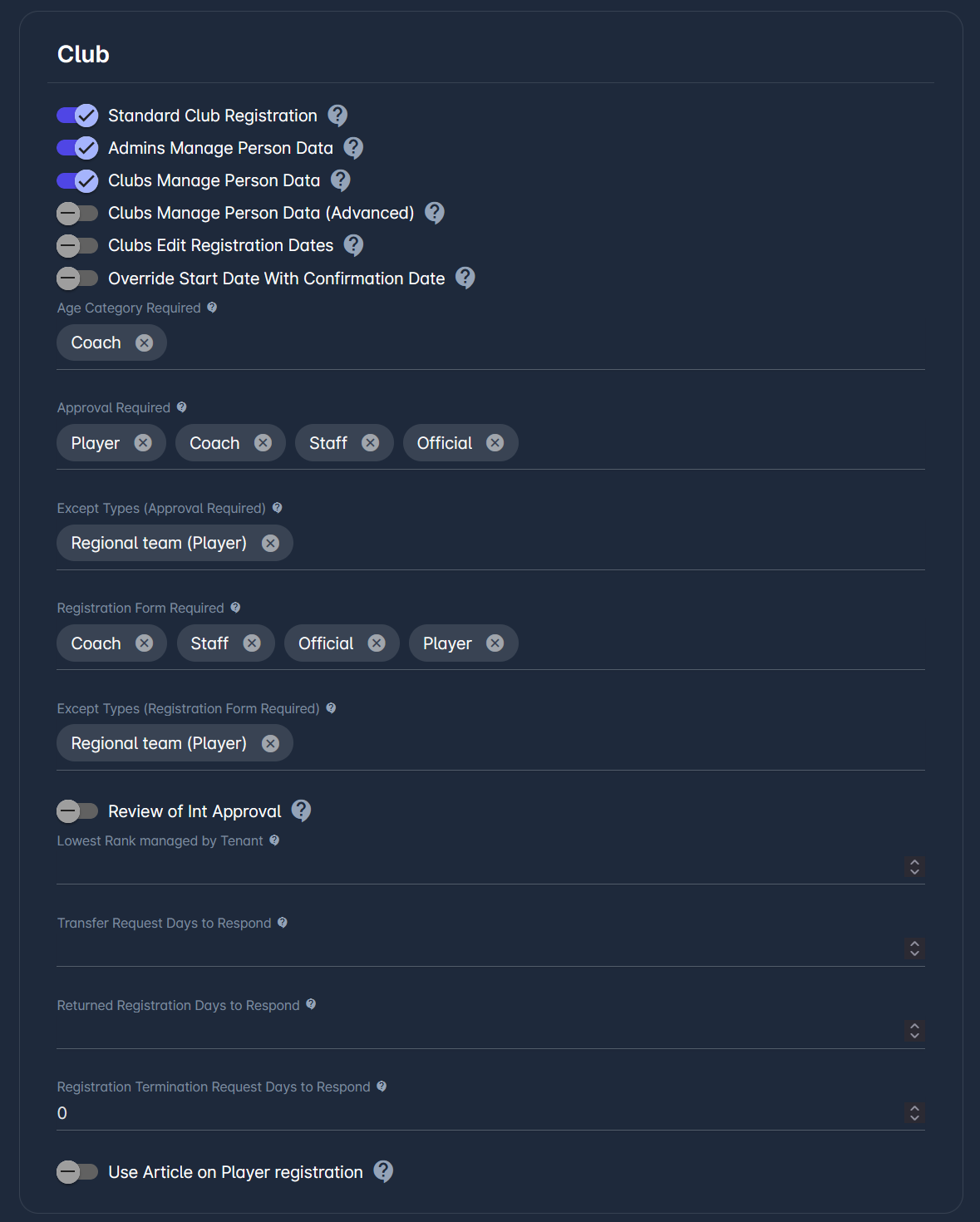
Standard Club Registration
Admins Manage Person Data - If enabled, relevant Admins (e.g. Player Admin) can update Personal Data for registered Persons in their Registration Category, for Clubs in their Rank underneath their hierarchy. If disabled, they’ll be able to do the same as clubs, irrespective of Rank, and only Tenant Superuser and Person Admin will retain full admin authorizations to manage Person Data.
Clubs Manage Person Data - Clubs can create new Persons, update All Personal Data for Registrations in Entered/Returned status, as well as update certain non-identification fields in Submit/Approced/Confirmed statuses.
Clubs Manage Person Data (Advanced) - In addition to above, Clubs can update certain identification fields in Submit/Approved/Confirmed statuses, such as Photo, Shortname, or National ID.
Clubs Edit Registration Dates - Clubs can edit Registration Date From and Date To in statuses where it can edit Registration.
Override Start Date with Confirmation Date - If ON, on Registration Status Change Start Date will be overridden with the current date.
Age Category Required - Registration categories for which Age Category is displayed and required
Approval Required - Registration cateogries for which approval by governing body is required.
Except Types (Approval Required) - Registration types excluded from Required Approval.
Registration Form Required - Registration Categories for which submission of Registration Form is Required.
Except Types (Registration Form Required) - Registration types excluded from Required Registration Form.
Review of Int Approval - Indicates whether international approvals need to be reviewed by Player Admins.
Lowest Rank managed by Tenant - Registrations for Clubs of this rank and above are confirmed at Tenant Level.
Transfer Request Days to Respond - After this number of days, an unresponded submitted Transfer Request will be highlighted to Admin.
Returned Registration Days to Respond - After this number of days, an unresponded returned Registration will be highlighted to Admin.
Registration Termination Request Days to Respond - Highlights registrations that have remained in the current status longer than the threshold set in this parameter. This indicates that the club has not provided the requested response in a timely manner, and the registration is escalated for review to the administrator.
Use Article on Player registration - If enabled, Article will be shown and required on Player Registration.
Profile Mapping
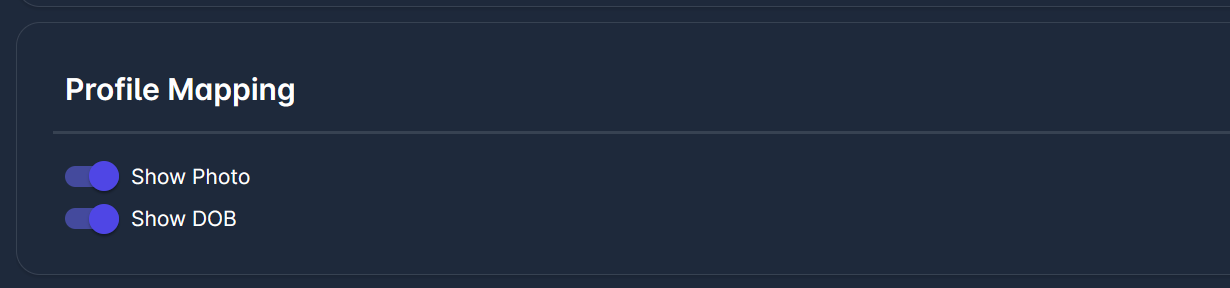
Show Photo
Show DOB
Competitions
Fifa Seasonal Constraints
For more on seasonal constraints, please refer to FIFA Seasonal Constraints.
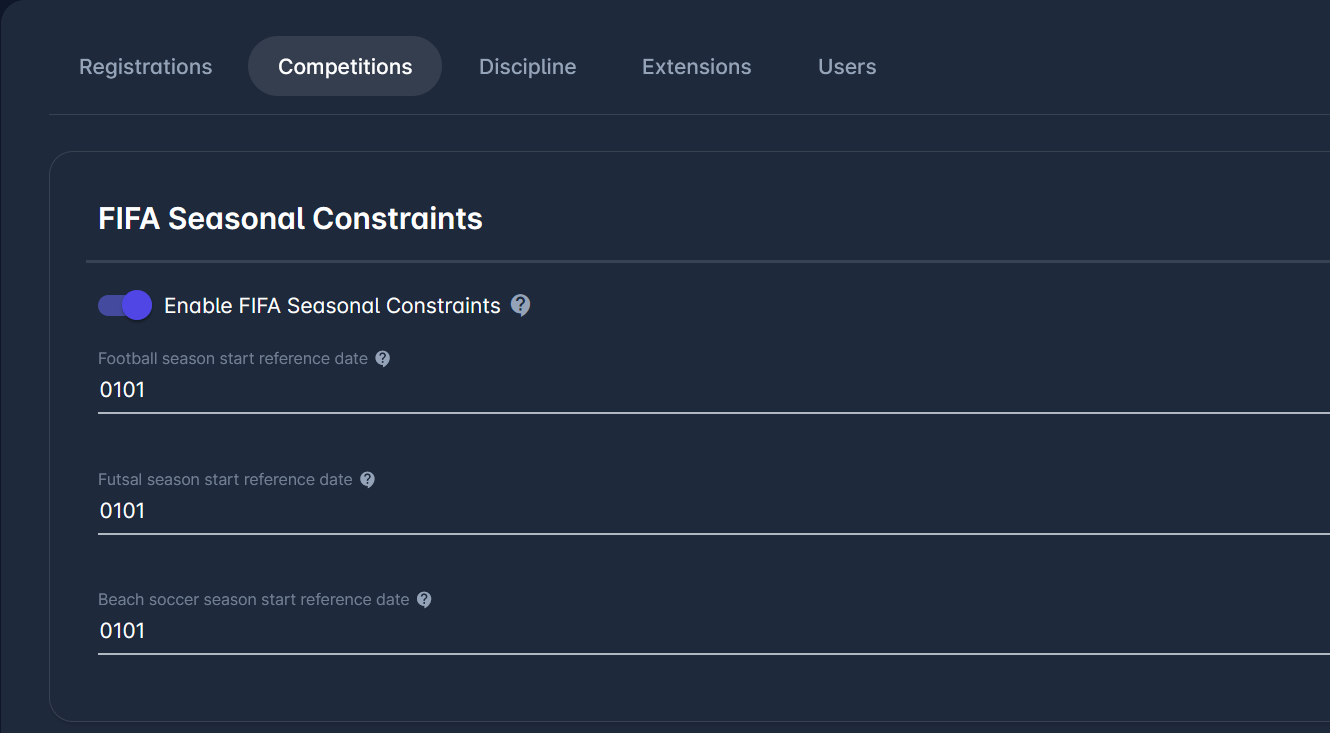
Enable FIFA Season Constraints
Football season start reference date
Futsal season start reference date
Beach soccer season start reference date
Eligibility
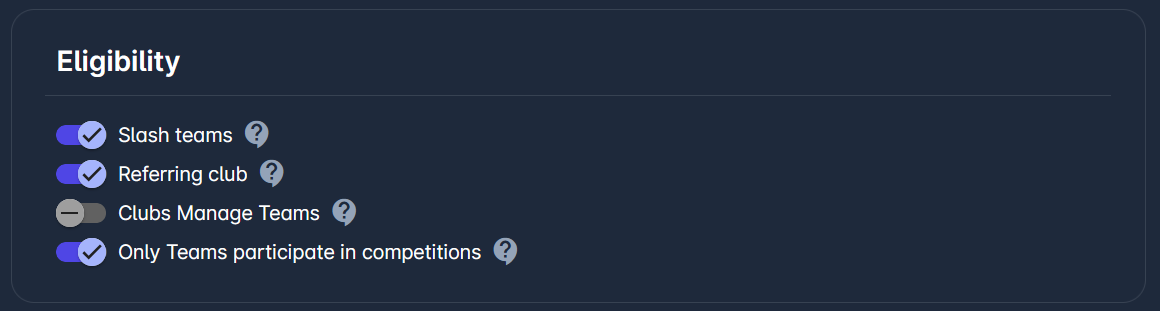
Slash Teams - Enables the usage of the Slash teams, i.e. competition teams composed of multiple clubs.
Referring Club - Enables the usage of Referring Club in the Match Official Availability form.
Clubs Manage Teams
Only Teams participate in competitions - If enabled, only teams (and not their parent clubs) can be added to competitions. Otherwise, clubs can be added as well.
Match Officials
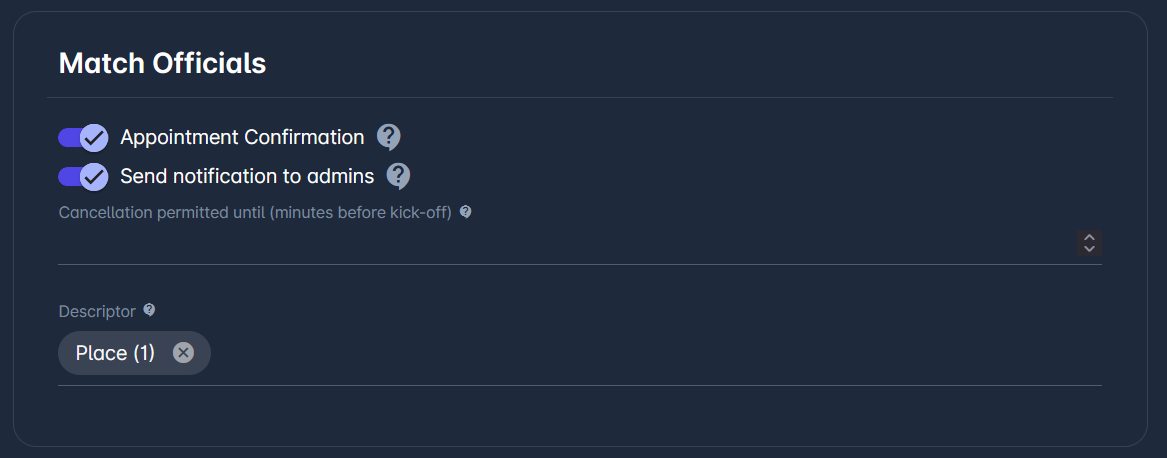
Appointment Confirmation - If enabled, requires by default approval/rejection of appointments by match officials.
Send Notifications to Admins - If enabled, notifications of app appointment responses will be sent to configured Administrators and Managers. Otherwise, only notifications of rejections will be sent.
Cancellation permitted until (Minutes before Kick-Off) - Specify the number of minutes prior to kick-off after which match officials are restricted from cancelling their appointment.
Descriptor - Attribute that is displayed next to the name of the Match Official, in order to distinguish it from others with same or similar name
Fair Play
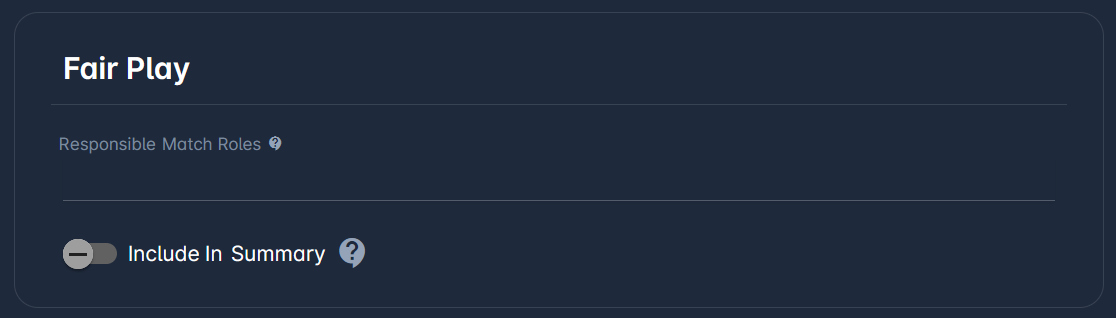
Responsible Match Roles - Responsible Match Roles for managing Fair Play Report
Include in Summary
Discipline
General
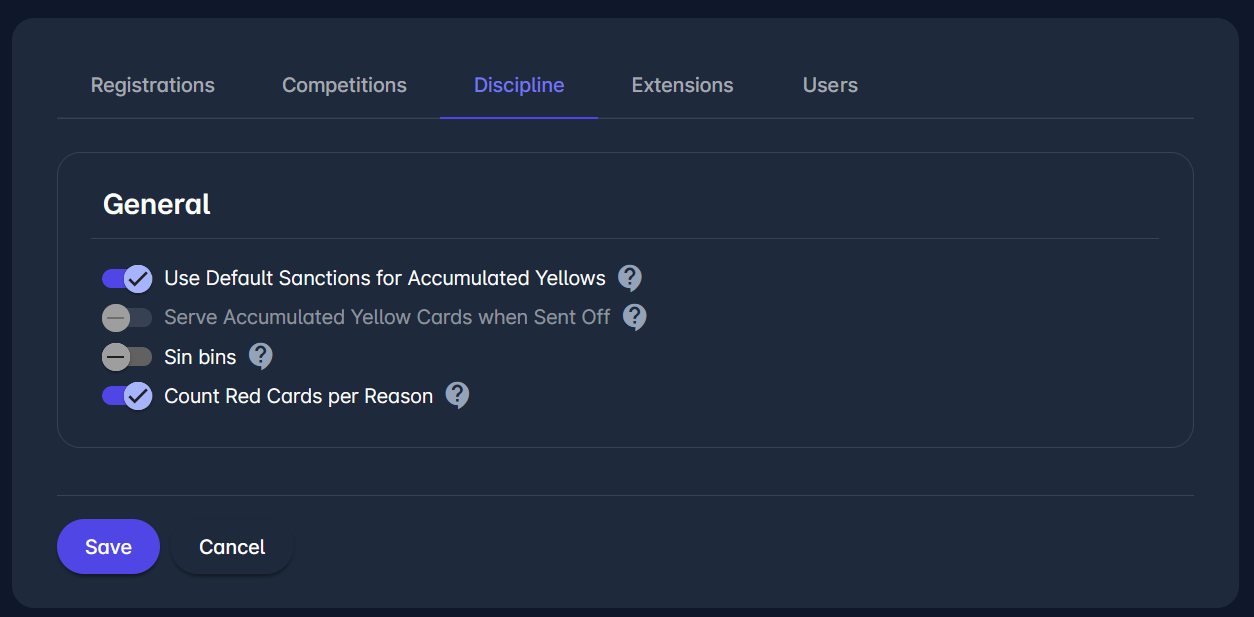
Use Default Sanctions for Accumulated Yellows - If default sanctions are used for accumulated yellow cards match suspension, then competition setting is ignored. Otherwise, if default sanctions are not used for accumulated yellow cards match suspension, then competition setting should be specified for the system to automatically suspend person without a sanction in the next match.
Serve Accumulated Yellow Cards when Sent Off - All pending accumulated yellow cards of sent-off person in the same competition will automatically be served and deactivated.
Sin bins - Enables the option in competition settings to use sin bins (temporary dismissals). sin bins may be switched on only if “Default sanctions” parameter is switched on.
Count Red Cards per Reason - If enabled, the order of Red Cards in Default sanctions is counted per specific reason, and Second Yellows are counted separately. Otherwise, the order is counted taking into account all Red Cards and Second Yellows, irrespective of reason.
Extensions
MyComet
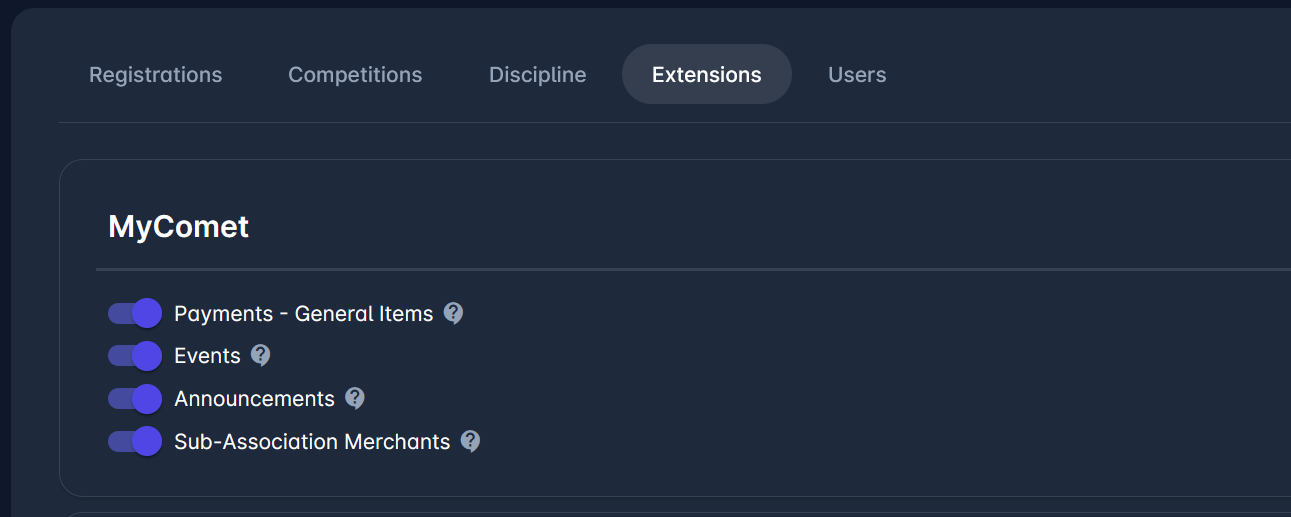
Payments - General items - Enables Merchant Administration for Associations and Payments of General Items by Individuals
Events - Enables Management of Events and Event Applications, and Payments by Individuals
Announcements - Enables Management of Announcement Campaigns by Associations
Sub-Association Merchants - Enables Payment of Sub-Association Items by Individuals and Clubs
Club
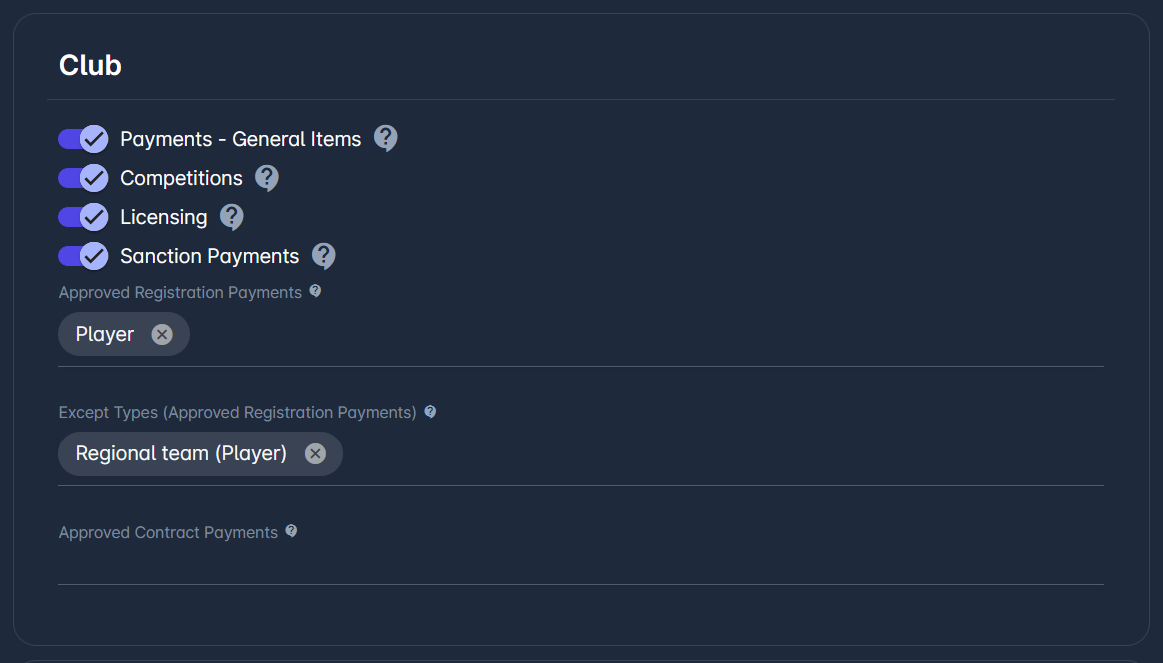
Payments - General Items - Enables Merchant Administration for Associations and Payments of General Items by Clubs
Competitions - Enables Management of Competition Applications by Clubs
Licensing - Enables Management of Club Licensing Cycles and Applications by Clubs
Sanction Payments - Enavbles Payment of Active Monetary Sanctions by Clubs
Approved Registration Payments - Enables Payment of Approved Registrations by Clubs
Except Types (Approved Registration Payments) - Registration types excluded from Approve Registration Payments
Approved Contract Payments - Enables Payment of Approved Contracts by Clubs
Association
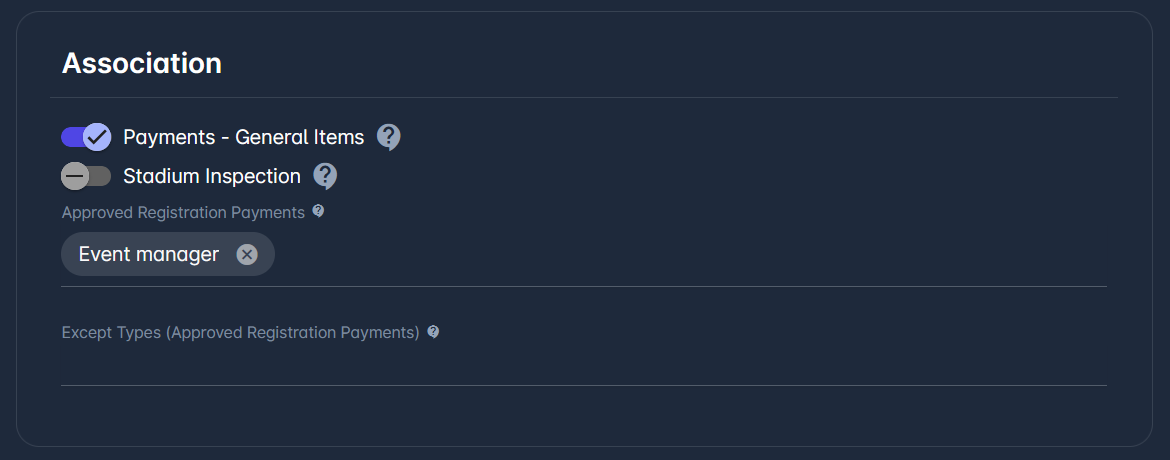
Payments - General Items
Stadium Inspection - Enables management of Stadium Licensing Cycles.
Approved Registration Payments - Enables Payment of Approved Registrations by Associations.
Except Types (Approved Registration Payments) - Registration types excluded from Approve Registration Payments
Play
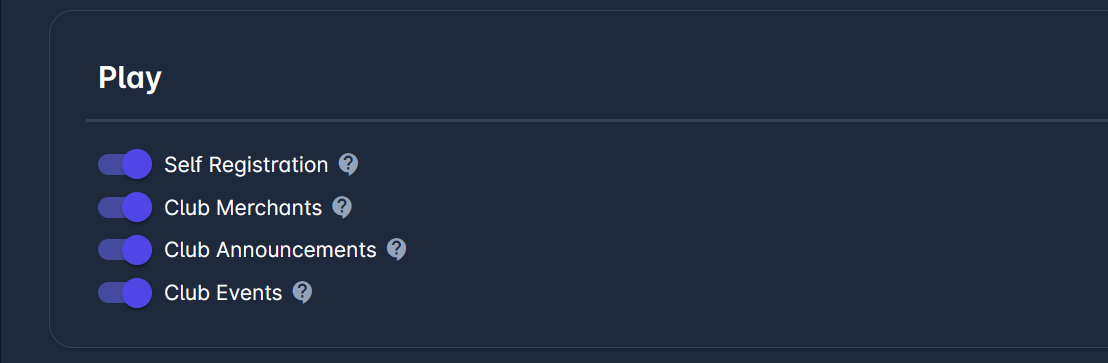
Self Registration - Enables Managment of Registration Profiles and Self Entry of Registrations and Individuals.
Club Merchants - Enables Merchant Administration for Clubs and Payments of General Items to Clubs.
Club Announcements - Enables Management of Announcement Campaigns by Clubs.
Club Events - Enables management of Events by Clubs.
Users
General
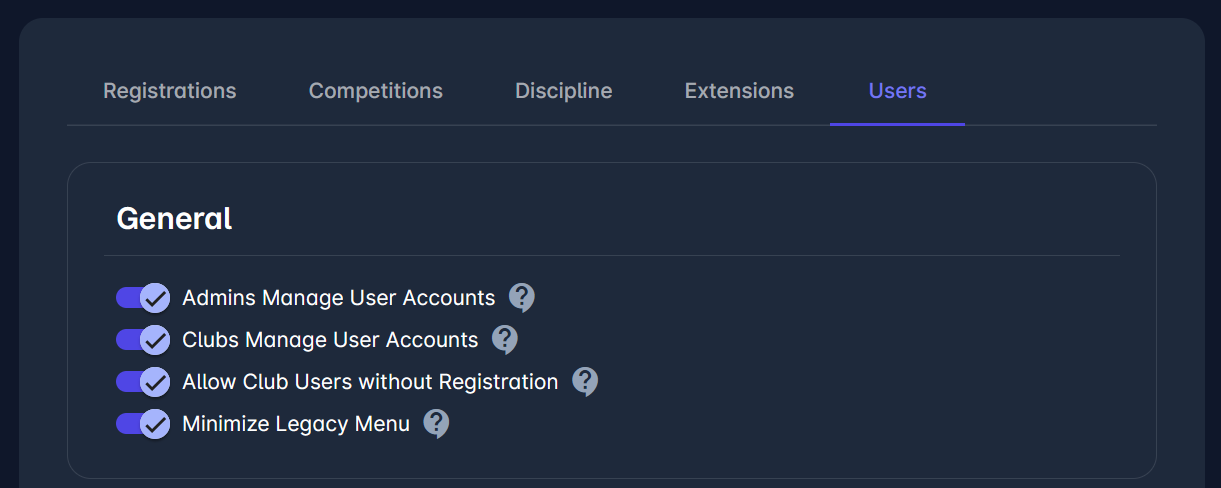
Admins Manage User Accounts - Competition, Referee, Discipline, Event, Licensing Managers can open and manage relevant user accounts for their Association
Clubs Manage User Accounts - Club Managers can open and manage user accounts for their club and teams.
Allow Club Users without Registration - If enabled, club user profiles can be opened without restrictions. Otherwise, club user profiles can only be created for persons actively registered to their club (at least one registration in status approved, confirmed, or termination requested).
Minimize Legacy Menu - If ON, hides most menu items in COMET for users with certain roles or even restricts access to COMET to some roles (Event Managers and Licensing Managers).
Support
Include Users - If disabled, only Superusers will be able to include additional users to tickets. Otherwise, other Users, including Reporter and other Included Users, will not be able do to so.
Authentication
2FA Required - If ON, then makes 2FA required for all users in the tenant. On changing this setting, the system asinchronously sets up users to use (ON) or not use (OFF) 2FA via Configure OTP required action on a user in Keyclok, and once the asynchronous execution has finished, email notification is sent to user who saved the changes of this system parameter.