
In addition to adding a new user profile for an existing user from their user profile, whether the account is managed by clubs or managed by superusers, you can also add a user profile for your organization when you cannot access the user’s other profile due to authorization restrictions.
If a person already has a COMET account as a user in another organization, you do not need to create a new user. Instead, you can add a new user profile to the existing user.
Adding a new user profile allows the same person to access multiple organizations or roles using a single COMET account.
Steps
1. Open the Users tab
E.g., let’s say that the user has an existing profile for Shamrock Rovers FC, but you need to add them a profile for Ballinamore.
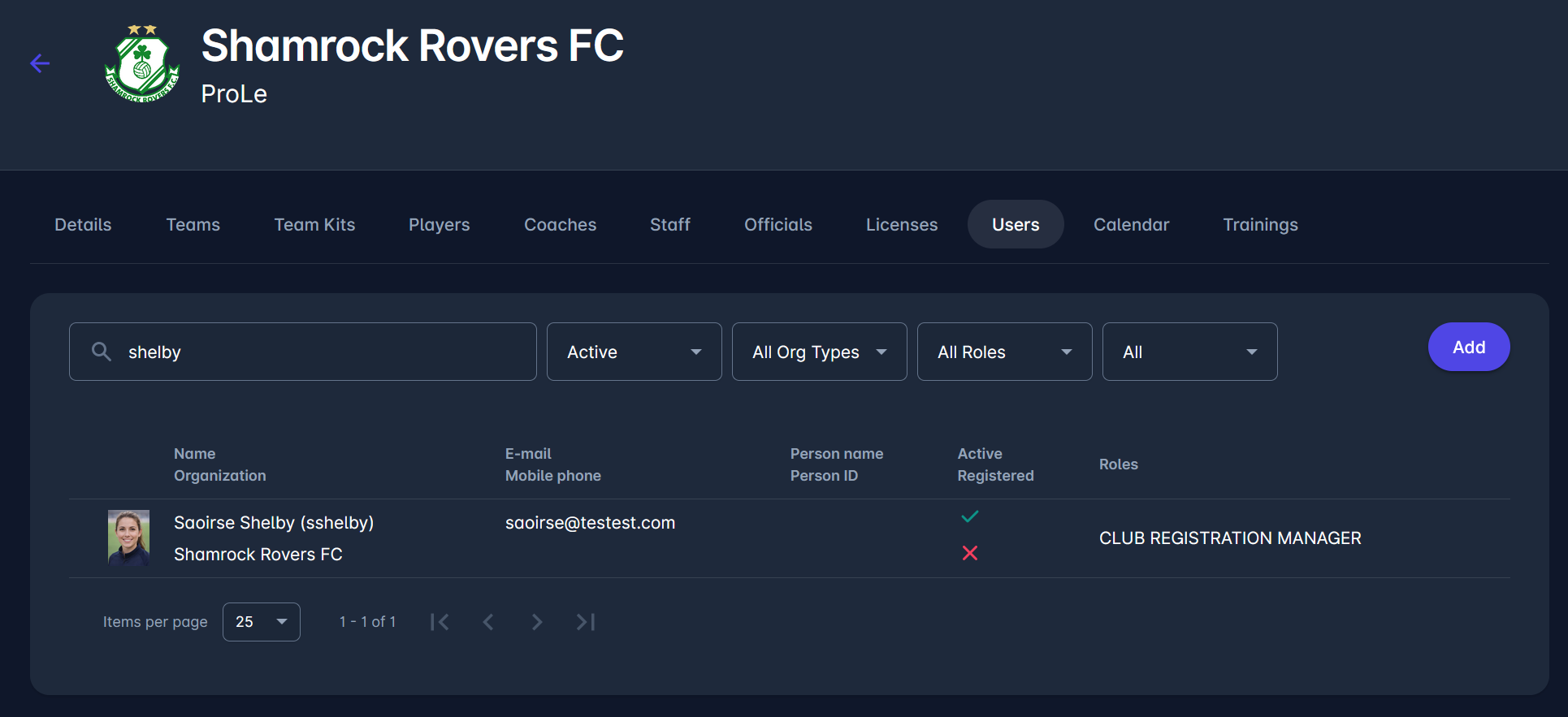
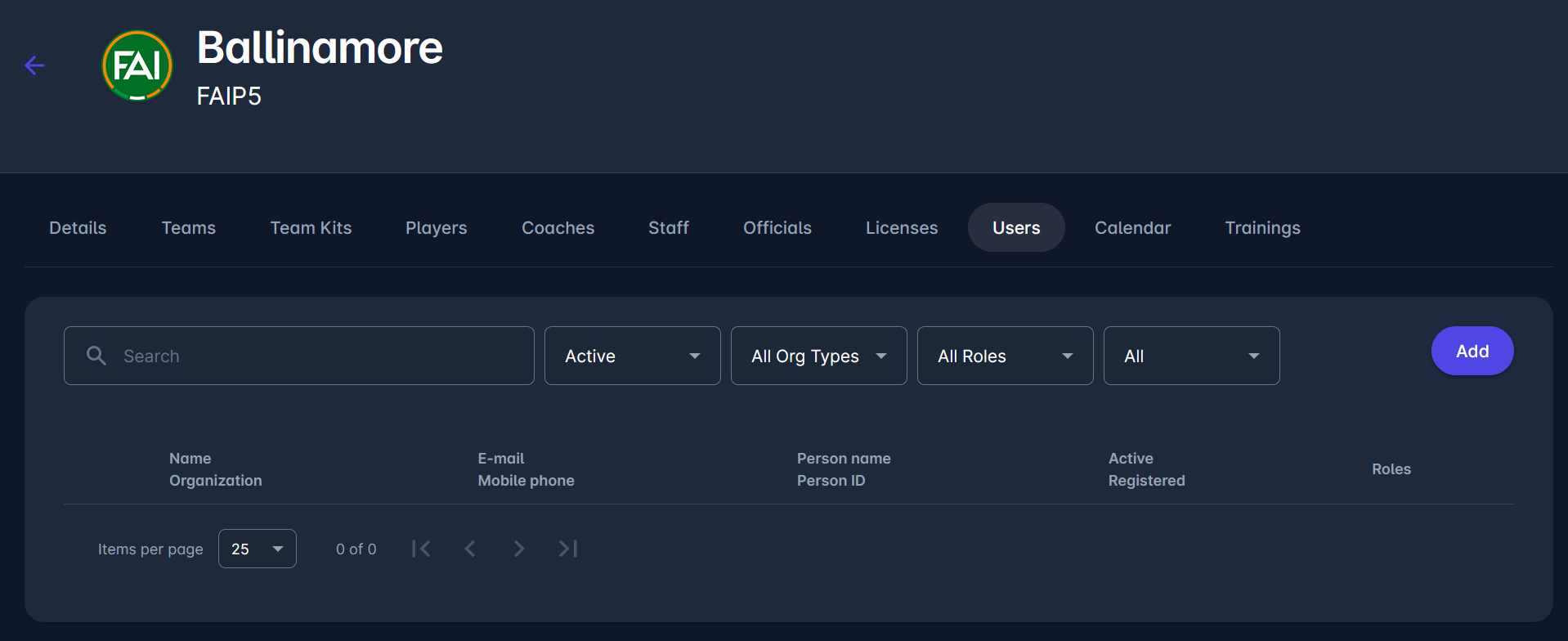
To add them a new user profile, navigate to the Ballinamore Club page and open the Users tab.
Click Add to create a new user.
2. Enter user details
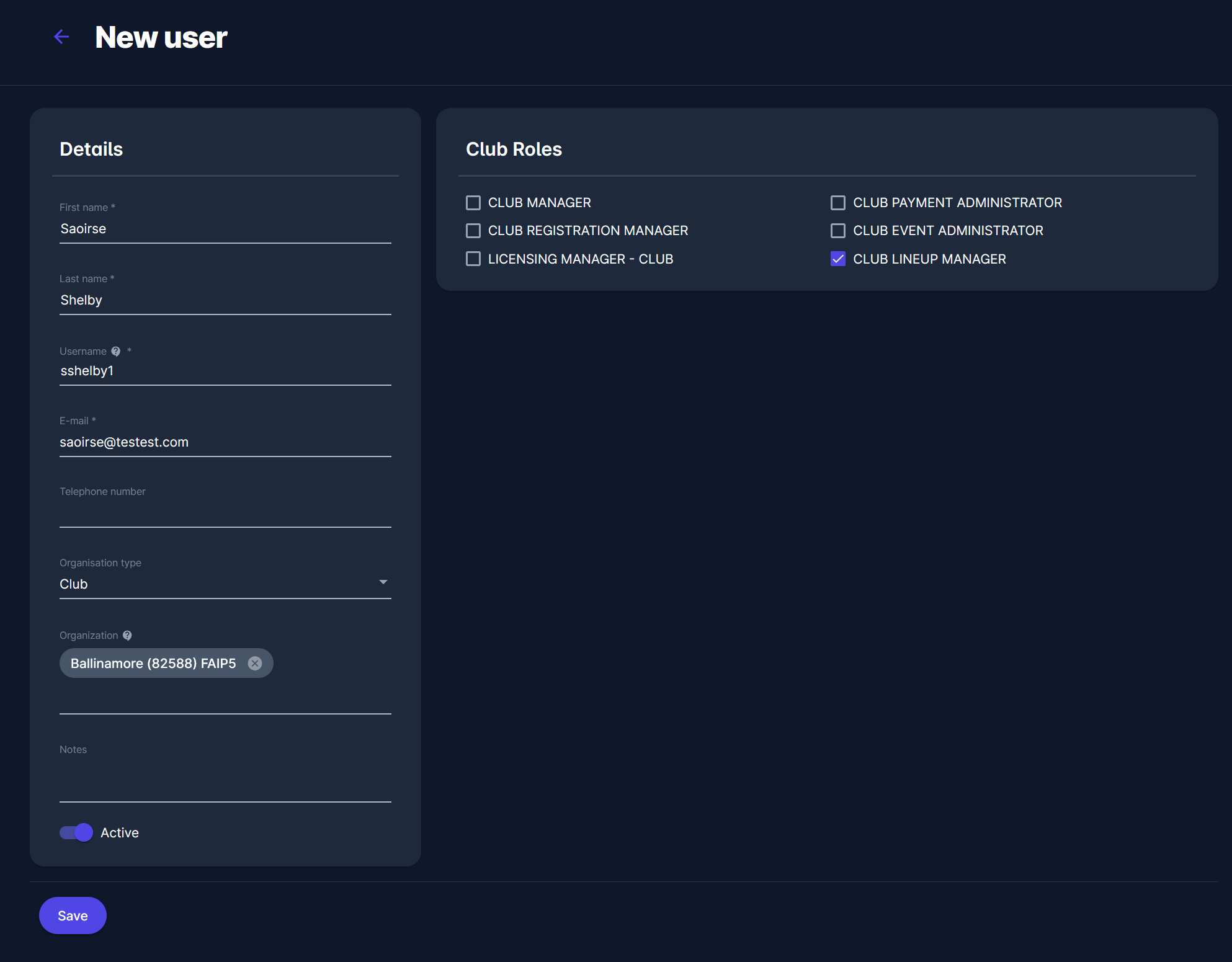
Fill in the required fields in the New user form.
In the E-mail field, enter the email address of the existing COMET user.
3. Existing user detected
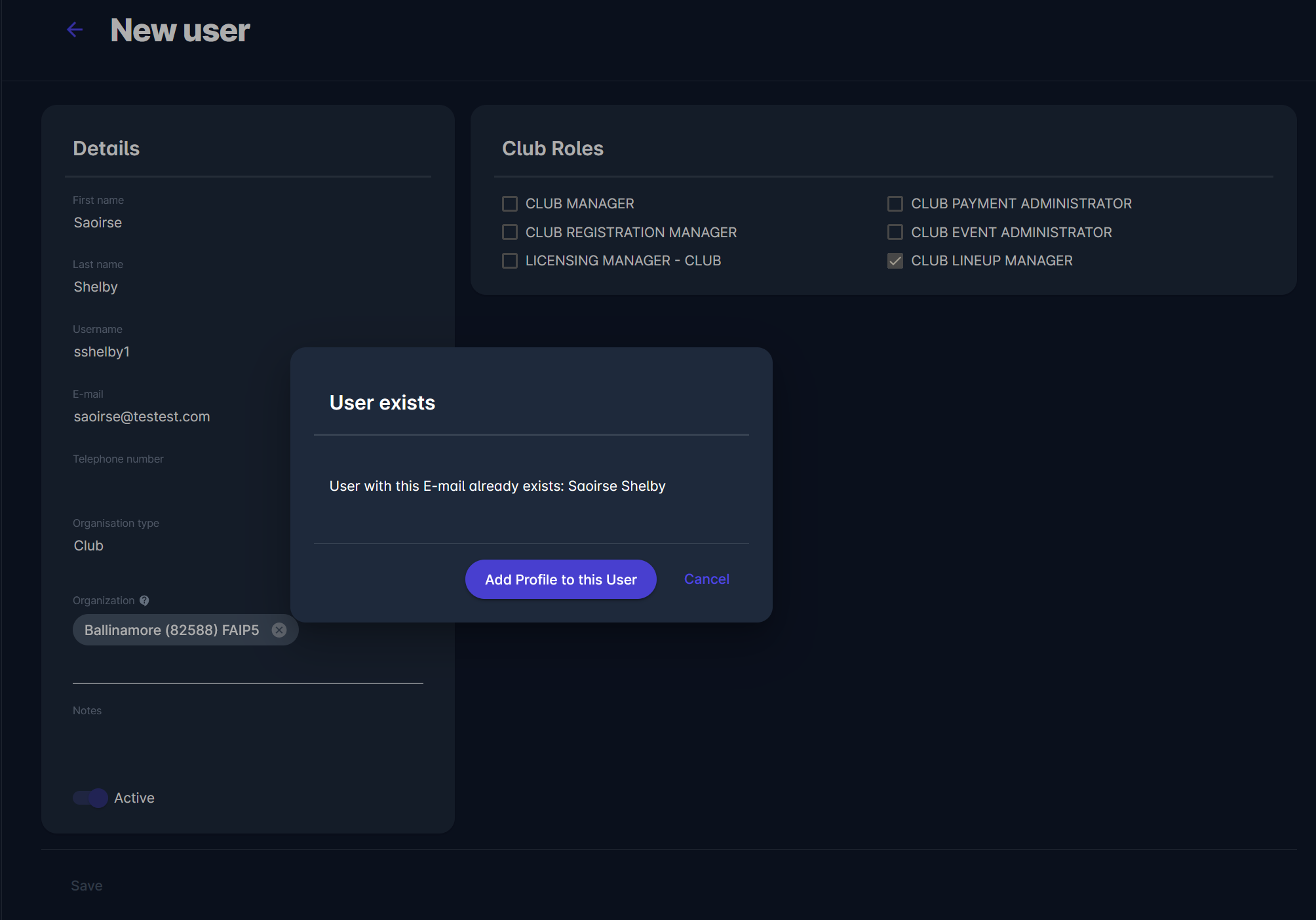
If the entered email address already belongs to an existing user, COMET will display a message indicating that the user already exists.
Click Add Profile to this User to continue.
4. Add a profile for the user
You will be redirected to the Add Profile page.
Select the Organization and assign the appropriate roles for the user. Adjust other settings if needed.
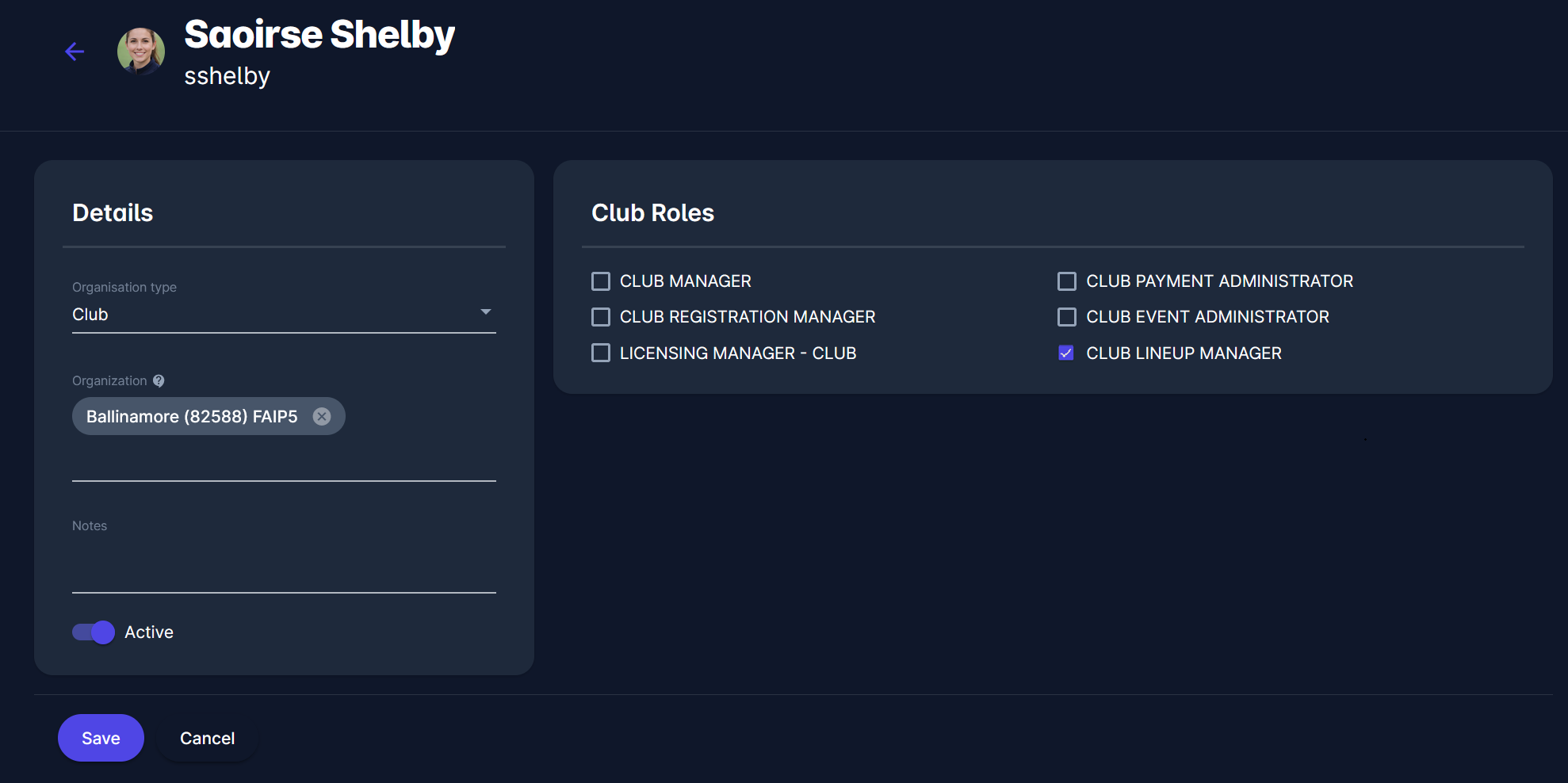
5. Save the profile
Click Save to add the new profile to the existing user.
The user will then appear in the Users list for your organization with the assigned role.
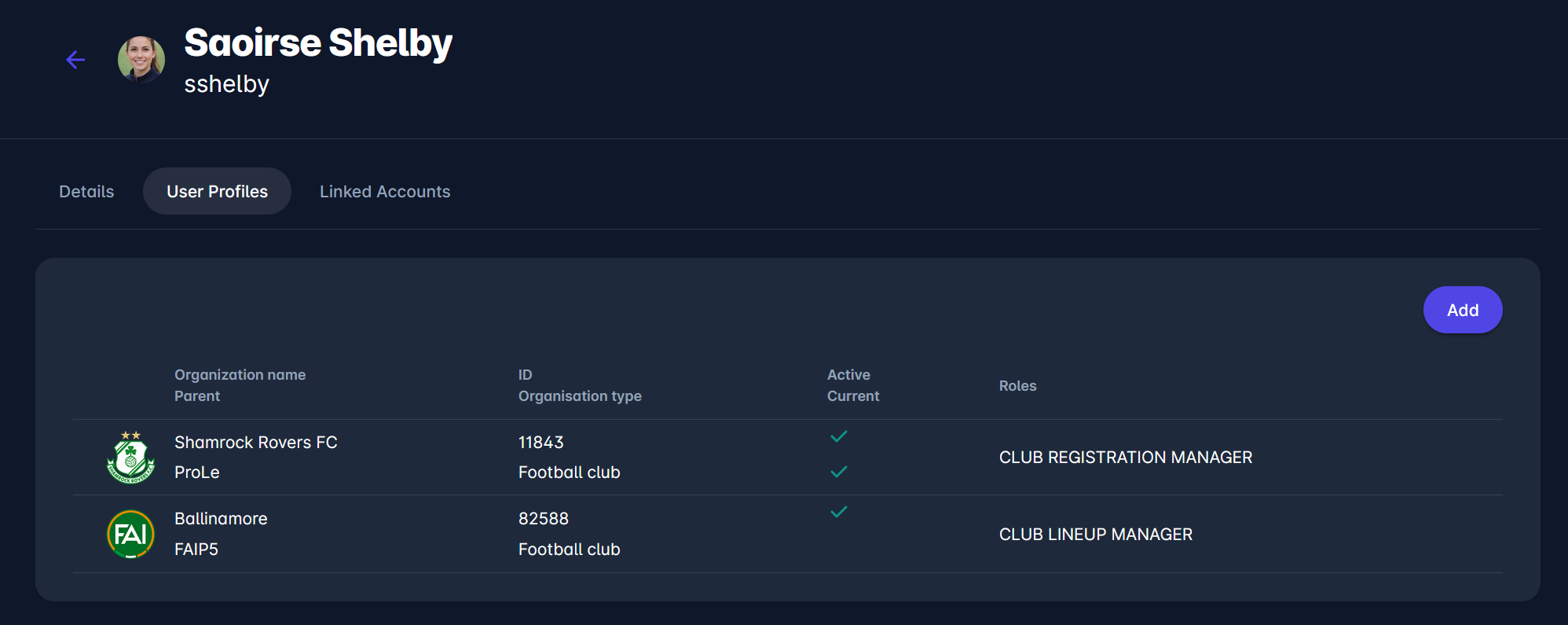
As a result, the existing user now has an additional user profile linked to your organization. The user can access COMET using the same account and perform actions based on their assigned roles.