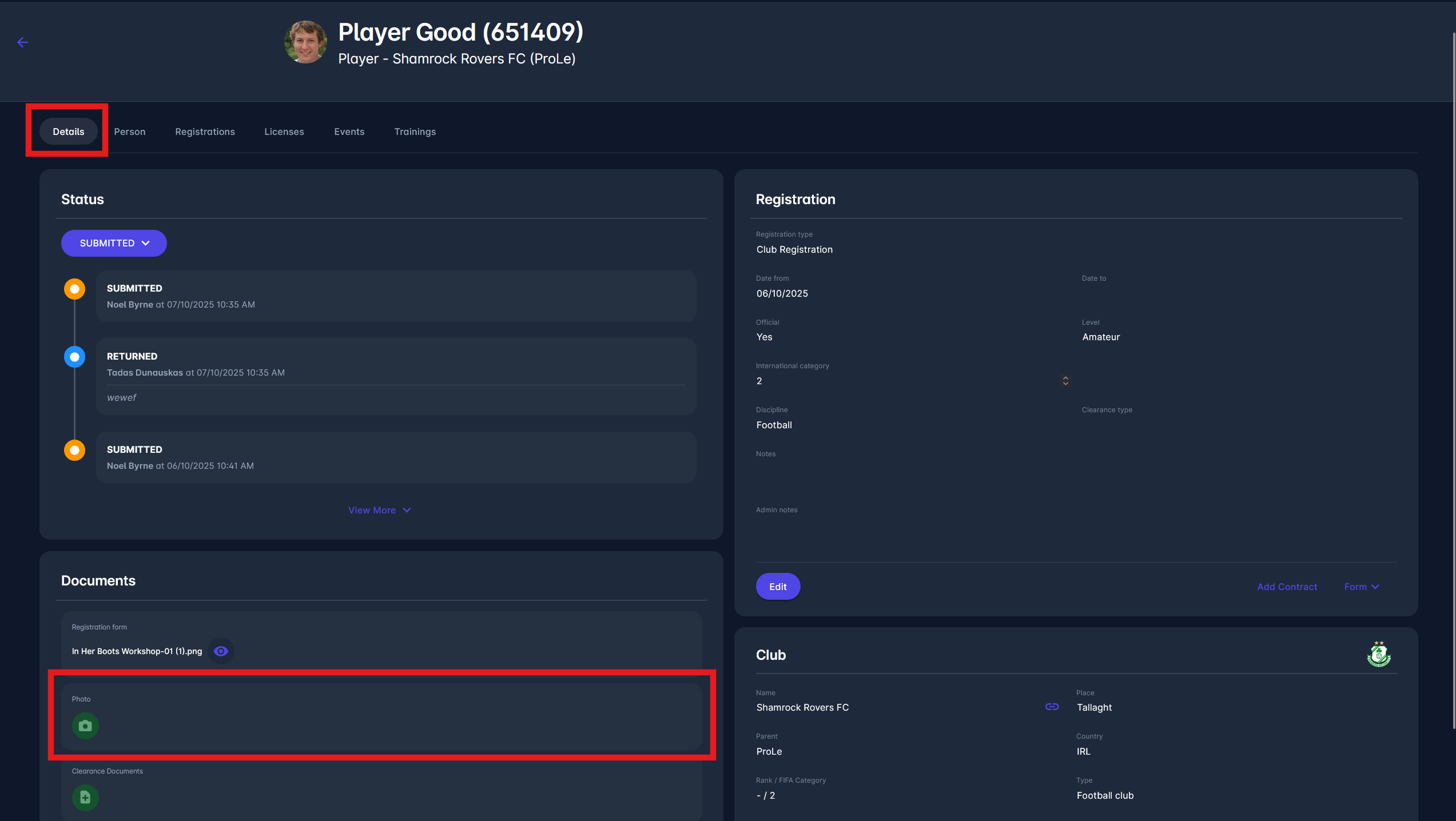
Please make a distinction that:
-
A person’s photo is uploaded to their Person tab
-
A registration photo is uploaded to the registration documents
Please note that:
-
If a photo should be fetched for a person, the system fetches the person photo
-
If a photo needs to be fetched for registration, the system attempts to retrieve the last active registration photo. If it does not exist, the system then fetches the previous active person photo.
The photo is fetched based on registration (printing ID card, printing match start list, adding match events to match the role, page for registration details on scanning QR code of ID card, and many more). The person’s photo is displayed if the registration photo does not exist.

On the contrary, the photo uploaded to registration is not displayed in the profile icon.
To add the registration photo, click the 📷 camera button in the Documents section under the Registration Details tab.