
To enter match events in real time, with the event minute pre-filled by the Match Timer, the match must first be started (Live Status IN PROGRESS). The match can only be started when both team lineups are confirmed, or when the current time is after the scheduled match start time.
To enter a Match Event:
-
Make sure you opened the HOME or AWAY team lineups.
-
Click on any person you want to add a match event.
-
Warning: Match events such as Goal, Own Goal, Penalty, and Sin Bin can only be added to players in the starting lineup or after a player has been substituted. Therefore, before entering such events, ensure that substitutions are added as events for players listed as substitutes.
-
-
To make a substitution:
-
Click any player as a Substitute
-
Then click 'Substitution'
-
select a player for replacing
-
click 'Save'
-
For competitions where settings are set for "Flying substitutions" please refer to the article: Team Lineups.
-
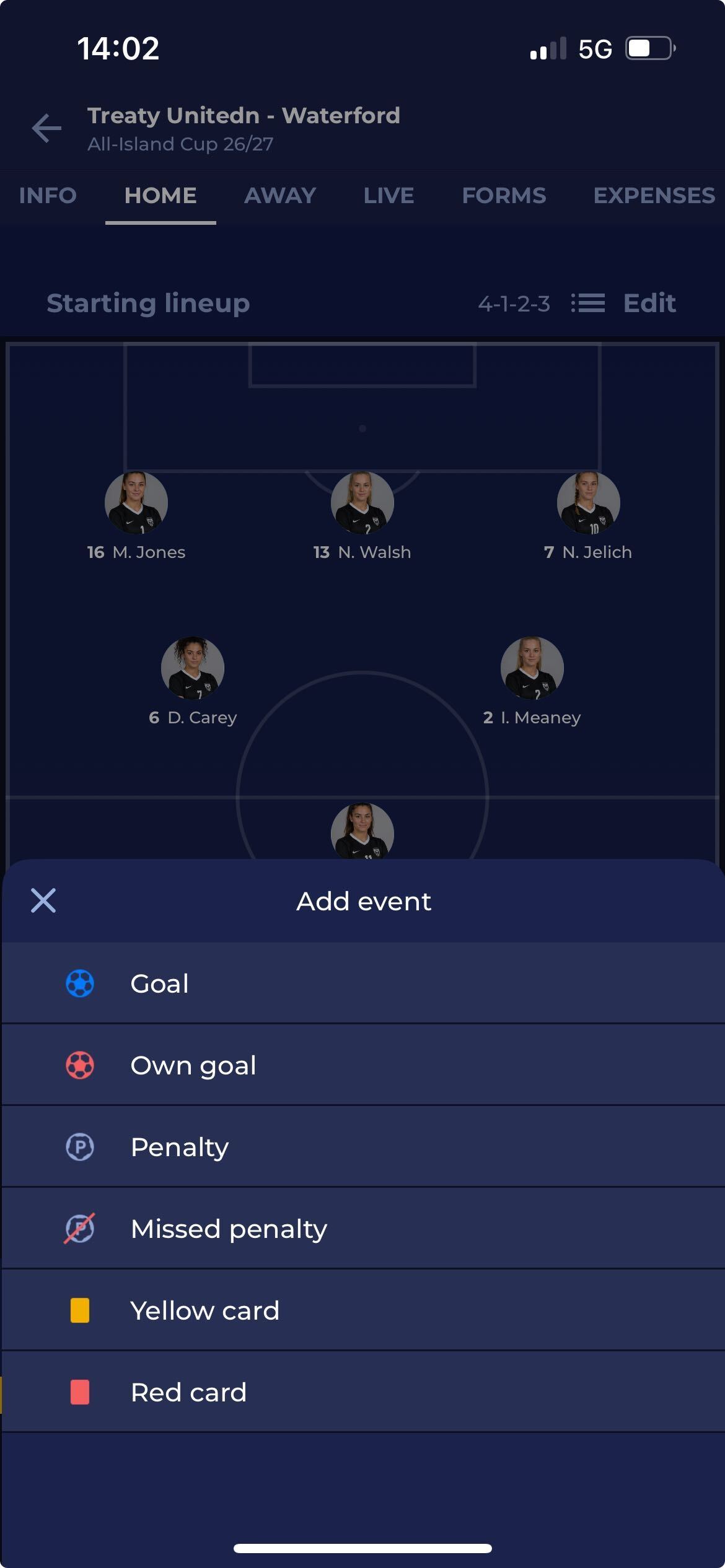
If the tactical formation has been defined for the team of the club, you can click on the player in a formation to also select and add a match event
-
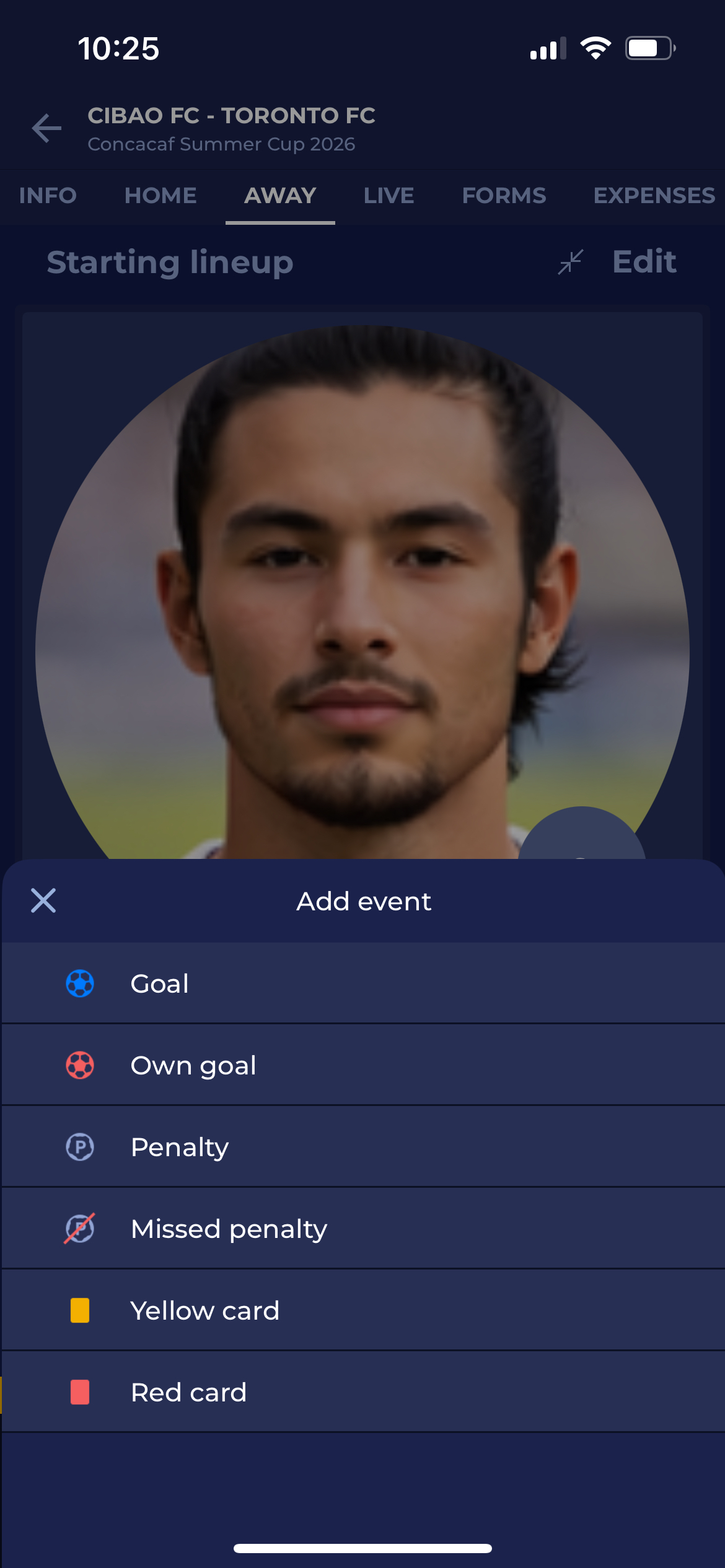
Once you open your selected player, you can choose the event from the list and click on it.
-
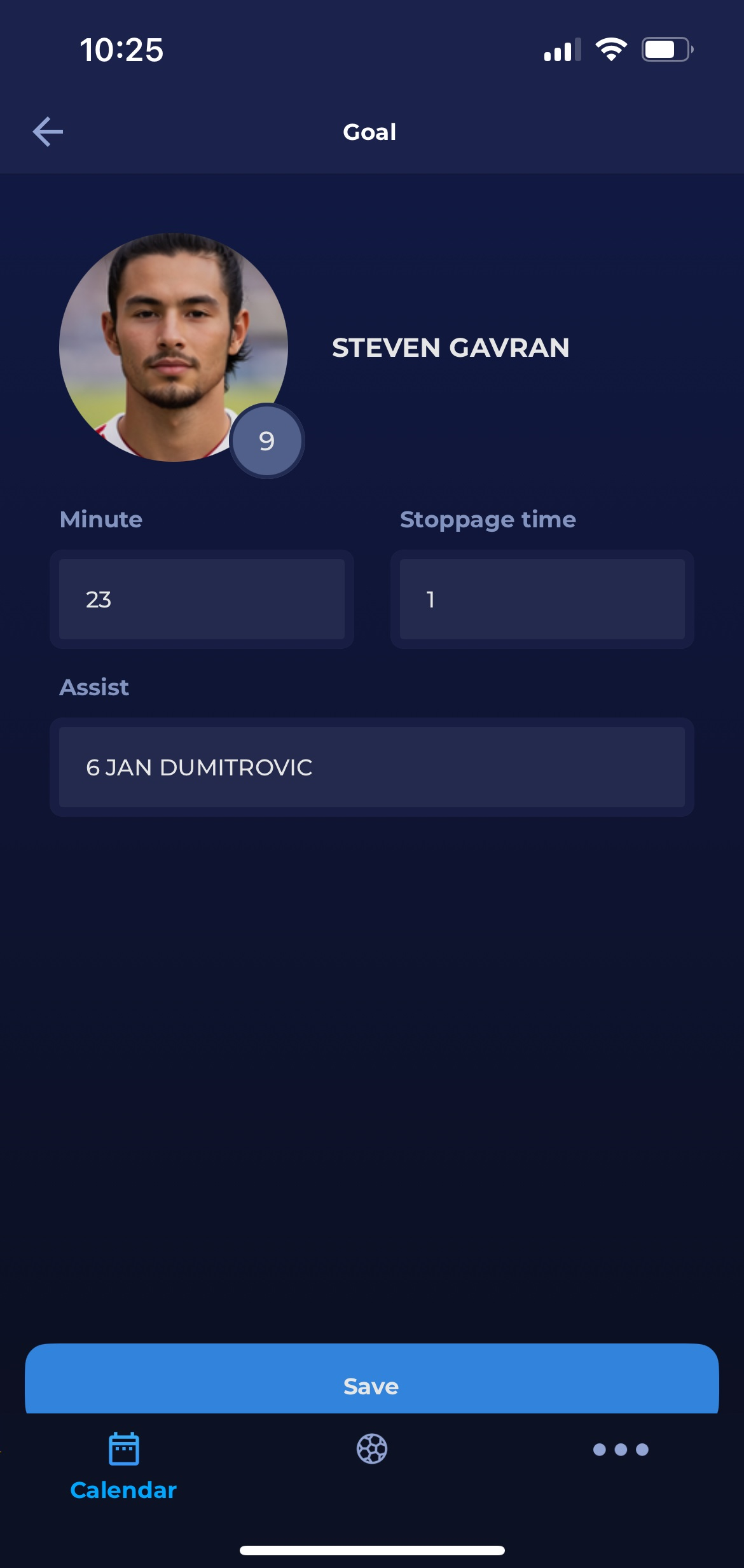
If you have selected any goal type, you need to add Minute and Stoppage time if applicable.
-
Click 'Save' to add the event.
-
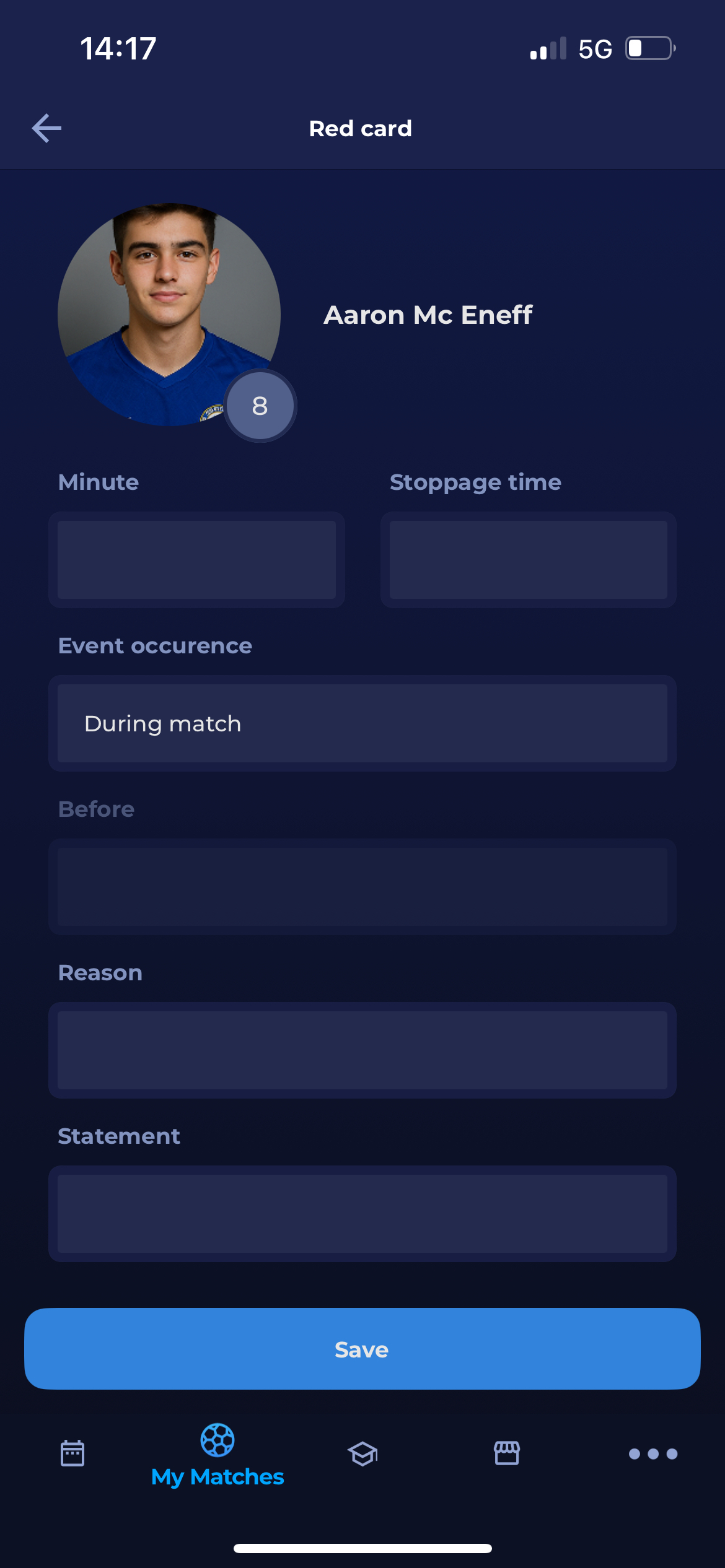
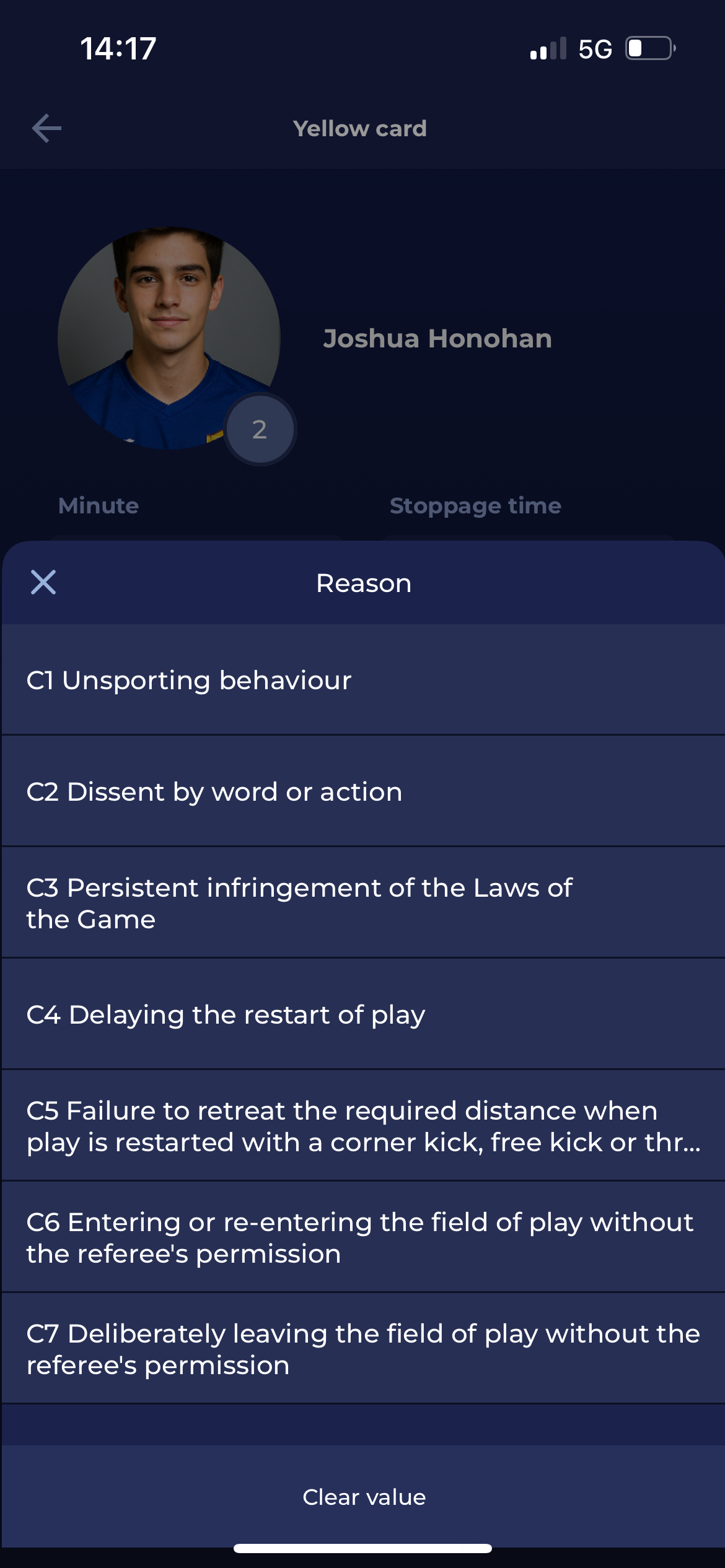
If you want to add a Yellow or Red card, you also need to select the reason for the card.
-
For Red or Yellow card cases, you can add a description of the situation (Statement field), which will be added to the Disciplinary Case in the COMET.
-
If you want to add a Sin Bin Card, you can enter the statement for the Sin Bin.
-
Click 'Save' to add the event.