
You can add and edit team kits from the Match screen.
To access the Kit section:
-
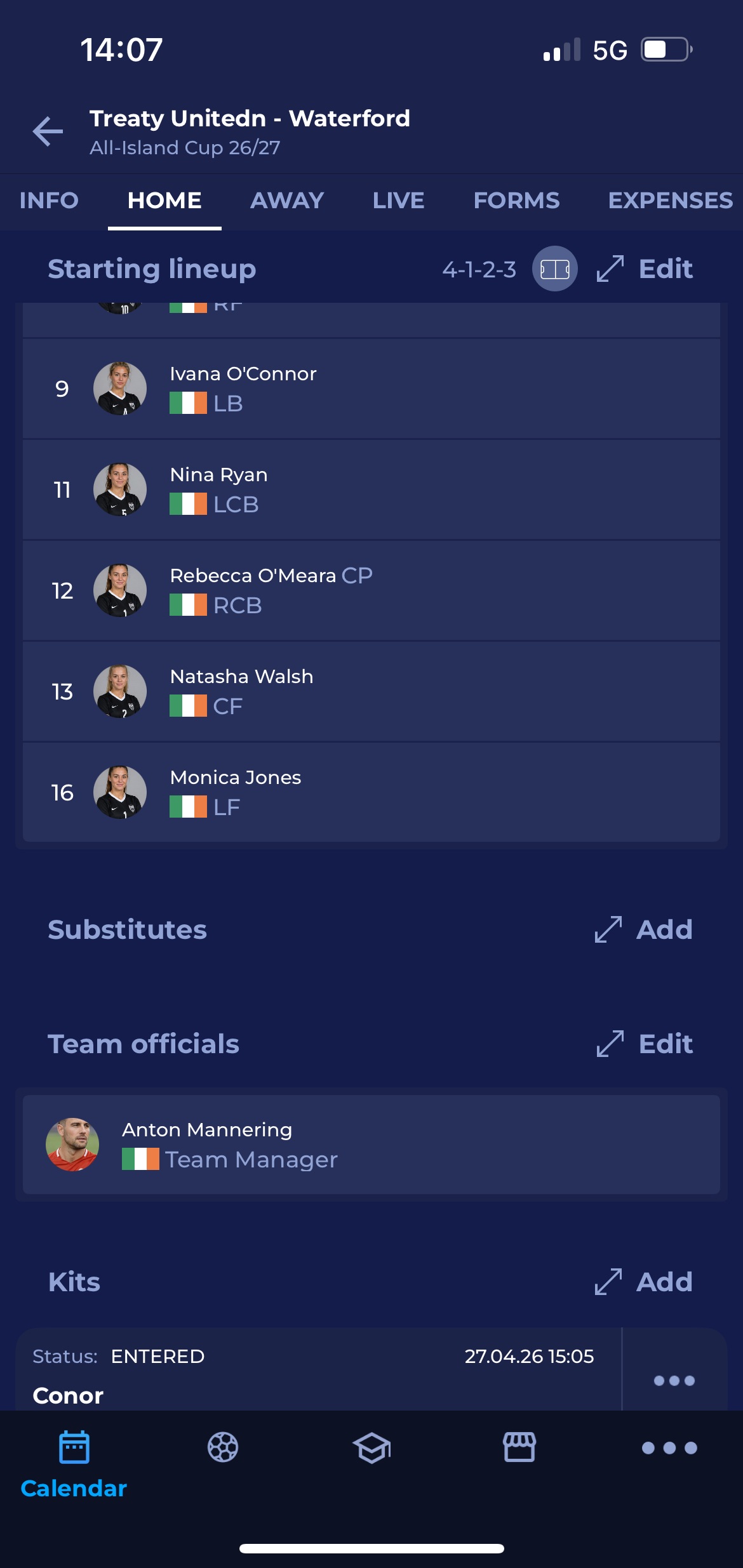
Access the Match screen by tapping the match name on the My Matches screen (or choose the match from the Competitions menu)
-
At the top of the match screen, tap either the “Home” or “Away” tab, depending on which team you want to add/edit kits for.
-
Scroll to the Kits panel and tap on the panel
To add kits:
-
Click the add button on the Kits panel
-
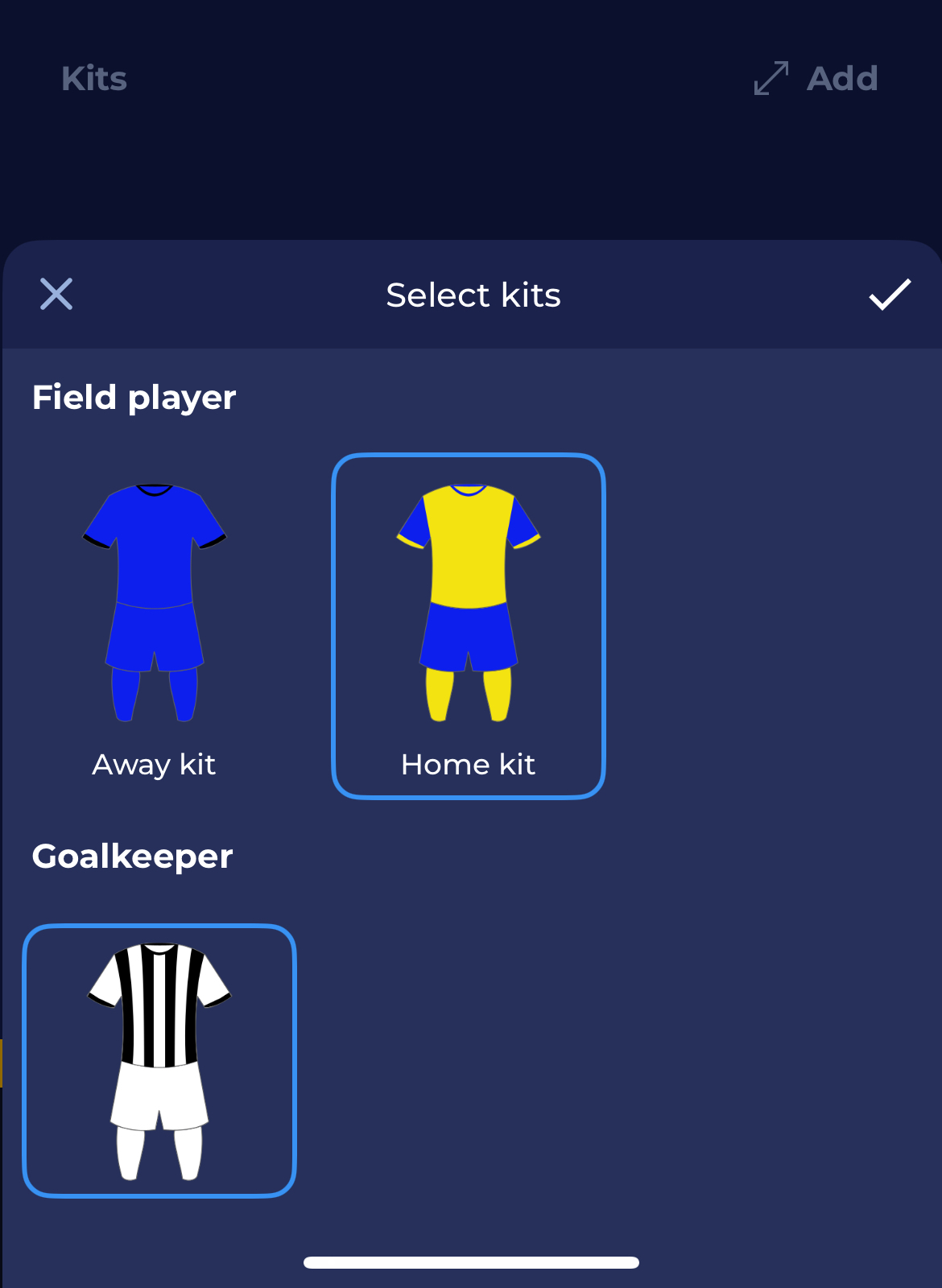
If kits are defined in the COMET System for your club/team, a pop-up window will appear, allowing you to select kits for your team.
To edit kits:
-
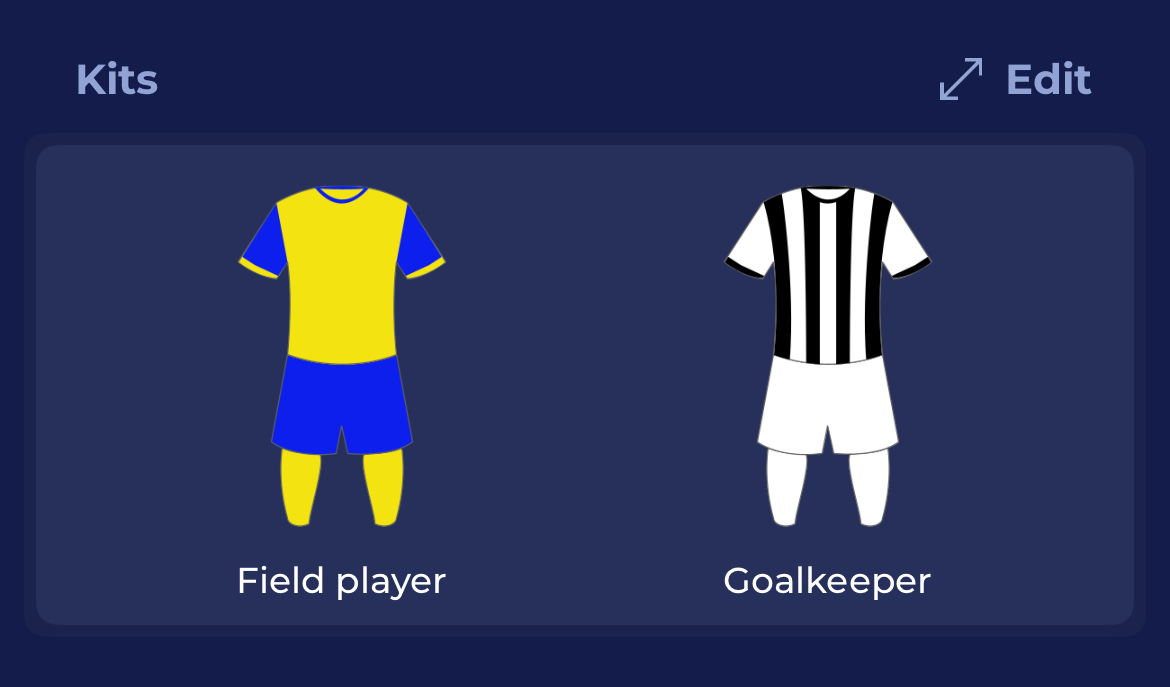
Click the edit button on the Kits panel
-
The pop-up window will appear, and you will be able to deselect and select new kits for your team
The Kits selection is displayed in the view mode of the Match details.
Team Kits management is also available in the MyCOMET interface.