
Return to the team tab, and tap Add button next to Team officials. If at least one official has been appointed, the Add button will be replaced with the Edit button, with the same add and edit functionality.
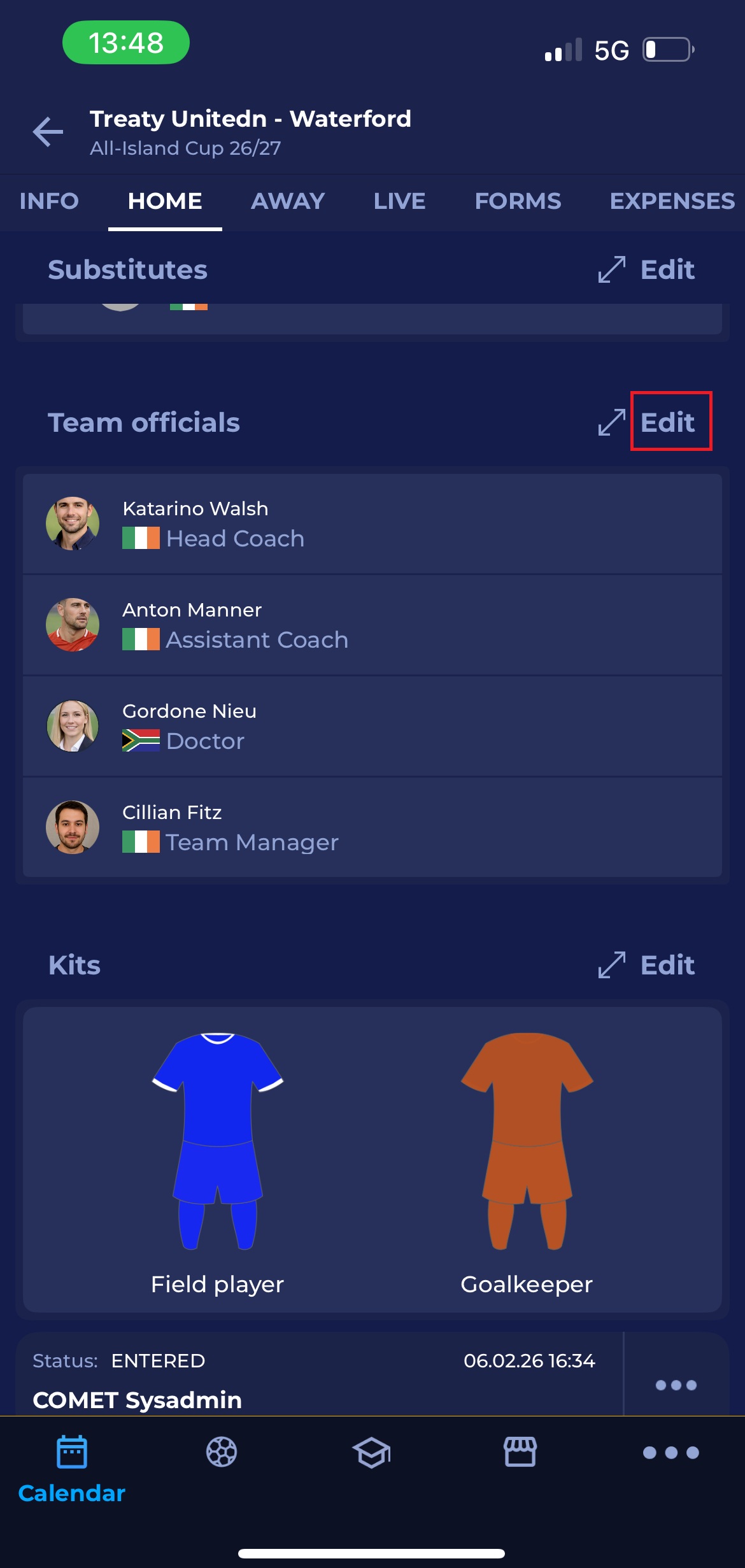
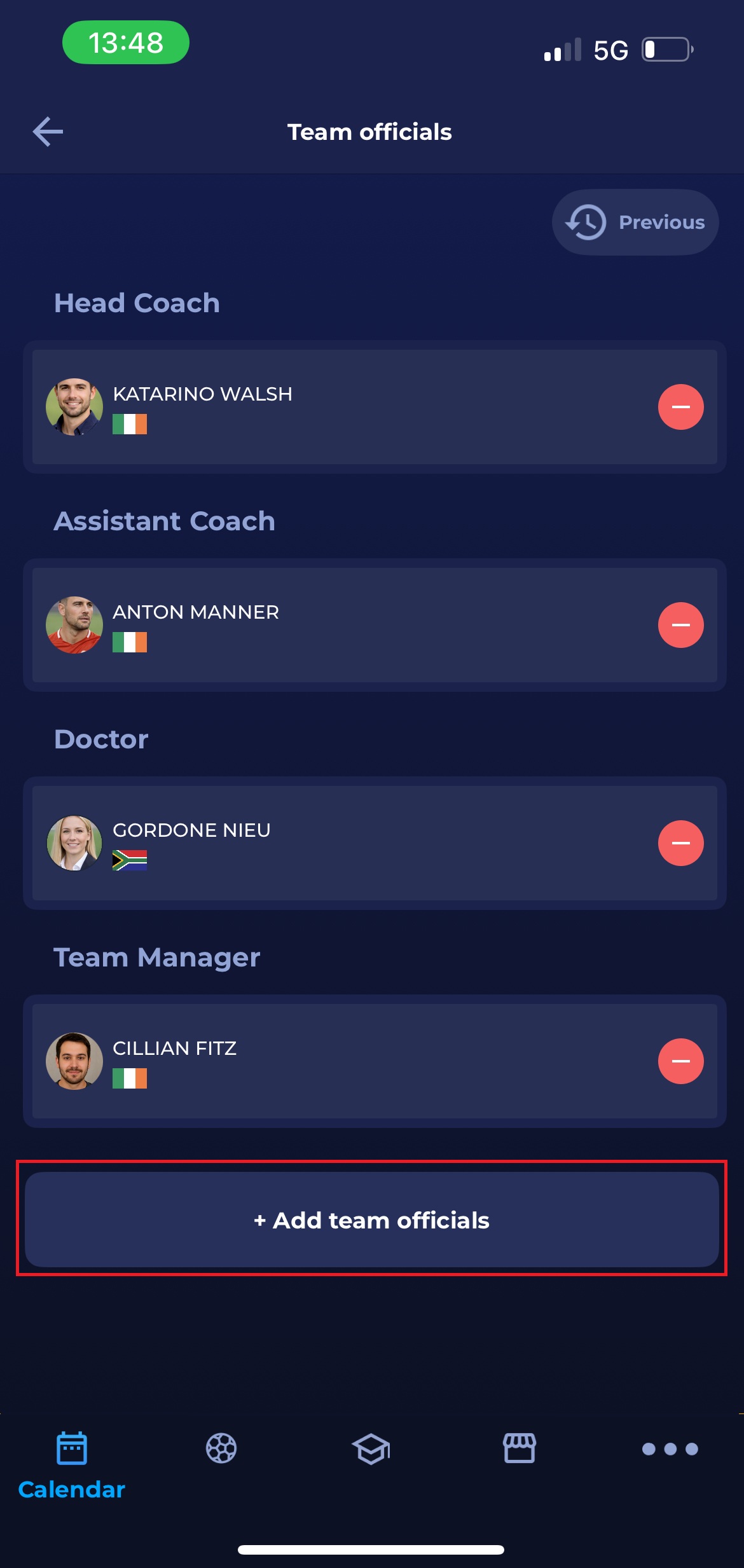
Clicking the ➕ Add team officials button displays a list of roles applicable to your Association (e.g., Head Coach, Assistant Coach, Doctor, Team Manager, etc.).
At the bottom of the page, tap + Add team officials to add officials in a different role
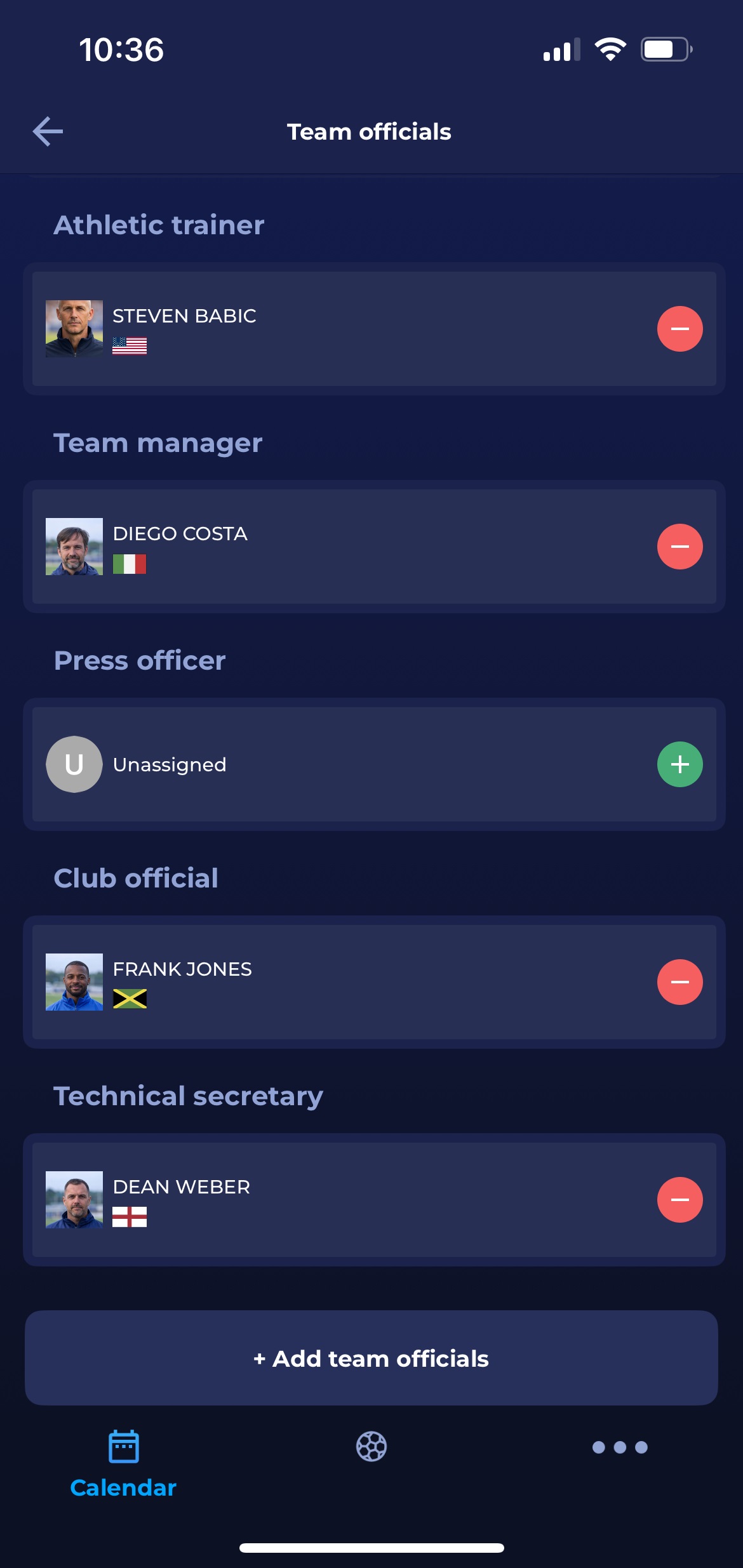
..and then tap the plus button next to the role you want to add to the line-up.
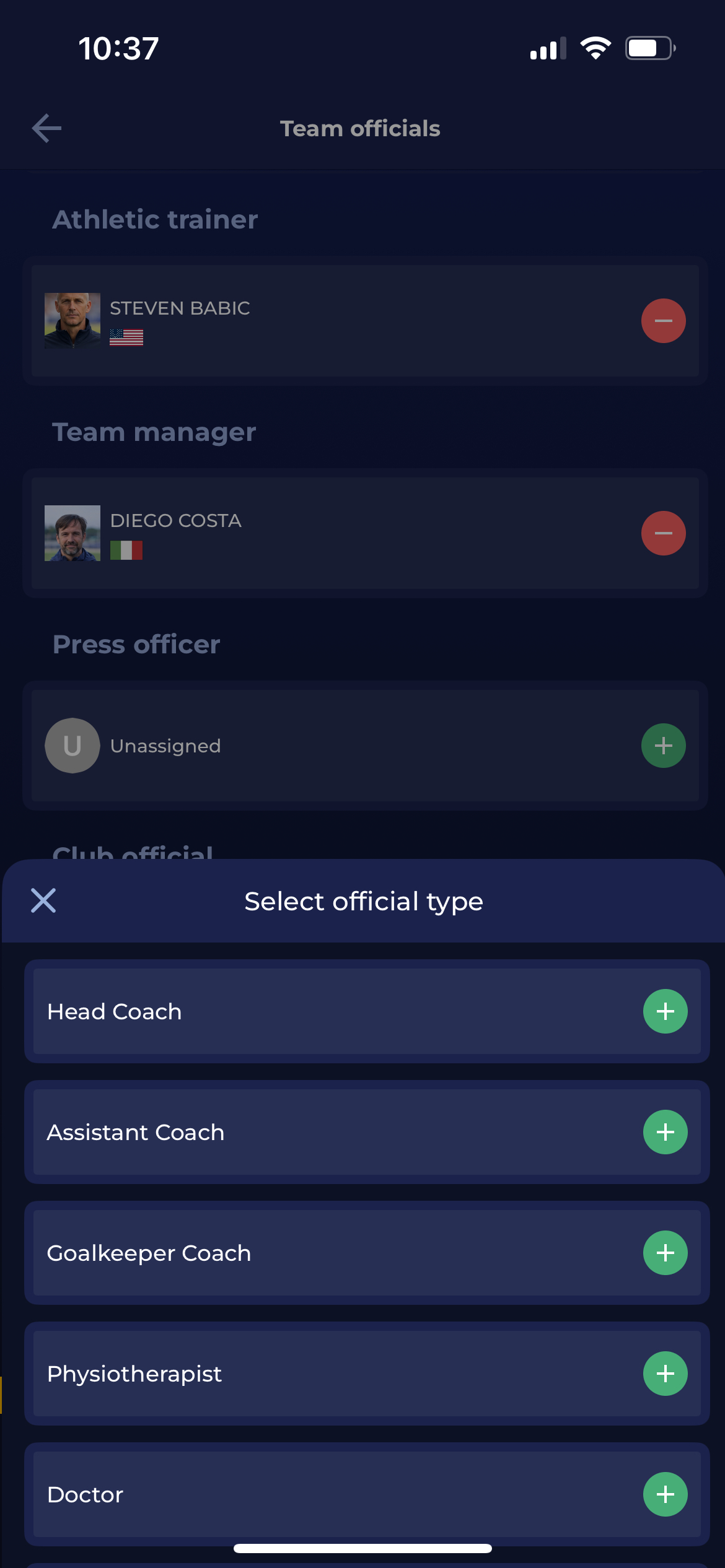
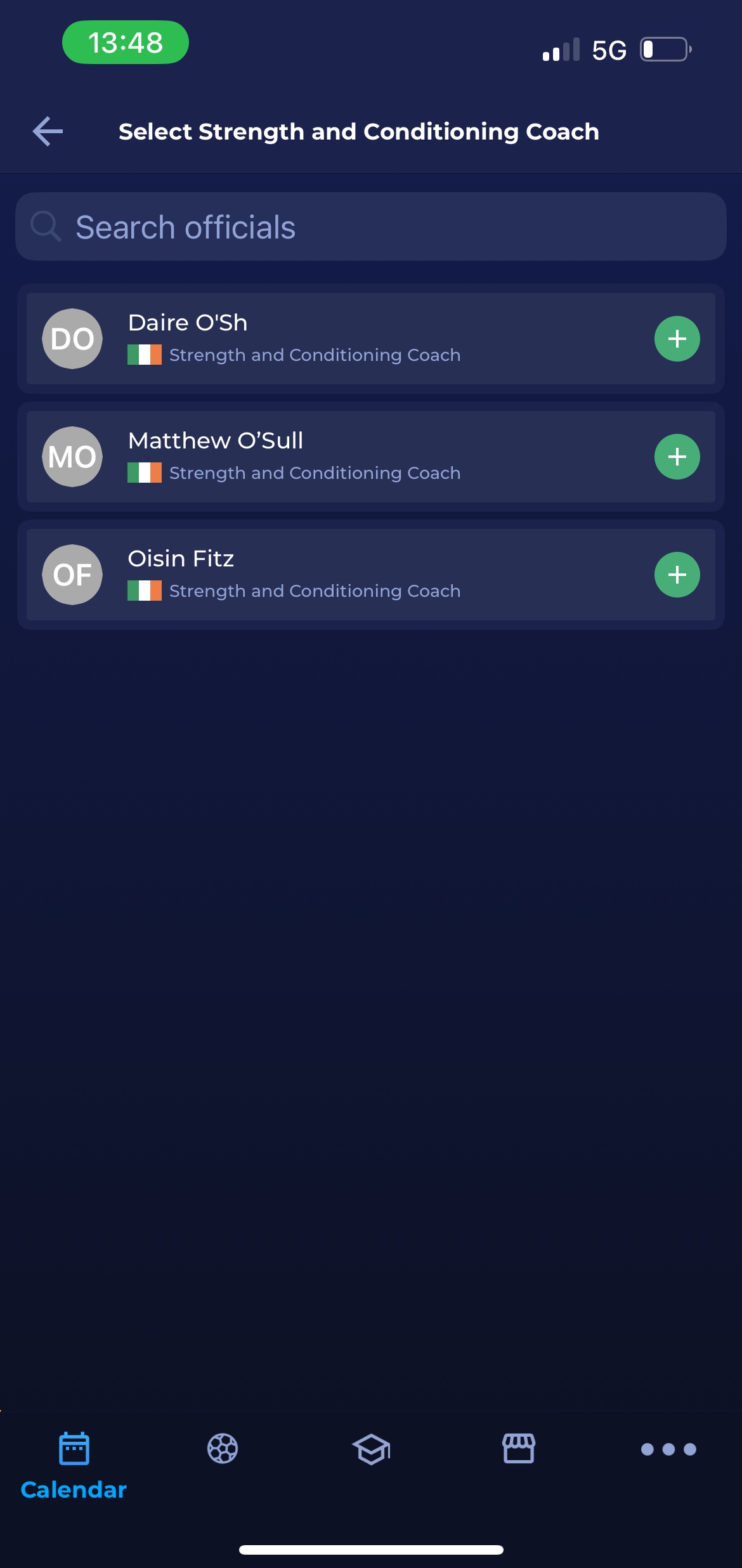
To add the Strength and Conditioning Coach (as shown in the image below), tap the plus button next to the desired registered person from your list.
Return to the Team officials page and repeat the same process for other team officials.
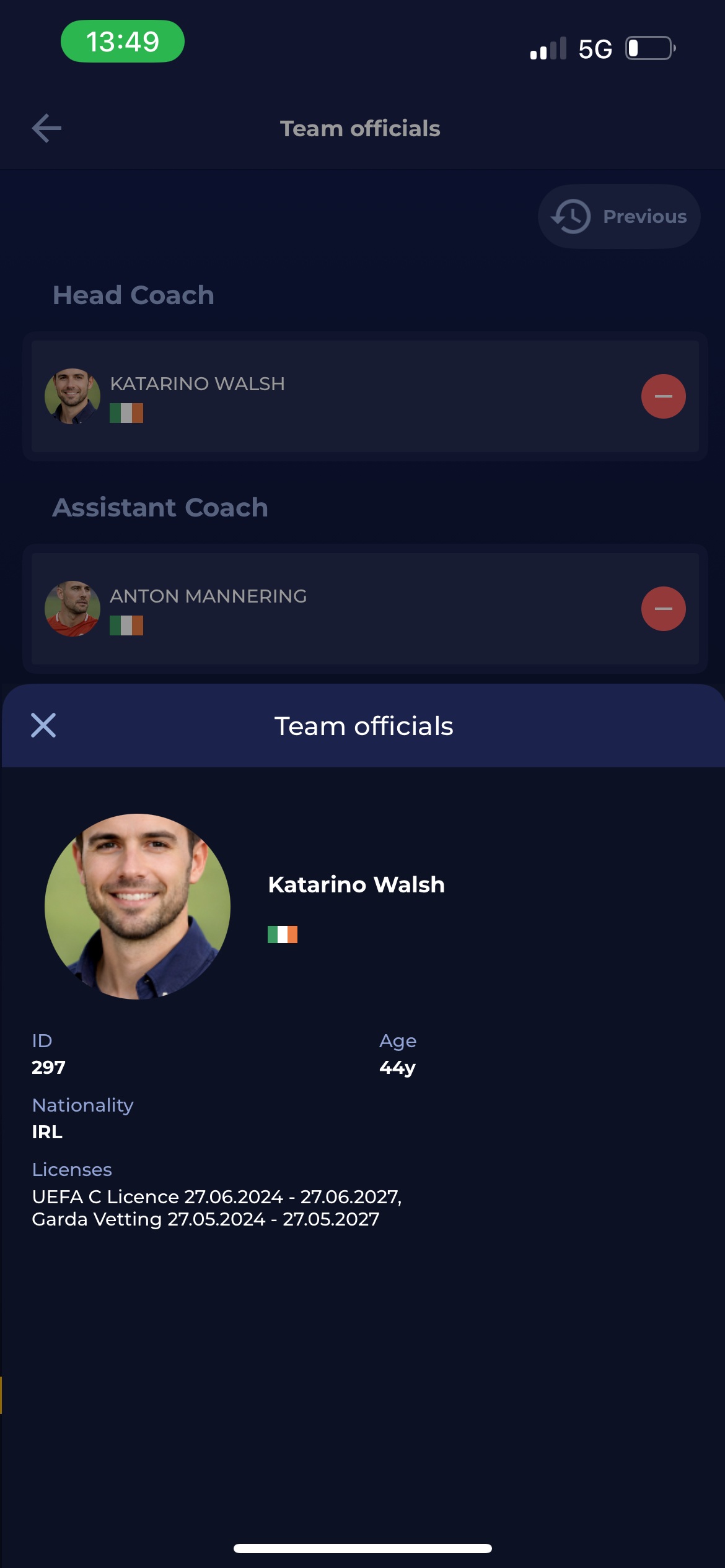
Clicking the Team Official provides more personal details, such as age, nationality, flag, COMET ID, and currently active licenses.
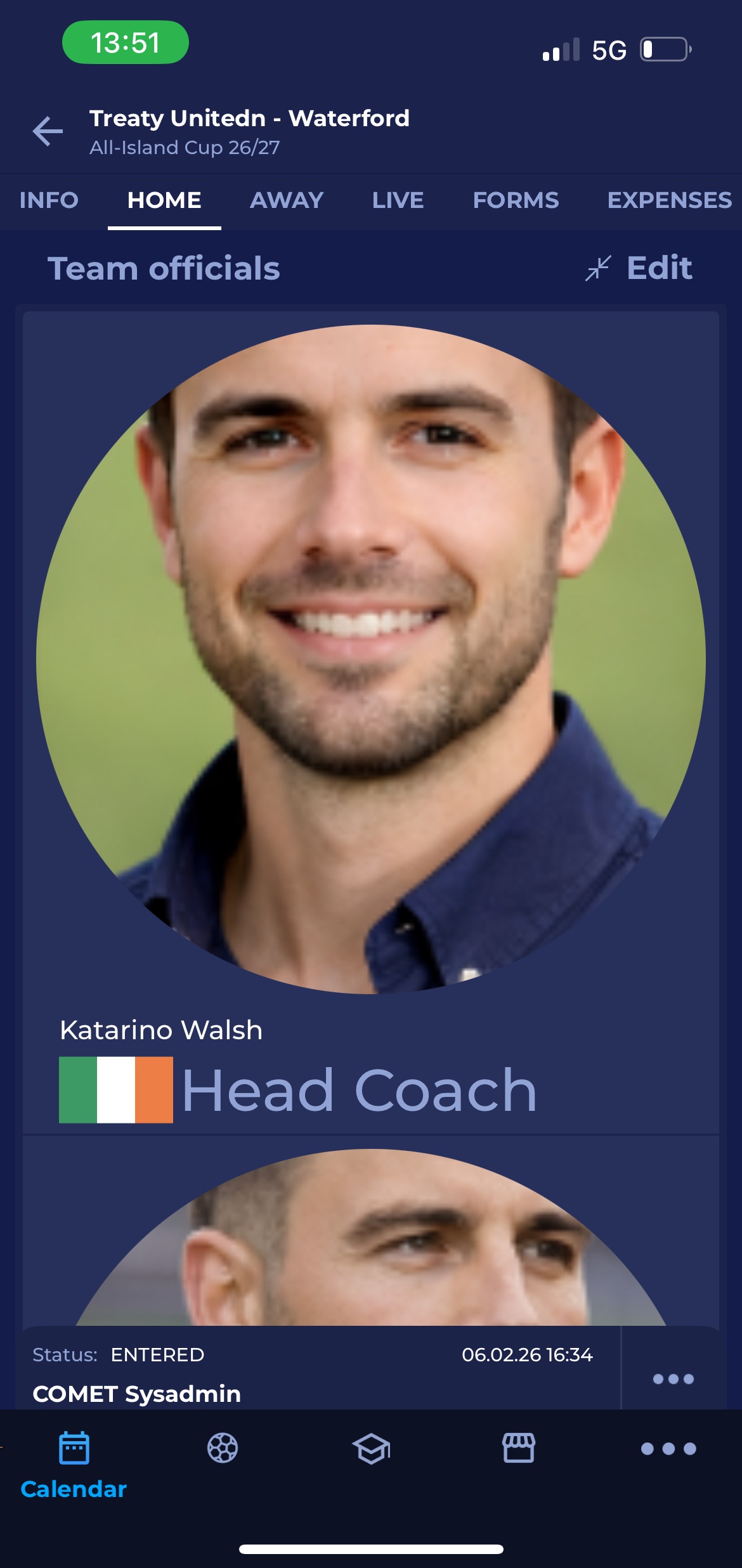
Enlarged View of Lineups feature is also applicable to the Team Officials appointed to the match.
Please note that suspended team officials are marked in red and cannot be added to the lineup.
Team Officials management is also available in the MyCOMET interface.