
You can track the match events in real-time, e.g., for COMET LIVE apps and live match updates:
-
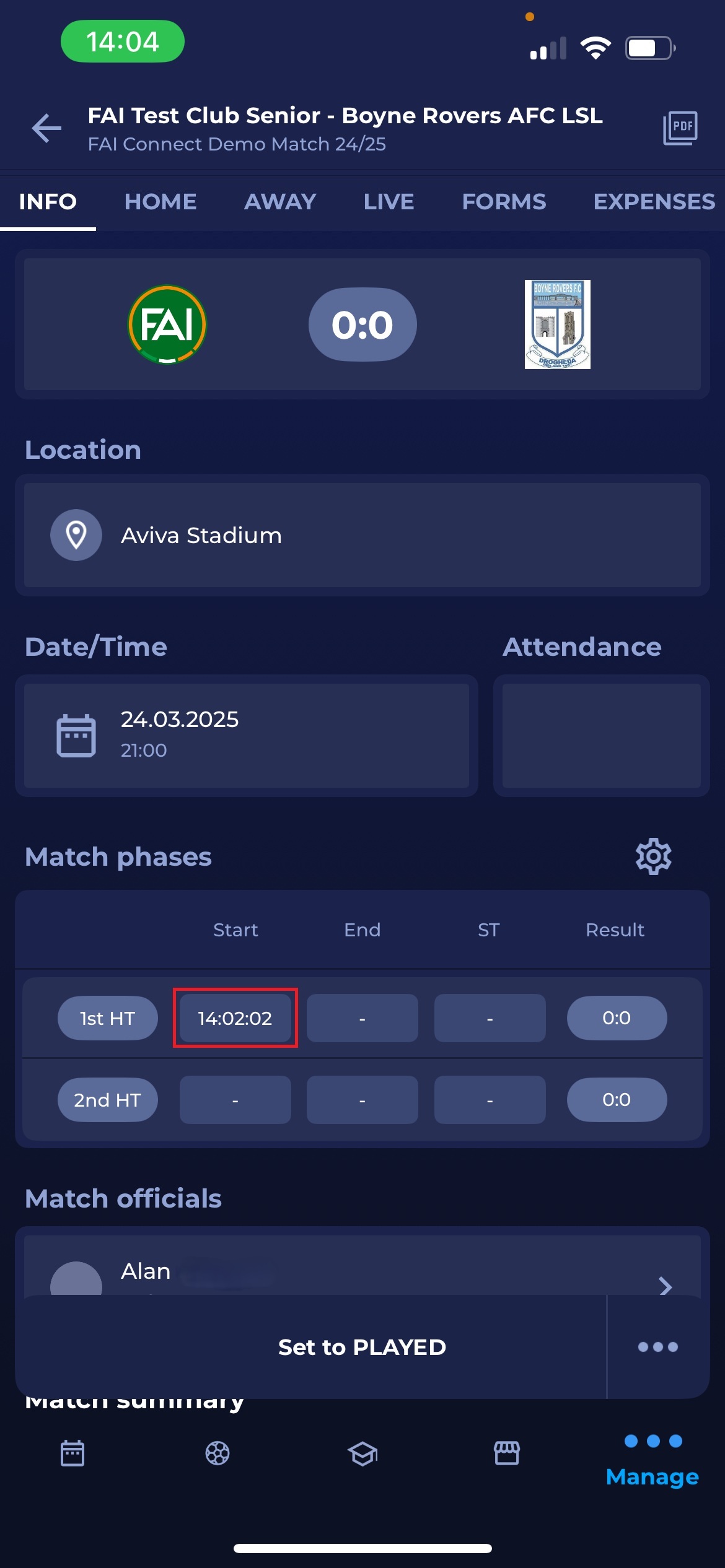
On the Info screen, you can find the 'Match phases' section.
-
By clicking on each section consecutively, you can add:
-
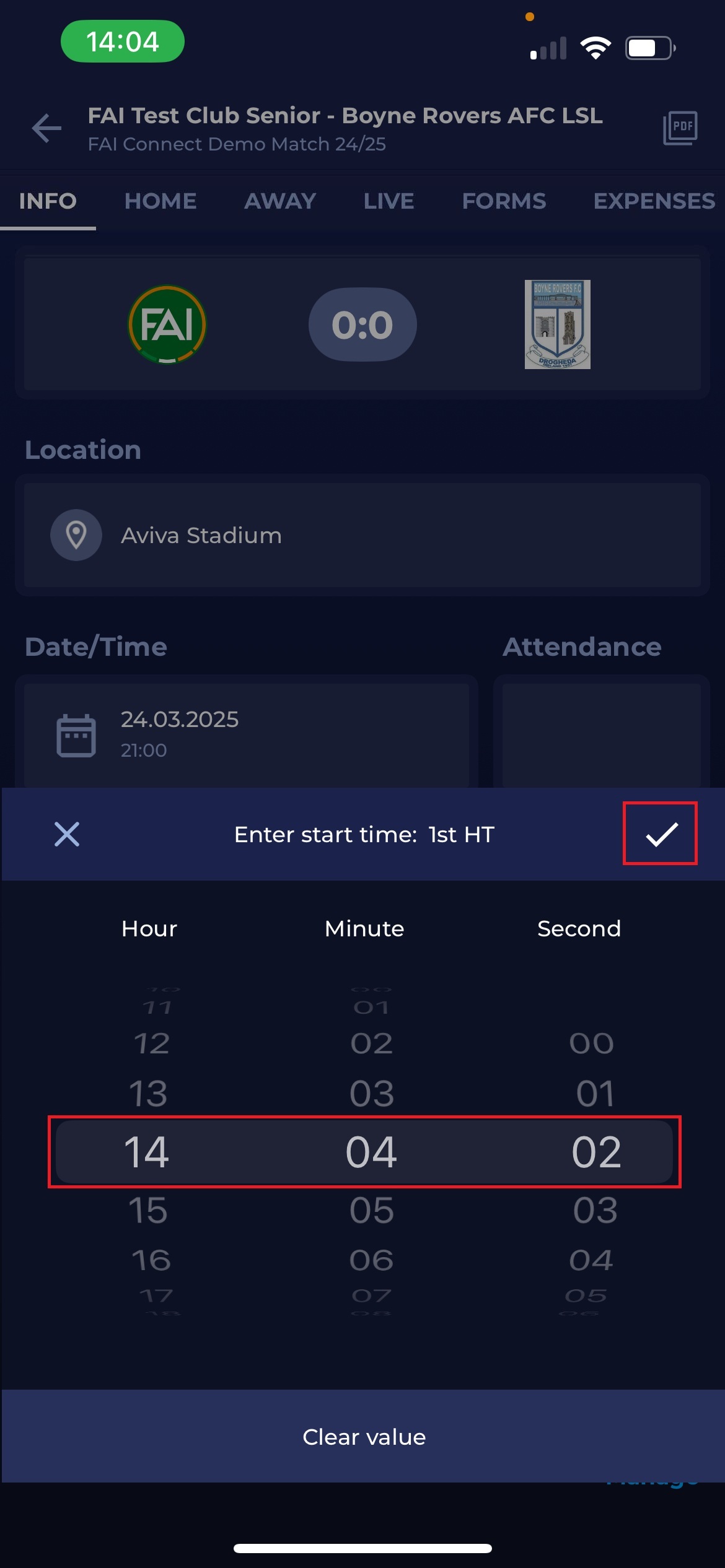
The exact Start time enables time counting in the application's background and picks a precise time of the match event.
The match can only be started when both team lineups are confirmed, or when the current time is after the scheduled match start time. Until one of these conditions is met, the match cannot be started.
-
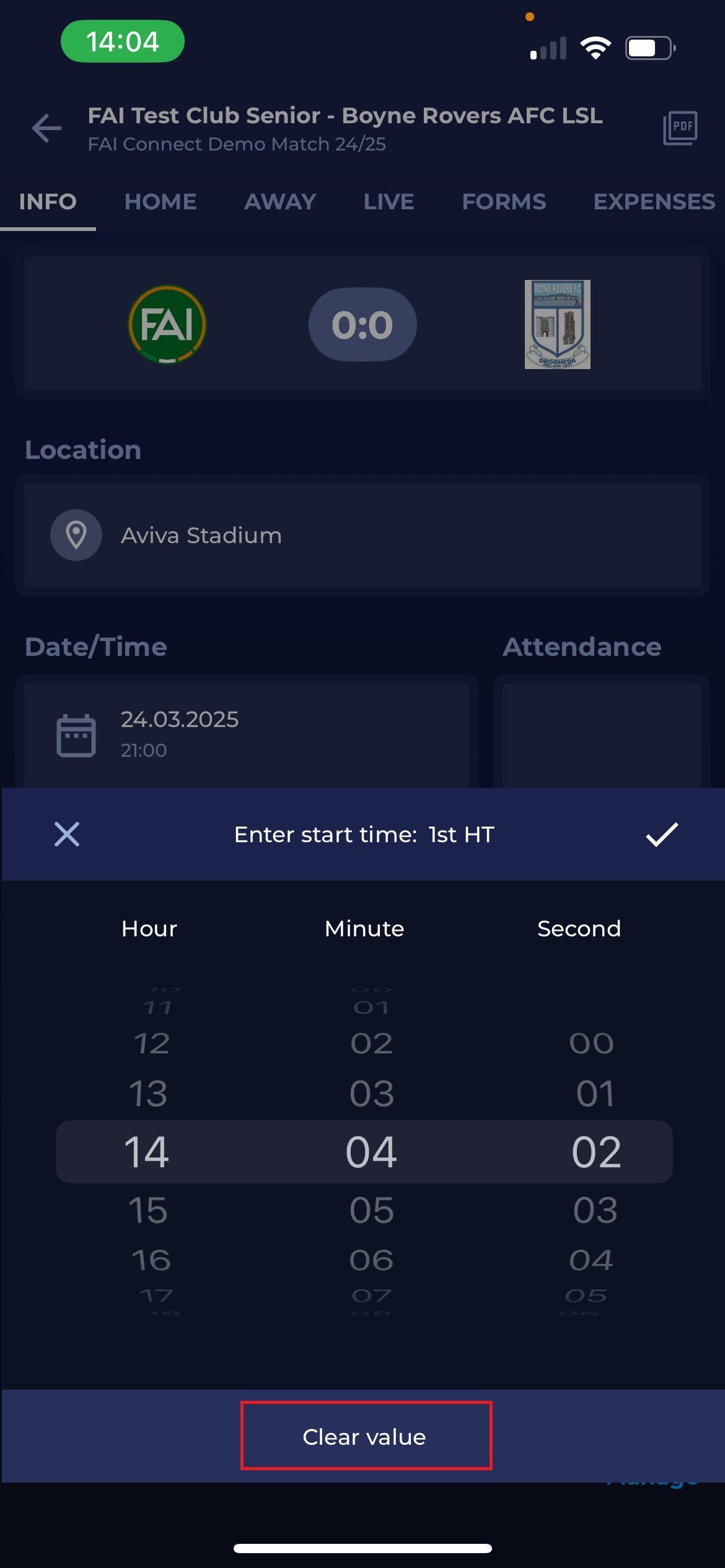
End time of match phases. If you accidentally select the wrong time or start after some time when the referee has actually started the match, you can scroll Hours, Minutes, and Seconds, or you can remove the entry by clicking ‘Clear value.’
You can adjust the time of the phases or the event selected from the mobile application.
-
When the match is in progress, and you can add an actual match event (please refer toMatch Events), the difference is that the minute of the event will be filled automatically from the time set at the Start of the 1st or 2nd half. In this case, click ‘Save,’ and the match event will be added. If the match event minute is incorrect, you can always click on the minute and adjust it yourself.
Match Timer is also available in the MyCOMET interface.