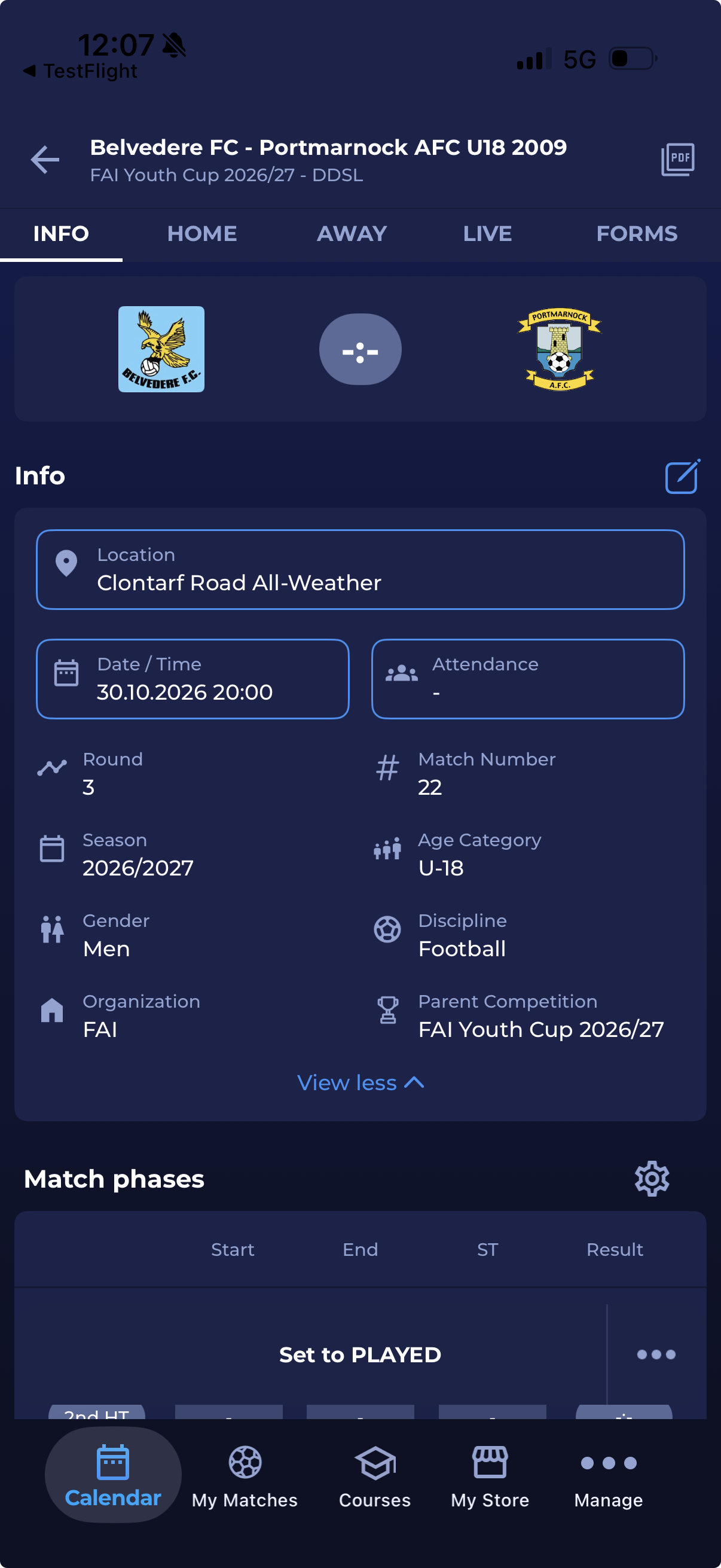
The Comet Football app allows you to open and locate a match venue. Please note that this is enabled when the match stadium address is registered in COMET and when the match stadium is added to the particular match.
To find a stadium location:
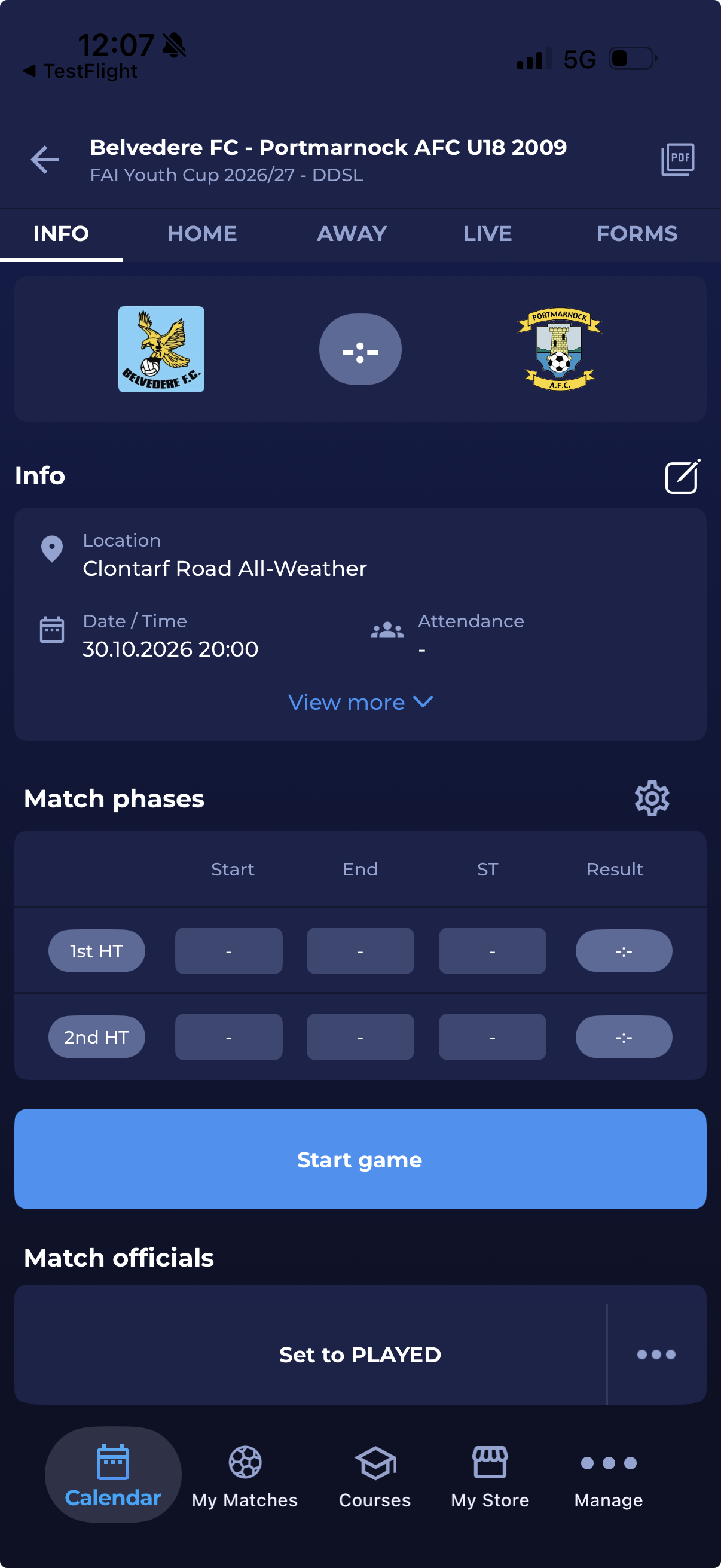
a) Tap the stadium name in the My Matches screen (My Matches screen is the Home screen of the COMET Football app)

-
Tapping the location name from both screens will redirect you to the map app on your smartphone (depending on your phone settings, you may be prompted to choose the preferred map navigation app)
-
To see the exact match location, choose or confirm to open the map app.

Edit match location
If you have permission to edit the match location, you can change the stadium and pitch directly from the Info panel on the Match Info screen.
-
Open the match and go to the Info tab.
-
Tap the Edit icon in the Info panel. The fields you can edit are outlined.
-
Tap Location. The Edit Location screen opens.
-
Search for and select the stadium.
-
If the stadium has pitches, select the pitch. The list shows only the pitches of the selected stadium. If the stadium has no pitches, the pitch selection is not shown.
-
Tap Save to apply the change, or Cancel to keep the current location.
The Location field now shows the new stadium and pitch.
If you do not see the Edit icon, your user role does not have permission to edit the match location.