
COMET Football apps (both Android and iOS versions) enable match officials to complete and submit their individual match forms for the specific match they are assigned to.
The steps required to access, fill out, submit, and even export a PDF of the completed Match Form from your mobile device are as follows:
-
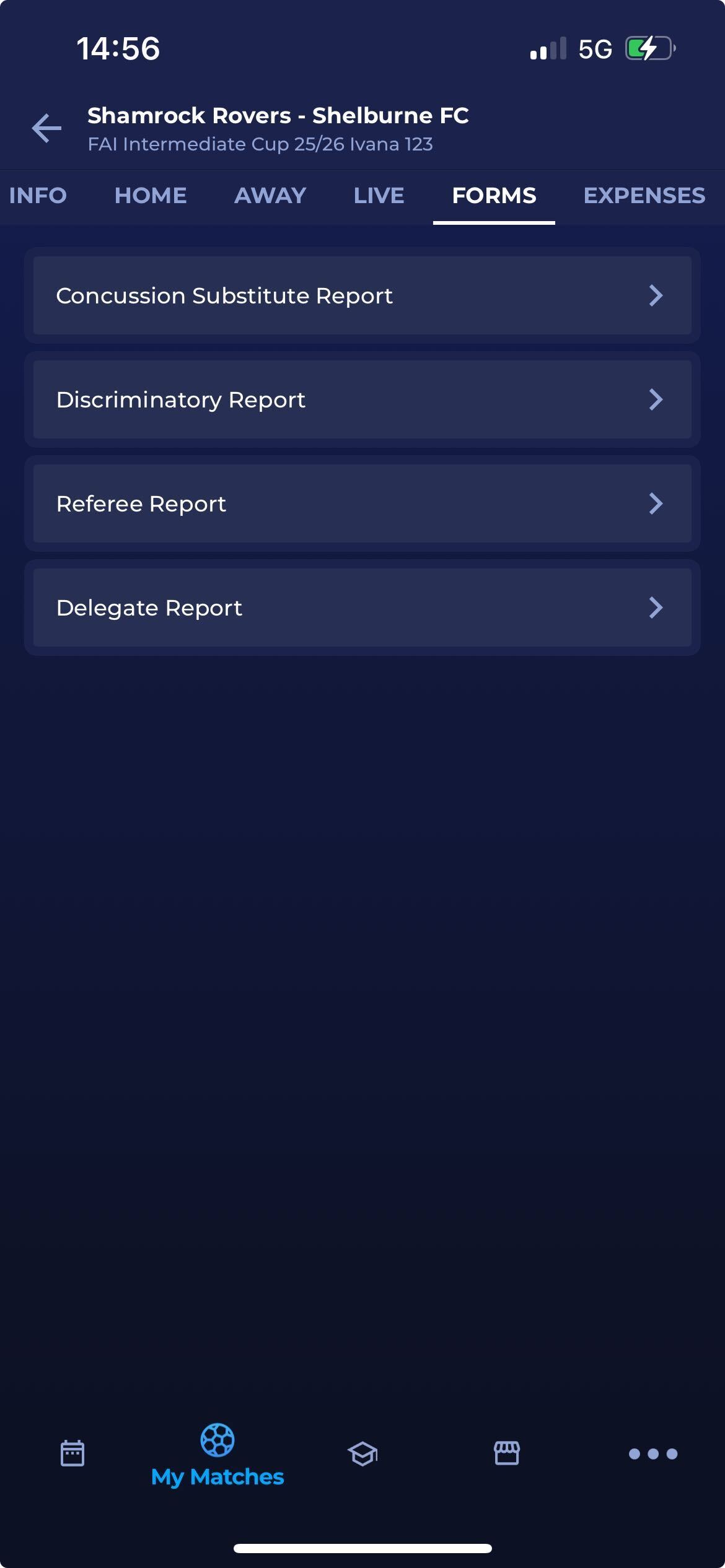
Tap the Forms tab to open the match form you need to fill in
-
On the Match form tab, the list of forms assigned to the competition will be listed
-
Tap on the Form you need to fill in
-
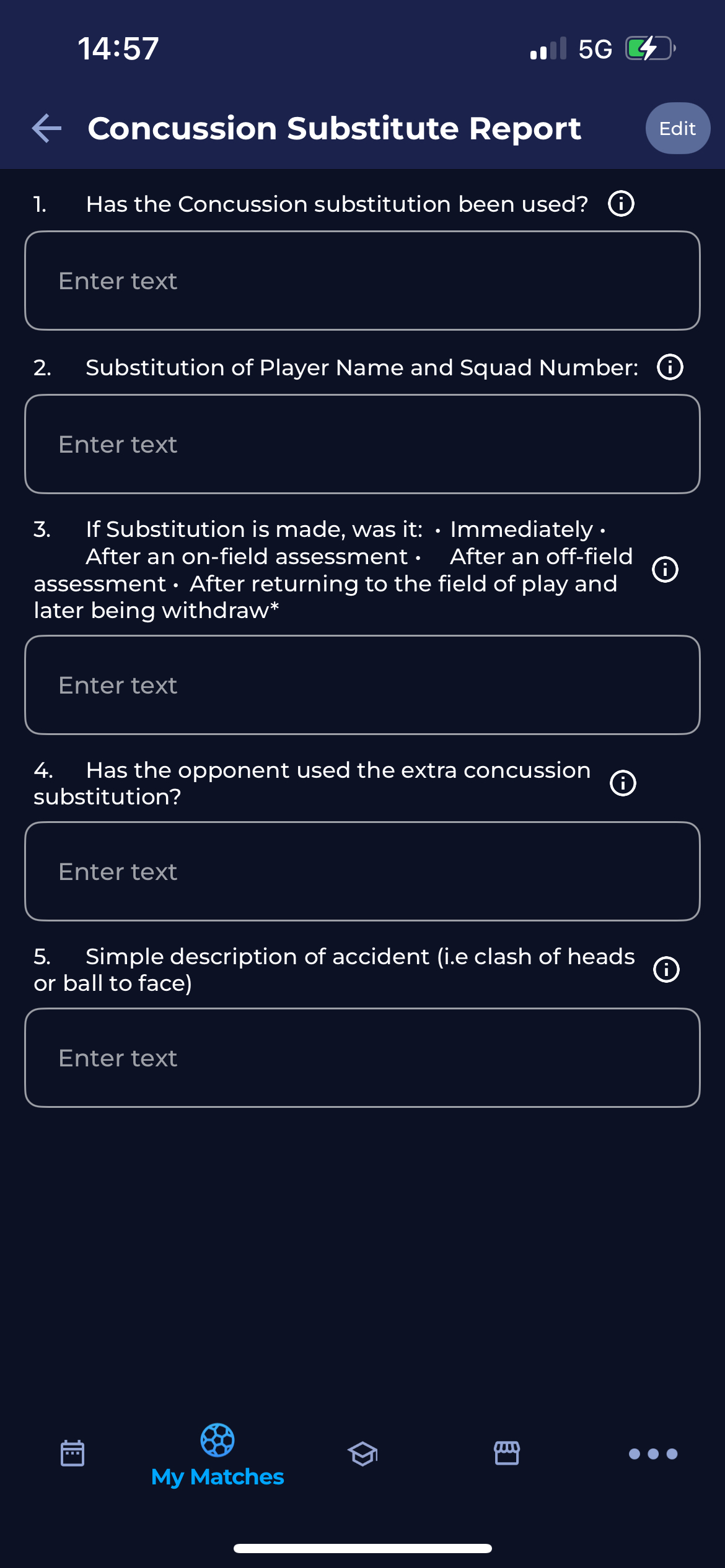
Hit the Edit button in the top right corner
-
Fill in the details or answer the questions
-
Please note that if a group of questions is marked as “multiple occurrence”, you will have the option to automate your answers and repeat some group answers multiple times. To repeat the same answer, please hit the :copy: Copy icon button at the top-right corner of the screen.
-
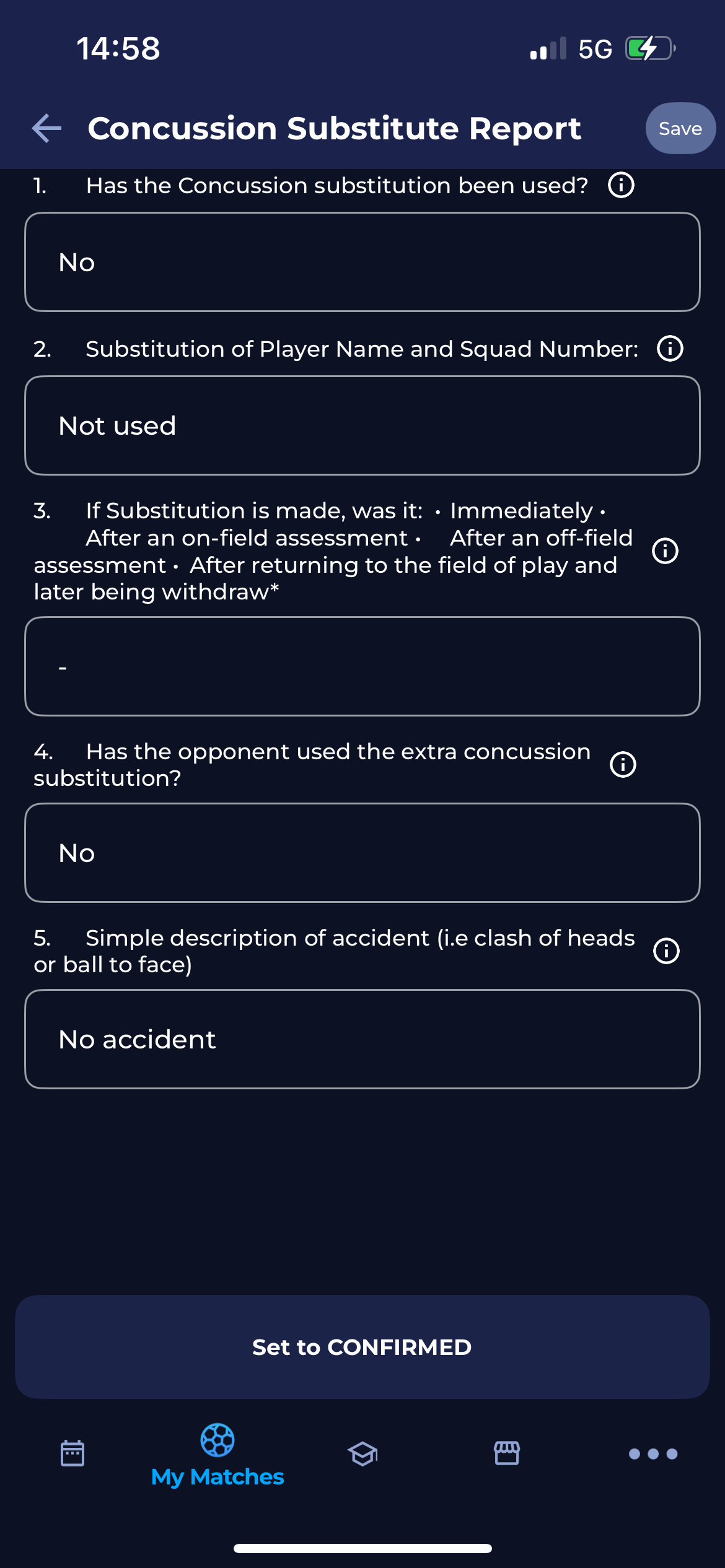
Hit the Save button in the top right corner.
-
To confirm the report, hit the SET TO CONFIRMED button at the bottom of the screen.
Please note that you can also manage Match Form from the COMET Desktop App.