
When all data about the match is complete and accurate, you can confirm the match by setting the match status to PLAYED. Please follow the steps below:
-
Make sure all necessary match events have been entered
-
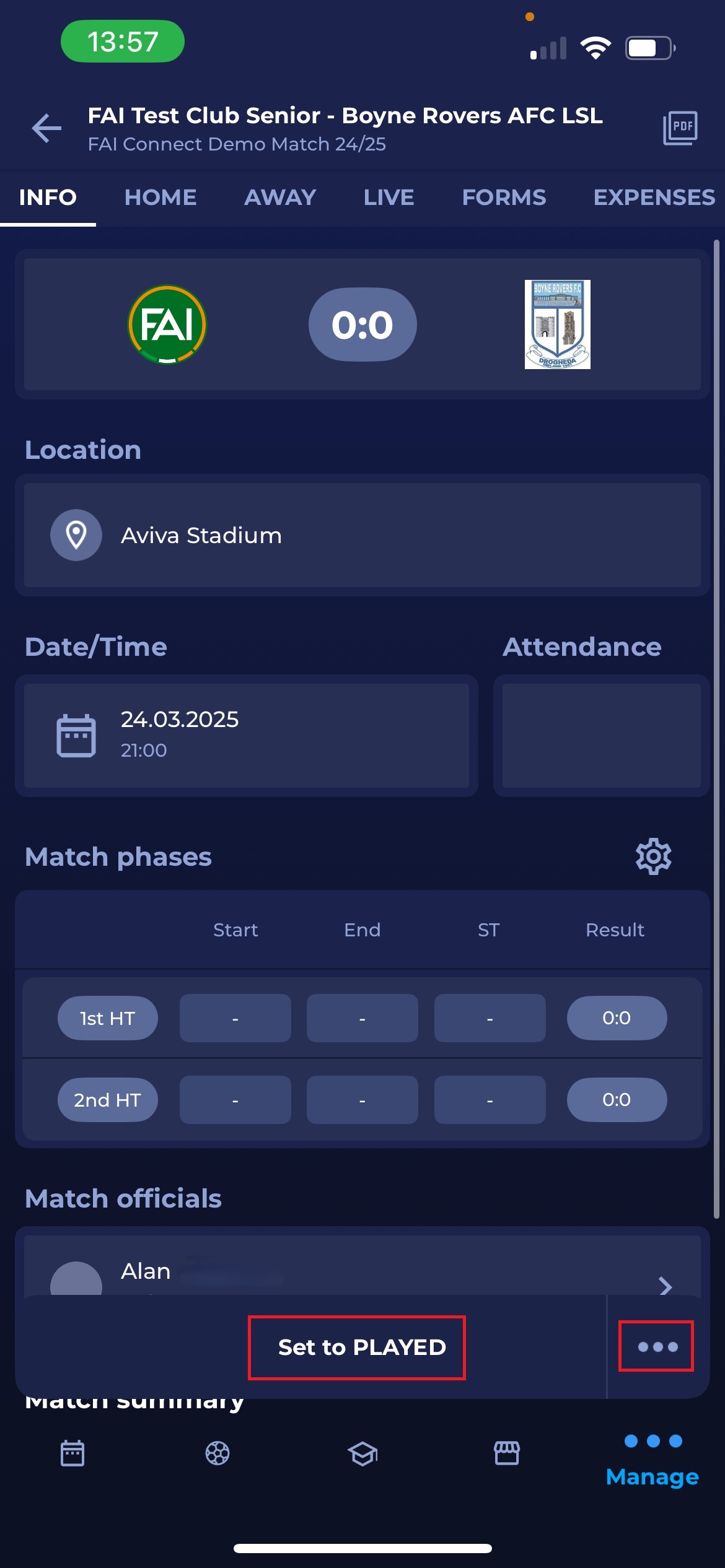
At the bottom of the Info screen, you can see a button ‘Set to PLAYED’. By clicking it, you will change the match status to PLAYED.
-
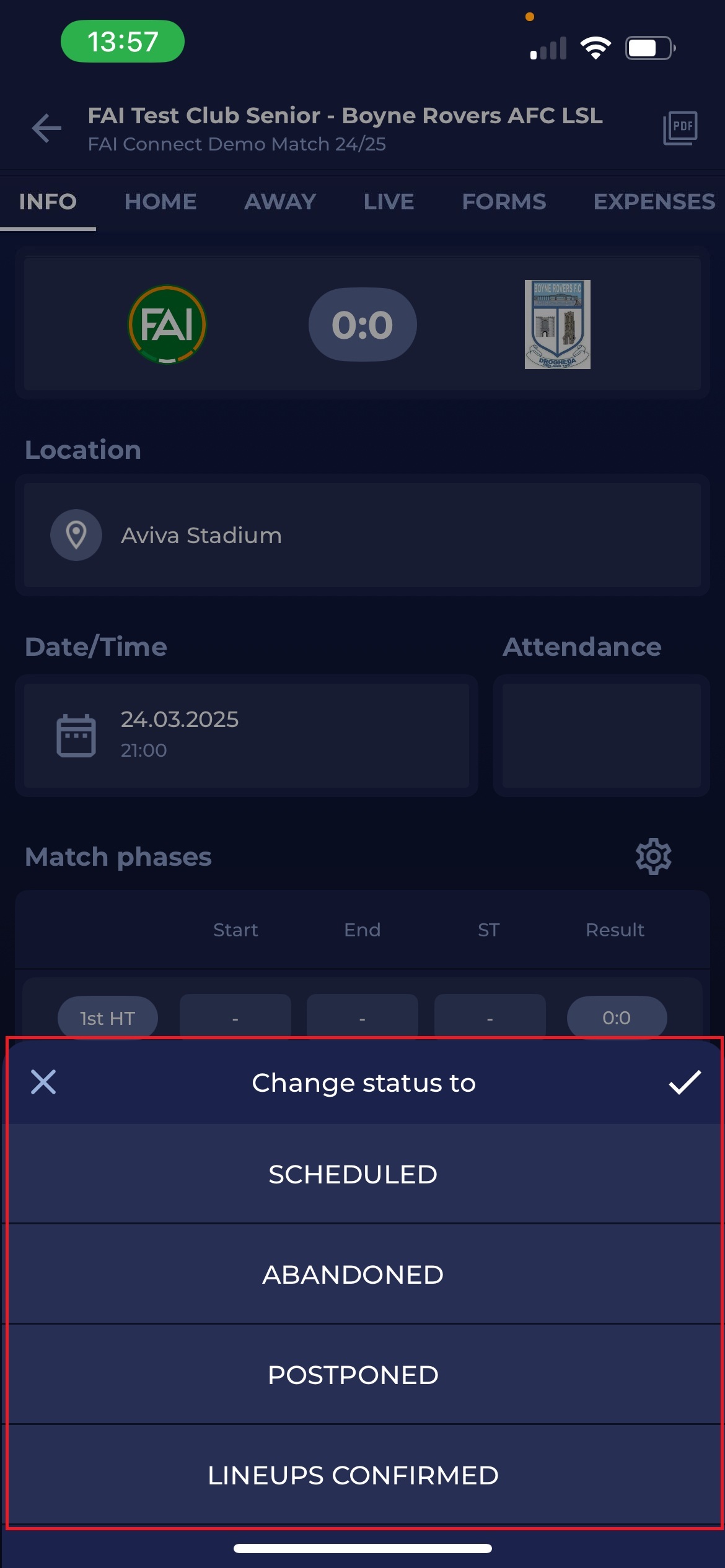
Before you click ‘Set to PLAYED’, on the right side, you can see three dots. By clicking them, you can also switch to other available statuses, which in most cases will be CANCELLED, POSTPONED, and others, depending on your tenant configuration.
-
Clicking ‘Set to PLAYED’
-
Fill the “Reason” field. This field is mandatory when setting the statuses to ‘ABANDONED' and 'POSTPONED’.
-
The match status is changed to PLAYED with the indication of the timestamp.