
The Team Kits panel allows assigning kits for the club in a specific match. Three kit types are available:
-
Field Player kit
-
Goalkeeper kit
-
Substitute bib
For a specific kit design to be available in the list of options, it must be predefined on the Club site → Team Kits tab in MyCOMET.
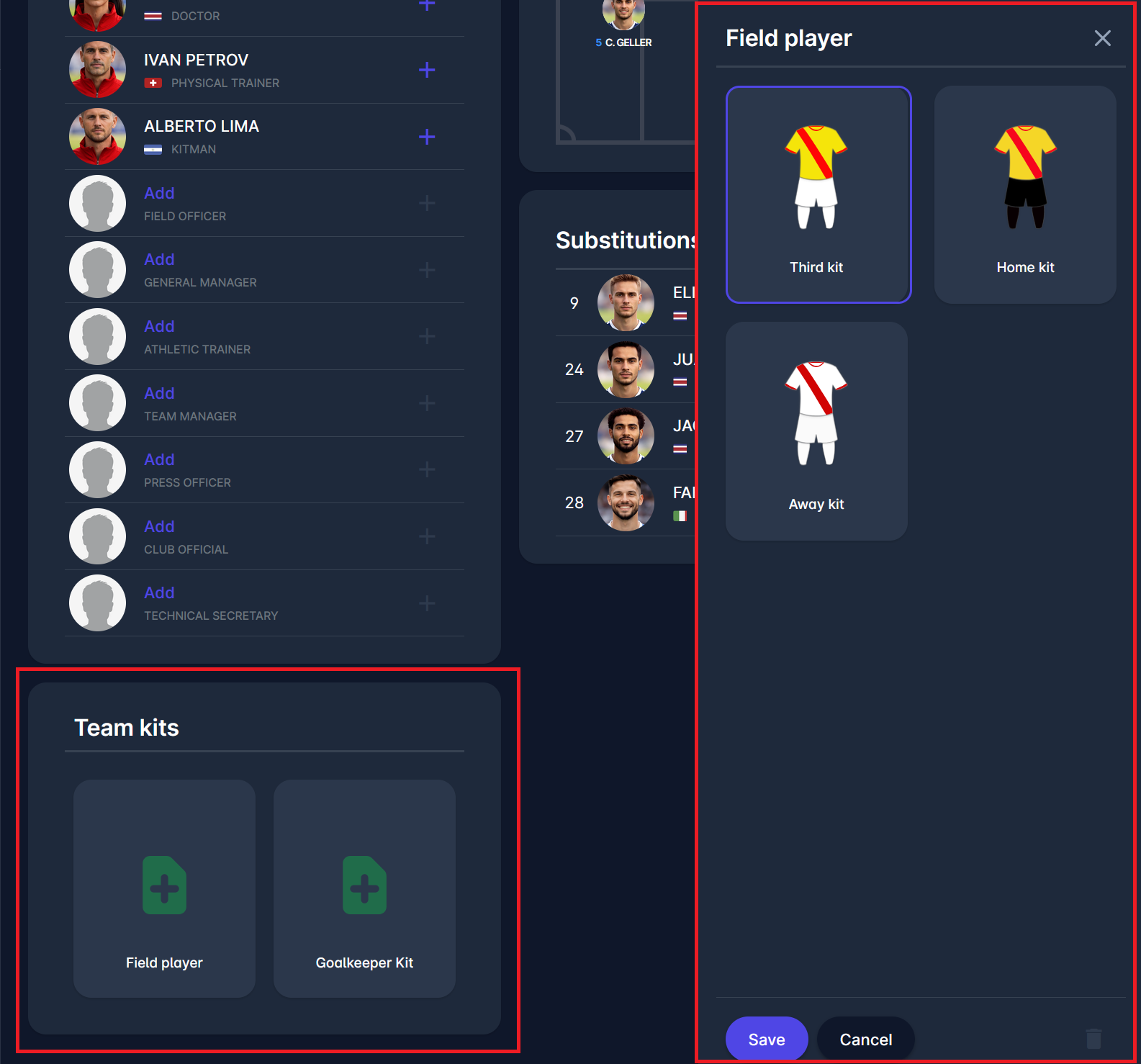
Assign Field Player Kit
-
Click the Field player tile.
-
A kit selection window opens.
-
Select the desired kit from the predefined kits (e.g., Home, Away, Third).
-
Click the Save button.
The selected kit will be displayed in the Team Kits panel.
Assign Goalkeeper Kit
-
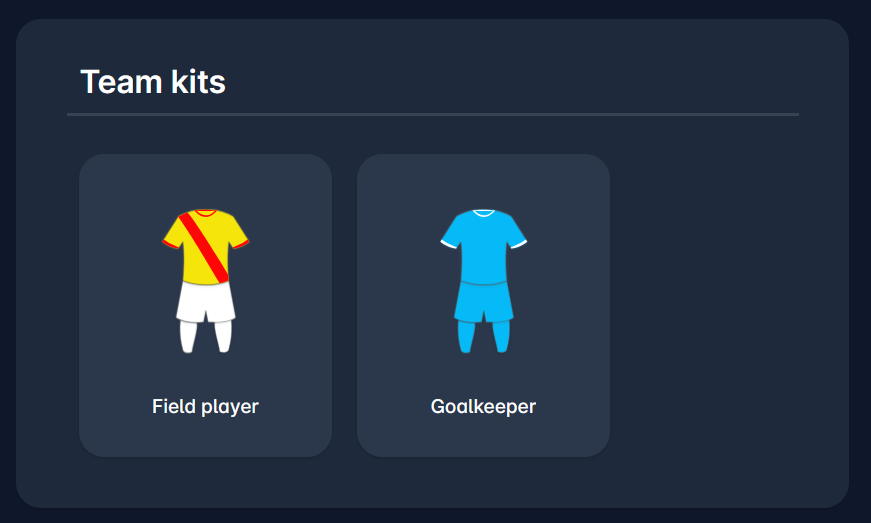
Click the Goalkeeper tile.
-
Select the appropriate predefined kit.
-
Click Save.
The selected goalkeeper kit will be shown in the panel.
Both Player and Goalkeeper kits can be removed by clicking the Delete button in the kit selection window.
Define Substitute Bibs
If the usage of Substitute Bibs is defined on the Competition Type, an additional field will be presented next to the Goalkeeper kit, enabling you to define Substitute Bib for the team.
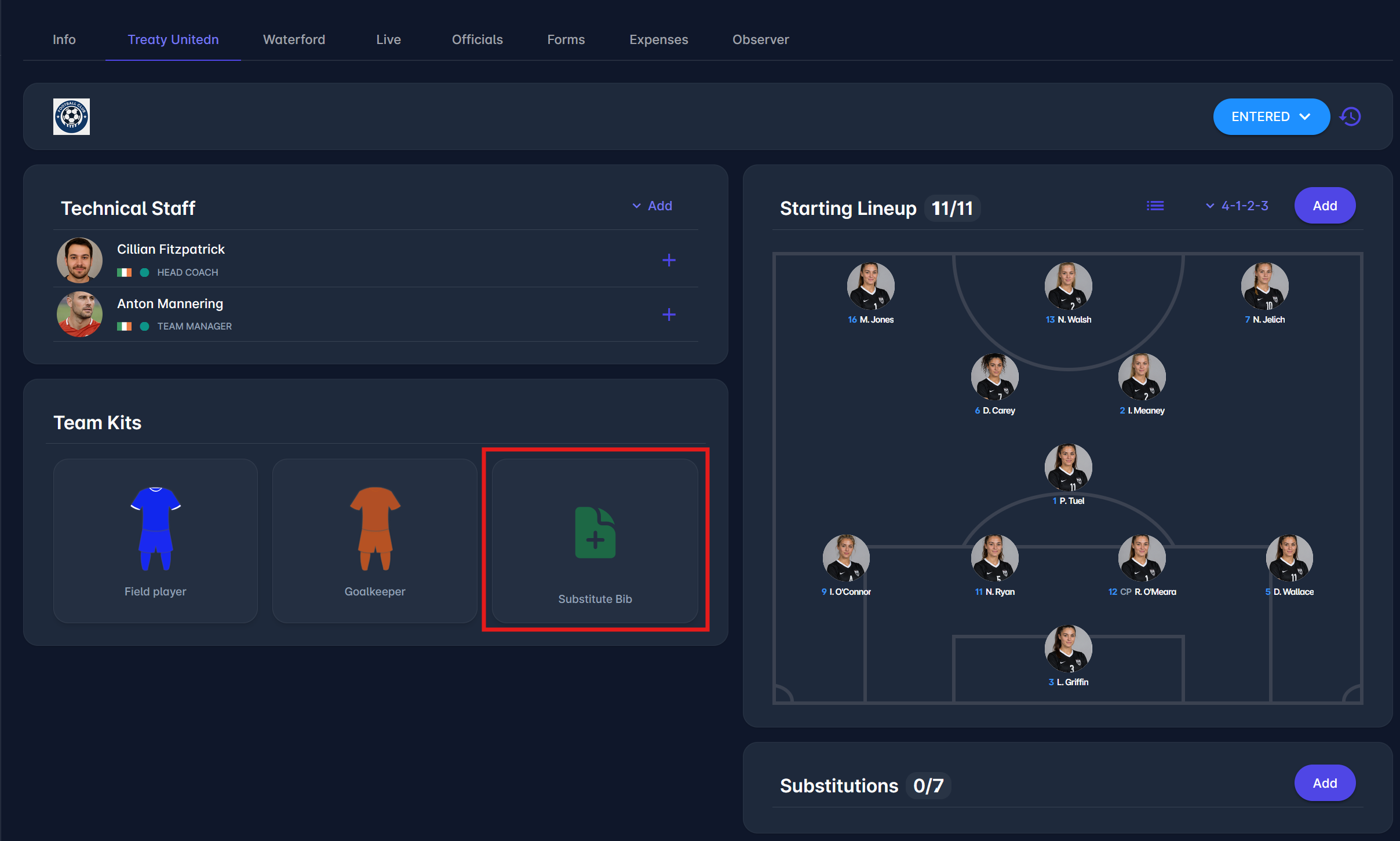
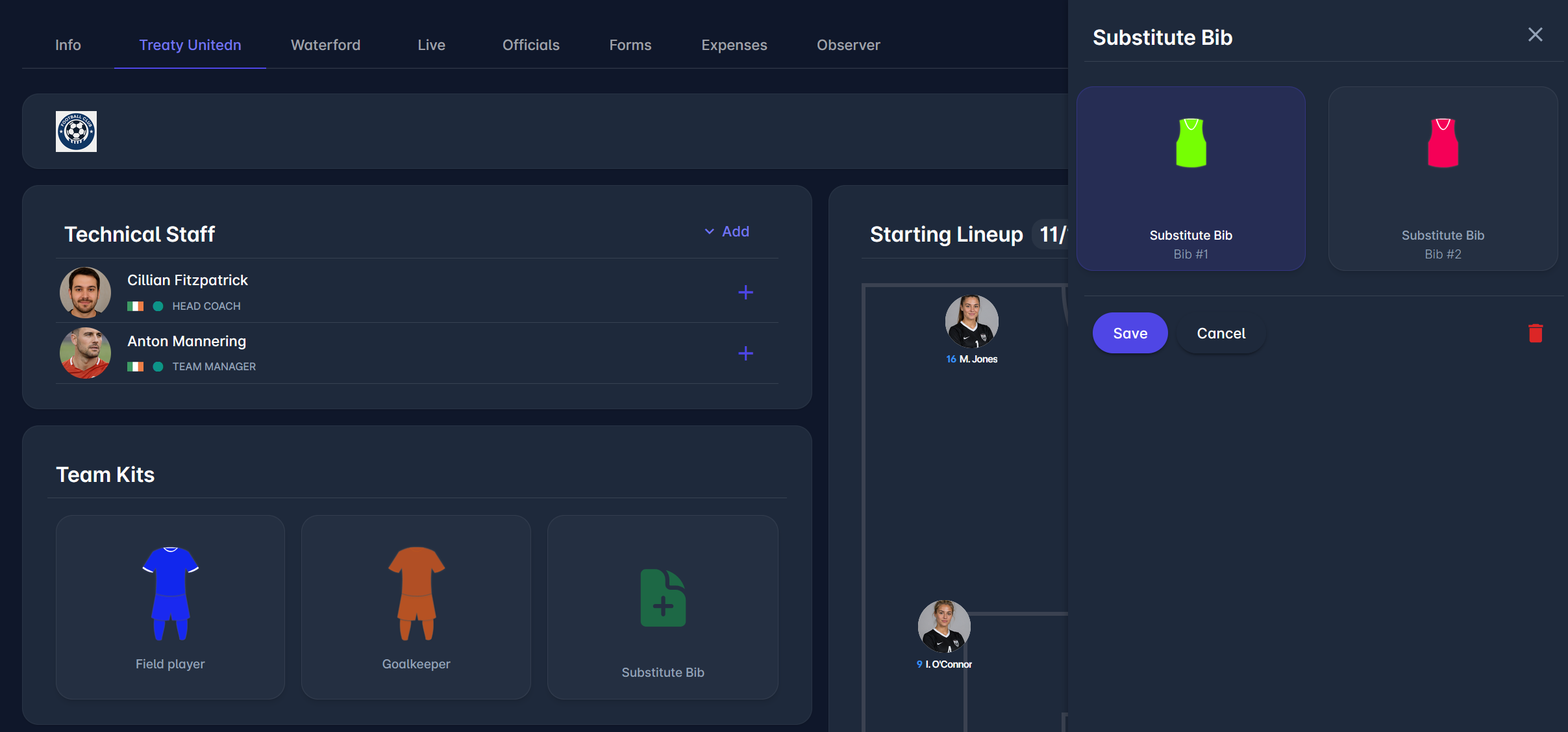
To select a substitute bib, click on the 📄 Add button in the Substitute Bib section. Clicking it displays all available substitute bibs in a dialog on the right. Selecting a bib and saving assigns it to that team on the match.
Substitute bibs can be added to the teams on the Match Team tab and the Match Officials Tab.
Substitute bibs are also displayed on the match Start List, next to the team kits.
-20260520-112512.png?cb=51720f45dff466c5e2e912a910771e16)
Team Kits Authorizations
There is a tenant-level system parameter Clubs Edit Kits defining whether the Team Kits can be edited by the respective Club:
-
if enabled, the kits are defined by the club as described in this article, prior to the submission of their team lineups
-
if disabled, the clubs cannot define their own kits. It is done by competition organizers.
To change the value of the Clubs Edit Kits system parameter, please submit a support ticket.
Player and Goalkeeper kits can always be defined and edited by Competition Admins and Managers in the Match Official tab of the Match, by:
-
Superusers and Competition Admins above in hierarchy, in all match statuses
-
Appointed Competition Managers for all match statuses
-
Referee Admins above in hierarchy, in match statuses SCHEDULED, RETURNED
-
Appointed Referee Managers, in match statuses SCHEDULED, RETURNED
Managing Team Kits can also be performed through the COMET Football mobile apps.