
The Discipline tab for the match in MyCOMET displays the disciplinary consequences in read-only mode. It is the last tab of the match and lists the disciplinary cases created from the match, the match suspensions served with it, and, where applicable, the accumulated yellow cards served with it.
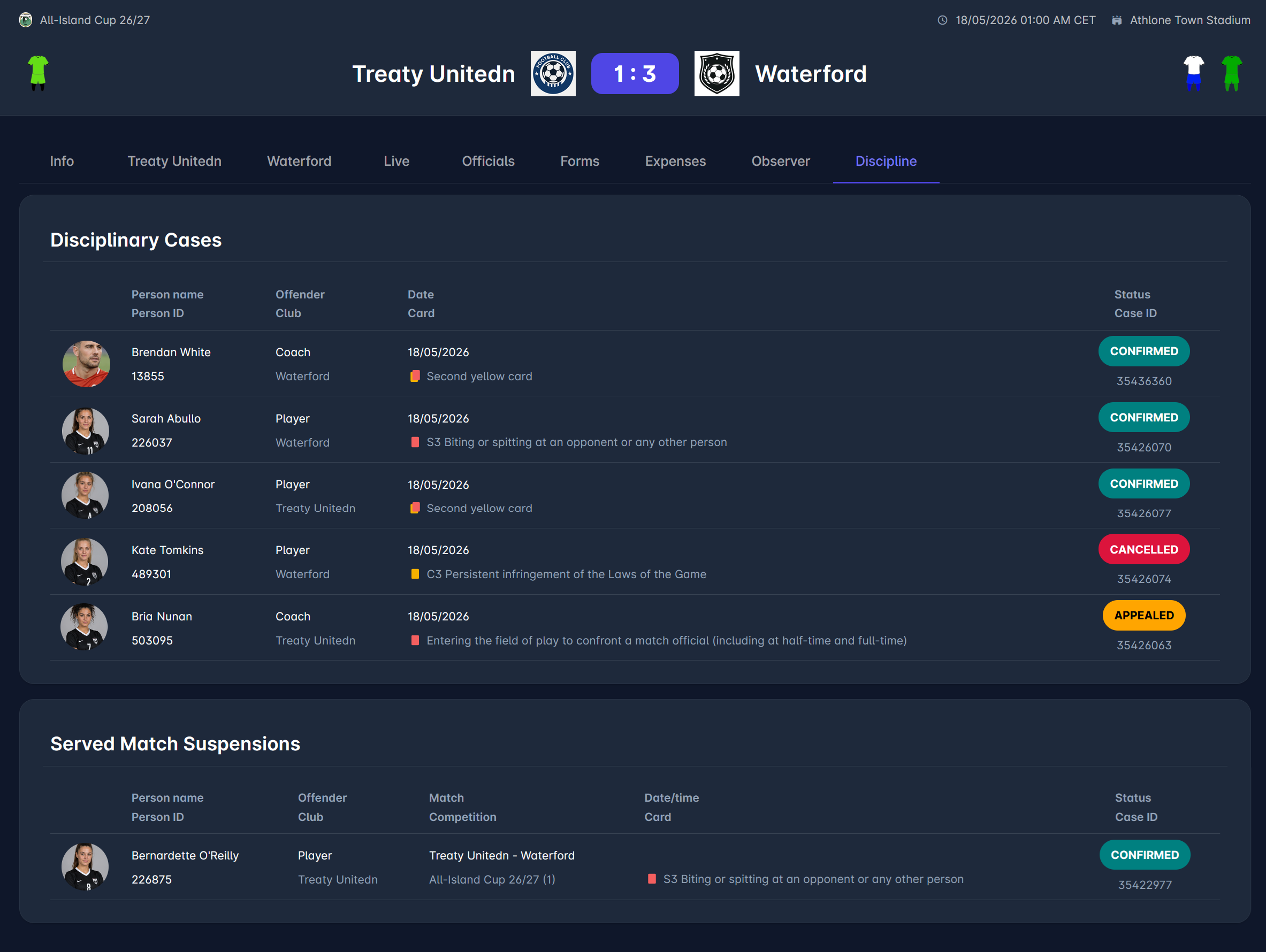
Disciplinary Cases
This section lists all disciplinary cases created from this match. Each row shows:
-
person's photo, name, and ID
-
offender role (e.g., Player or Team Official) and club
-
date, with the card icon and reason
-
case status and case ID
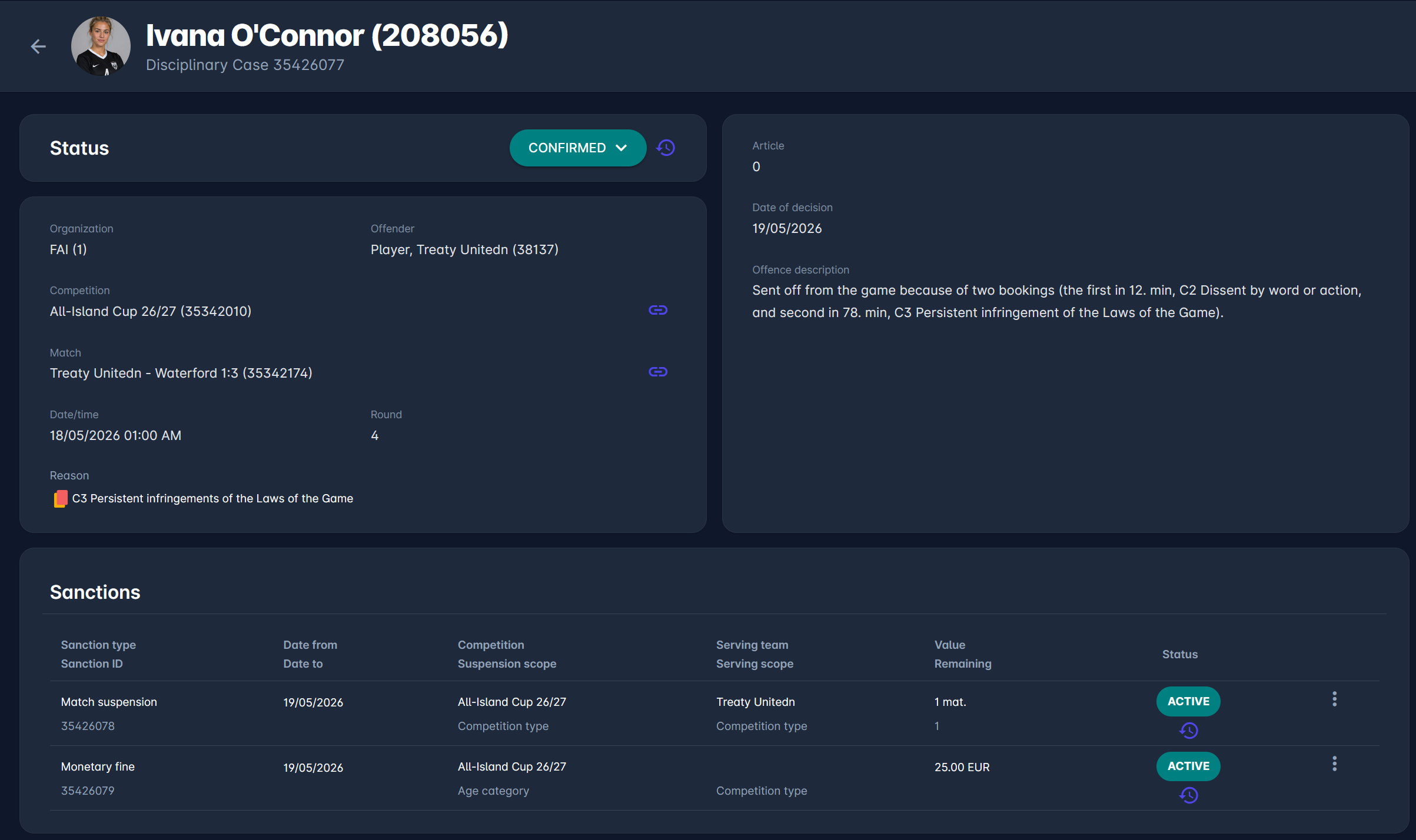
Click a row to open the Disciplinary Case Detail.
Served Match Suspensions
This section lists the match suspensions that were served with this match. Each row shows:
-
person's photo, name, and ID
-
offender role and club
-
match and competition (round) in which the sanction was given
-
match date, with the card icon and reason
-
case status and case ID
Click a row to open the Disciplinary Case Detail.
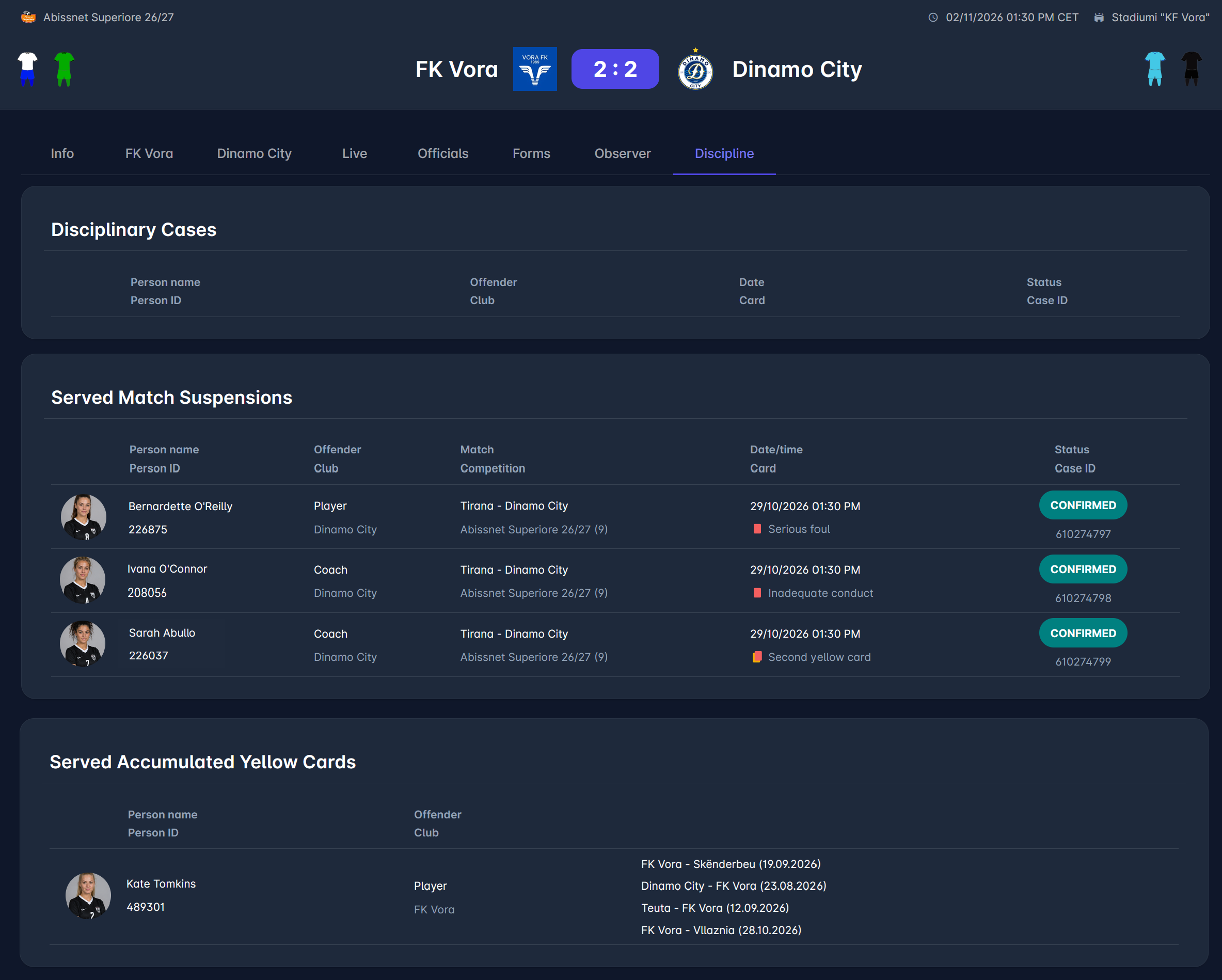
Served Accumulated Yellow Cards
This section is shown only when the association does not use Default Sanctions for accumulated yellow cards. It lists the persons who served accumulated yellow cards with this match. Each row shows:
-
person's photo, name, and ID
-
offender role and club
-
the matches in which the yellow cards were received, with their dates
Rows in this section are not clickable.
Authorizations
The Discipline tab is visible to:
-
Superusers, Competition Administrators, and Disciplinary Administrators of the competition type's organization or above
-
Disciplinary Managers and Competition Managers appointed to the match's competition
For other users, the tab is not shown.
For the legacy COMET view of the same information, see Served Suspensions Panel.