My Profile Overview
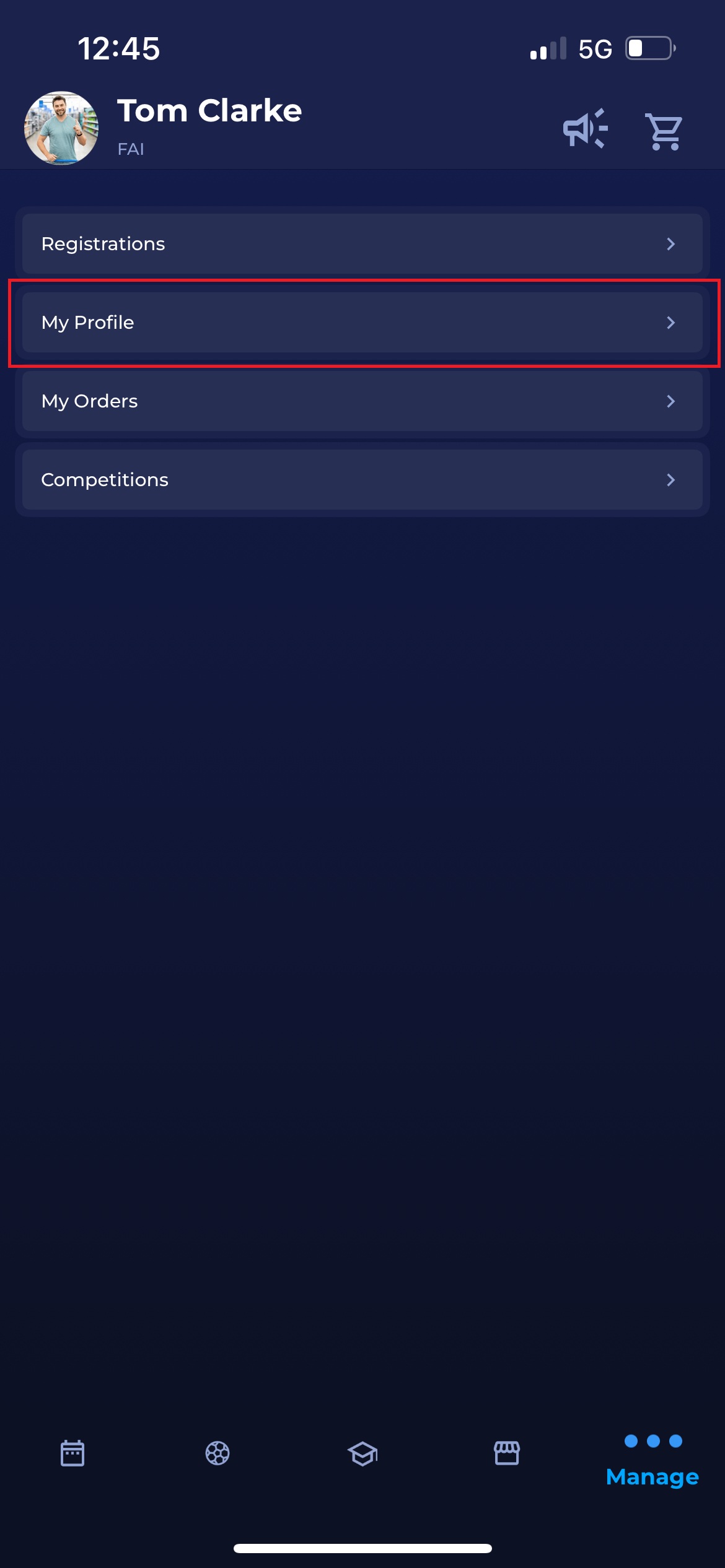
You can access the My Profile menu by tapping the Manage tab, represented by three dots, and selecting My Profile from the list of options.
This option in the COMET Football app mirrors the My Profile menu in MyCOMET.
-20251202-115448.jpg?cb=7a7e58f0d16e2d6be83123418bc73aab)
Here, you can edit the information you provided when creating your profile, such as your contact email, address, or personal photo. Click the 📝 Edit icon above the relevant field to make changes.
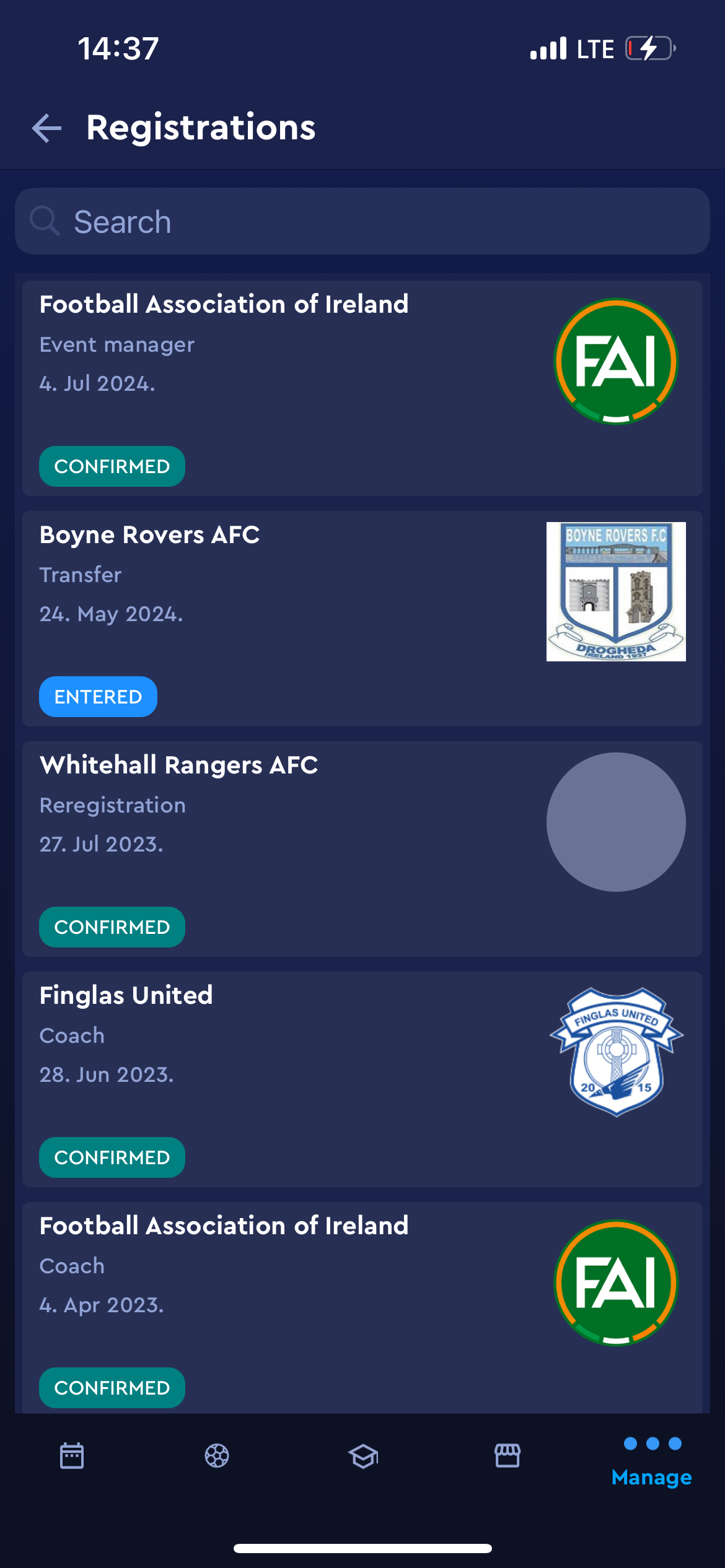
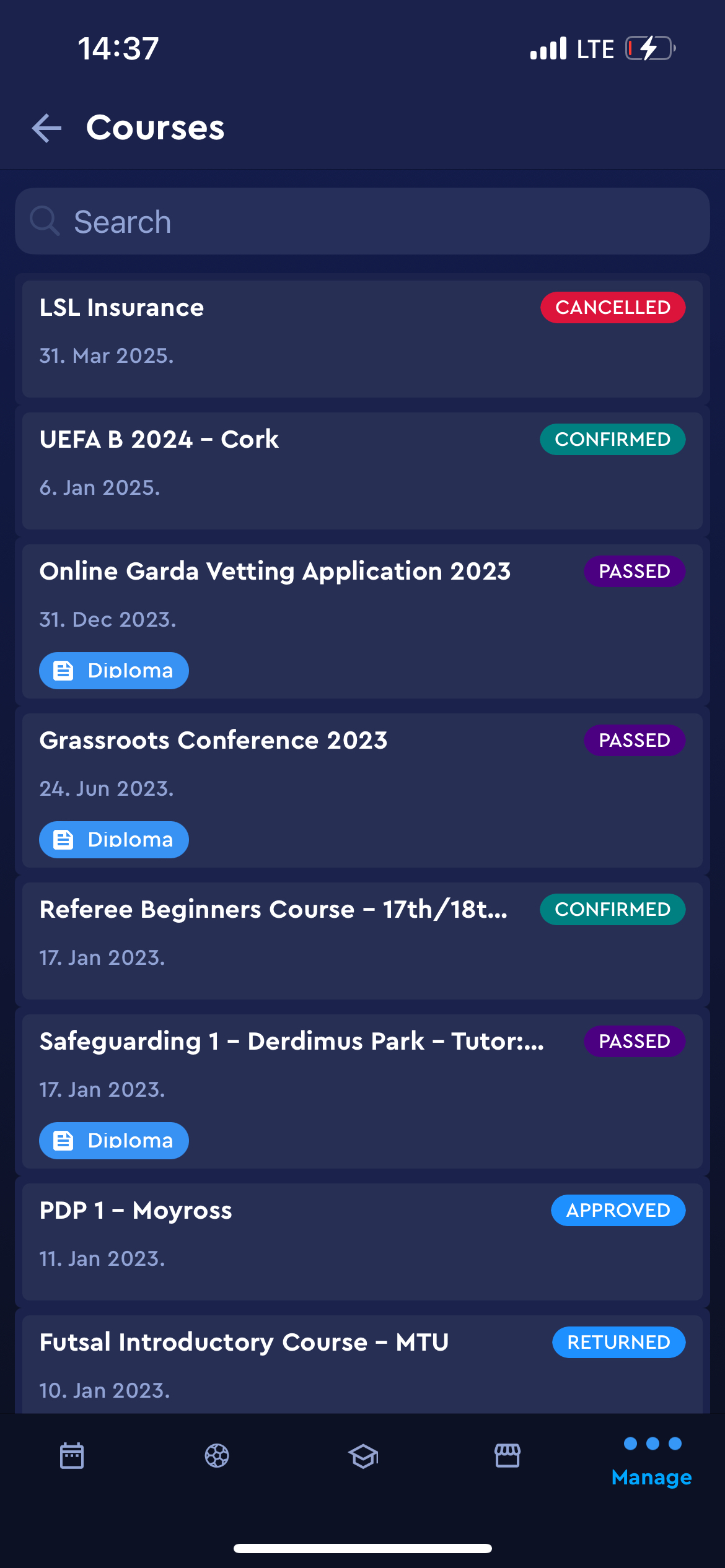
Additionally, you can view your registrations, licenses, and events by selecting the corresponding options from the menu.
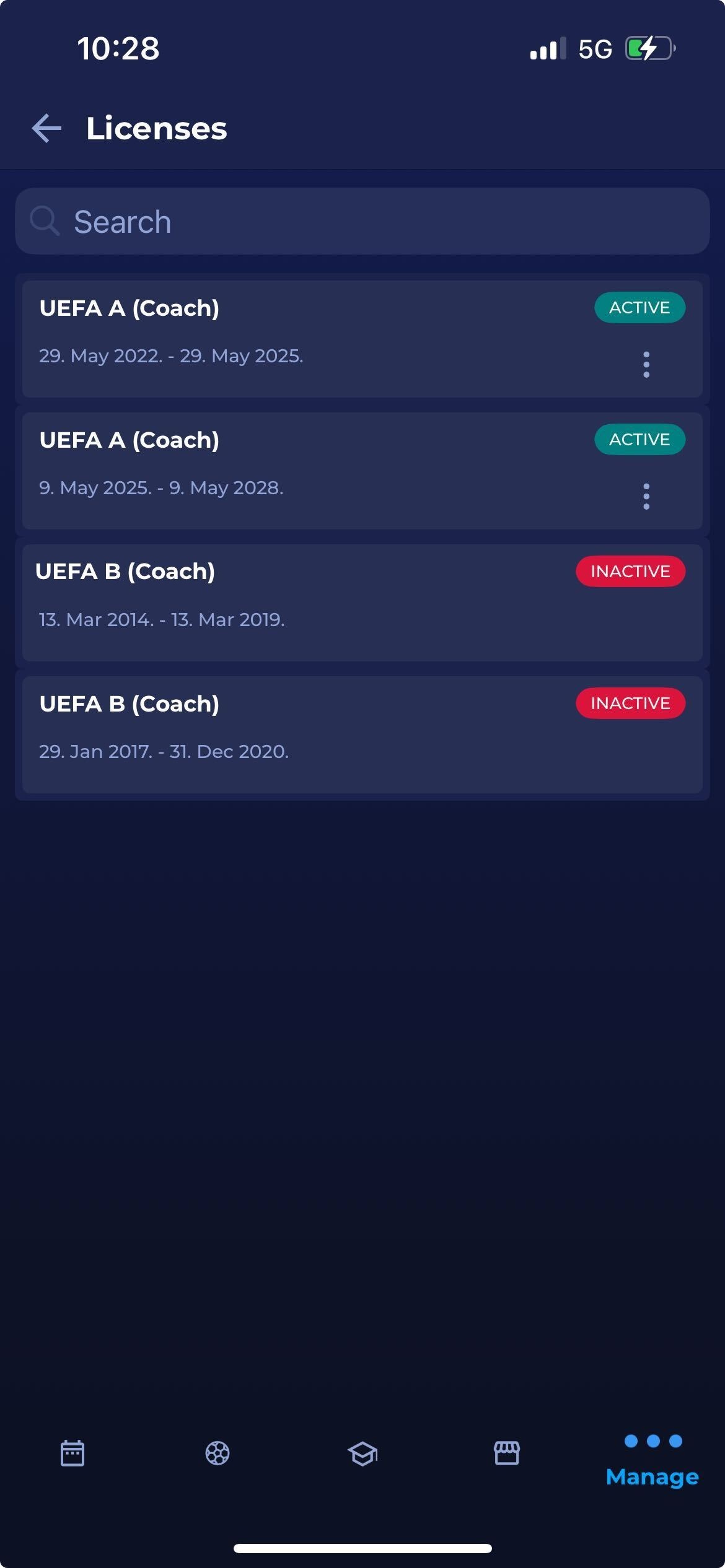
Licenses menu
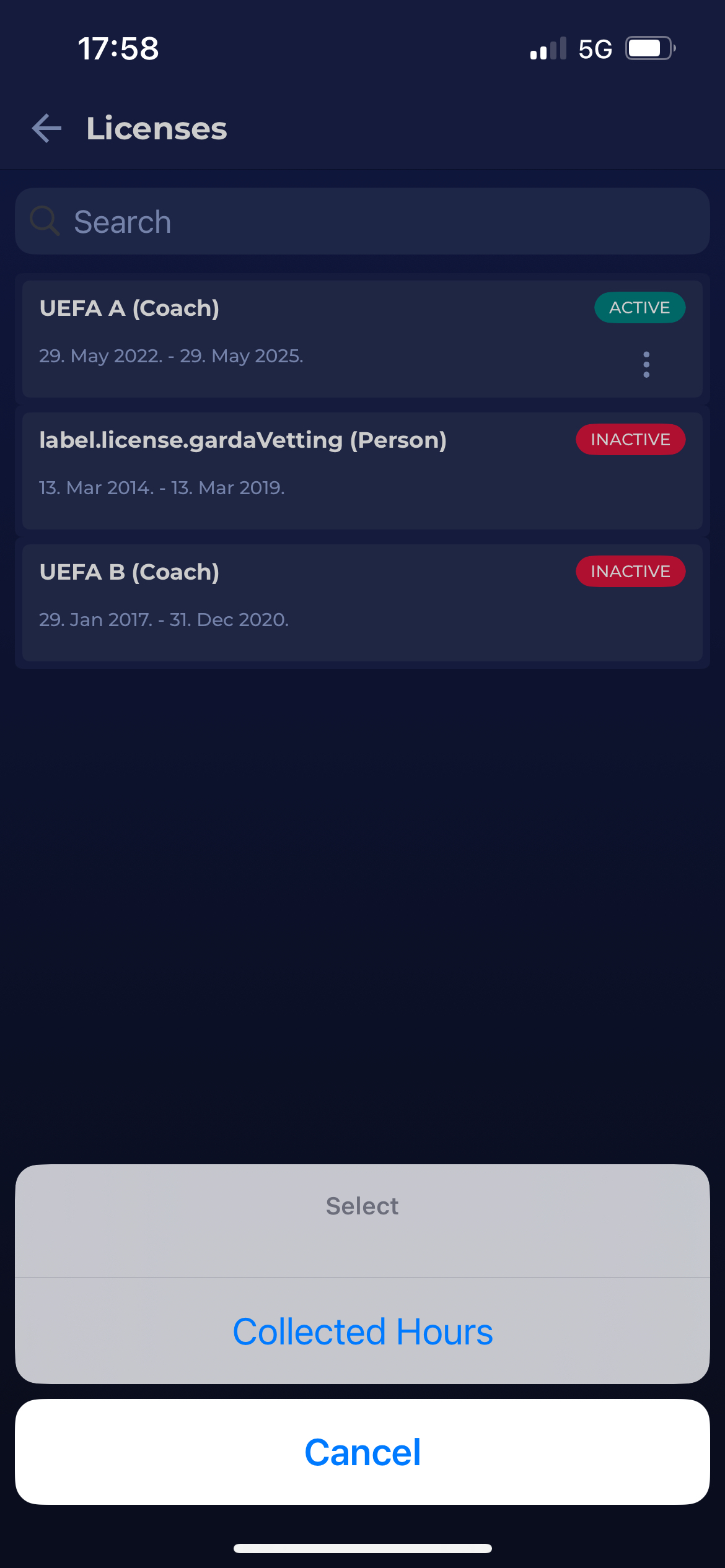
The Licenses menu enables you to see all the licenses associated with your user profile.
Additionally, you can check which licenses are currently active in the following extension plans: License Extension Plans.
To view more details about the extension plan for a specific license:
-
Click the three dots next to the name of the active license.
-
Select Collected Hours from the dropdown menu.
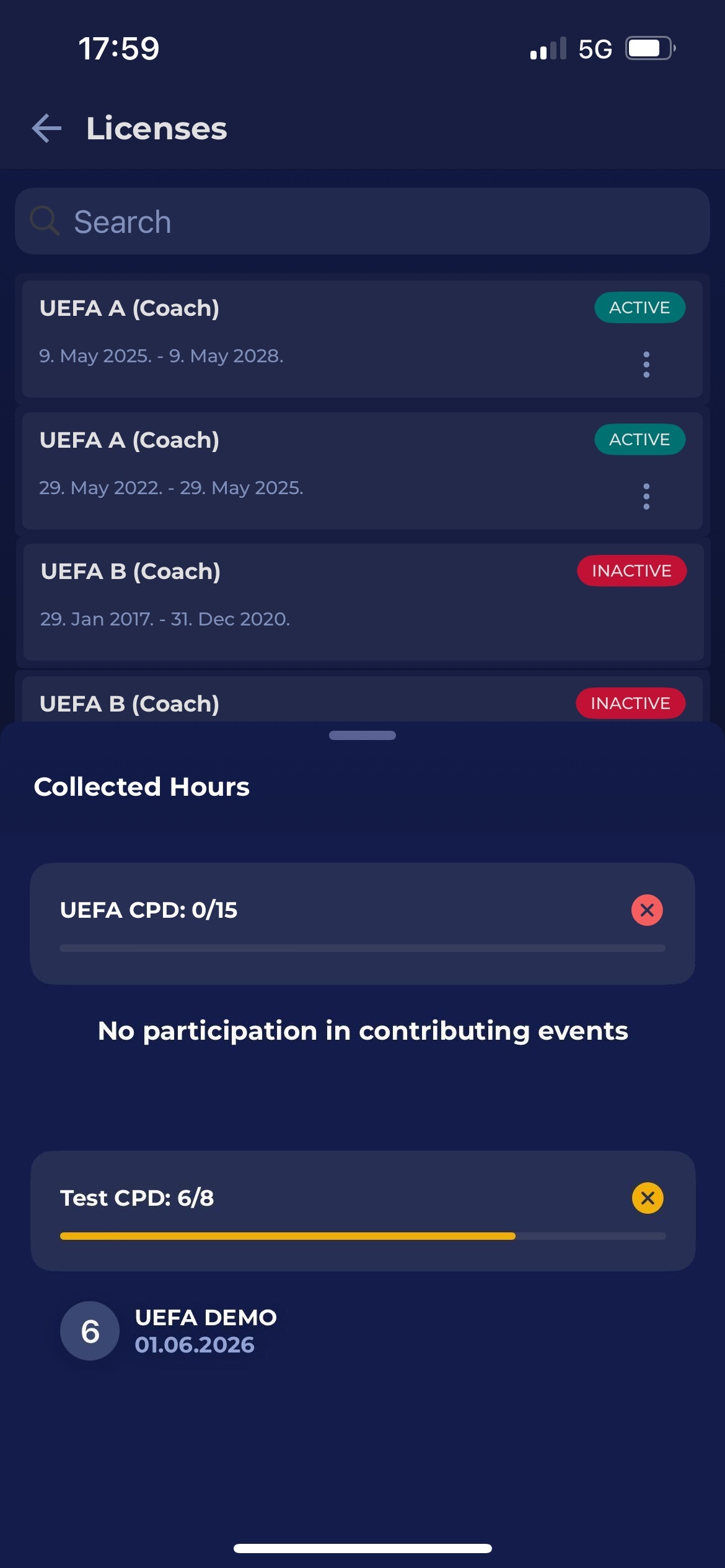
A new window will open displaying all the collected hours required for the license extension.
This window also displays the events that contributed to the total number of collected hours for the license.