
The sign-up workflow in the COMET Football Mobile App is fully aligned with the workflow and logic of the web-based MyCOMET Sign-Up Process. It is a more convenient user interface for those users who prefer to sign up using mobile devices.
Access Sign-up Form
To access the sign-up form, select your association in the COMET Football app to enter their login page. Instead of logging in, tap the Register link above the login button.
This action opens a sign-up form that requires you to enter your details.
.PNG?cb=eb7d0418eb94344b077096054dbc6413)
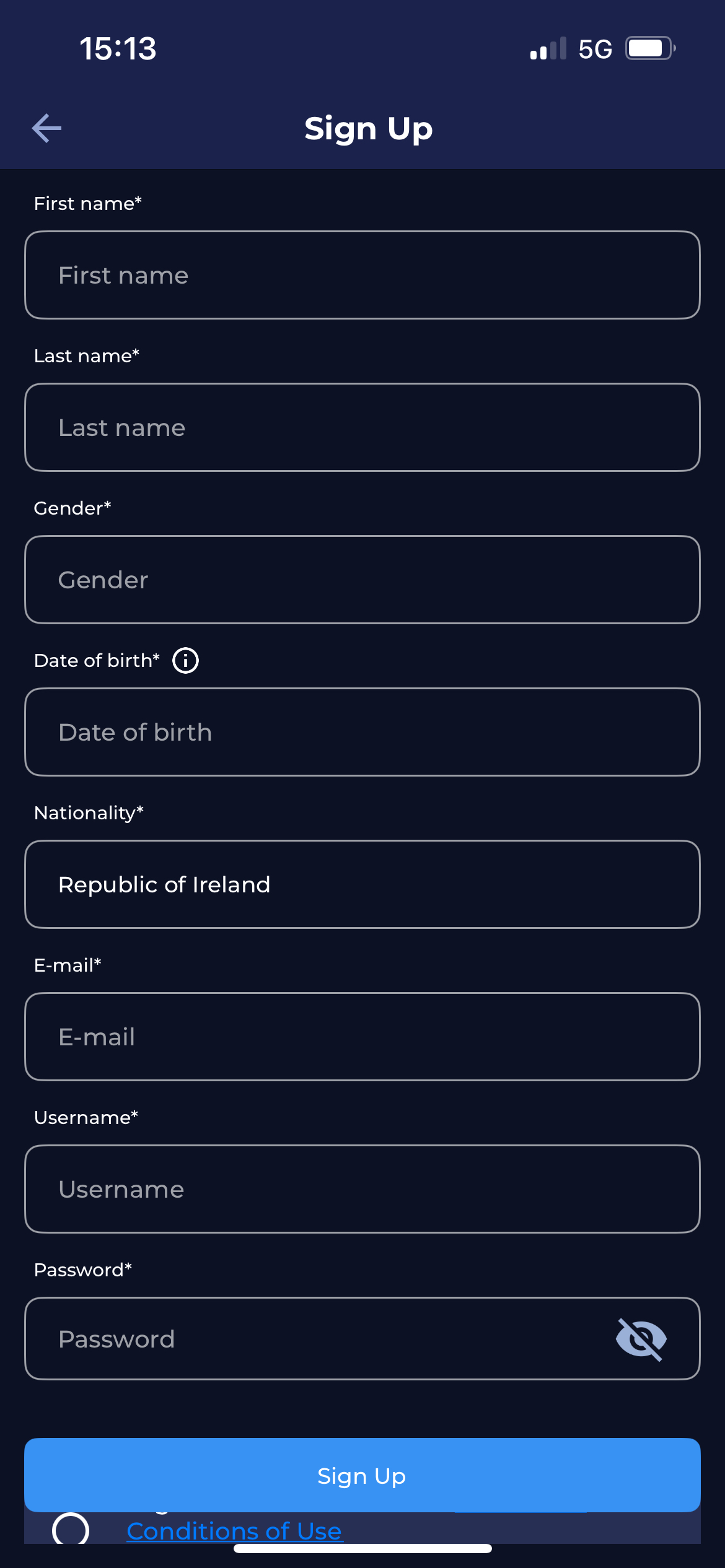
Upon confirming the uniqueness of this profile (ensuring it is not a duplicate), the user will be presented with a message indicating the successful completion of the sign-up process, and the request to verify the provided e-mail address will be sent.
Just as in MyCOMET Sign-Up Process, after verifying the e-mail, user will be able to login into the COMET Football App, and Complete their Profile if any mandatory additional information (such as Address, Ethnicity, etc), needs to be entered as well.