
If your tenant is using the COMET Announcements Extension, you can access and use the Announcements Inbox from the quick links displayed in the upper-right corner of the screen.
Announcements Inbox
All announcement messages are delivered to the recipients' e-mail addresses and to the My Announcements Inbox.
To check your Announcements from the mobile App:
-
Select the Announcement icon quick link in the upper-right corner of the screen
-
The number indicates the number of messages that have not yet been read

-
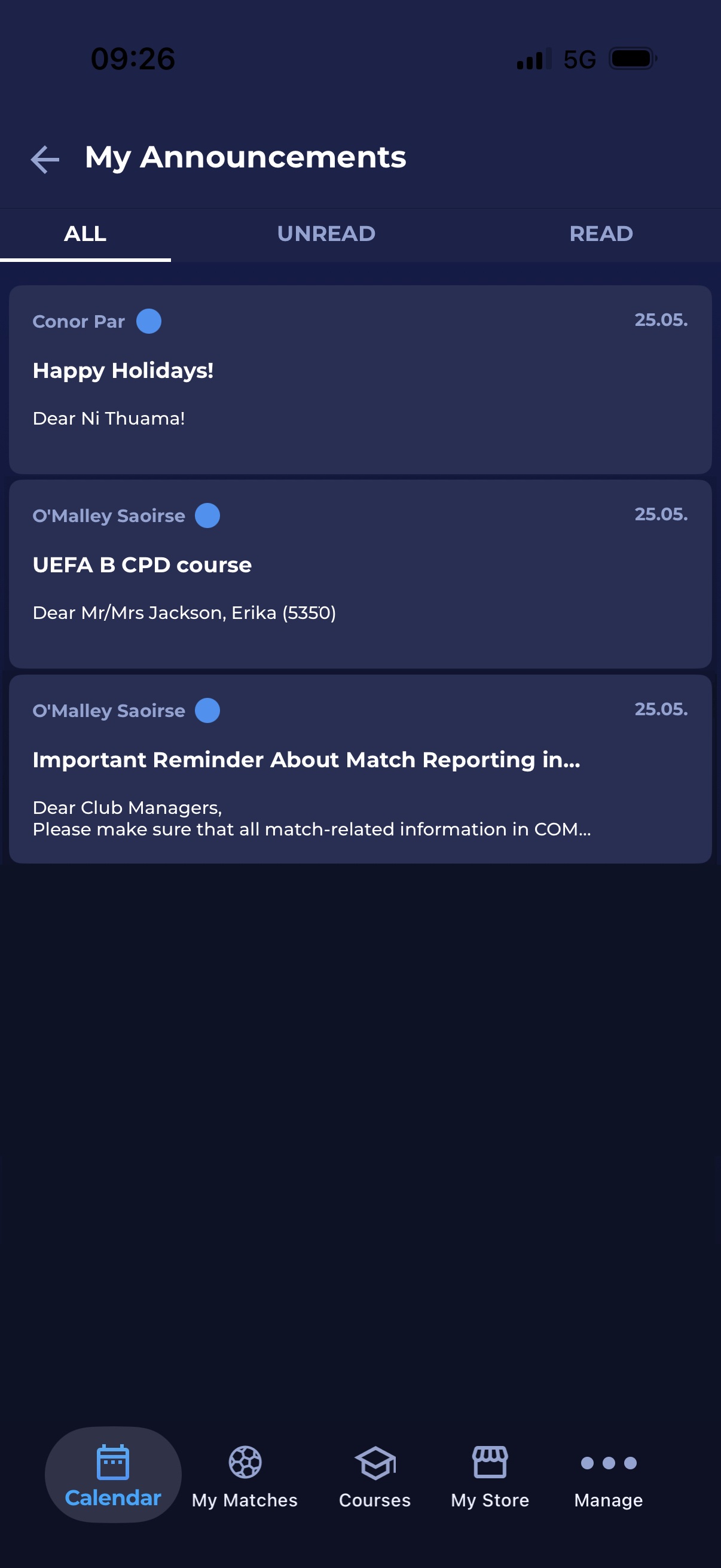
The list of messages is divided into three tabs:
-
All
-
Read
-
Unread
-
-
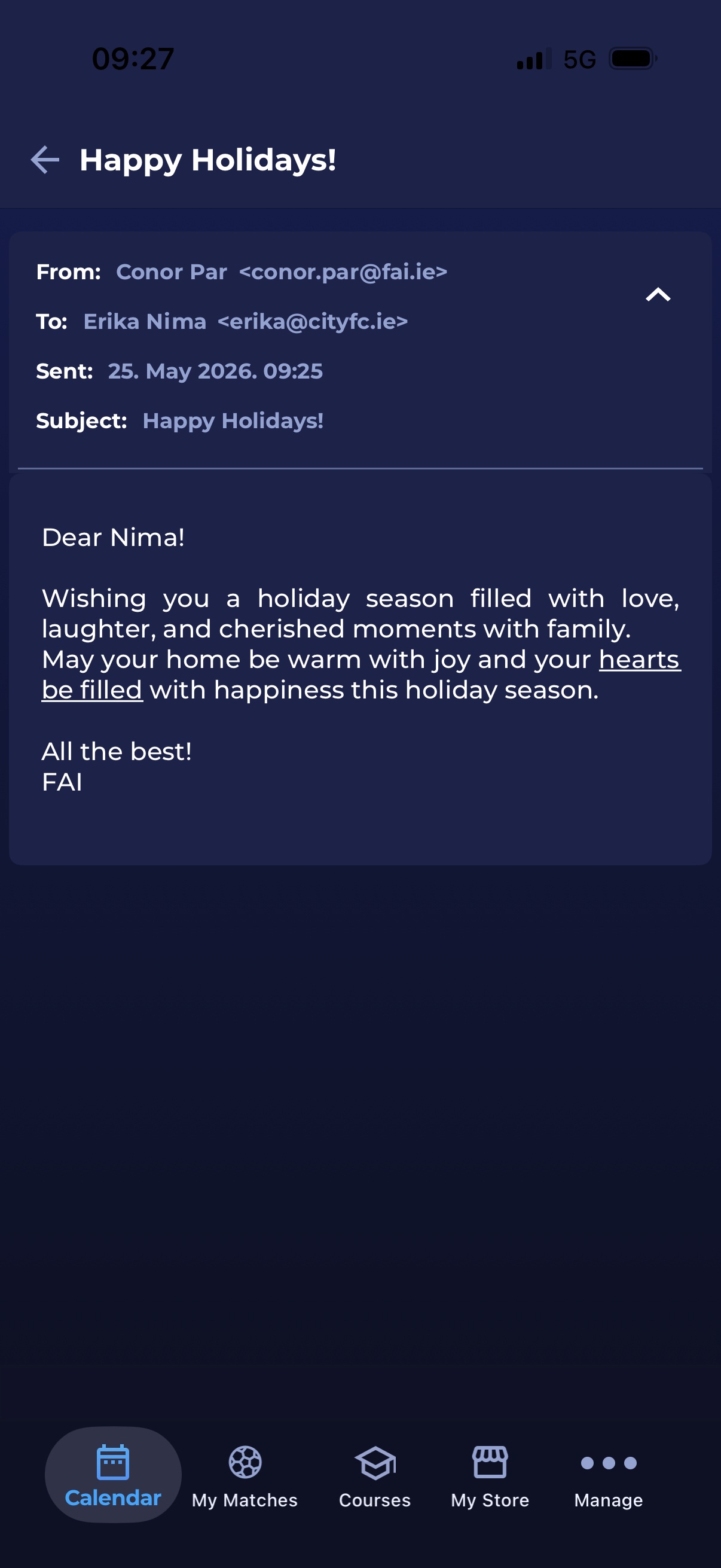
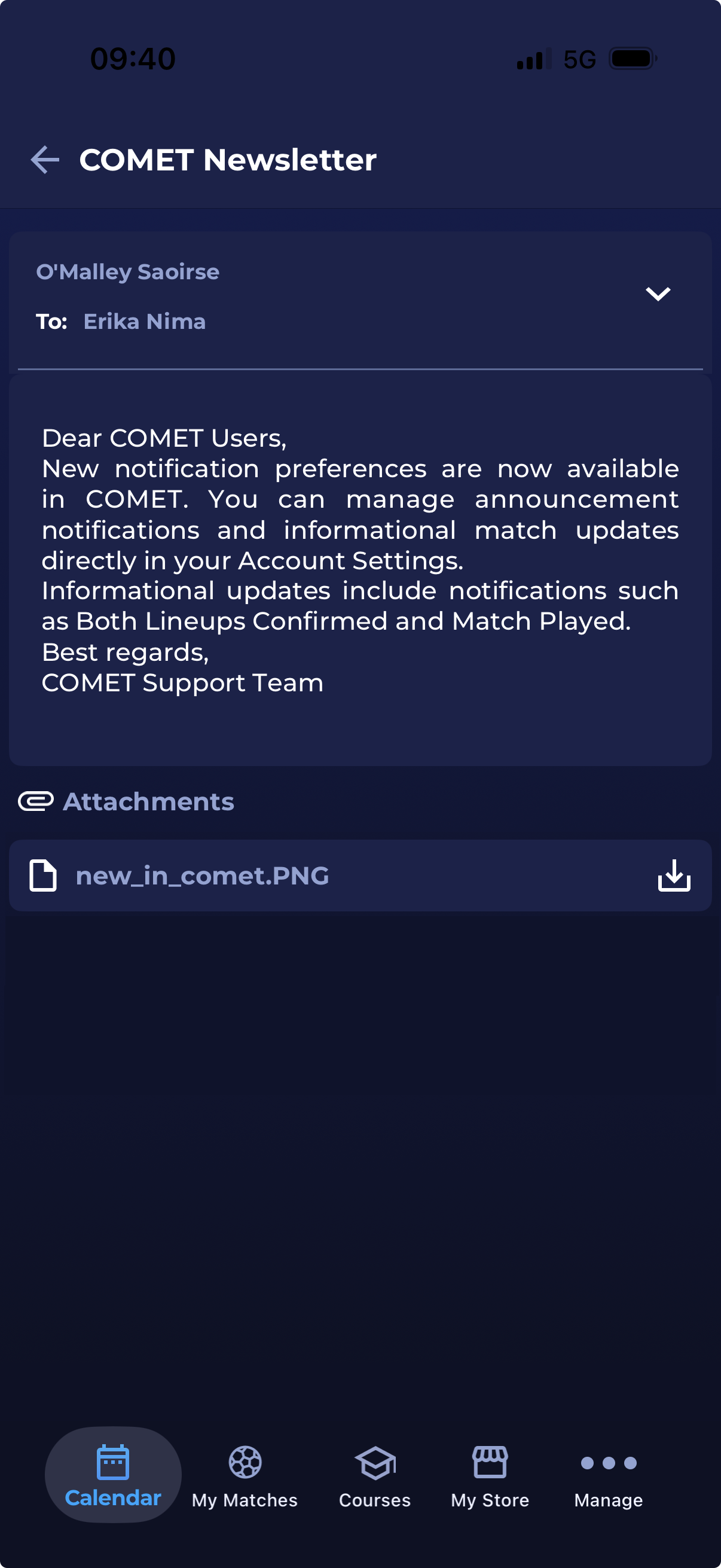
A tap on the message from the list will open a message/announcement.
In the e-mail received from the COMET system, there is a Mark as Read button at the bottom of the message, which you can use to acknowledge that you have read the message. Clicking on this button will update the inbox badge (i.e., the message in the Inbox will also be displayed as read).

Push Notifications
Whenever an Announcements Campaign is sent, a push notification about the incoming Announcement will be sent to all recipients who use the COMET Football Apps.
Pressing and holding the notification will reveal more of the announcement’s content, while tapping the notification will open the announcement directly in your My Announcements inbox.
.jpg?cb=f86f54fe4187901b85ae0455f32f8cb8)
.jpg?cb=a791d99128aeccff5b4631988f886552)
-20260120-111052.jpg?cb=7ffc1e58591aaf1191c0622f9e797ce7)
Push notifications can be muted or disabled through your mobile phone settings, not within the COMET Football app.