
In the Live Tab you can see lineups of both teams, including starting lineups, formations, substitutes and team officials. You can conveniently add match events for both teams in this view, simply by clicking on any player or team official.
Formation View
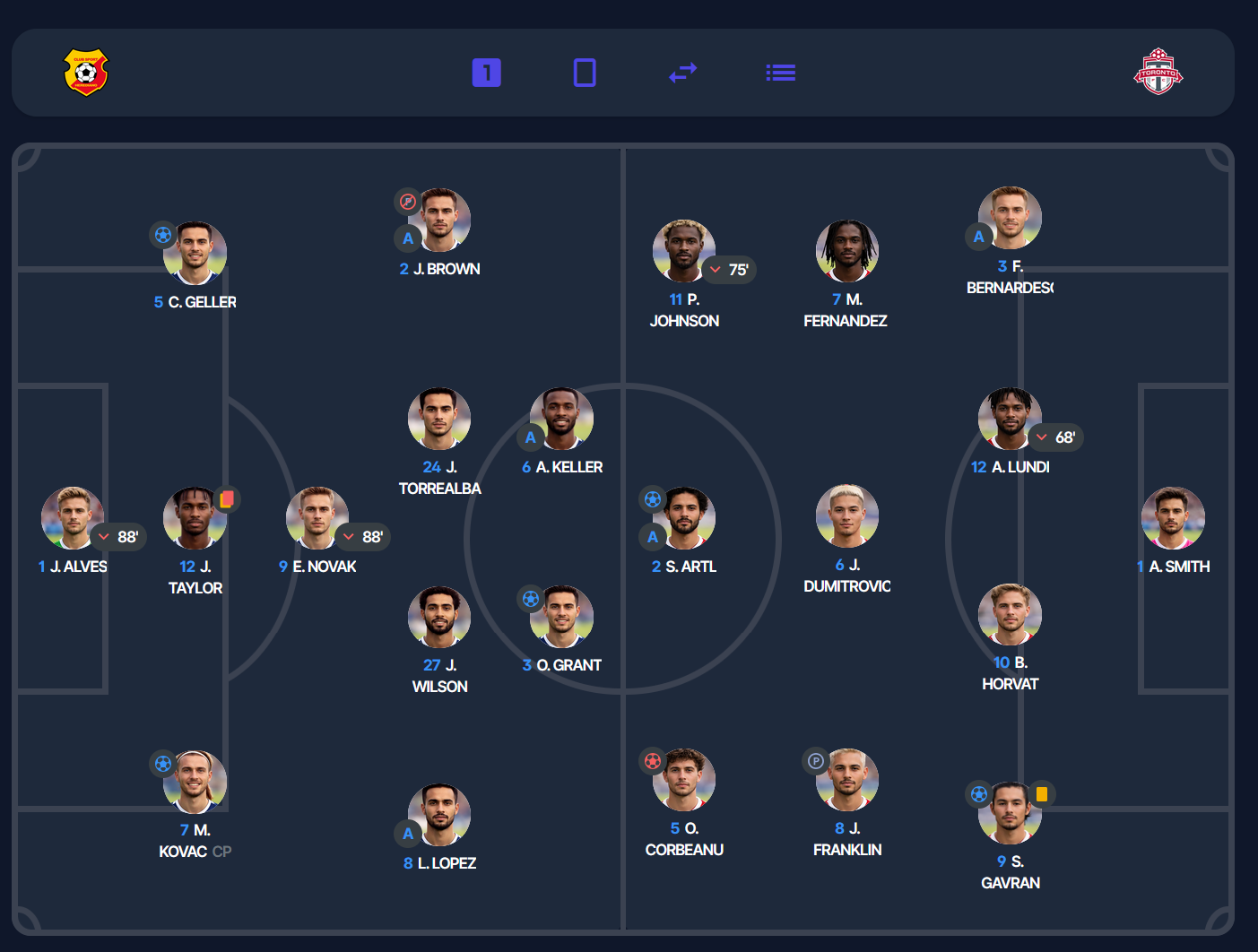
The default view is the player’s formation view in horizontal format. From here, with the control buttons in the top right, you can switch to a vertical formation view or back to a standard list view.
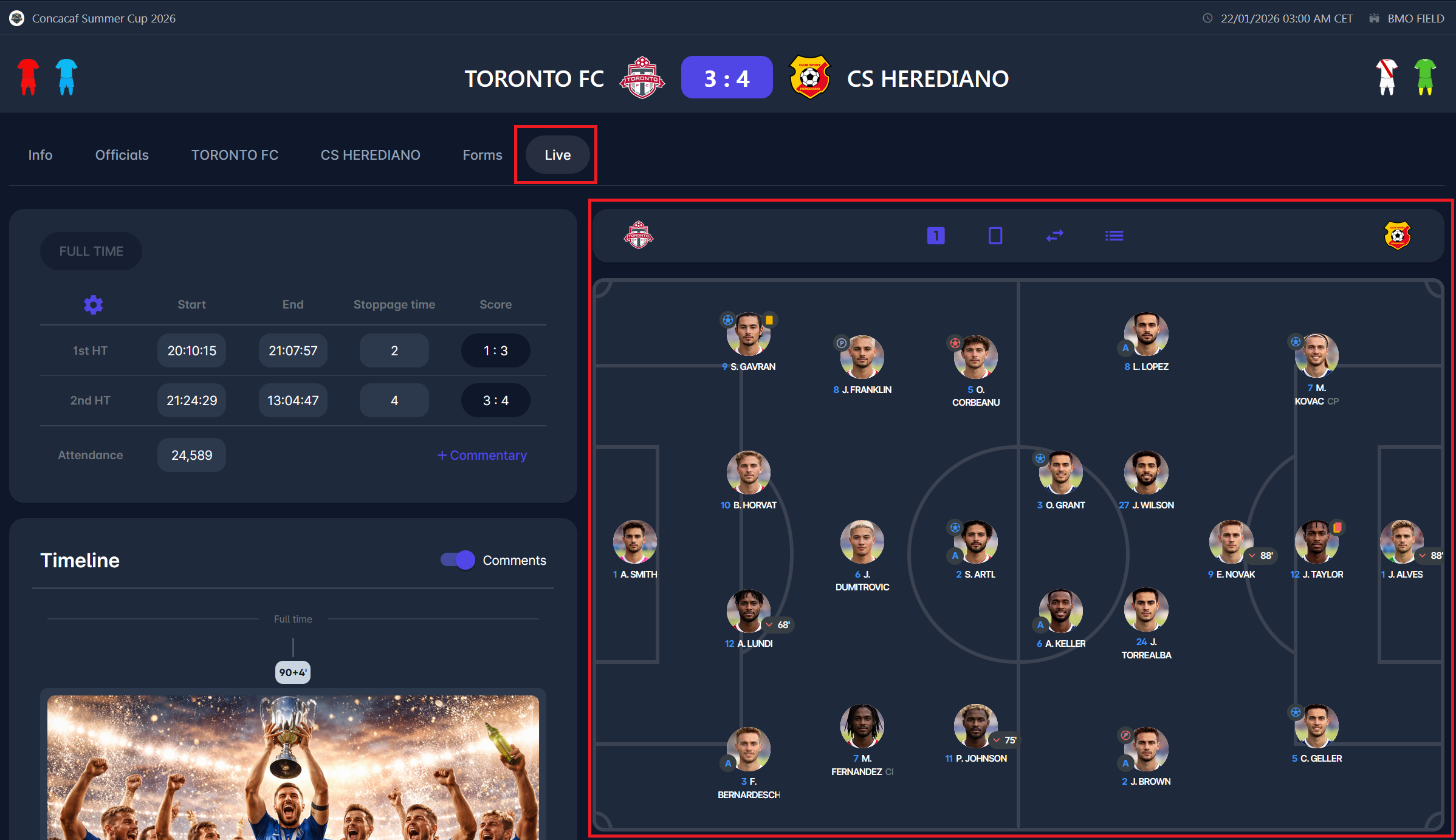
|
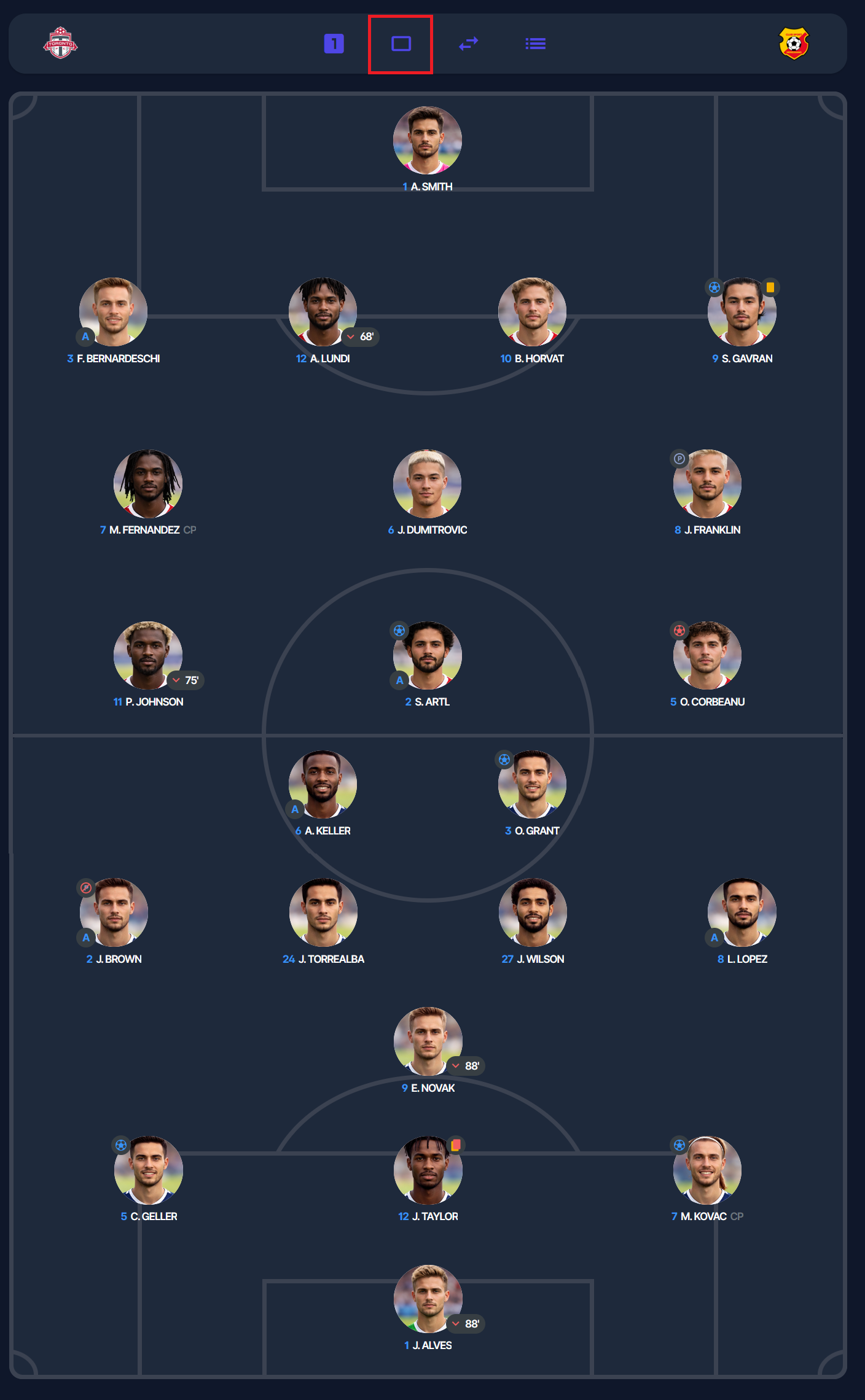
|
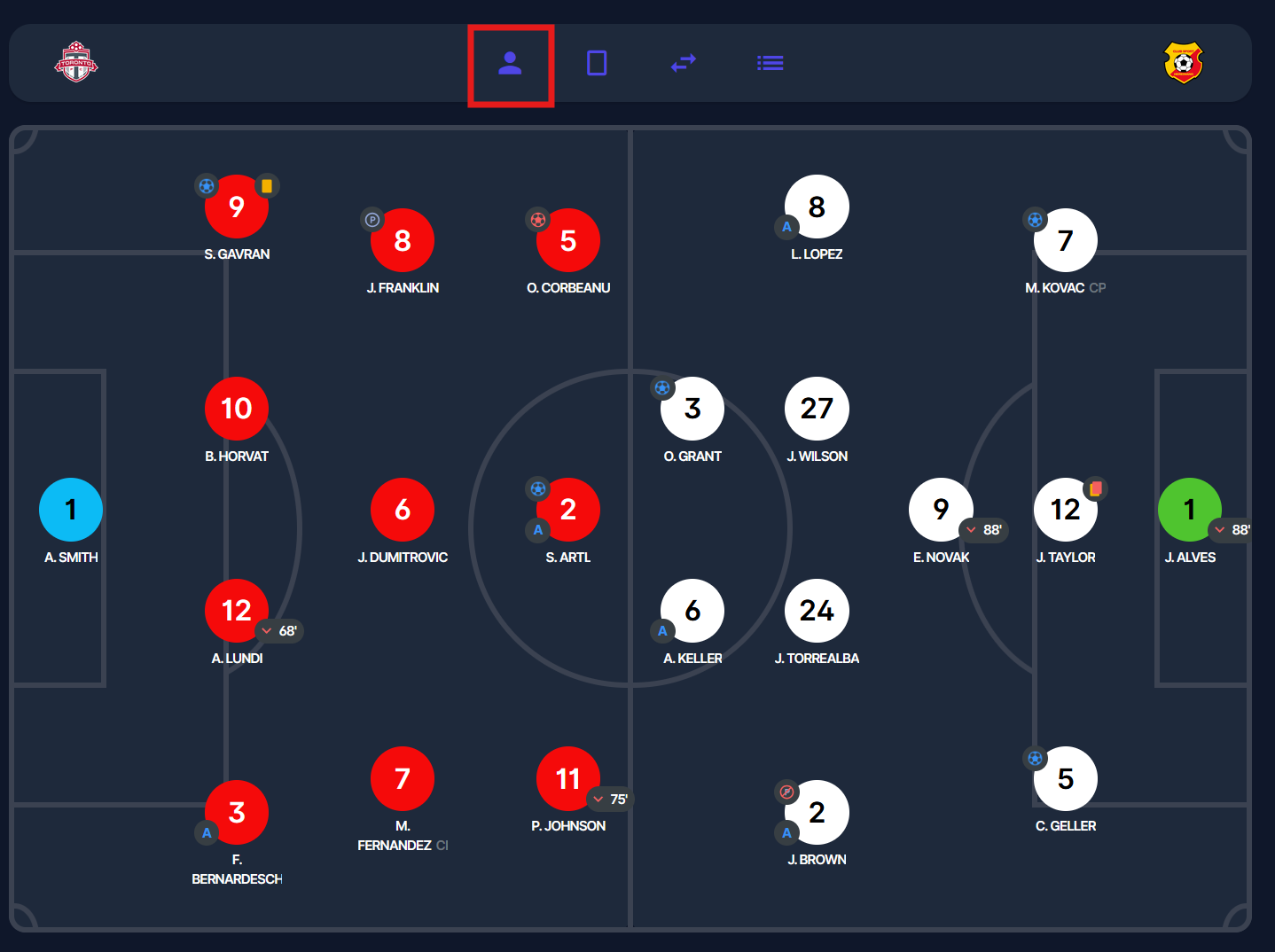
In the control buttons, you can also find a player photo/player shirt number switch, which changes the player’s representation in formation view. A player is represented in the lineup either by their photo or by their shirt number, with the primary color of their kit as the background, if one is selected for the match. The primary background color is chosen from the kit’s shirt color. White with a black shirt number is the default color if no kit is selected for the match.
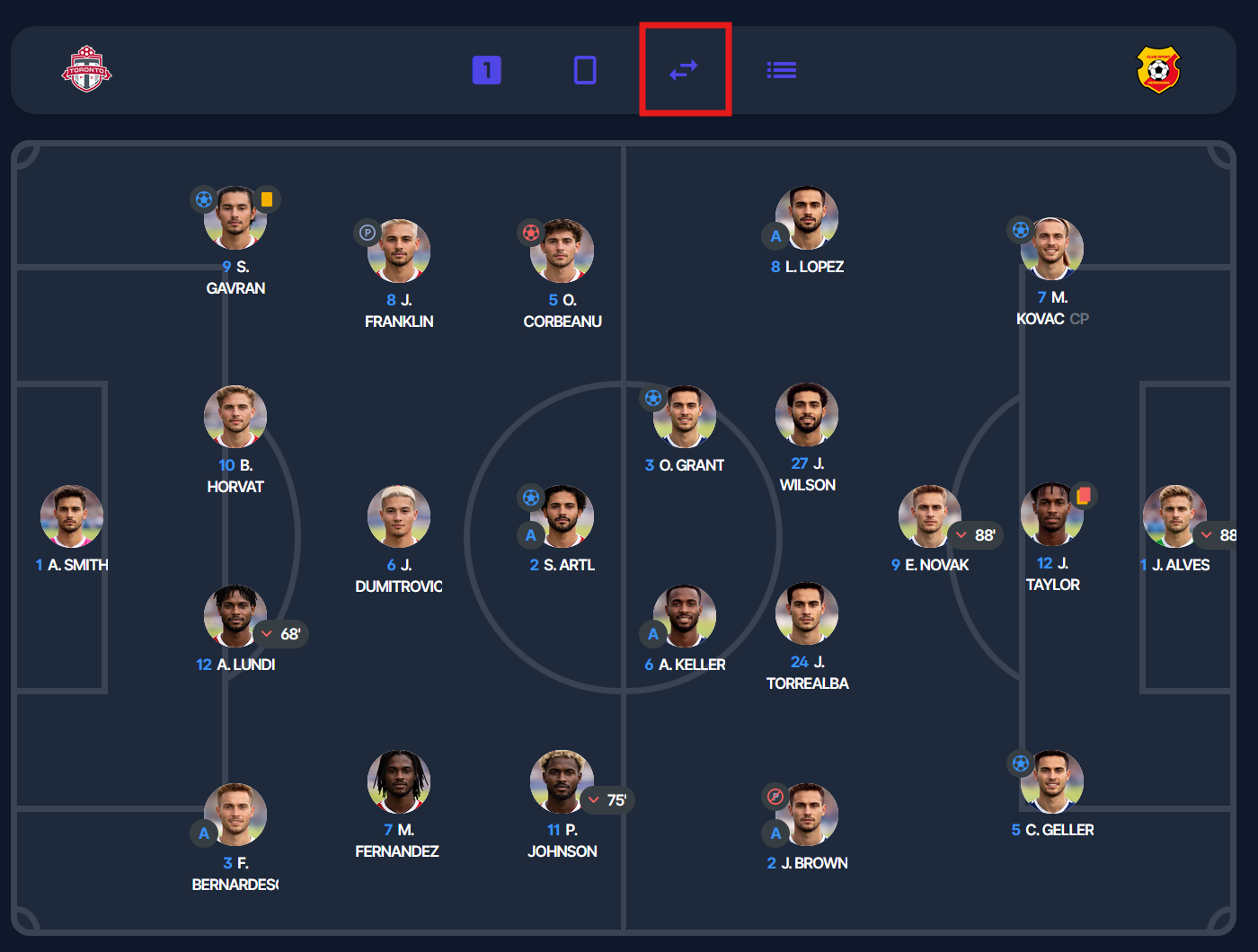
A third control button lets you swap the team positions.
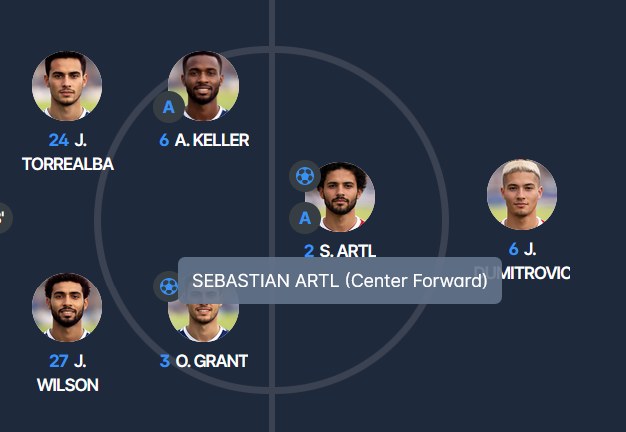
Hovering over a player’s name provides you with their full name and their position in the lineup.
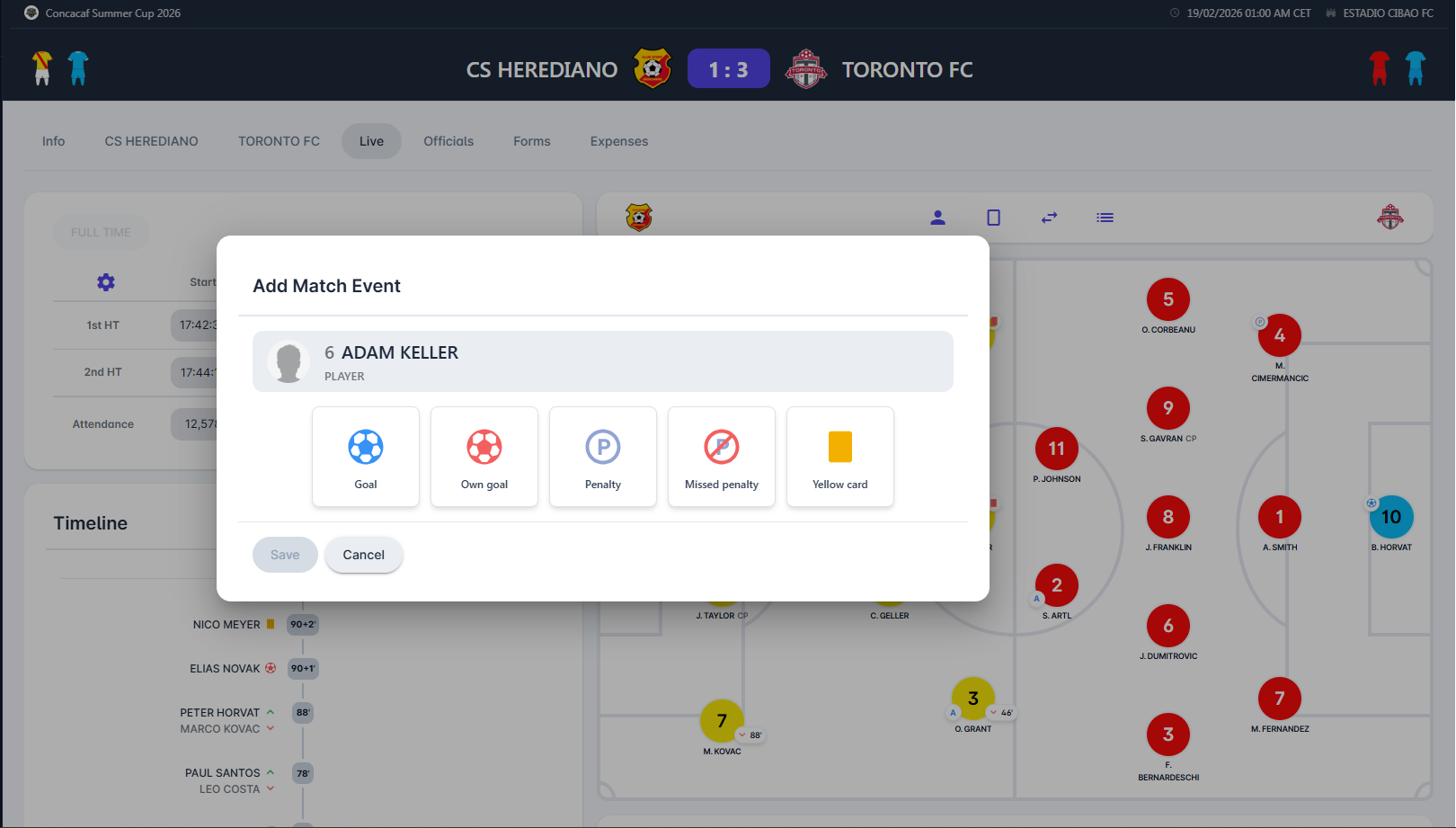
A click on a player (in either formation or list view) lets you add match events to that player, if you are authorized to do so. It opens up the same dialog you can find in the match club tab.
List View
As a Match Component, the “Live Tab” is responsible for entering and displaying match events, phases, and commentary in real time. It displays the Club Lineups of both Teams.
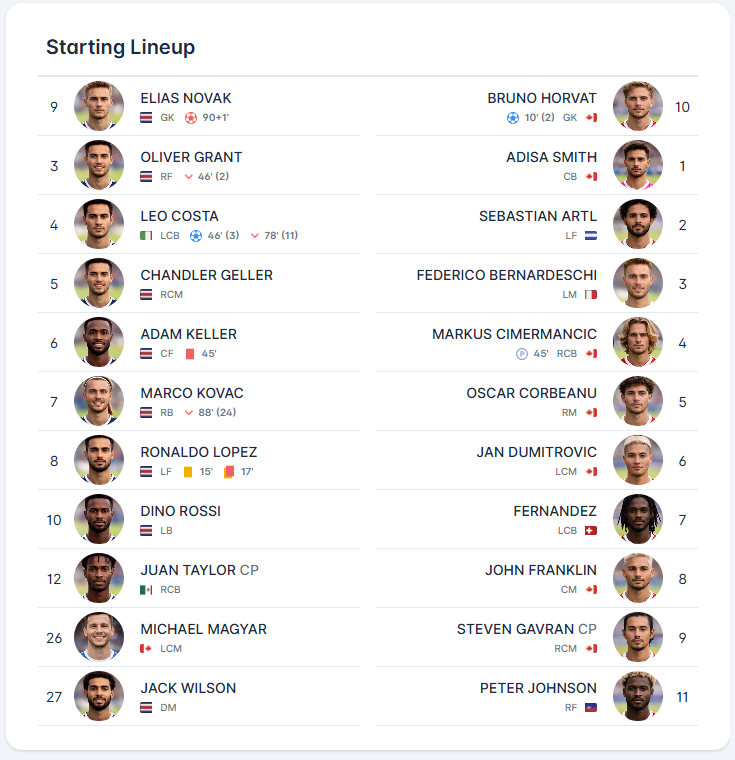
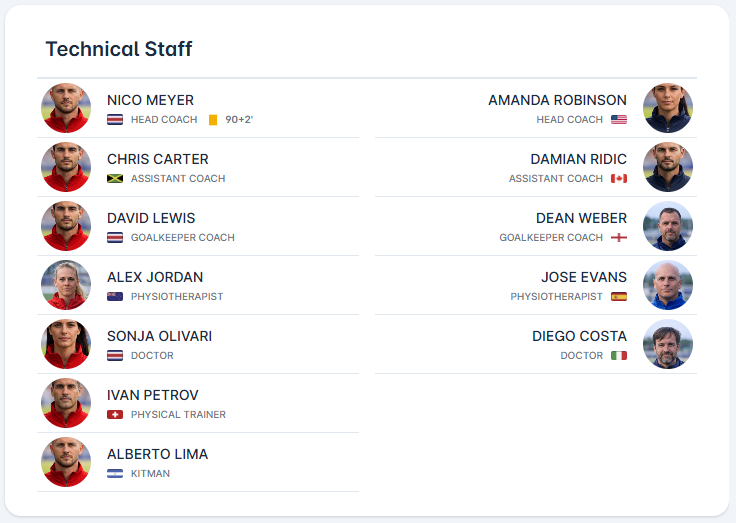
Same as with Formation View, clicking a player opens up a dialog where an authorized user can add match events. If a match event is added for a player or official in the lineup, clicking on it opens a match event edit dialog.
For confidentiality reasons, Player and team official highlighted licenses do not appear in the Live tab, as the Live tab in general contains public information, and is accessible in read-only mode to all users of COMET (except member-only).