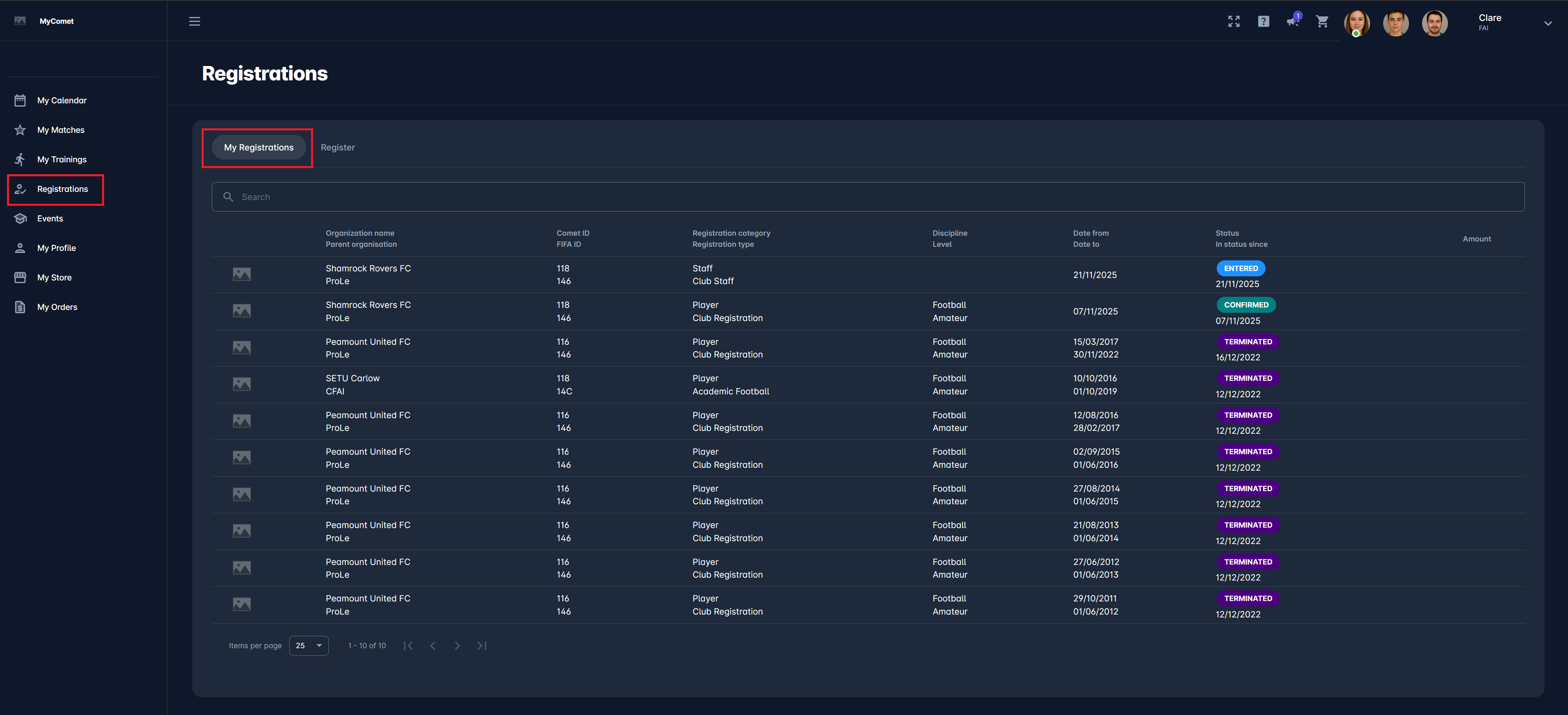
As a COMET User entitled to a self-registration process (player, coach, or official), you can access active Registration Profiles from the My Registration Menu.
From the Registrations Menu, users can view all their current and previous registrations or select a Registration Profile to register for a club or organization. There are two types of self-registrations: free and paid. For paid registrations, the item must be purchased to complete the initial registration step. For free registrations, simply apply for the registration.
My Registrations Tab
In the My Registrations Tab, the list of the linked person registrations (regardless of their status) is displayed with the following details:
-
Logo
-
Organization/ Parent Organization
-
COMET ID/ FIFA ID
-
Registration category/ Registration type
-
Discipline/ Level
-
Date From/ Date to
-
Status/ In status Since
-
Amount - in case there is an amount to be paid for registering
-
The search box (use the search box to search through your registrations in the system)
Registration details
To view the details of an individual registration, click on its row under the My Registration tab.
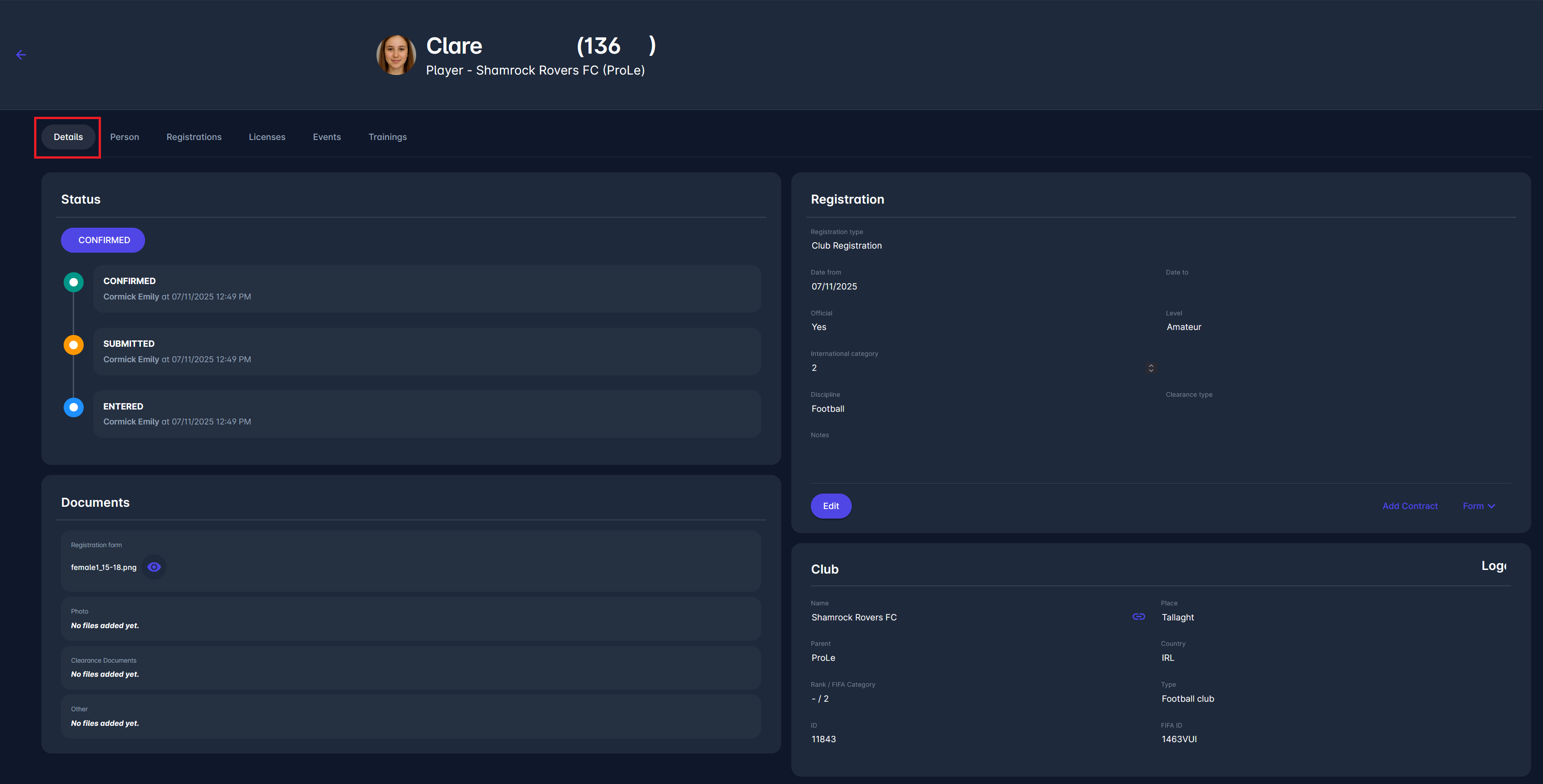
Details tab
A quick summary of your current registration status.
Shows your timeline (Entered → Submitted → Confirmed), registration type, dates, discipline, and the club you belong to.
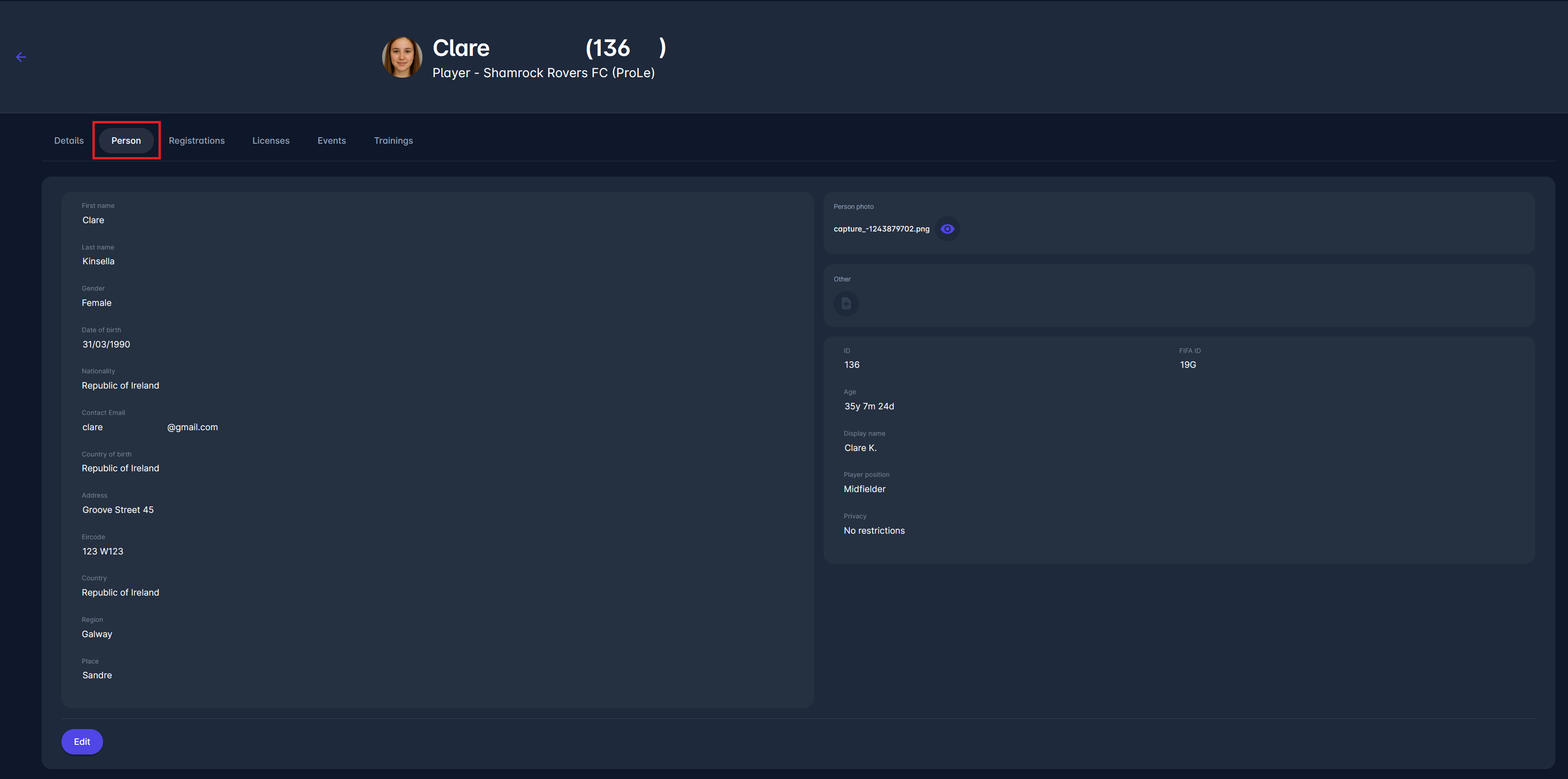
Person tab
Basic personal information, including name, gender, nationality, contact email, address, birth details, and your profile photo.
For more details, see My Profile.
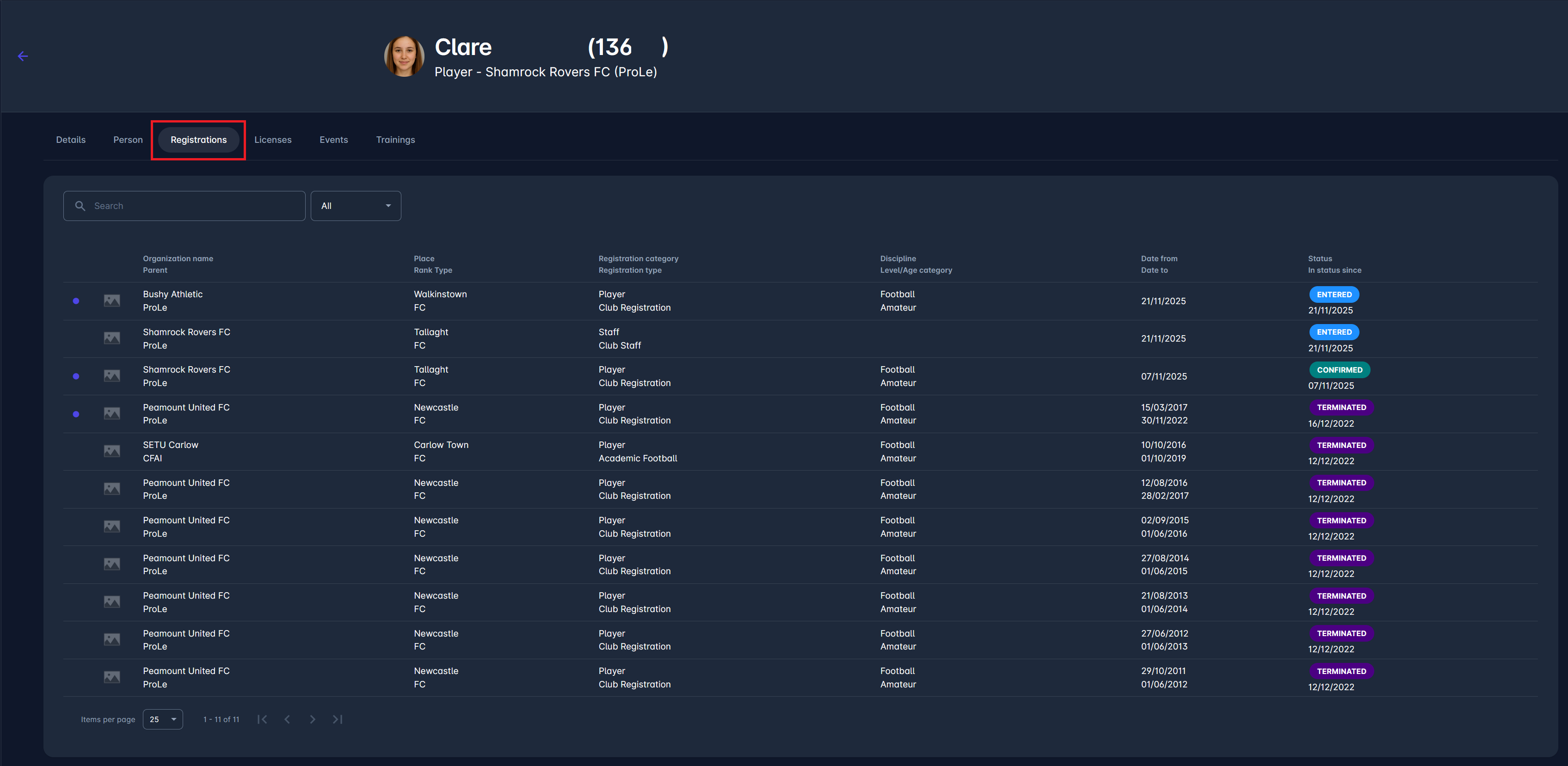
Registrations tab
A list of all your historical and current registrations with clubs or organisations.
Displays club name, registration type, level/age category, validity dates, and the status of each registration.
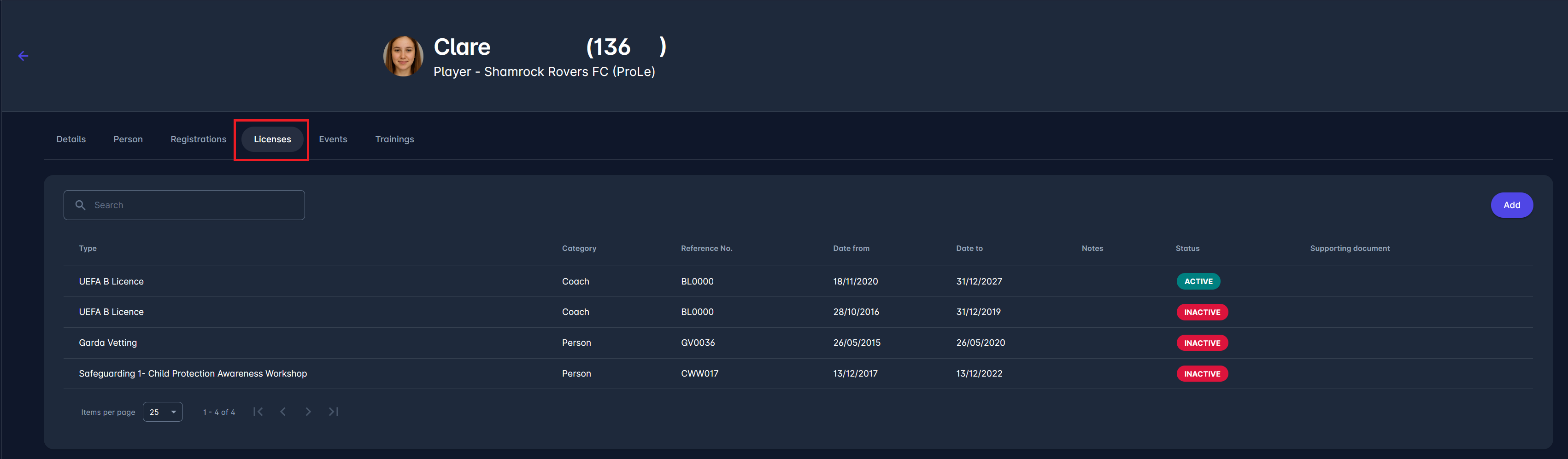
Licenses tab
An overview of all your licences (coaching, vetting, safeguarding, etc.).
Shows licence type, category, reference number, issue/expiry dates, current status, and attached supporting documents.
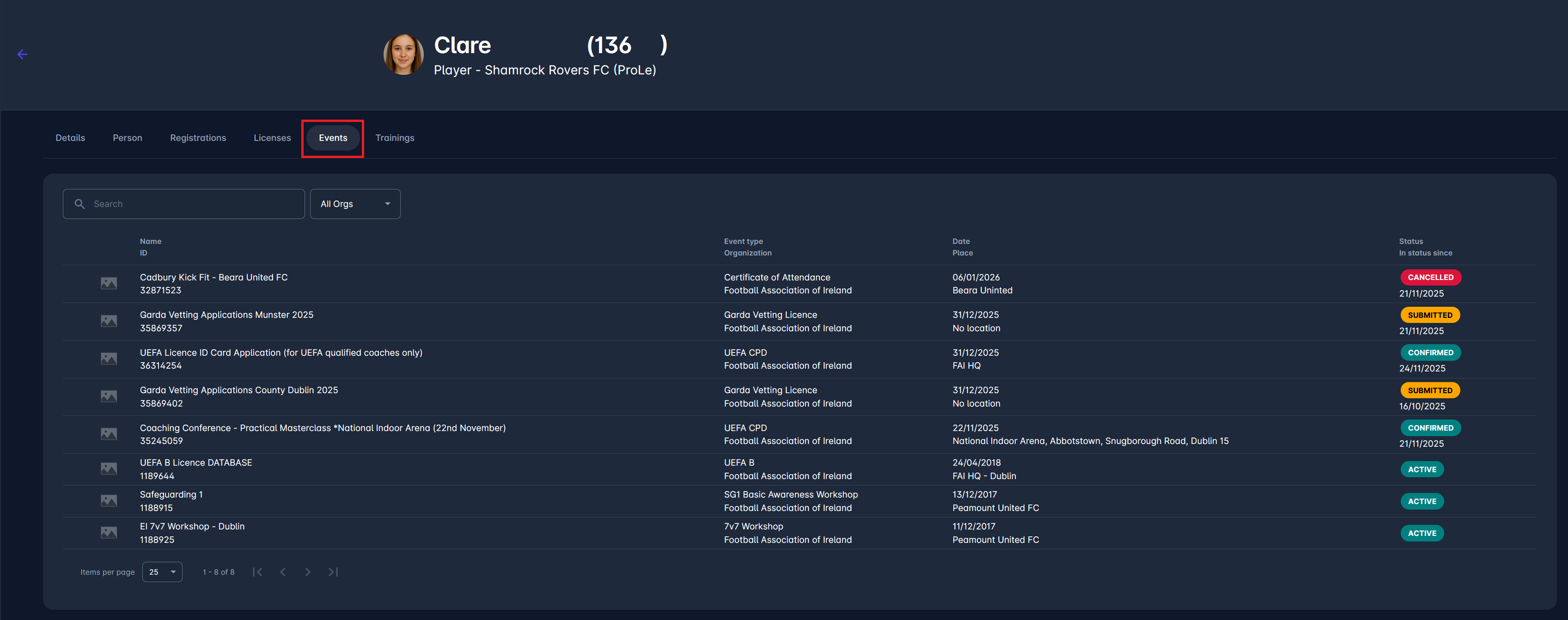
Events tab
Your participation or application history for your events (courses, workshops, vetting bookings, ID card applications, etc.).
Shows event name, organiser, date, location, and your status (Submitted, Confirmed, Cancelled).
To find out more about events, check the following article: My Events
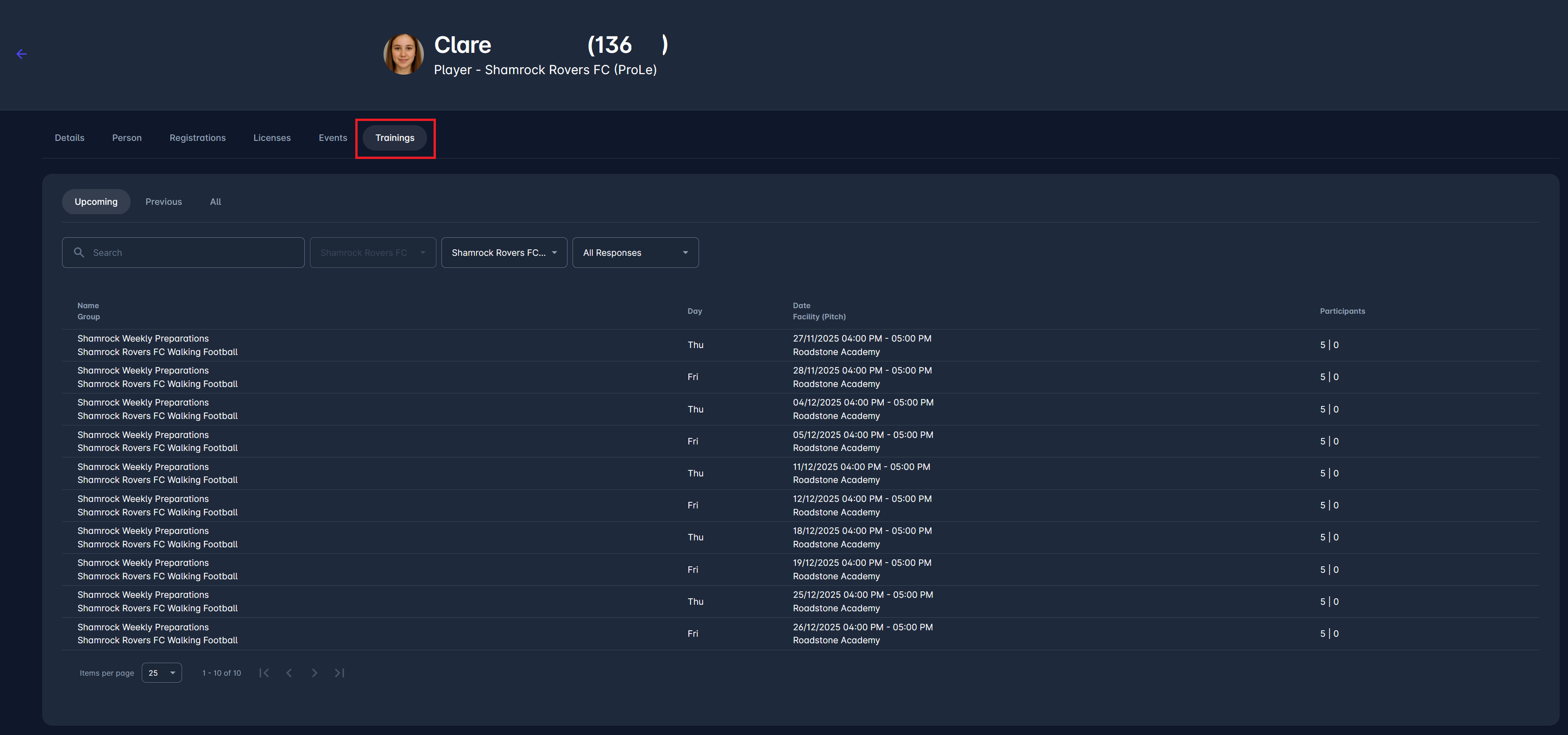
Trainings tab
A list of all training sessions linked to your club or group.
Shows training name, day/time, location, and participant numbers.