
As a user with a person profile, who initiated a self-registration for a club that was later set to CONFIRMED, you can request to terminate your registration with the current club, e.g., to be able to register for another. This request must be approved by your club or an affiliated admin.
Member is the only role that can initiate termination - for their own person or for their children’s profile registrations.
Requesting Termination
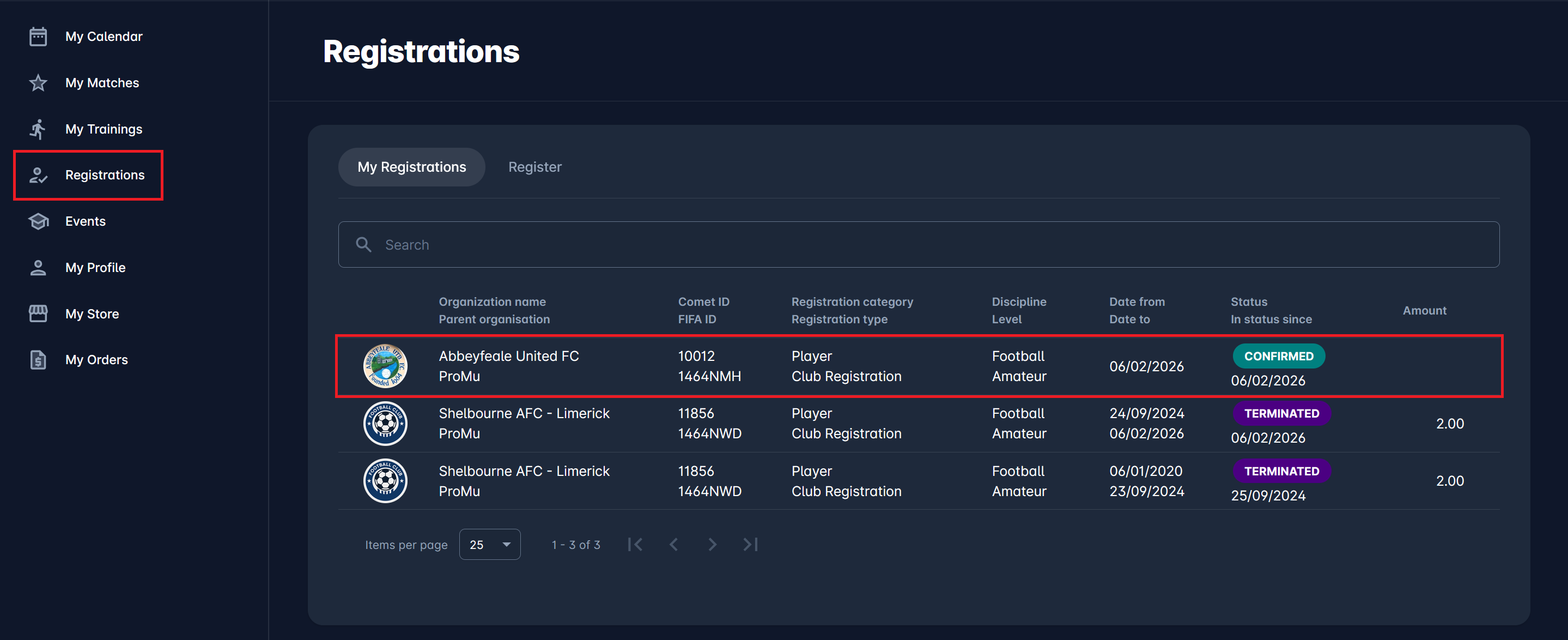
To request a change in the status of your own CONFIRMED registrations to TERMINATION REQUESTED, navigate to the My Registrations section from the menu on the left side of the screen.
Select the registration you want to terminate by clicking the row that displays its details.
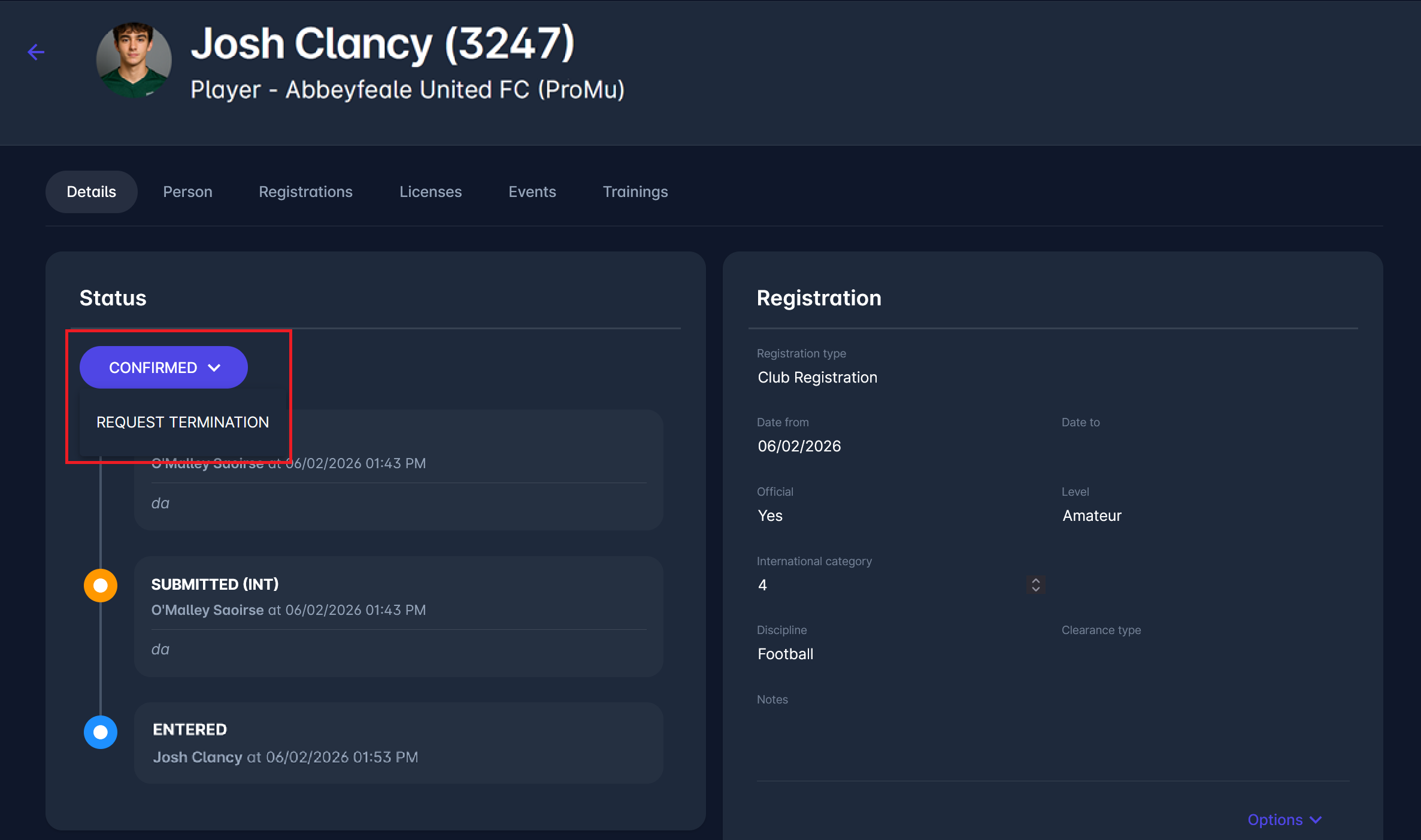
In the Status section, open the status dropdown and select Request Termination.
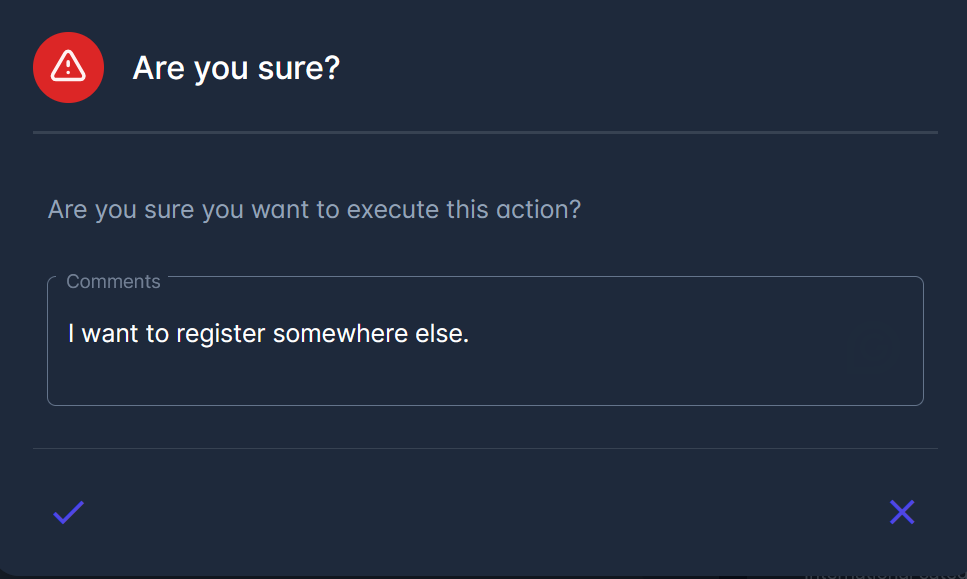
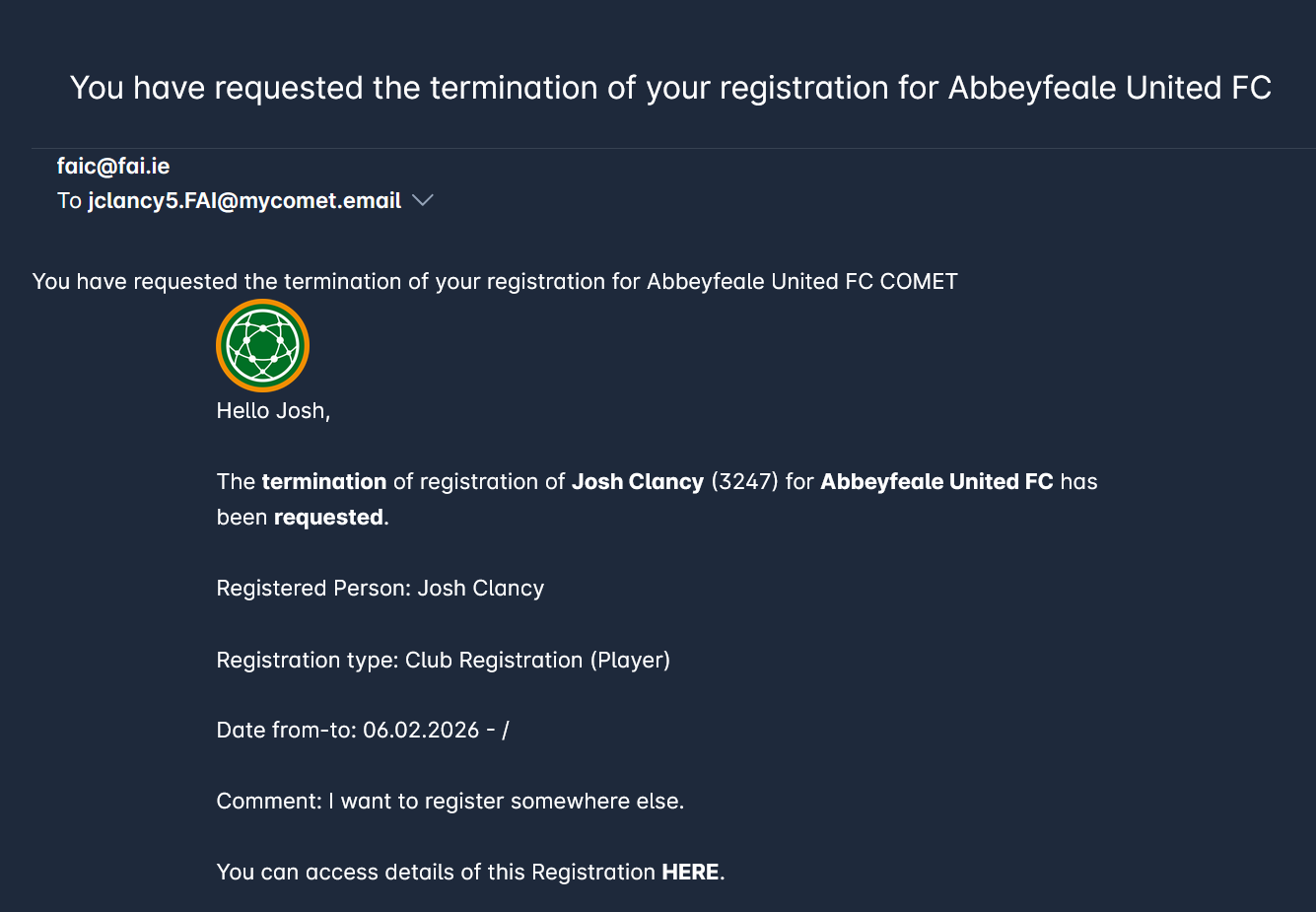
Enter a reason for your request. After submitting, you’ll receive a system notification that your request has been initiated. The registration status is now set to TERMINATION REQUESTED.
Processing the Request
When a registration is in the TERMINATION REQUESTED status, the request is reviewed by the club, which can either approve it (terminate registration) or withhold termination, in which case the conflict must be resolved by the relevant association administrator.
Please note that when the registration is in status TERMINATION REQUESTED, the person is still eligible to participate in matches, just as if the registration was in status CONFIRMED.
The club user (CLUB MANAGER or CLUB REGISTRATION MANAGER) accesses and reviews the registration on the respective (Players, Coach, Staff, Officials) tab on their Club profile. Moreover, they can click the link in the email notification that informs them that the player has initiated a request. This link leads directly to the player’s registration site in MyCOMET.
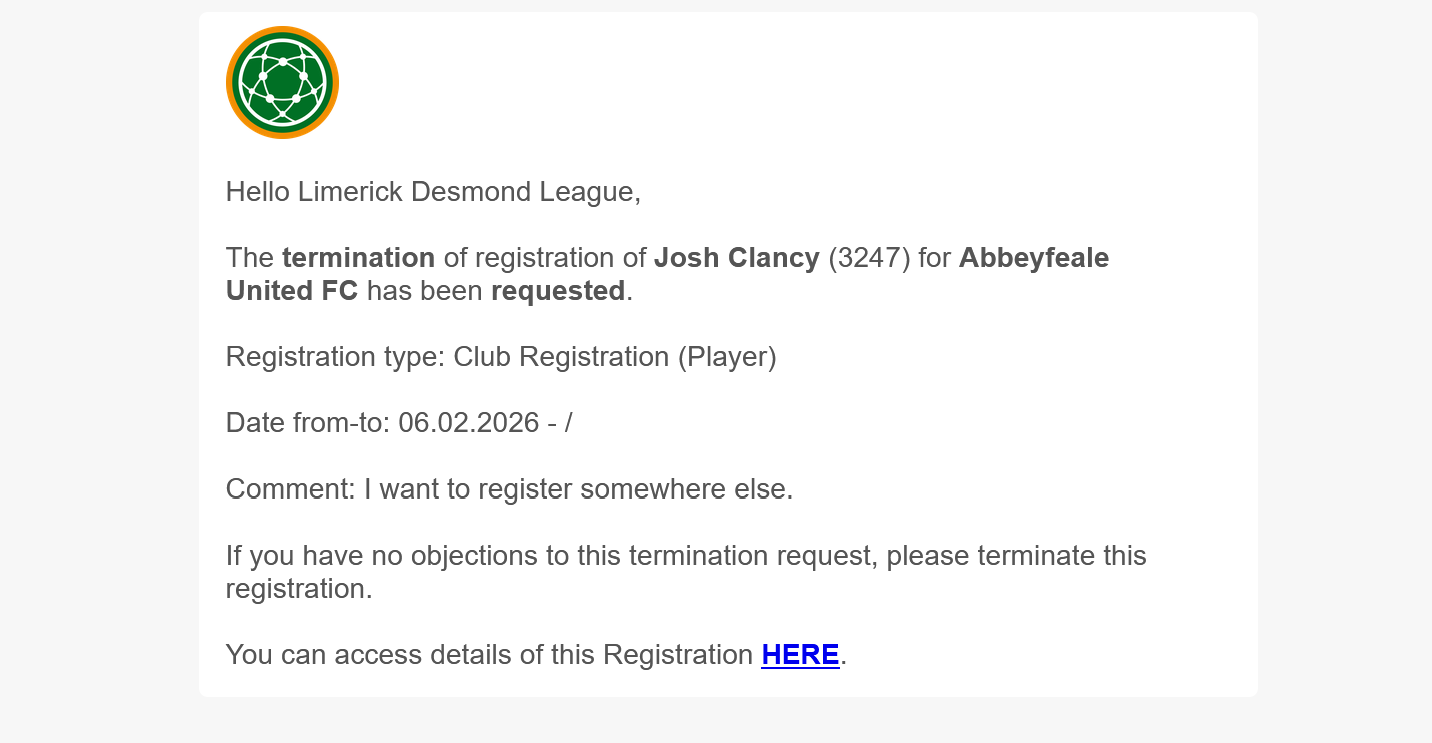
If the club does not act in a timely manner, i.e withholds temination for a certain number of days, the registration will be highlighted For Review of the respective administrator in the Registration Approvals Console.
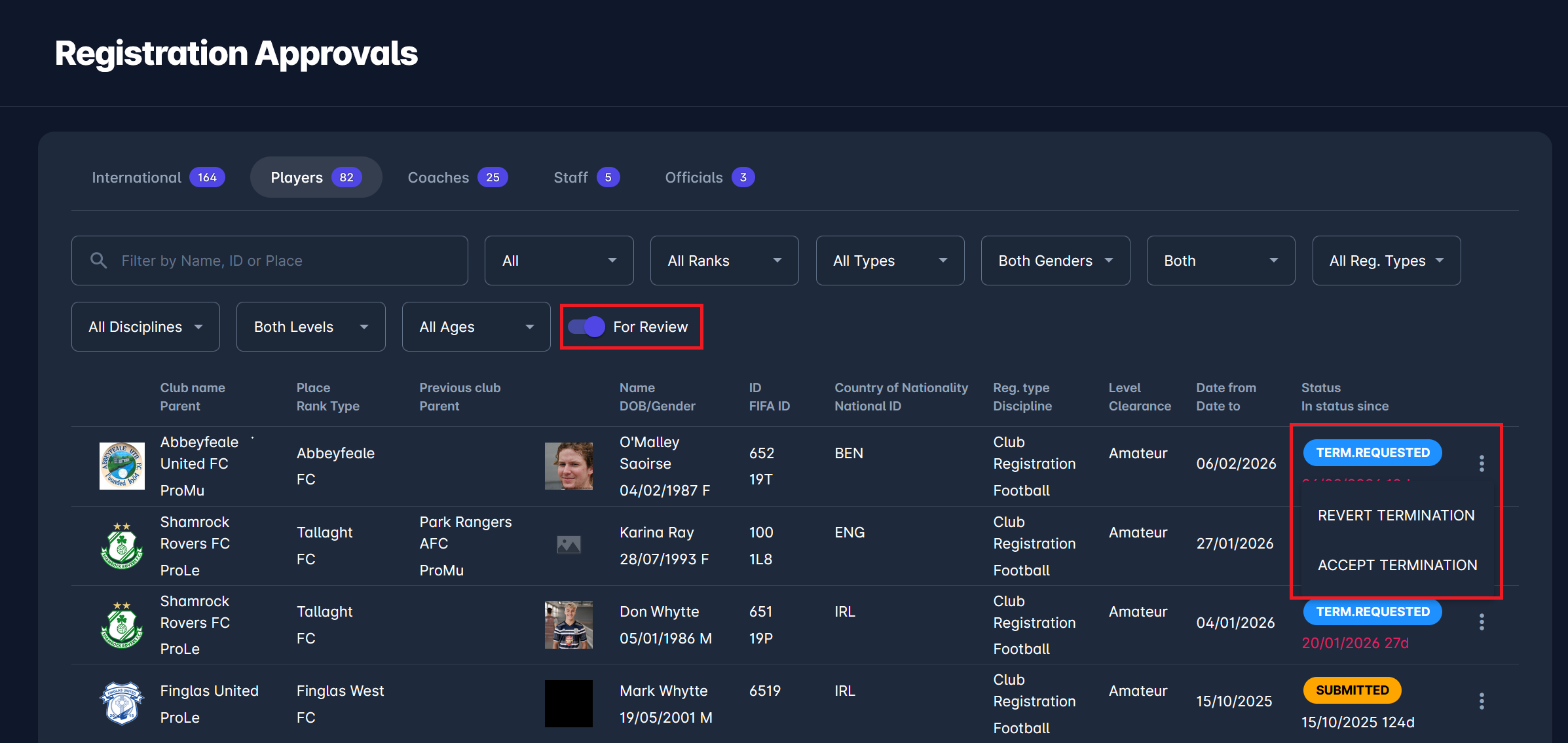
The number of days (threshold) in which the club must respond/terminate (before it is escalated to adminsitrators) is defined by a system parameter Registration Termination Request Days to Respond. To set the value of this parameter, please submit a support ticket.
Once at the registration Details tab, or at the Registration Approvals console, available actions from the Status dropdown are:
-
Accept Termination, and
-
Revert Termination.
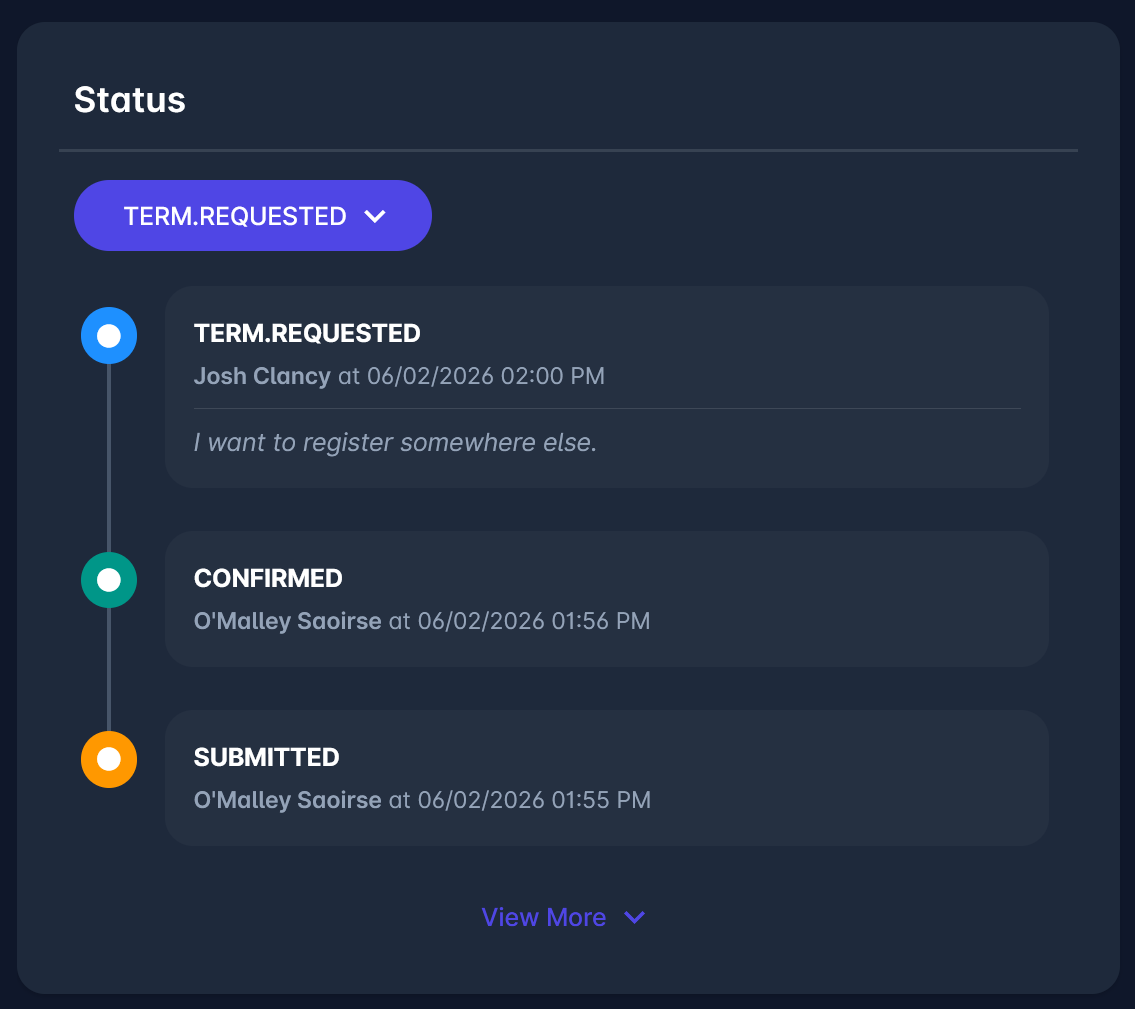
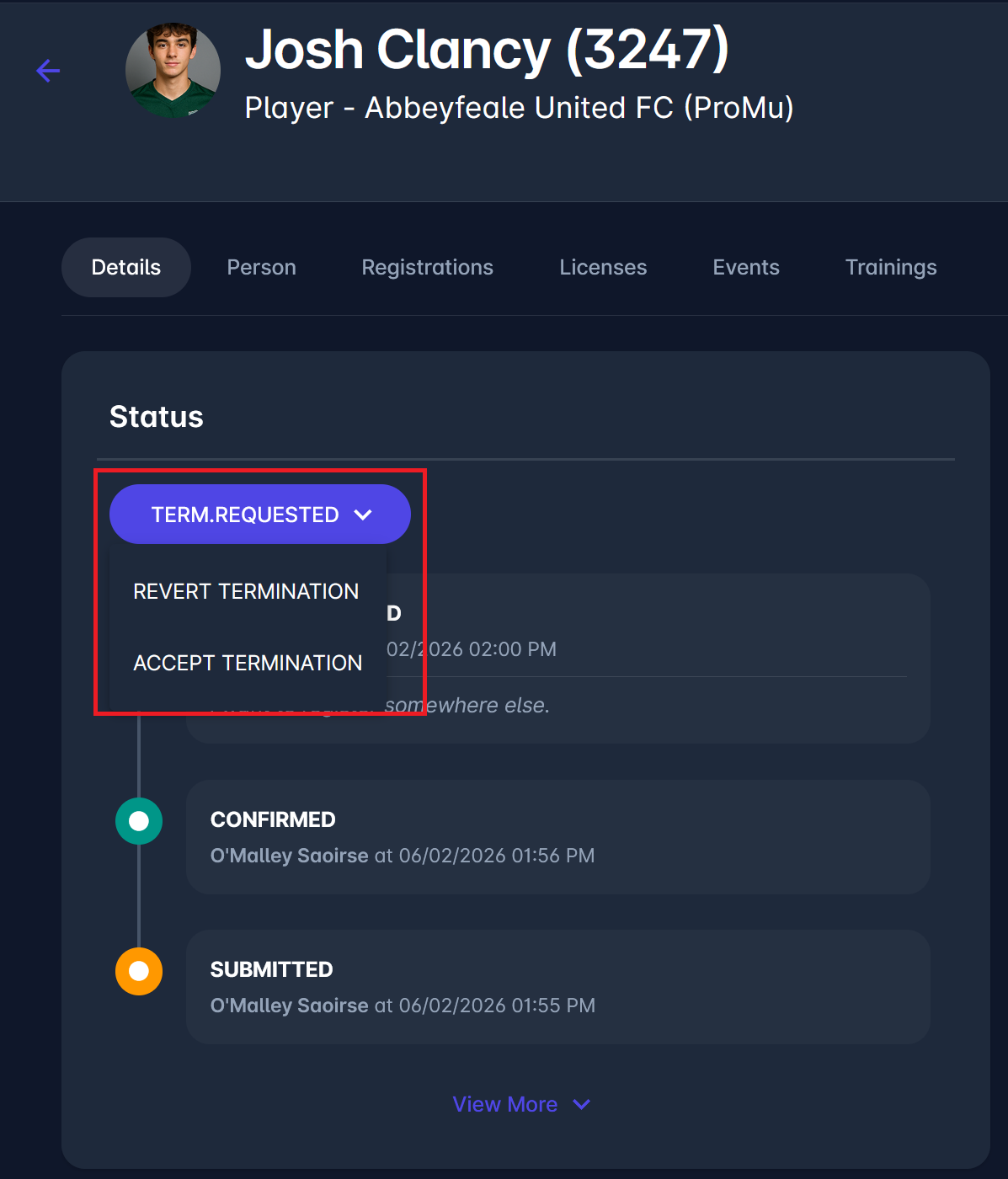
When Accept Termination is selected, the registration status changes to TERMINATED
If the termination request is denied - Revert Termination:
-
The registration status changes back to CONFIRMED
-
Note that Clubs cannot initiate this transition.
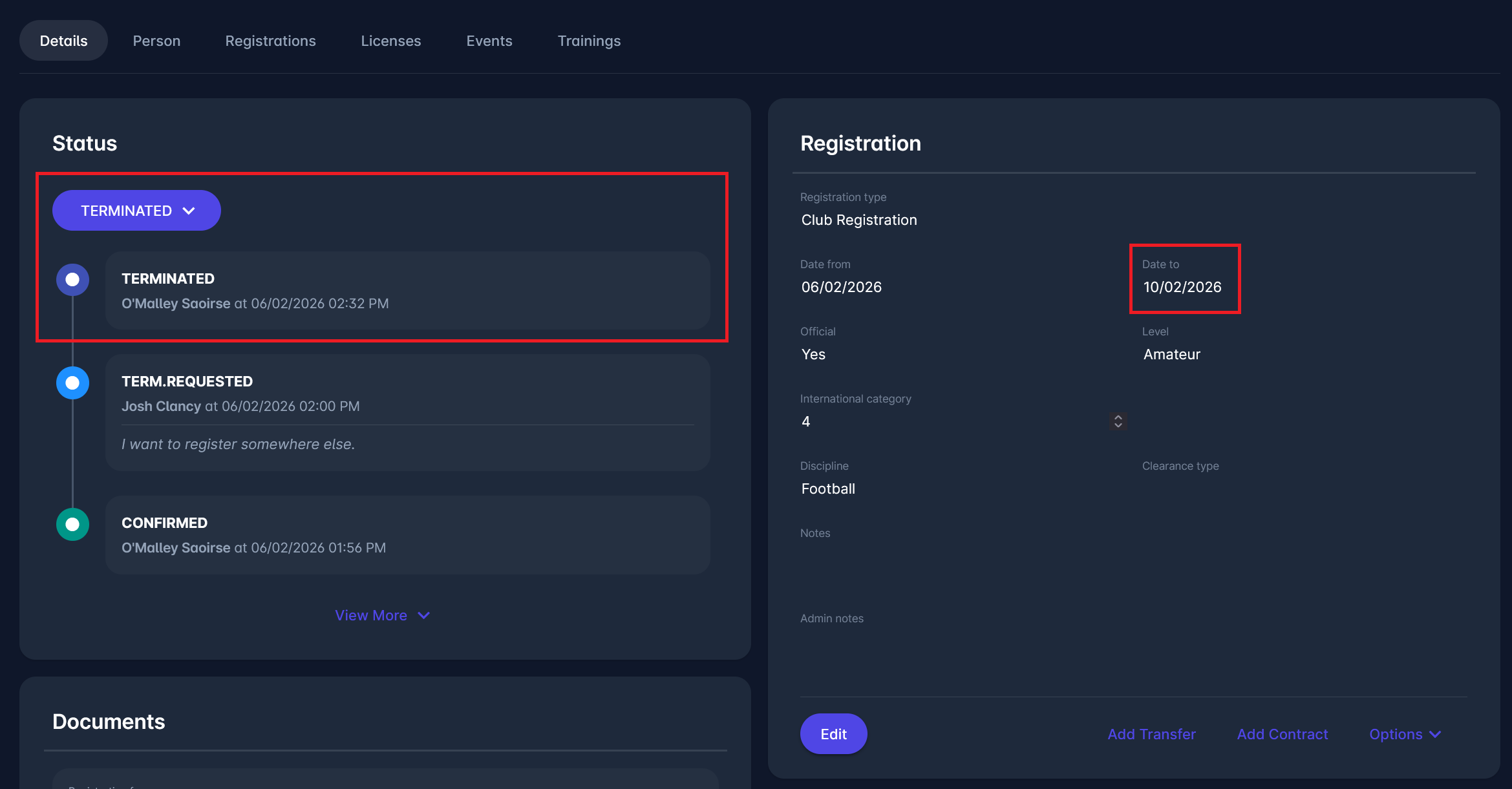
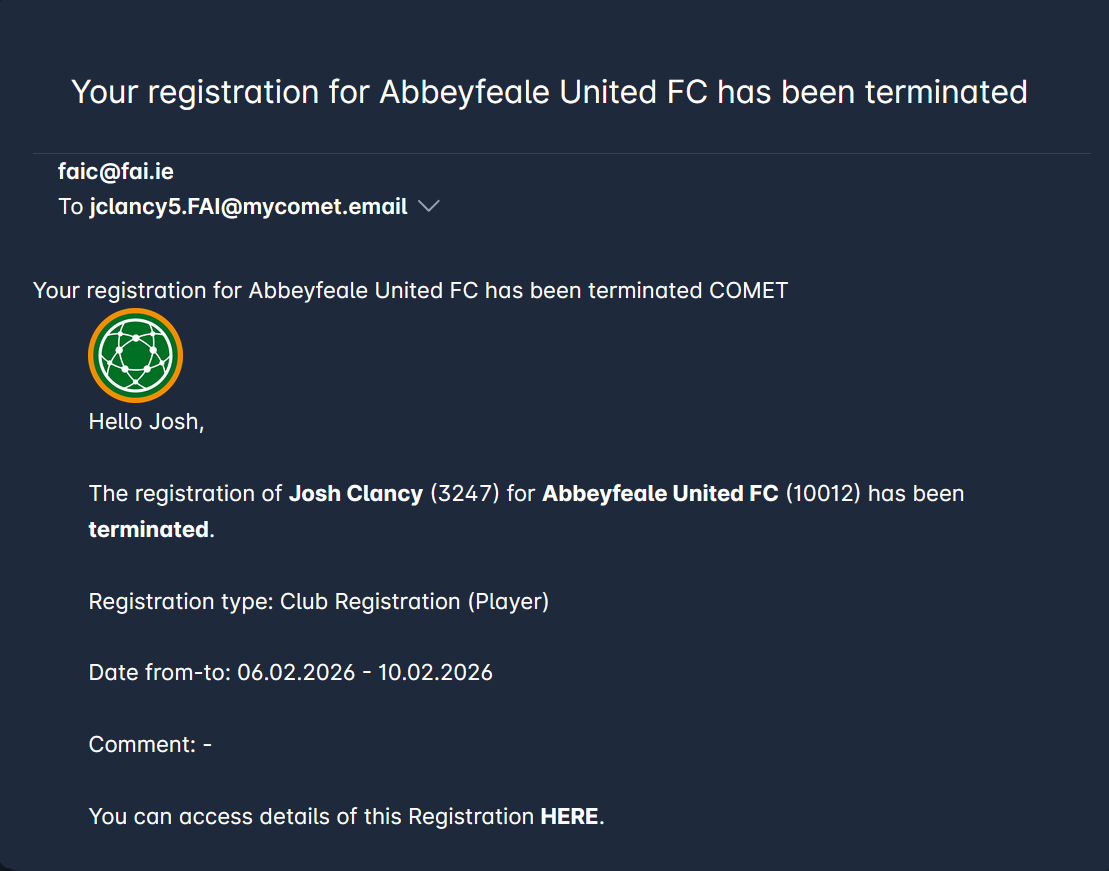
Whether the termination request is accepted or rejected, the person (player) and the Club will receive an email e-mail notification. Below is an example of confirmation that the registration has been terminated.
Requesting Termination of Registration is only available if:
-
Self-Registration (COMET PLAY) is enabled in your Association, and
-
Self-registration is enabled for that specific registration type.