
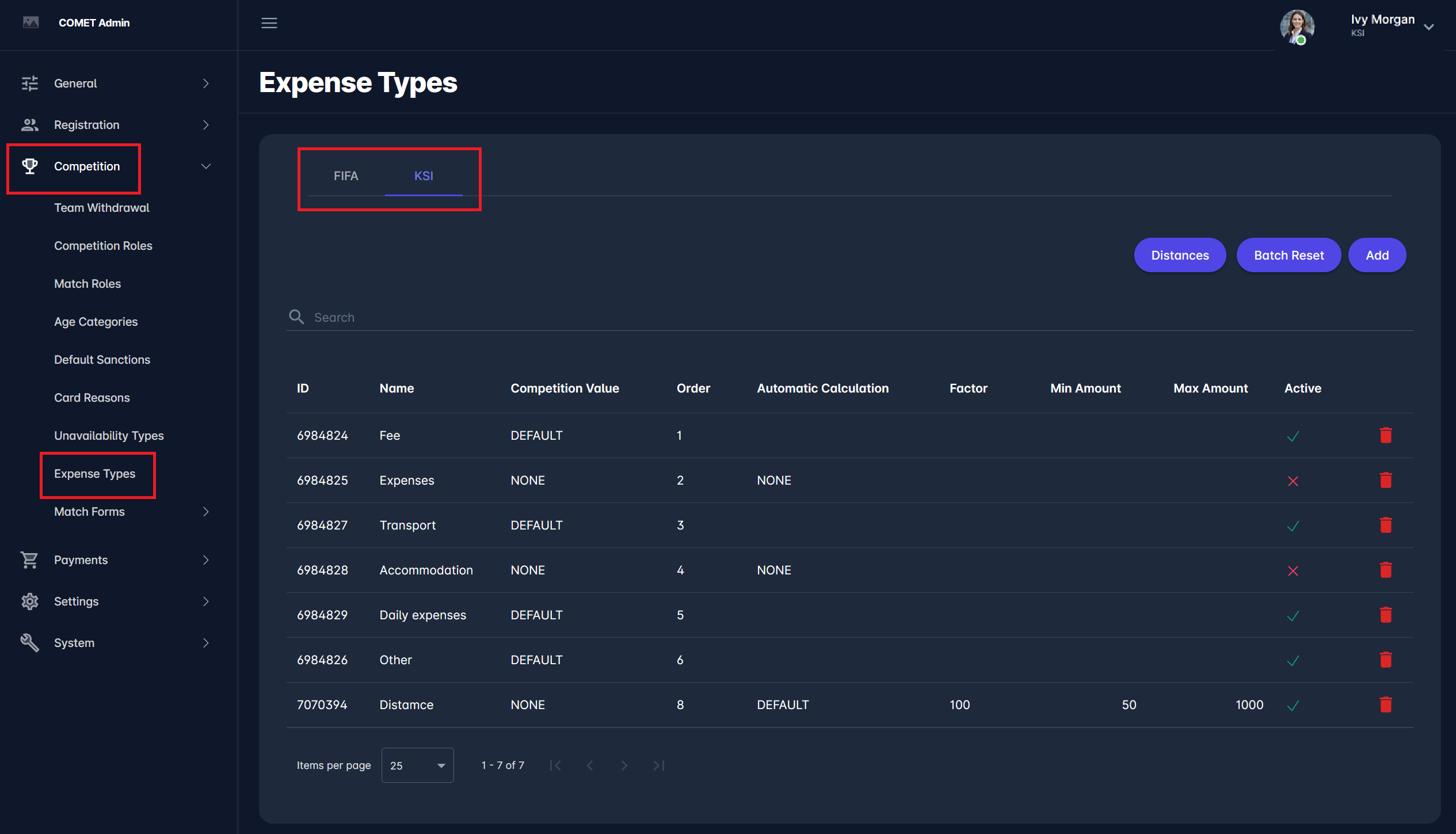
Expense Types are defined in the Admin App. To learn more about defining expense types, please refer to the following article: Expense Types.
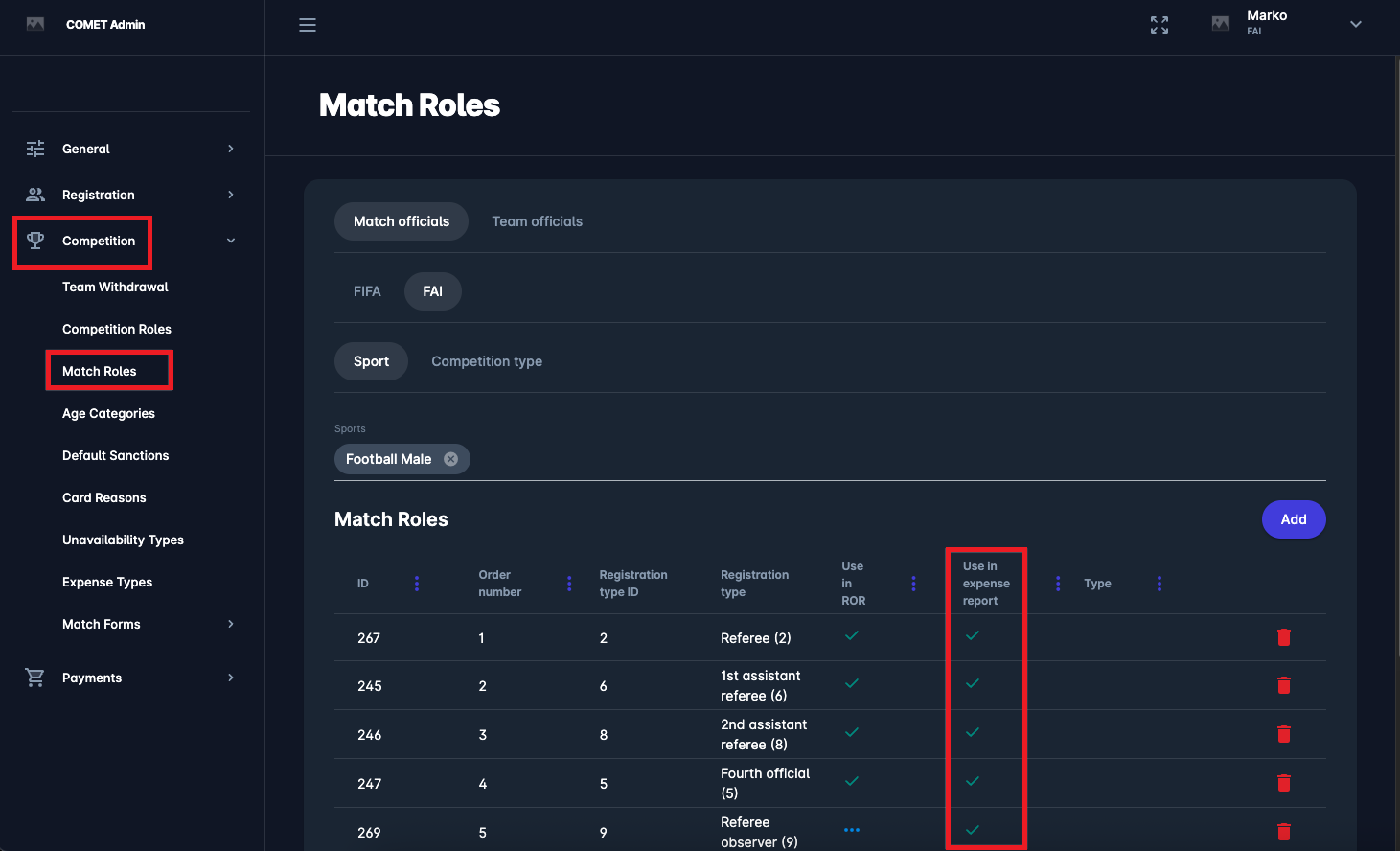
In the Admin App, you can define which Match Roles (match officials) should appear in the Expenses Report.
To learn more about configuring match roles, please refer to the following article: Match Roles.
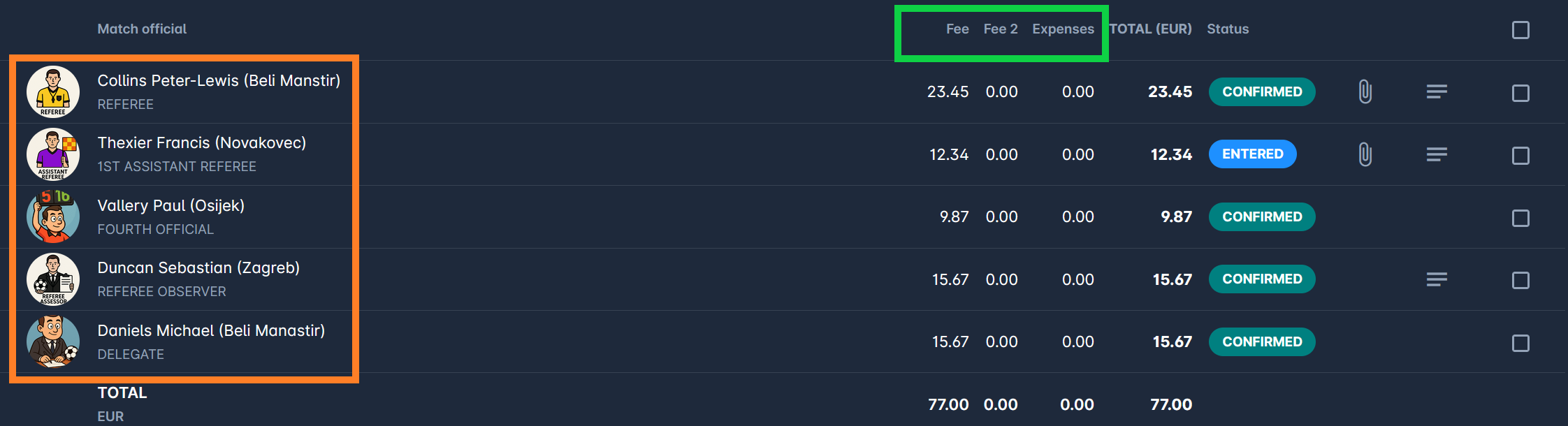
These two settings define the two dimensions that will be used in Expense Reports:
-
Expense Types: marked green below
-
Match Roles: marked orange below
Please note that the configuration of Expense Types and Match Roles in the COMET Admin App is only available to authorized users (Tenant Superuser).
To find out more on Competition and Competition Type Configuration, please refer to the respective article.